


Features of the Nano Banana Google AI Generator
- Ultra-Fast Generation: Get your images in a matter of seconds. Our streamlined process ensures minimal wait time.
- High-Quality Outputs: The model is optimized for crisp, detailed images, ensuring your creations look professional.
- Easy-to-Use Interface: No steep learning curve. The intuitive design lets you start generating images instantly.
- Versatile Creativity: Generate everything from realistic photos to abstract art, all with simple text prompts.
Why Choose Gemini Nano Banana for Your Projects?
The Gemini Nano Banana model stands out for its unique blend of speed and quality. Developed with the latest advancements from Google's AI Studio, it offers a robust solution for personal and professional use. Experience the next level of AI-powered image generation.
Nano Banana AI Image Prompts & Examples
Explore the creative potential of the Nano Banana AI Image Generator. Here are some examples of what you can create. Simply input these prompts and see the results for yourself.
| Base Image | Prompt | Output Image |
|---|---|---|
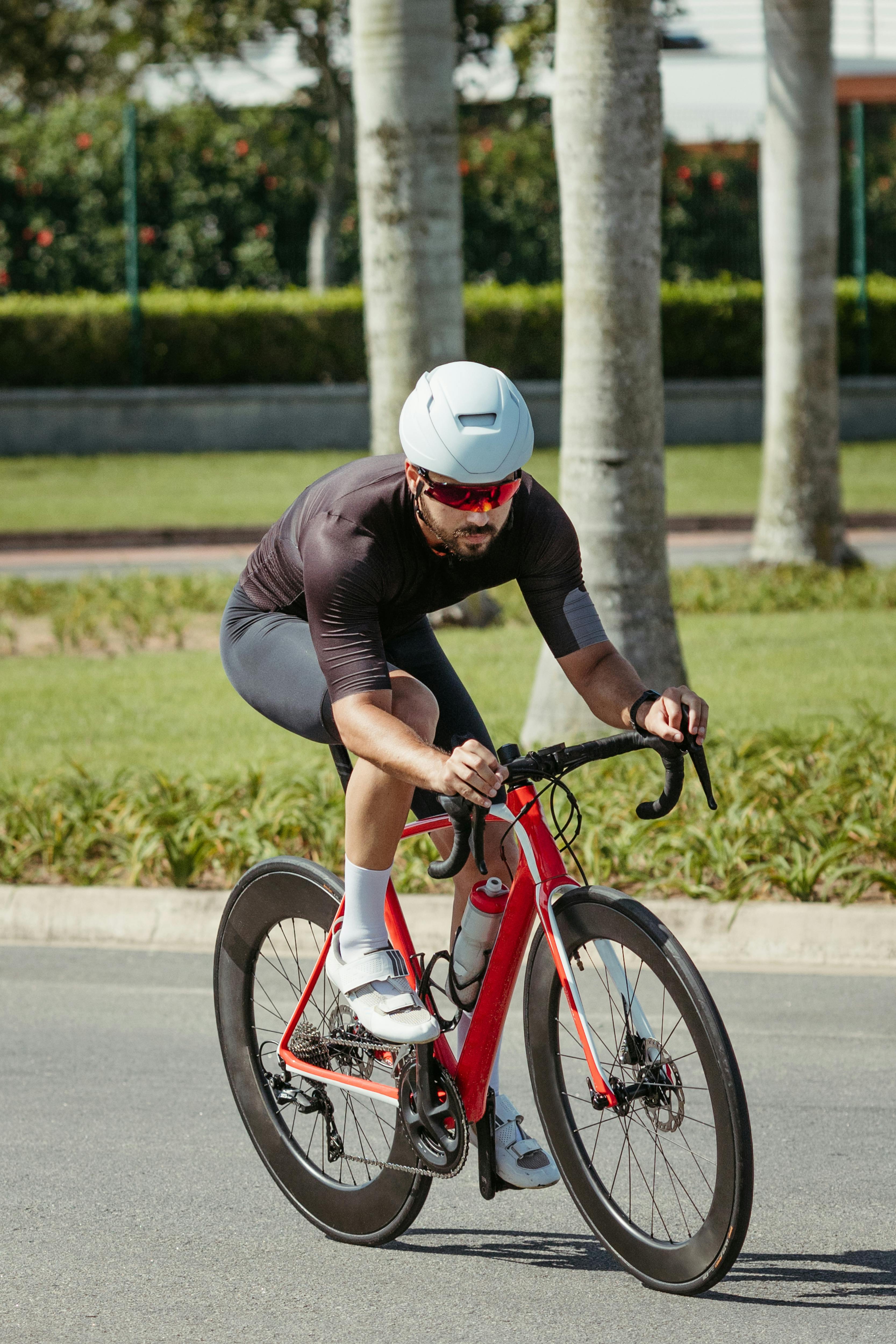 | Create a scaled-down realistic figurine model as the main subject of the illustration, in a high-definition realistic style, set in a real environment. The figurine should be placed on a computer desk, with a computer screen in the background displaying the modeling software interface that showcases the C4D modeling process of the figurine. Next to the computer screen, there should be a BANDAI-style packaging box featuring the original artwork of the figurine. Additionally, the computer desk should have tools for making the figurine, such as a carving knife, paintbrushes, paints, and other materials. | 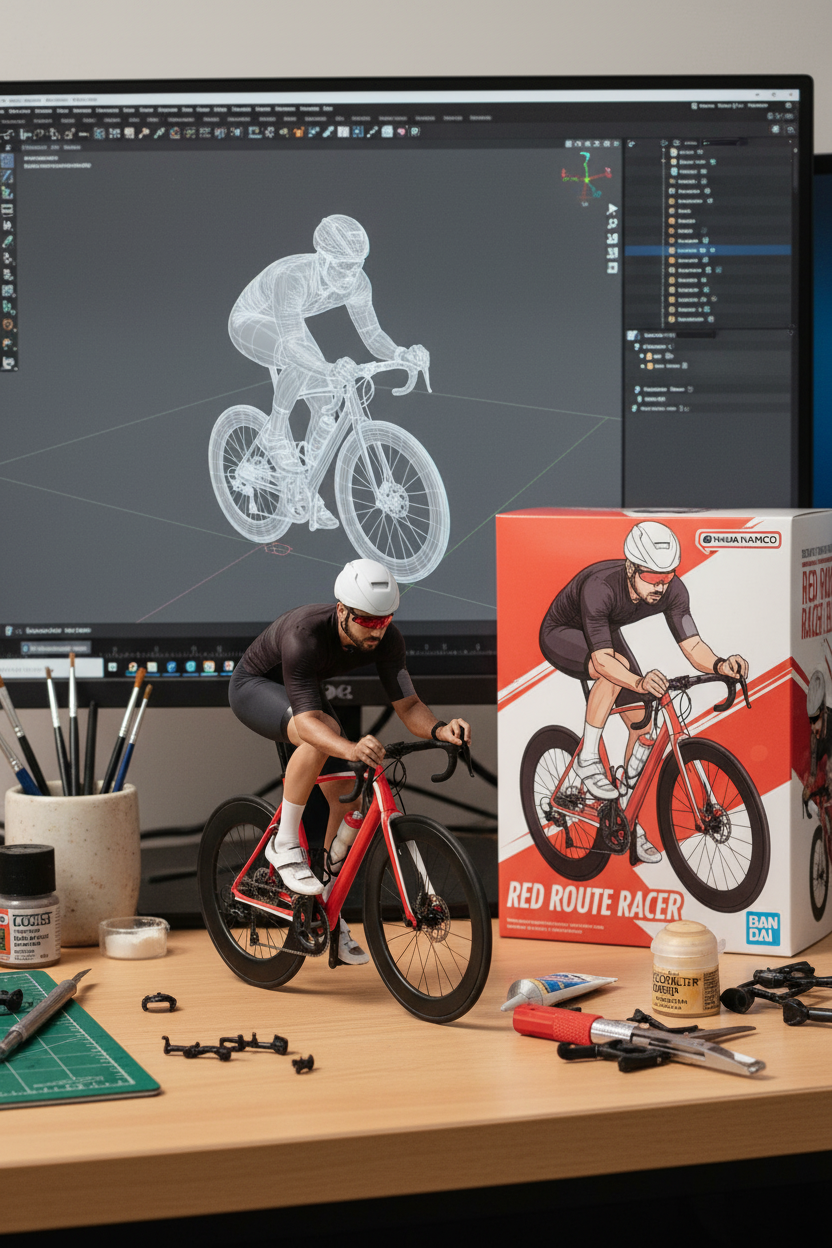 |
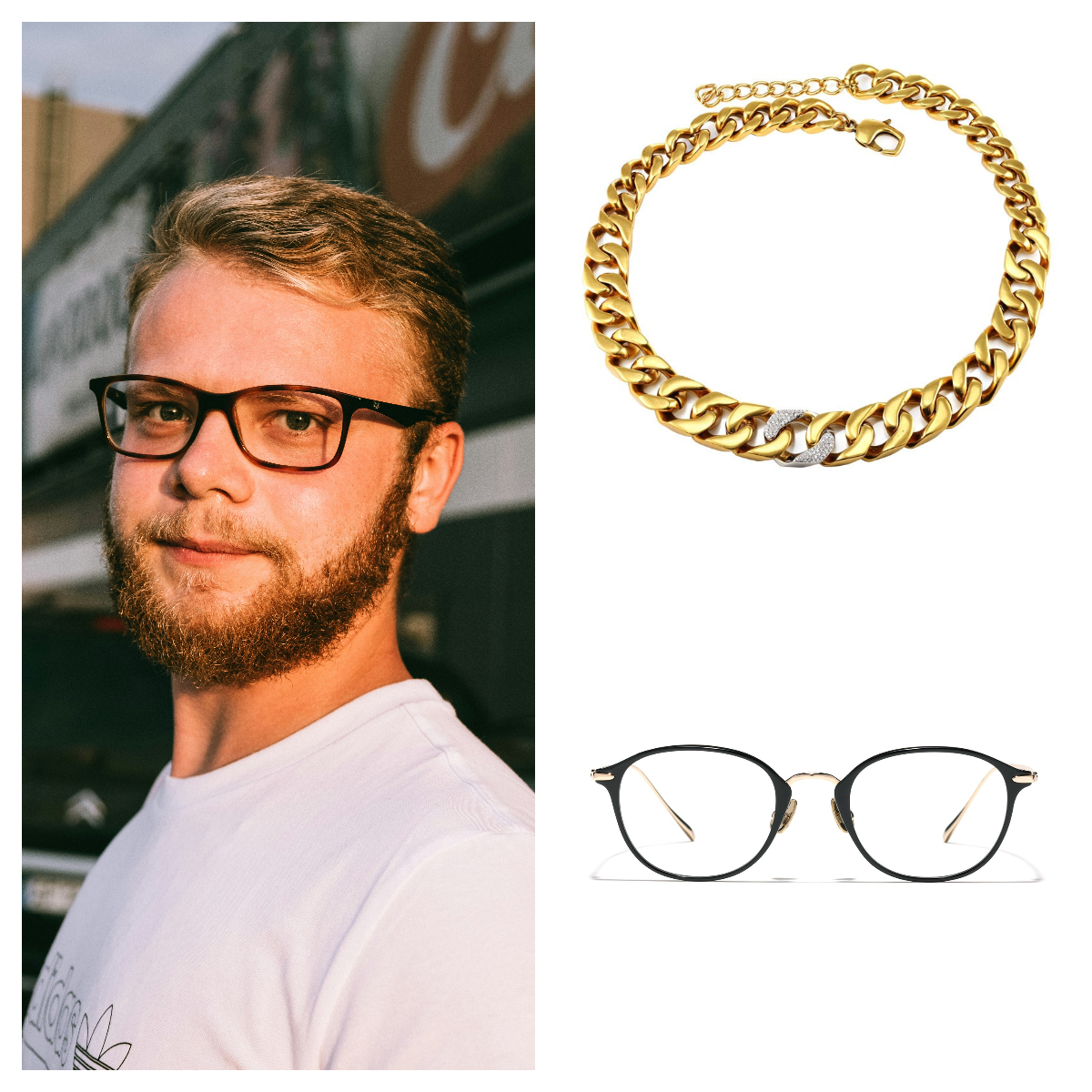 | Put the necklace on the man’s neck and replace his glasses. |  |
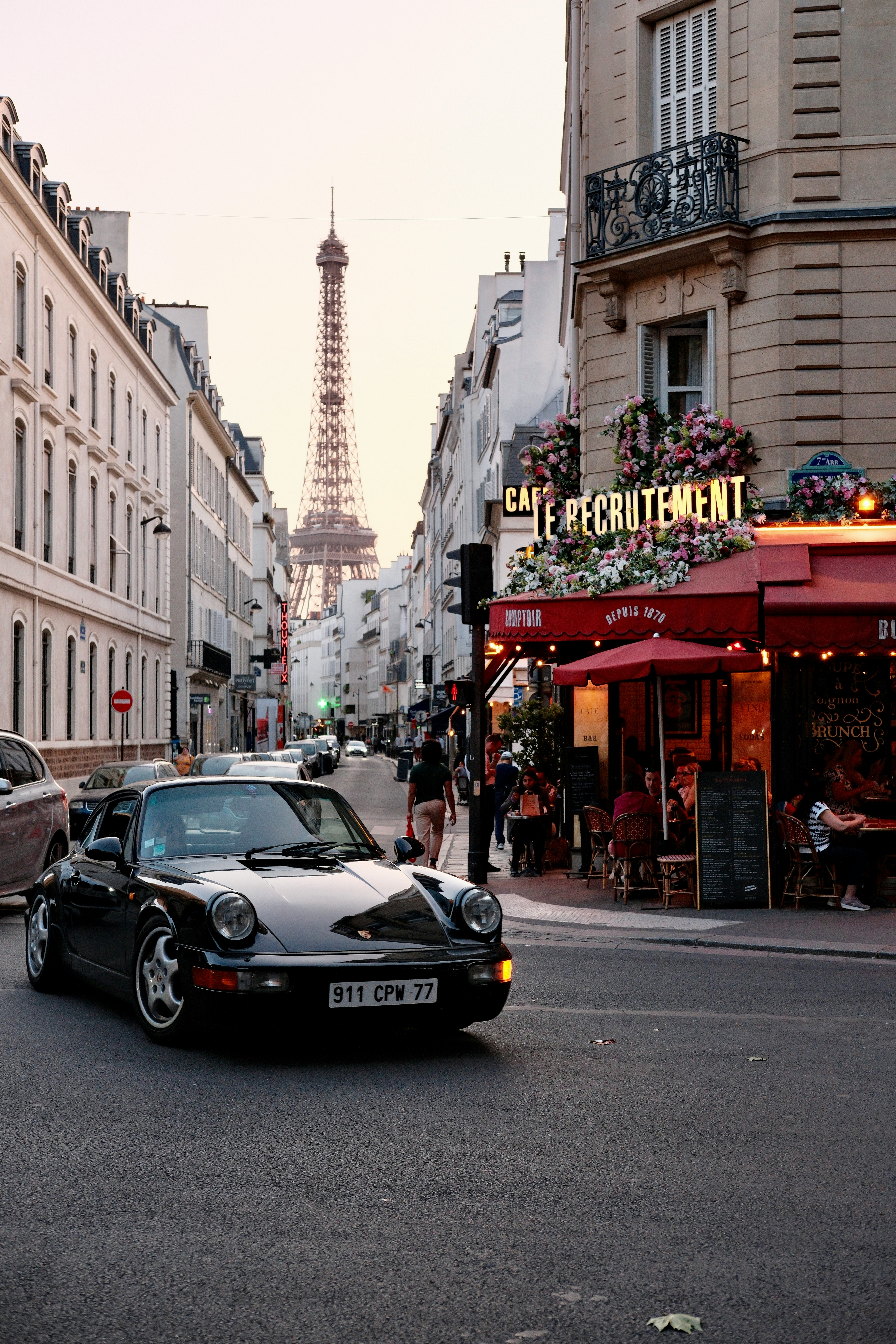 | Transform the provided nighttime photo of a modern city street into the artistic style of Vincent van Gogh’s Starry Night. Preserve the original composition of buildings and cars, but render all elements with swirling impasto brushstrokes and a dramatic palette of deep blues and bright yellows. | 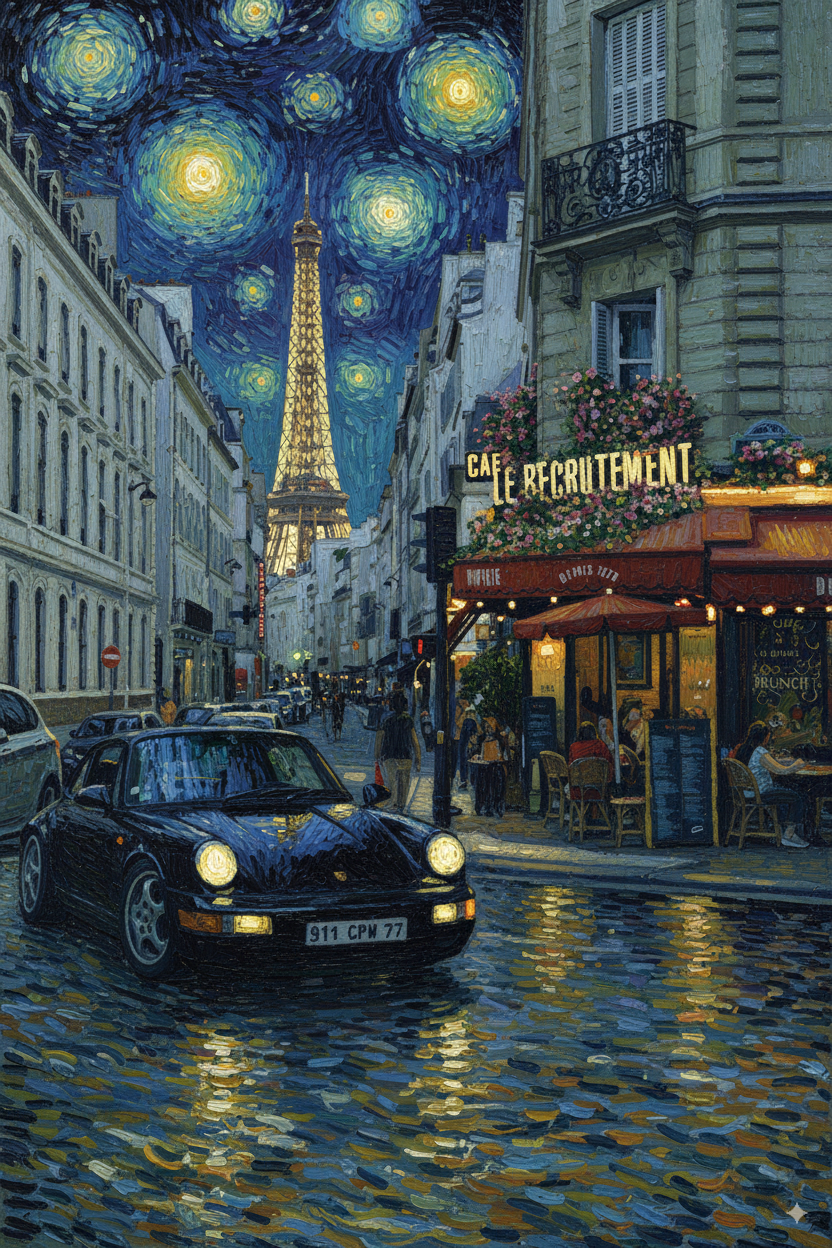 |