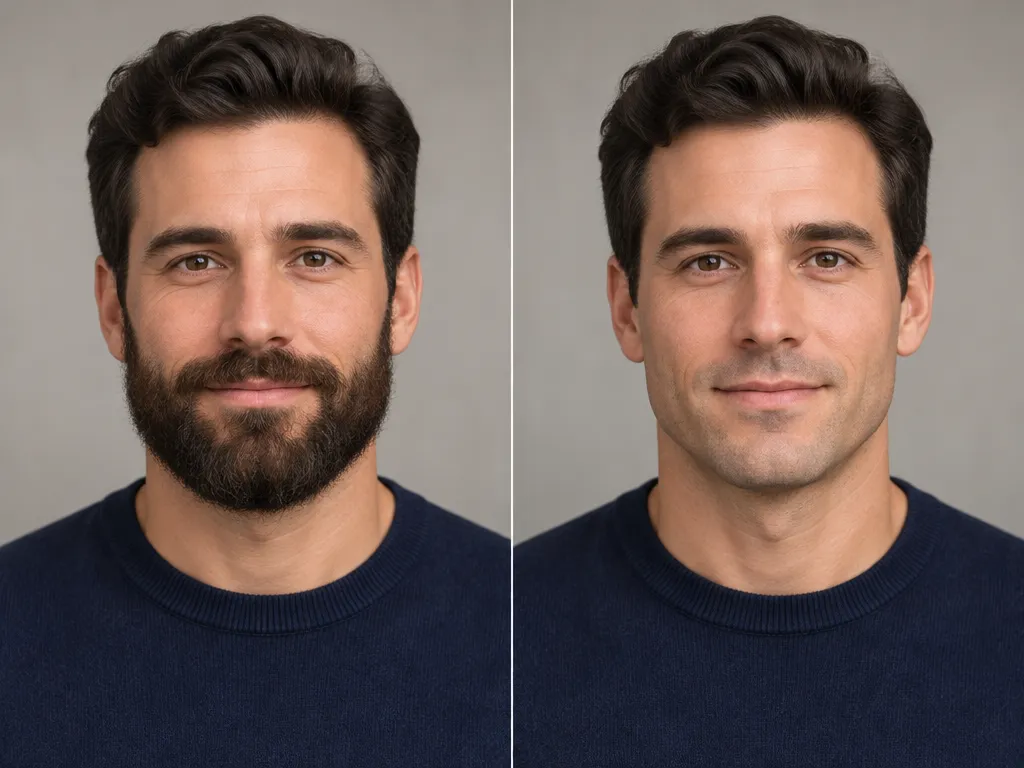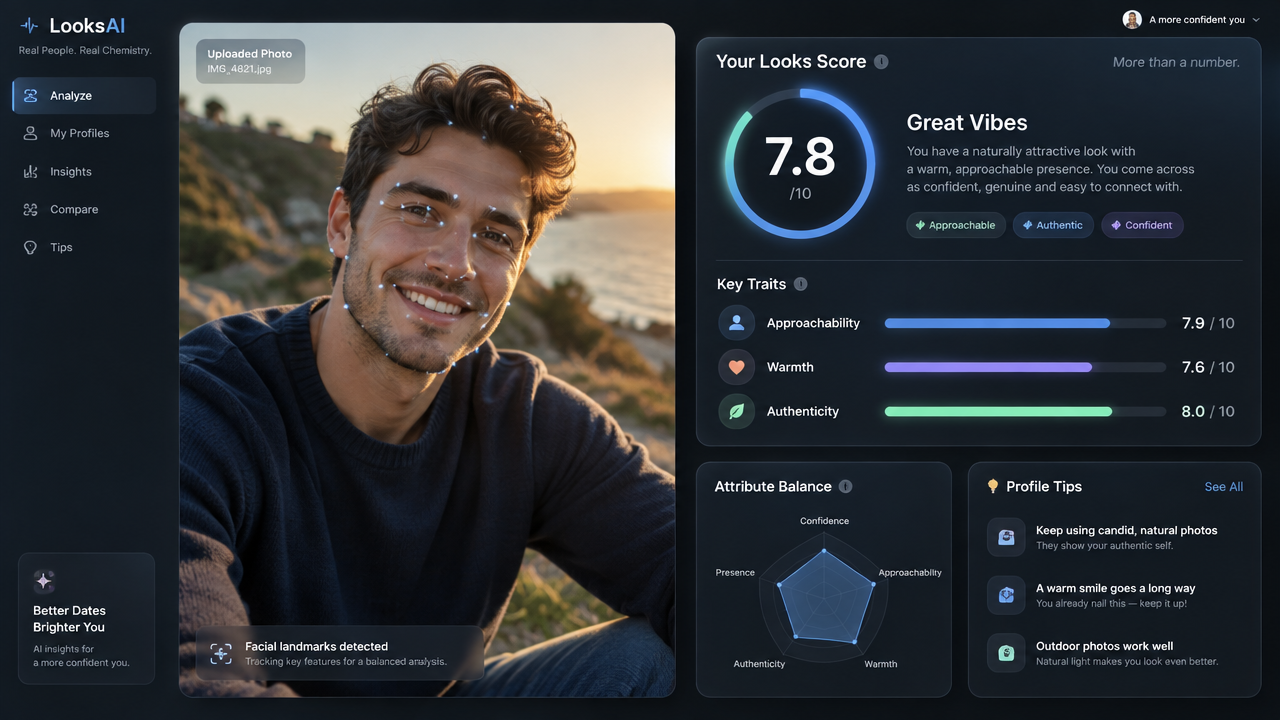
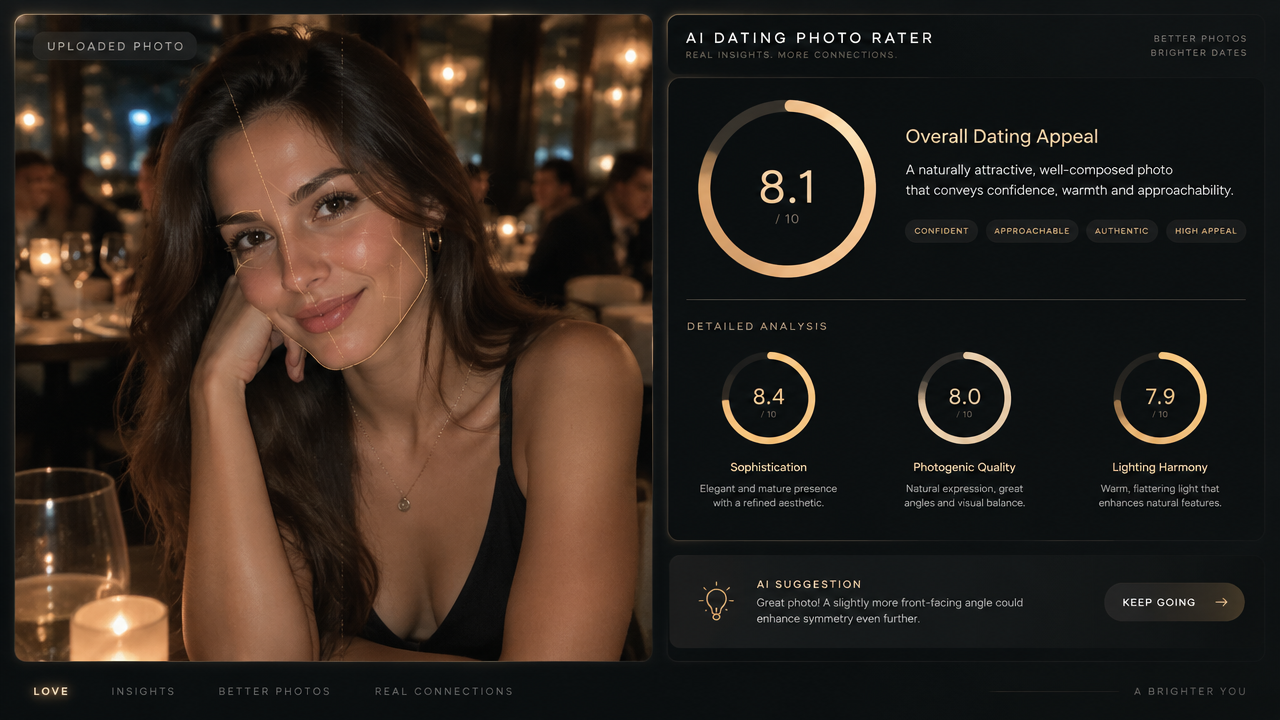

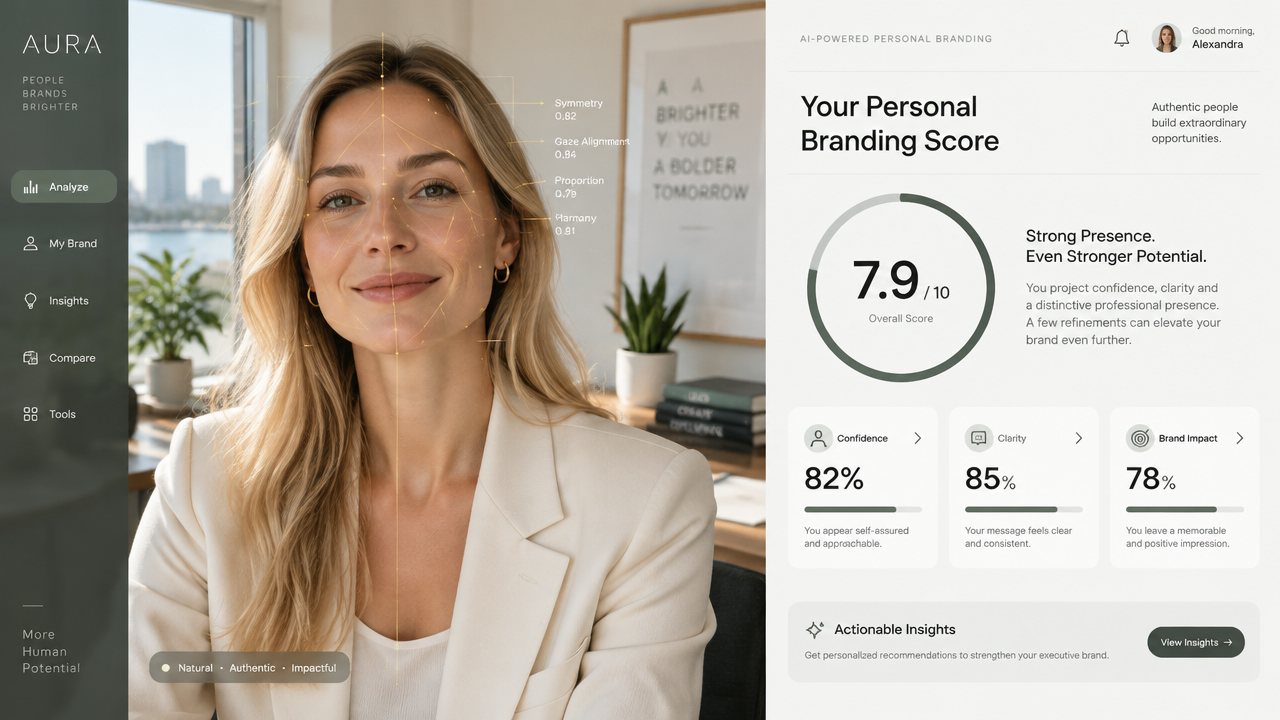
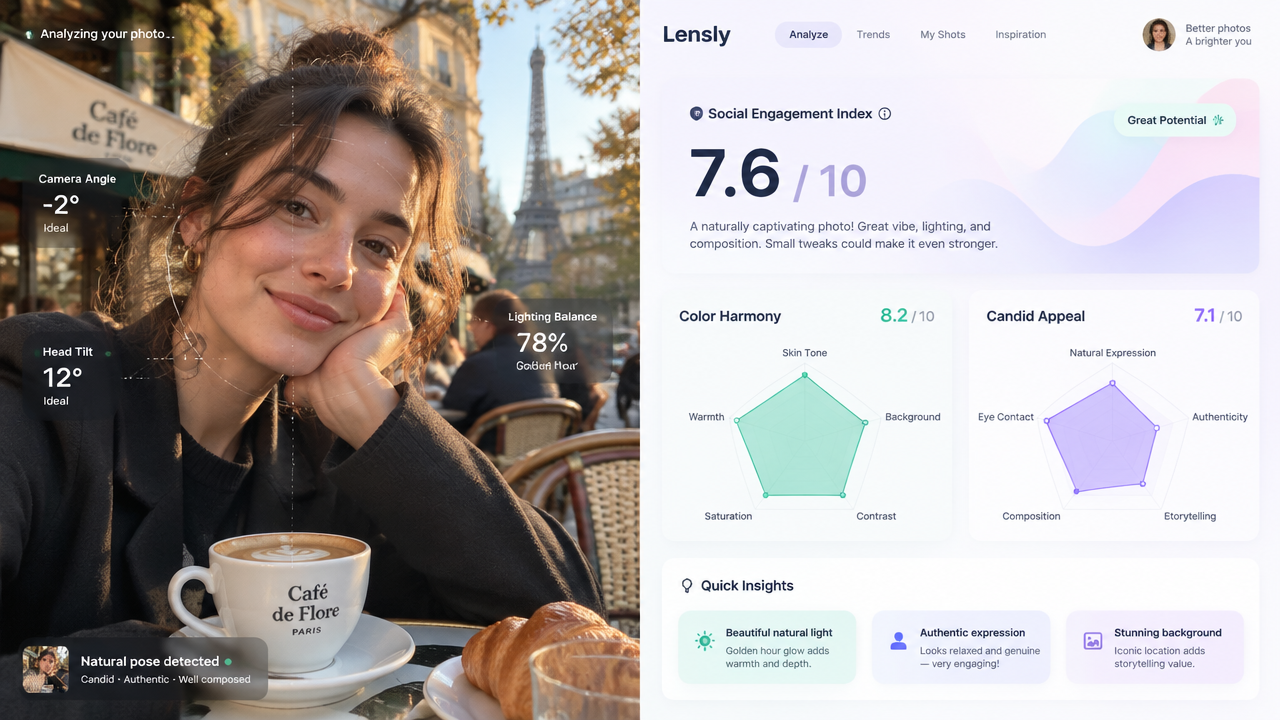
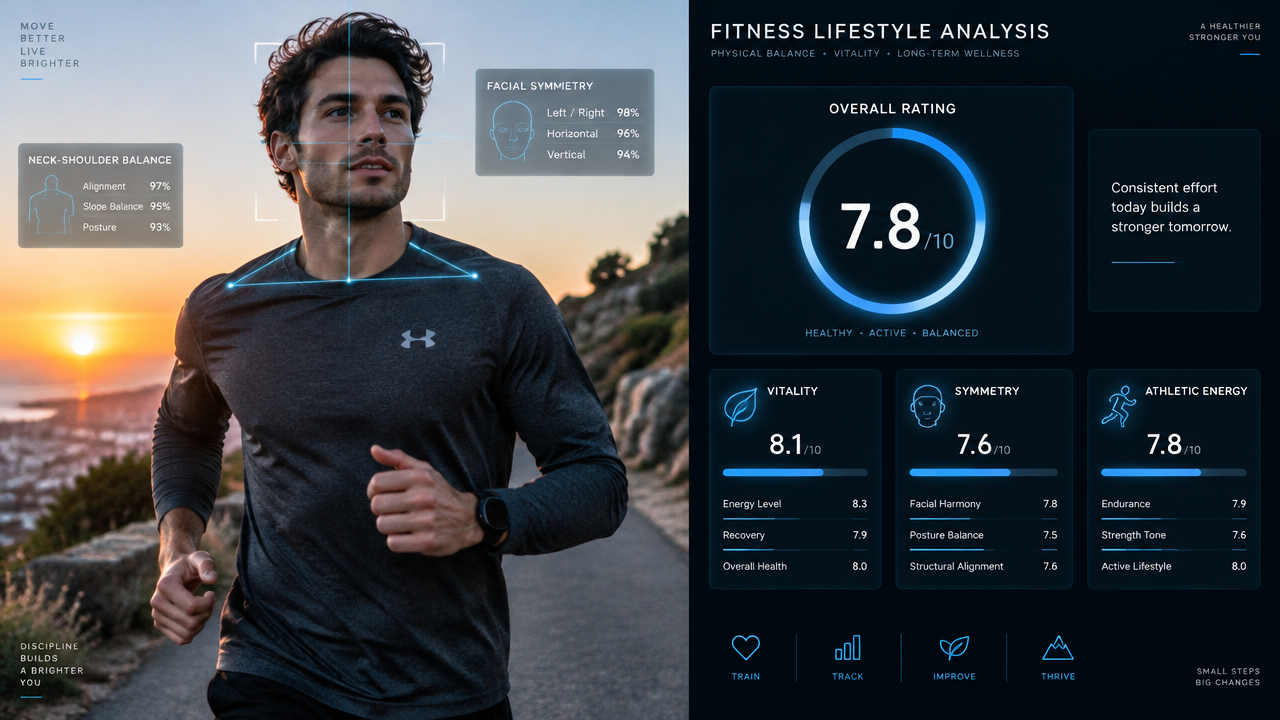
Get objective appearance feedback with our free AI Looks Rater. Analyze photos instantly online, no sign-up required. Try our looks rater AI today!

AI Looks Rater Generator

Instantly analyze and get objective feedback on your photos with our advanced AI Looks Rater. Simply upload an image and let our AI provide unique insights into appearance. It’s fast, free, and incredibly easy to use for everyone.

Overcome Subjectivity & Bias in Appearance Feedback

Tired of biased opinions or conflicting advice on your looks? Our AI Looks Rater offers an unbiased, data-driven analysis, providing you with objective feedback that human judgment often lacks. Get truly fair assessments.

Instantly Understand How You Present Yourself

Waiting for feedback can be slow and frustrating. Our free looks rater provides immediate results, allowing you to quickly understand your appearance from an AI perspective. Make swift adjustments for dating, social media, or professional profiles.

Gain Confidence with Data-Driven Appearance Insights

Many struggle with self-doubt regarding their appearance. Our AI looks rater online tool provides clear, data-driven insights, empowering you with confidence. Use these insights to enhance your style or simply validate your look.

Why Choose AIAI.com for Your Looks Analysis?

Discover the key advantages that make our AI Looks Rater Generator the preferred choice for reliable and convenient appearance feedback. We prioritize user experience and trustworthy results.

Free to use

Access our powerful AI looks rater without any cost. Get instant insights into your appearance completely free, with no hidden fees or subscriptions required.

All private

Your privacy is our top priority. All photos uploaded to our AI looks rater are processed securely and are never stored or shared with third parties. Your data remains completely anonymous.

Beginner-friendly

Our online looks rater is designed for everyone. With an intuitive interface, you can get started instantly, even if you're new to AI tools. No technical skills needed to get your looks rated.

Article

Why Use an AI Looks Rater Generator?

An AI Looks Rater Generator revolutionizes how we perceive and evaluate appearance. Beyond simple subjective opinions, these tools leverage advanced artificial intelligence to provide objective, consistent, and insightful analyses of photos. Whether you're enhancing your online presence or simply curious, an AI looks rater offers unparalleled benefits.

  • **Objective Feedback:** Receive unbiased appearance ratings, free from human judgment and personal biases.
  • **Instant Analysis:** Get immediate results, saving time compared to waiting for human opinions.
  • **Enhanced Privacy:** Upload photos with confidence, knowing your images are processed securely and not stored.
  • **Consistency in Ratings:** Benefit from uniform evaluation criteria, ensuring reliable results every time.
  • **Self-Improvement Insights:** Understand areas for potential enhancement in style or presentation based on data.
  • **Accessibility:** Easily access the tool online from any device, anytime, for free looks rater evaluations.

How to Use Our Free AI Looks Rater

Discover how effortlessly you can get objective appearance feedback. Our AI Looks Rater Generator is designed for simplicity, guiding you through each step to analyze your photos quickly and privately.

  1. الخطوة 1 / 3

    الخطوة 1

    Upload Your Photo: Click 'Generate' and select the image you want our looks rater AI to analyze.

  2. الخطوة 2 / 3

    الخطوة 2

    AI Analyzes Your Look: Our advanced AI instantly processes your photo to provide comprehensive insights.

  3. الخطوة 3 / 3

    الخطوة 3

    Get Your Personalized Rating: Receive your objective look rating and detailed feedback in seconds.

Frequently Asked Questions About Our AI Looks Rater

Yes, our AI Looks Rater is completely free. You can get unlimited looks rated without any hidden costs or subscriptions. We believe everyone deserves access to objective appearance feedback.

كيفية استخدام قسم FAQ

استخدم مفتاح Tab للتنقل بين الأسئلة. اضغط Enter أو Space لتوسيع الإجابة أو طيّها. استخدم السهمين للأعلى/للأسفل للانتقال بين الأسئلة.