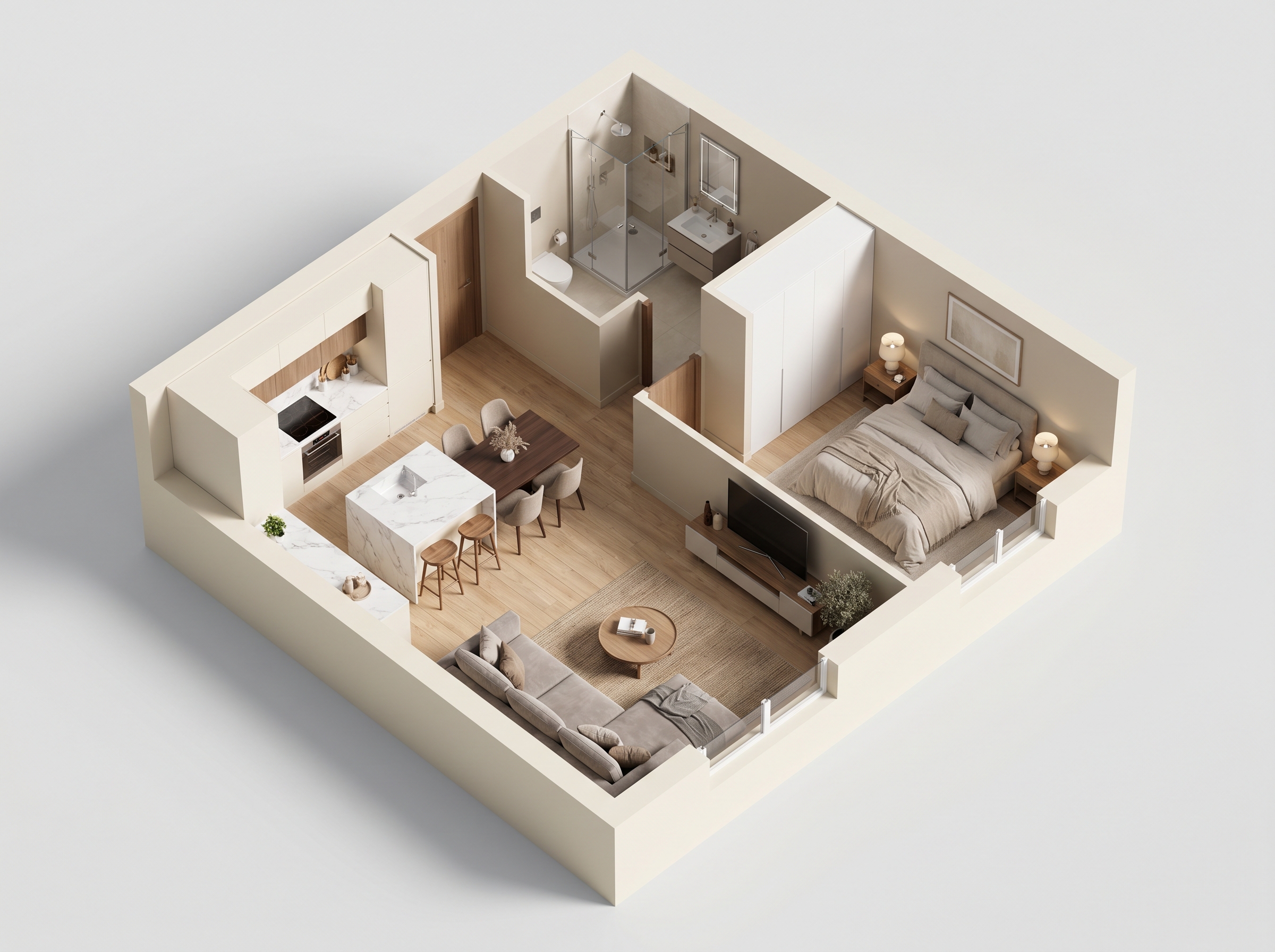

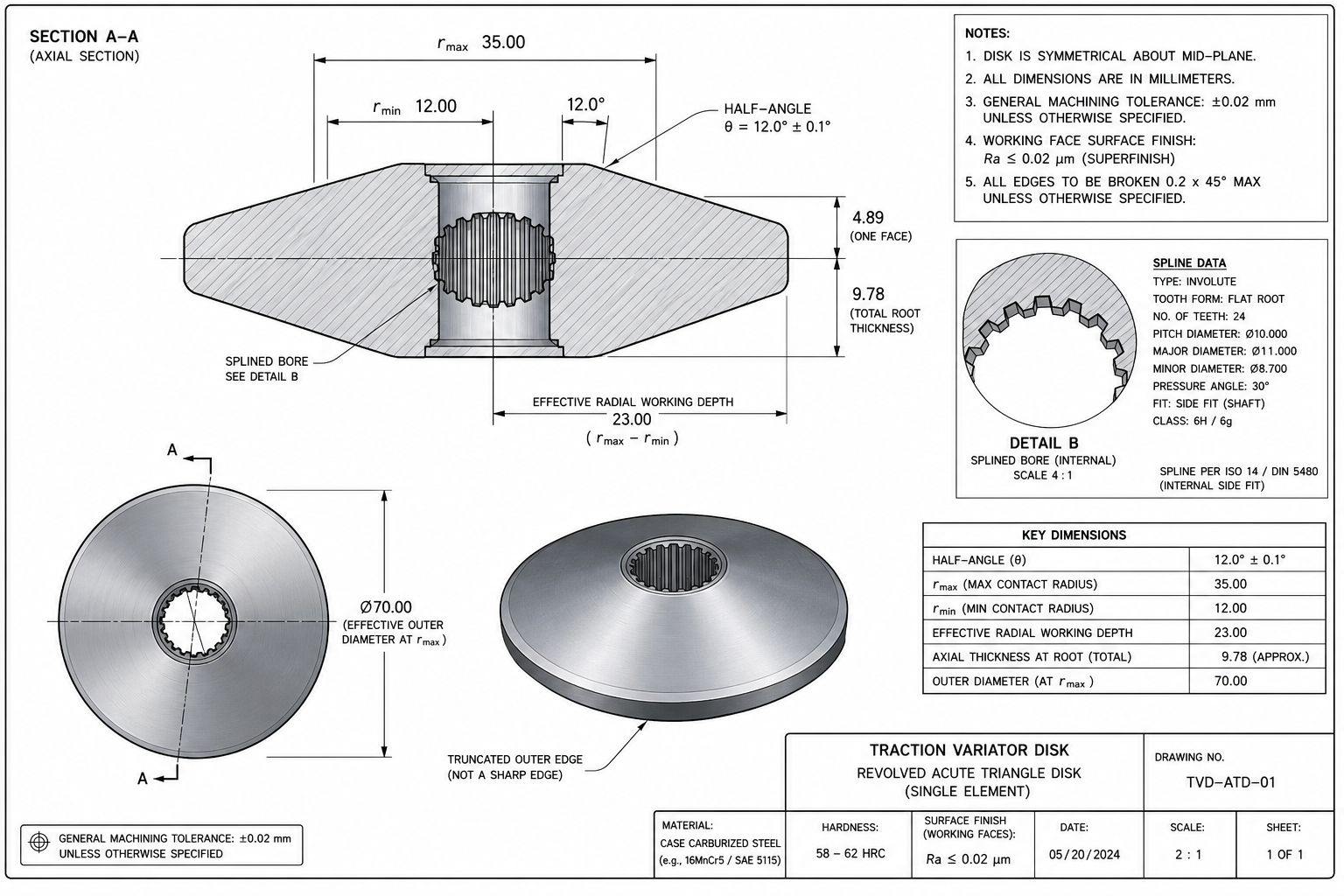
Custom Floor Plan Design, Creator & Online Maker | AIAI.com

Create custom floor plans online with our AI-powered design tool. Easy, fast, and free floor plan creator for homes, rooms, and layouts. Start designing today!

Create Floor Plans Online with Unmatched Ease

Say goodbye to complicated software. Our online floor plan maker is designed for simplicity, allowing you to easily drag-and-drop elements, resize rooms, and add furniture with just a few clicks. Get started creating your ideal layout now!
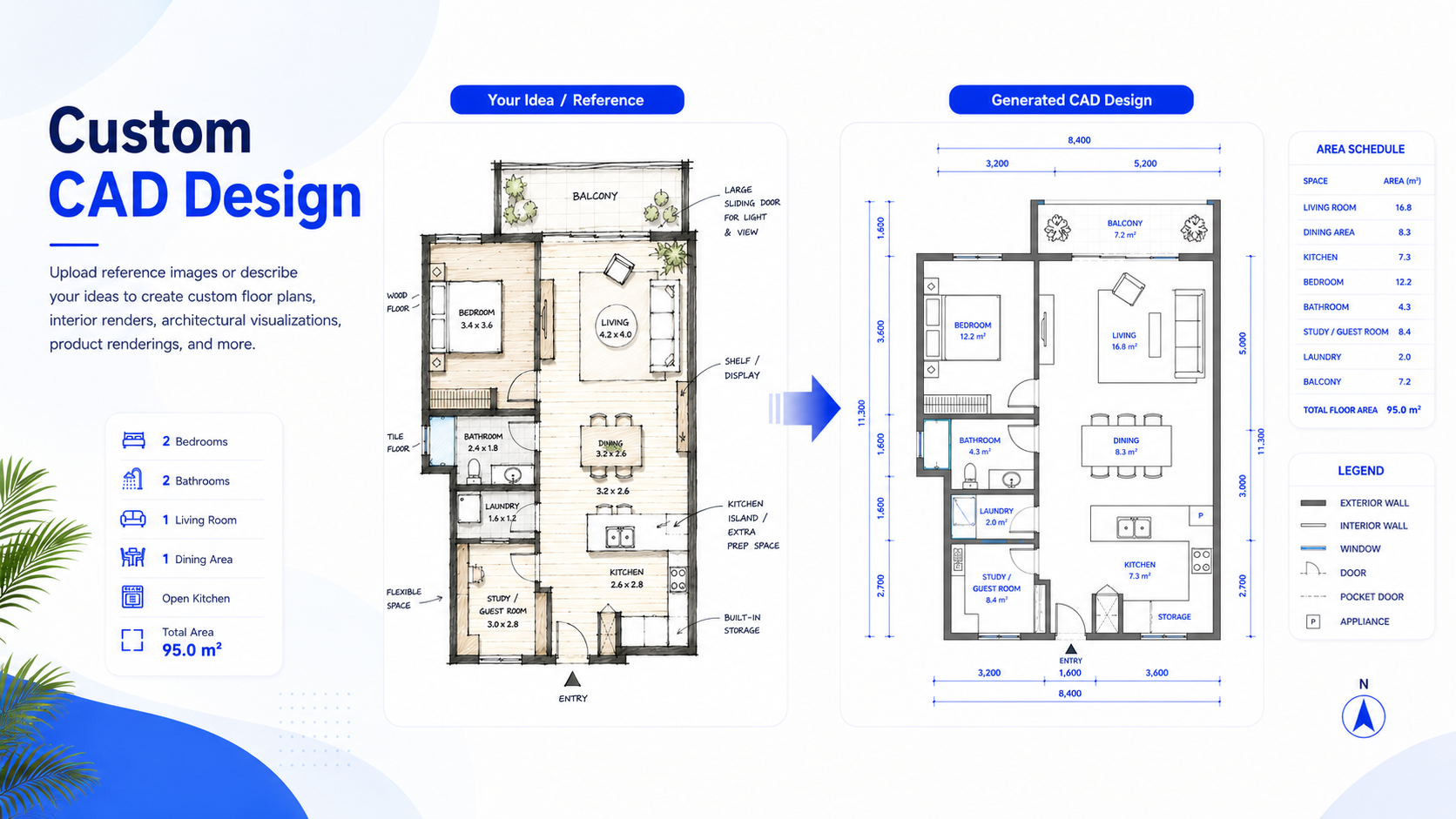
Design Your Own Floor Plan: Personalize Every Detail

Take full control over your space. Our intuitive interface empowers you to design your own floor plan, customize dimensions, choose materials, and visualize changes instantly. Craft the perfect environment that truly reflects your style.

Free Floor Plan Design Software for Every Project

Access powerful custom floor plan design features without the cost. Whether you're planning a new home, renovating a room, or sketching office layouts, our free floor plan design software provides all the tools you need to bring your projects to life.

How to Create a Custom Floor Plan with AIAI.com

Creating your ideal floor plan is incredibly simple with our AI-powered tool. Follow these quick steps to design your personalized layout in minutes.

  1. Step 1 of 3

    Step 1

    Start a New Project: Log in to AIAI.com, choose a template or start from scratch to begin your custom floor plan design journey.

  2. Step 2 of 3

    Step 2

    Design & Customize: Use our intuitive drag-and-drop interface to draw walls, add rooms, place furniture, and customize dimensions. Leverage AI suggestions for optimal layouts.

  3. Step 3 of 3

    Step 3

    Visualize & Export: View your floor plan in 2D or 3D, make final adjustments, and then export or share your completed design with ease.

Frequently Asked Questions About Our Floor Plan Creator

Yes, AIAI.com offers a robust free tier for you to create floor plans online, with advanced features available in our premium plans.

كيفية استخدام قسم FAQ

استخدم مفتاح Tab للتنقل بين الأسئلة. اضغط Enter أو Space لتوسيع الإجابة أو طيّها. استخدم السهمين للأعلى/للأسفل للانتقال بين الأسئلة.