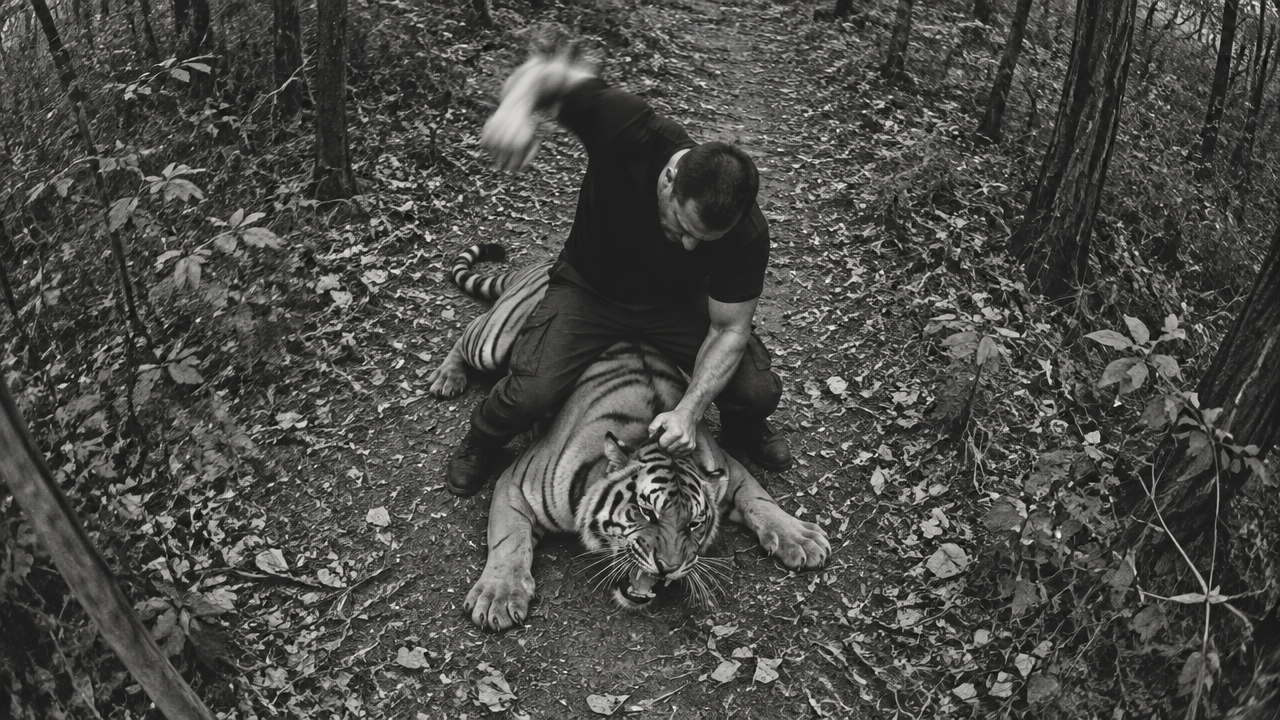
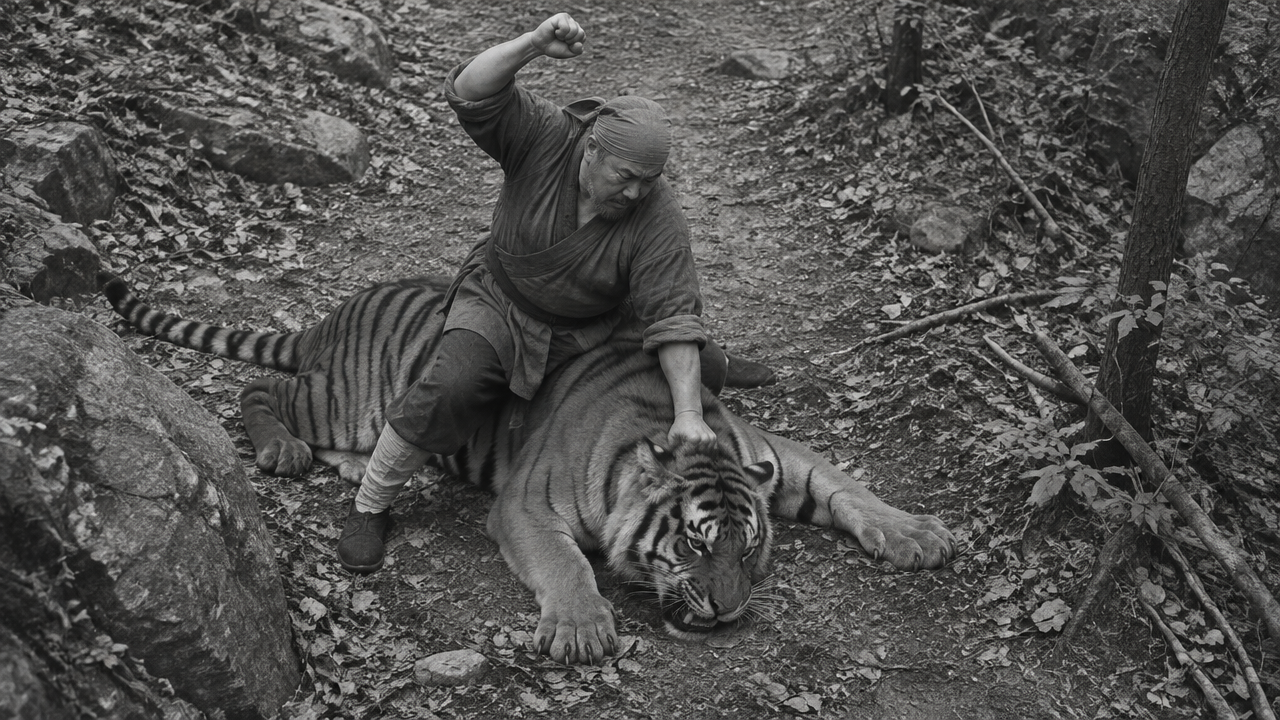
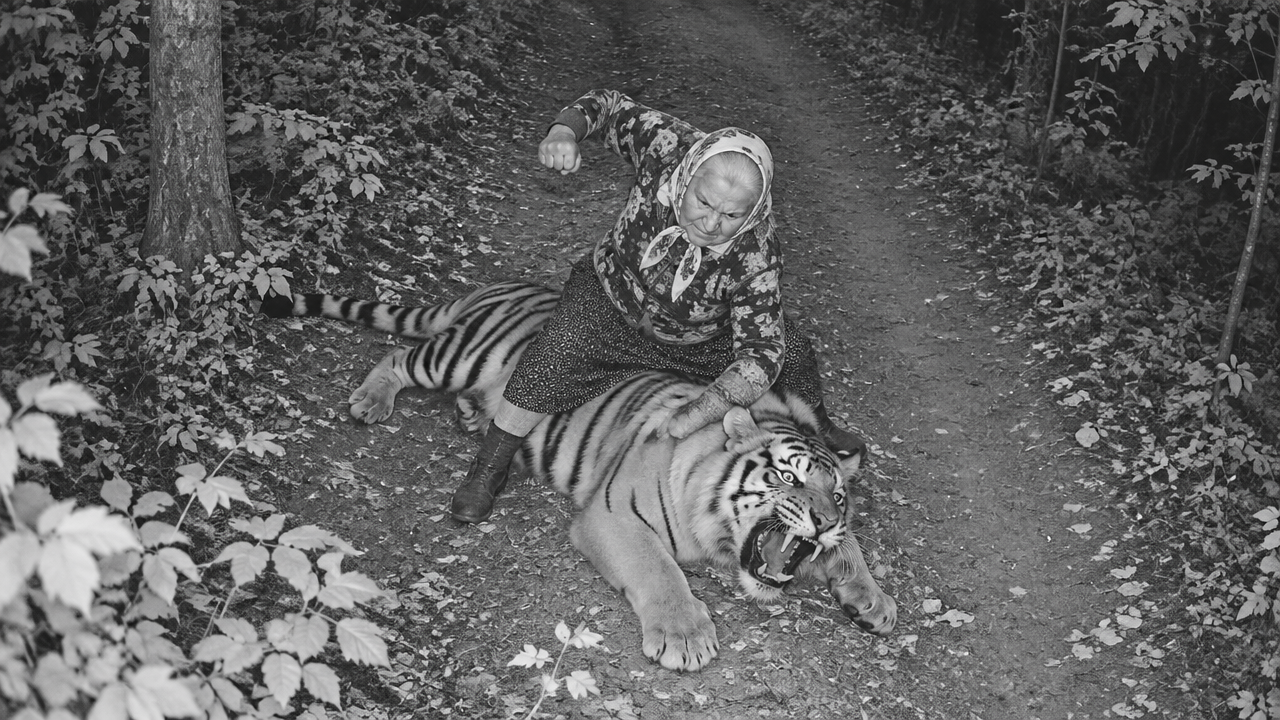
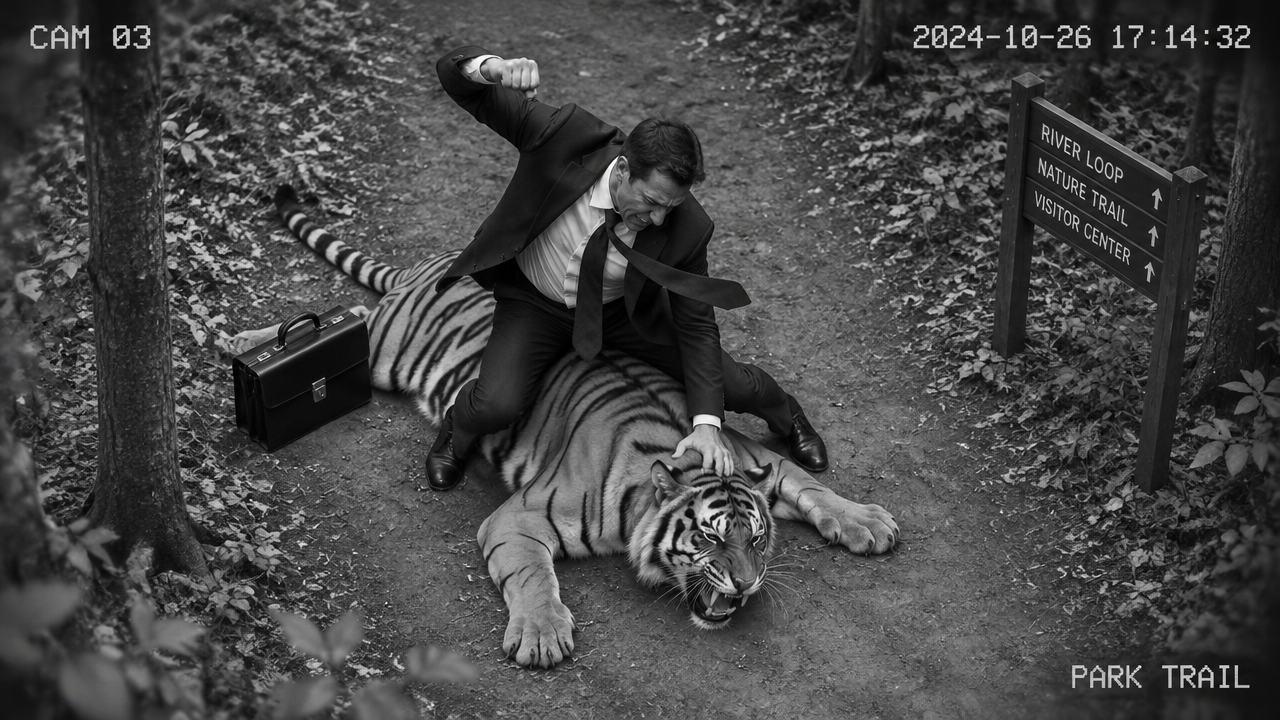
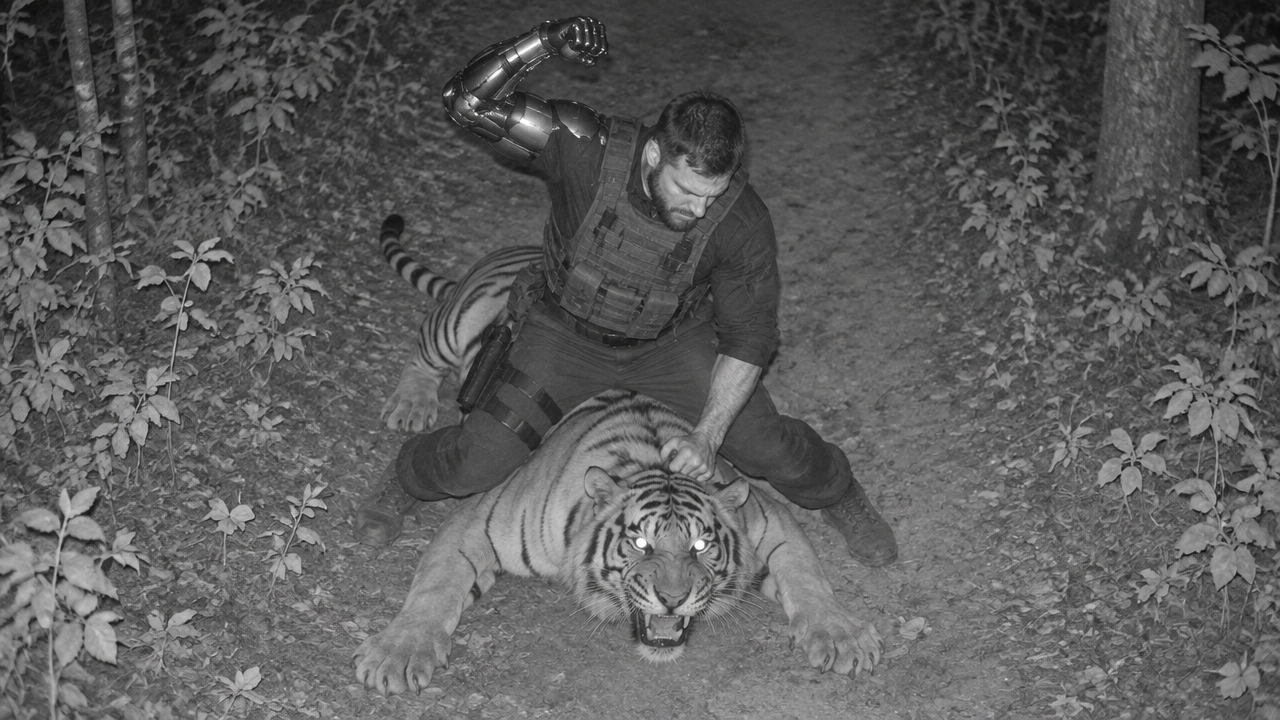
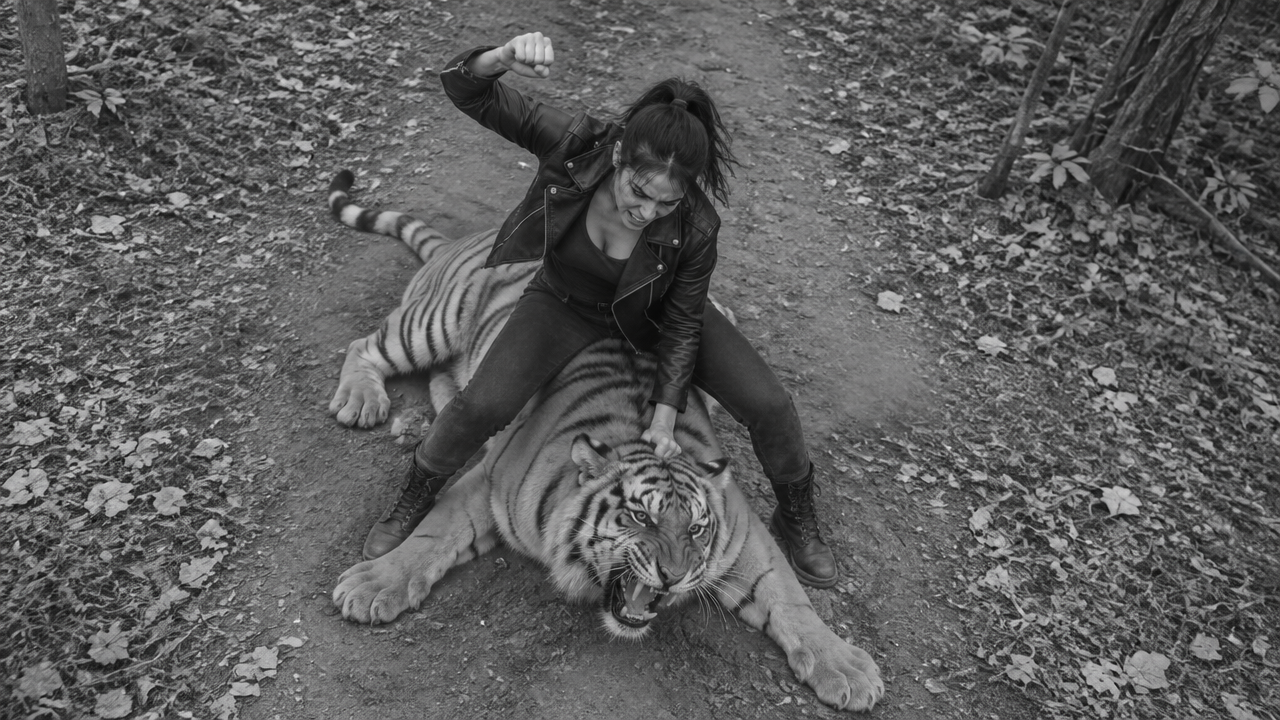
Want viral CCTV tiger fight videos? Turn your ideas or photos into realistic, grainy AI footage instantly. Create unique memes & pranks with ease. Start now!

Generate Viral CCTV Tiger Fight AI Videos Instantly

Input text prompts or upload your photos, and our AI will create authentic-looking CCTV tiger fight videos in seconds. Perfect for memes, pranks, or social media trends, no complex editing required.

Transform Any Photo into a Viral Tiger Fight Scene

Struggling to turn a static image into engaging video content? Our AI tool solves this by effortlessly animating your single photo into dynamic CCTV tiger fight footage, complete with authentic vintage security camera effects. Say goodbye to complex animation software!

Create Realistic Fake CCTV Footage with Ease

Tired of generic-looking AI videos? Our platform specializes in generating highly realistic fake CCTV footage that perfectly mimics grainy low-resolution cctv aesthetic, including timestamp overlays and classic black and white cctv tiger fight ai style. Achieve authentic security camera footage without hassle.

Unleash Your Creativity with Viral Trend AI Templates

Don't know where to start? Our tool offers one-click security camera template options and specific prompts like "person fights tiger and pins it ai" or "forest path tiger ambush video generator ai". Easily create surreal action prank video generator online content tailored to the latest CCTV Tiger Fight AI Trend.

Your Go-To AI Tool for Viral Videos

Experience seamless AI video creation. Our platform is designed for everyone, offering a secure, intuitive, and cost-free way to bring your CCTV tiger fight AI video ideas to life.

Free to use

Generate stunning CCTV tiger fight AI video content without any hidden costs or subscriptions. Enjoy unlimited creativity at no charge.

All private

Your creations are truly yours. We guarantee complete privacy for all your generated fake cctv footage and personal data.

Beginner-friendly

No prior editing skills needed. Our intuitive interface makes creating black and white cctv tiger fight ai videos as easy as a few clicks.

Article

Why Use Our AI CCTV Tiger Fight Video Generator?

Our `AI CCTV Tiger Fight Video Generator` is the ultimate tool for creating engaging, viral content. It streamlines the complex process of video editing, allowing anyone to produce high-quality, realistic `fake cctv footage` that captures the `CCTV Tiger Fight AI Trend`. Whether for pranks, social media, or creative projects, it offers unmatched simplicity and power.

  • **Instant Creation:** Generate `cctv tiger fight video` in seconds, not hours.
  • **Unmatched Realism:** Achieve `grainy low resolution cctv aesthetic ai` with authentic `security camera grain effect video maker` features.
  • **Diverse Input:** Easily `turn photo into tiger fight meme ai` or use text prompts.
  • **Trend-Ready:** Stay ahead with `CCTV Tiger Fight AI Trend` templates and effects.
  • **User-Friendly:** Perfect for beginners, no complex `how to make cctv tiger fight ai video` tutorials needed.
  • **Cost-Free:** Create limitless `ai security camera tiger attack` videos without any charge.

How to Create Your Own Viral CCTV Tiger Fight Video

Follow these simple steps to quickly generate your custom CCTV Tiger Fight AI video with our intuitive online tool.

  1. الخطوة 1 / 3

    الخطوة 1

    Input Your Idea: Describe your desired tiger fight AI video scene in a text prompt, or upload a photo you wish to animate.

  2. الخطوة 2 / 3

    الخطوة 2

    Choose Your Style: Select black and white cctv filter, add security camera grain effect, or apply a timestamp overlay for authentic fake cctv footage.

  3. الخطوة 3 / 3

    الخطوة 3

    Generate & Share: Click 'Generate' and watch our AI bring your CCTV Tiger Fight AI Trend video to life. Download and share your viral creation instantly!

FAQs About Our CCTV Tiger Fight AI Video Generator

Yes! Our CCTV Tiger Fight AI video generator allows you to create and download AI tiger fight videos completely free of charge, with no hidden costs or subscriptions.

كيفية استخدام قسم FAQ

استخدم مفتاح Tab للتنقل بين الأسئلة. اضغط Enter أو Space لتوسيع الإجابة أو طيّها. استخدم السهمين للأعلى/للأسفل للانتقال بين الأسئلة.