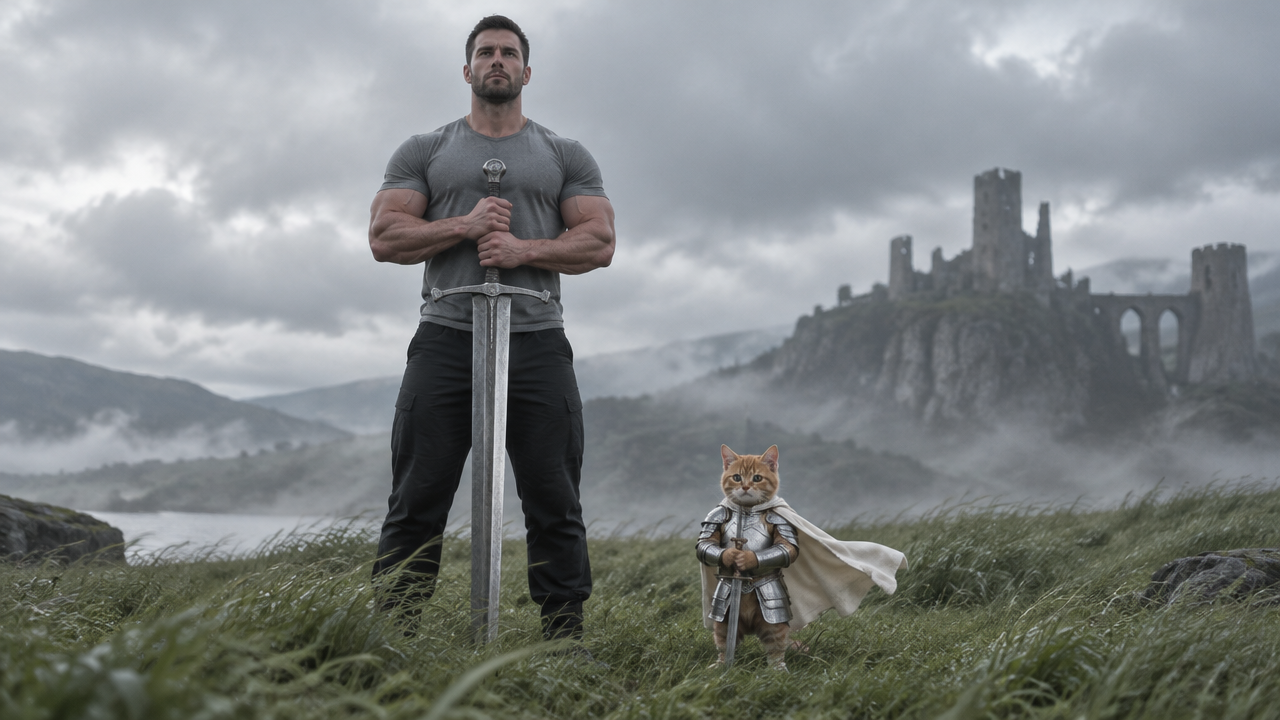
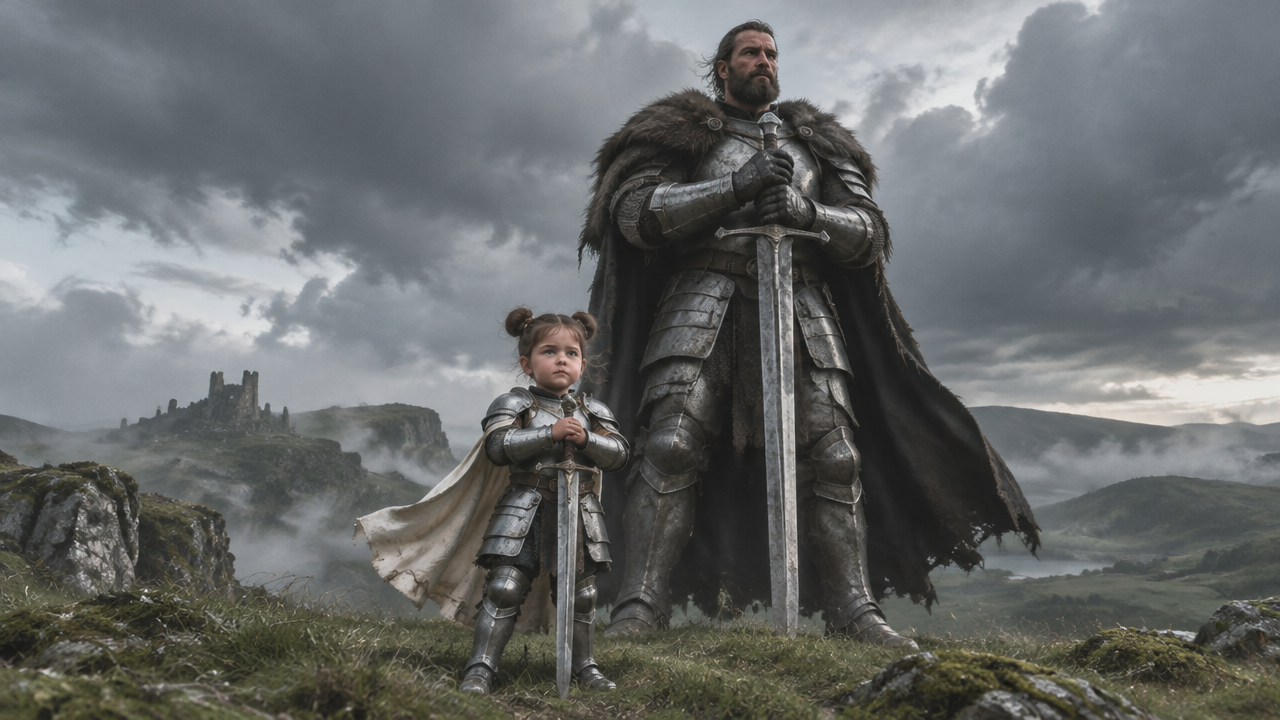
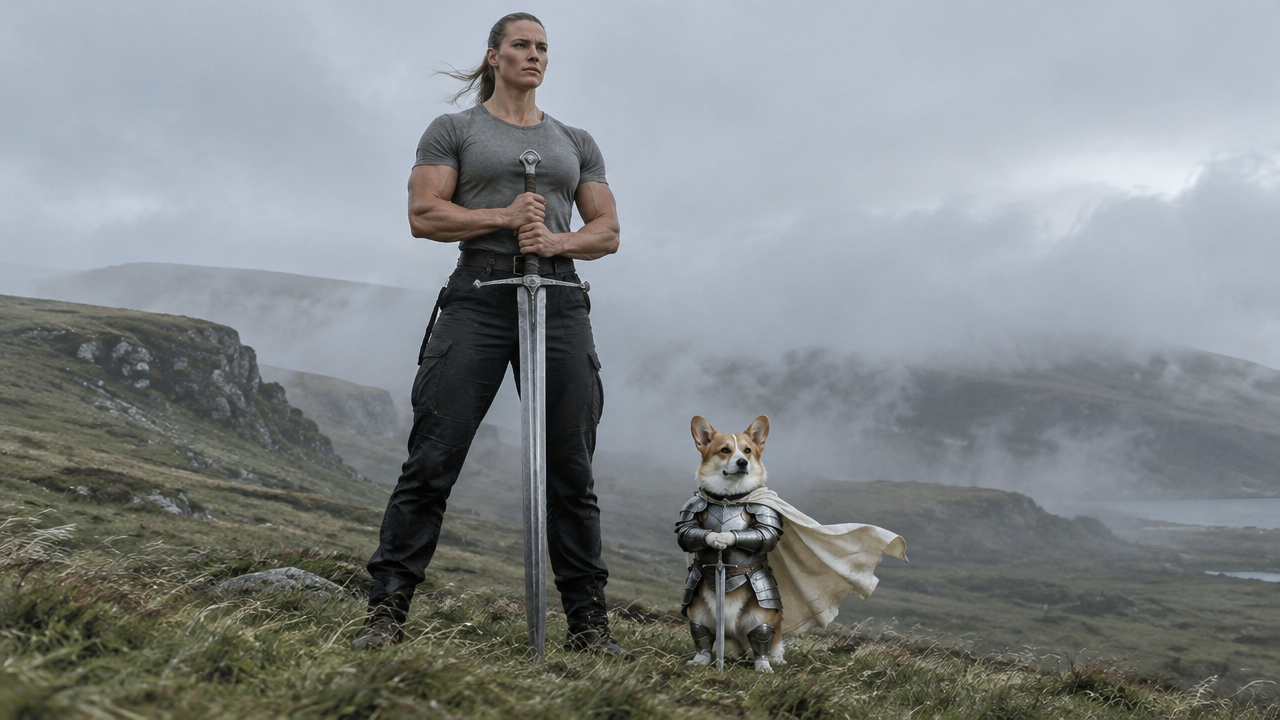
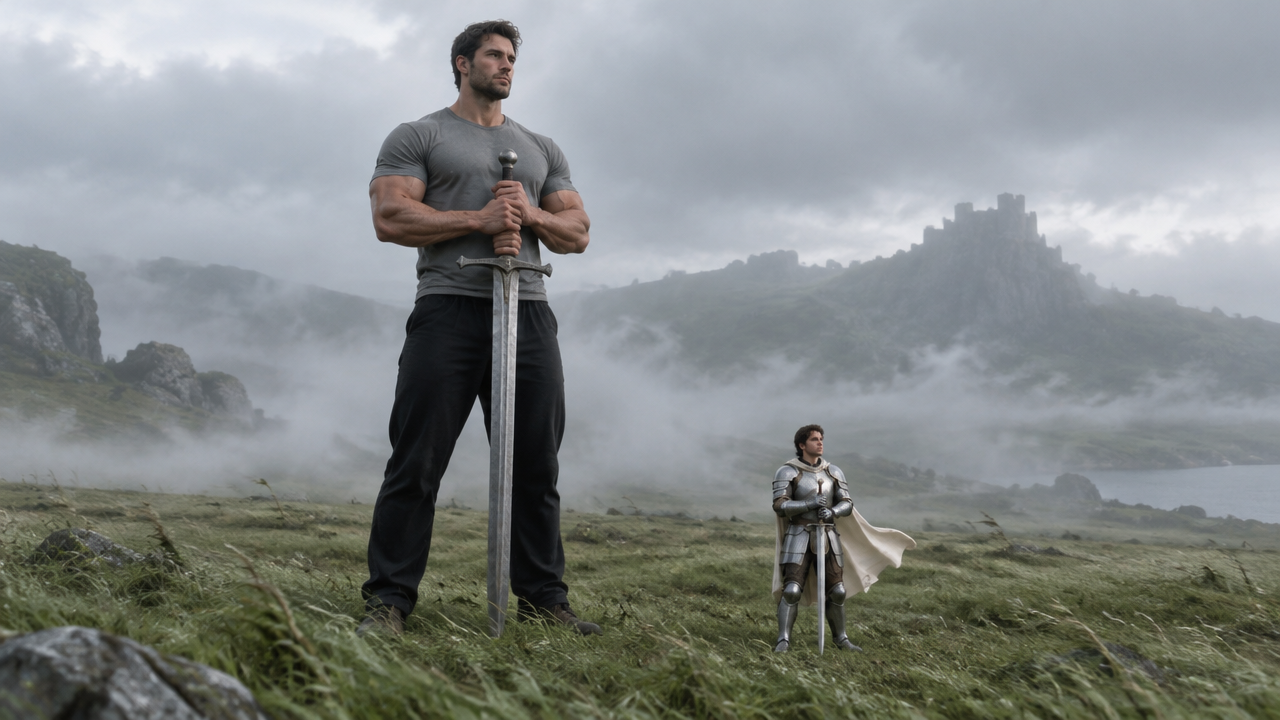
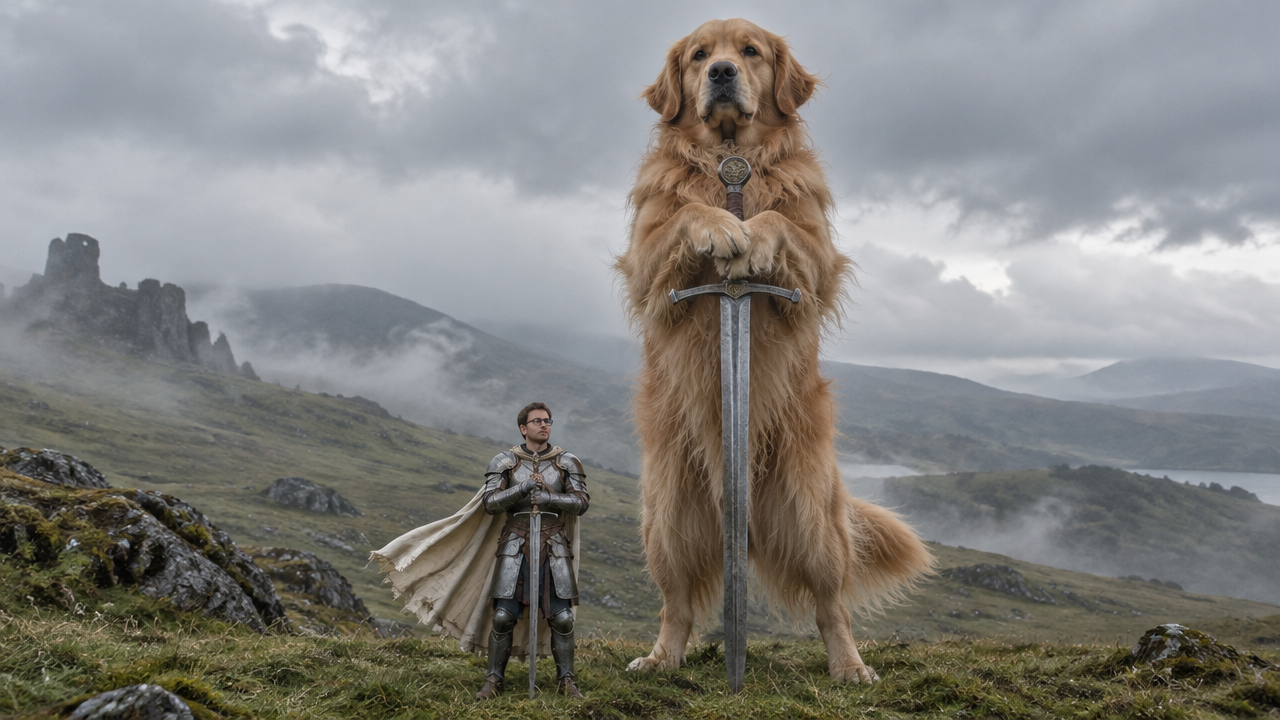
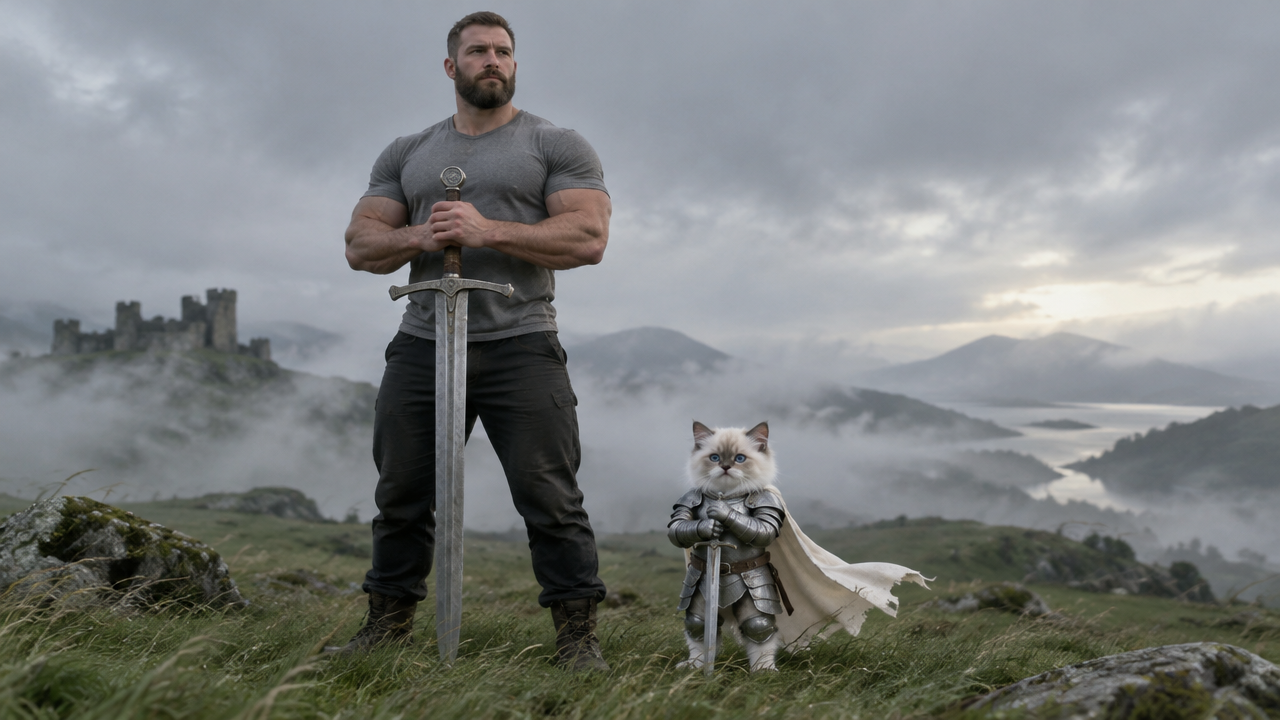
Create epic knight standing AI videos effortlessly! Turn text or photos into stunning medieval, dark fantasy, or cinematic knight scenes. Generate your free AI video now.

Knight Standing AI Video Generator: Create Epic Medieval Scenes

Input your vision, and our AI will transform it into stunning knight standing videos within seconds. Perfect for storytellers, gamers, and content creators, no advanced skills required.

Break Free from Animation Barriers: Effortless AI Video Creation

Forget complex software and steep learning curves. Our Knight Standing AI Video Generator simplifies the entire process, allowing anyone to bring their medieval visions to life with just a few clicks. No prior animation skills? No problem!

Unleash Your Creative Vision: Cinematic & Diverse Knight Scenes

Don't let limited resources restrict your creativity. Our AI tool provides a vast array of styles, settings, and knight types, enabling you to generate truly unique and cinematic medieval knight videos that match your imagination perfectly.

Accelerate Your Workflow: Instant Knight Standing Video Generation

Stop waiting hours or days for video renders. With our advanced AI, you can turn your ideas into a captivating Knight Standing AI Video in mere moments. Boost your productivity and quickly create engaging content for any platform.

Create with Confidence: Your AI Video Partner

Experience a seamless and secure creation journey with our Knight Standing AI Video platform. We empower you to innovate without limits, ensuring a user-friendly and trustworthy experience from start to finish.

Free to Use

Get started instantly and generate stunning Knight Standing AI videos without any upfront costs. Explore powerful features and create your first masterpiece today!

All Private

Your creations are yours alone. We ensure complete privacy for your projects and data, so you can experiment freely and securely.

Beginner-Friendly

Designed for everyone. Our intuitive interface makes creating complex AI knight videos incredibly easy, even if you're new to video generation.

Article

Why Use a Knight Standing AI Video Generator?

Our Knight Standing AI Video Generator revolutionizes how you create visually stunning narratives and engaging content. Whether for games, social media, or personal projects, our AI empowers you to bring intricate medieval knight scenes to life with unparalleled ease and efficiency.

  • **Rapid Creation:** Generate high-quality knight standing animations in minutes, not hours.
  • **Unleash Creativity:** Access diverse styles from dark fantasy to realistic medieval, fulfilling every creative vision.
  • **No Skills Required:** Intuitive interface means anyone can be a video creator, regardless of experience.
  • **Cost-Effective:** Achieve professional results without the expense of traditional animation studios or software.
  • **Customizable Output:** Fine-tune generated videos to perfectly match your specific project requirements.
  • **Consistent Quality:** AI ensures consistent, high-definition output for all your knight standing video needs.
How to Create Your Knight Standing AI Video in 3 Simple Steps

Generating captivating knight videos is easier than you think. Follow these quick steps to bring your vision to life instantly with our intuitive AI tool.

  1. الخطوة 1 / 3

    الخطوة 1

    Enter Your Vision: Describe the knight standing video you envision in detail, including scene, armor, and action.

  2. الخطوة 2 / 3

    الخطوة 2

    Generate & Customize: Our AI will instantly create your video. Adjust details like camera angles or lighting to perfection.

  3. الخطوة 3 / 3

    الخطوة 3

    Download & Share: Once satisfied, download your high-quality knight standing AI video and share it across all your platforms.

Frequently Asked Questions About Knight Standing AI Videos

You can generate a wide range of knight standing AI videos, including medieval, dark fantasy, realistic, and cinematic styles. From a knight standing in the rain ai video to a crusader knight standing in armor ai, our tool supports diverse scenarios and aesthetics.

كيفية استخدام قسم FAQ

استخدم مفتاح Tab للتنقل بين الأسئلة. اضغط Enter أو Space لتوسيع الإجابة أو طيّها. استخدم السهمين للأعلى/للأسفل للانتقال بين الأسئلة.