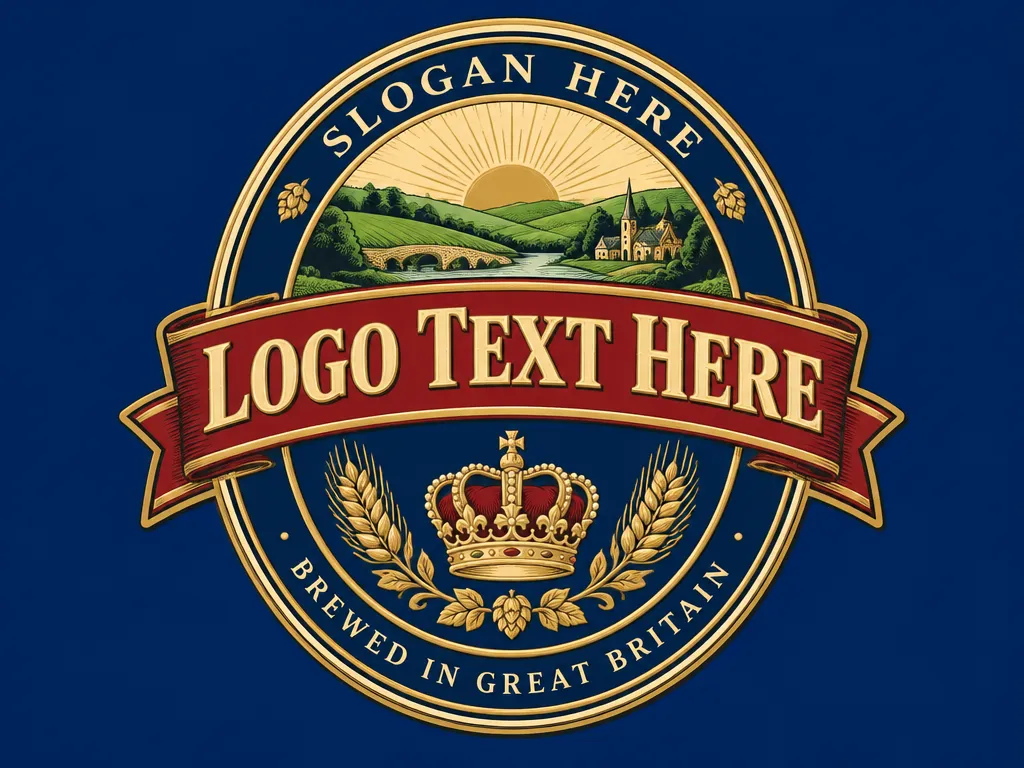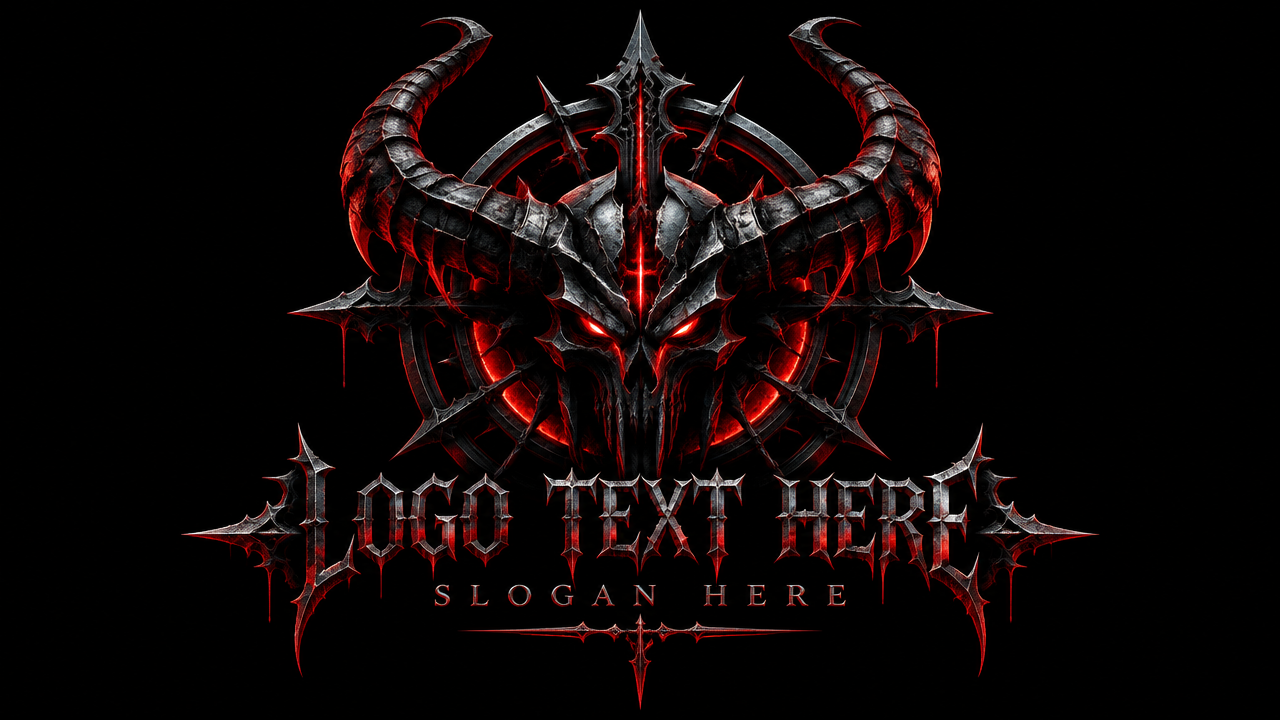
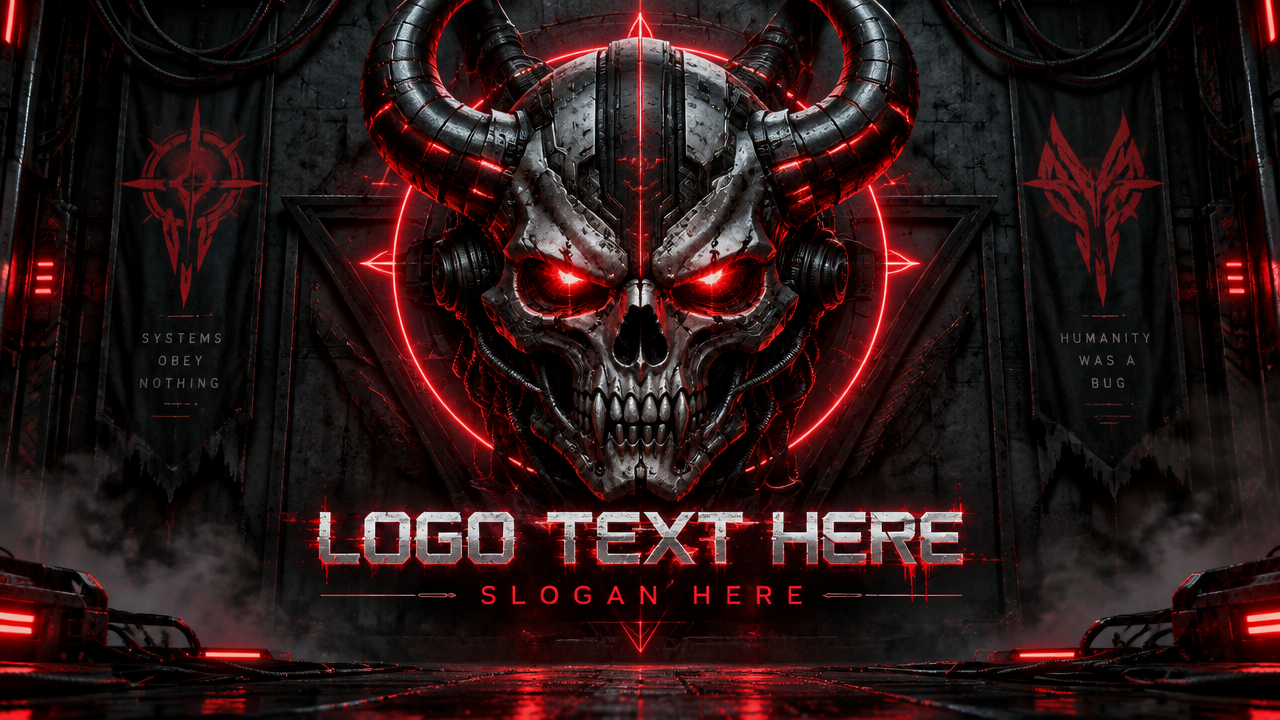

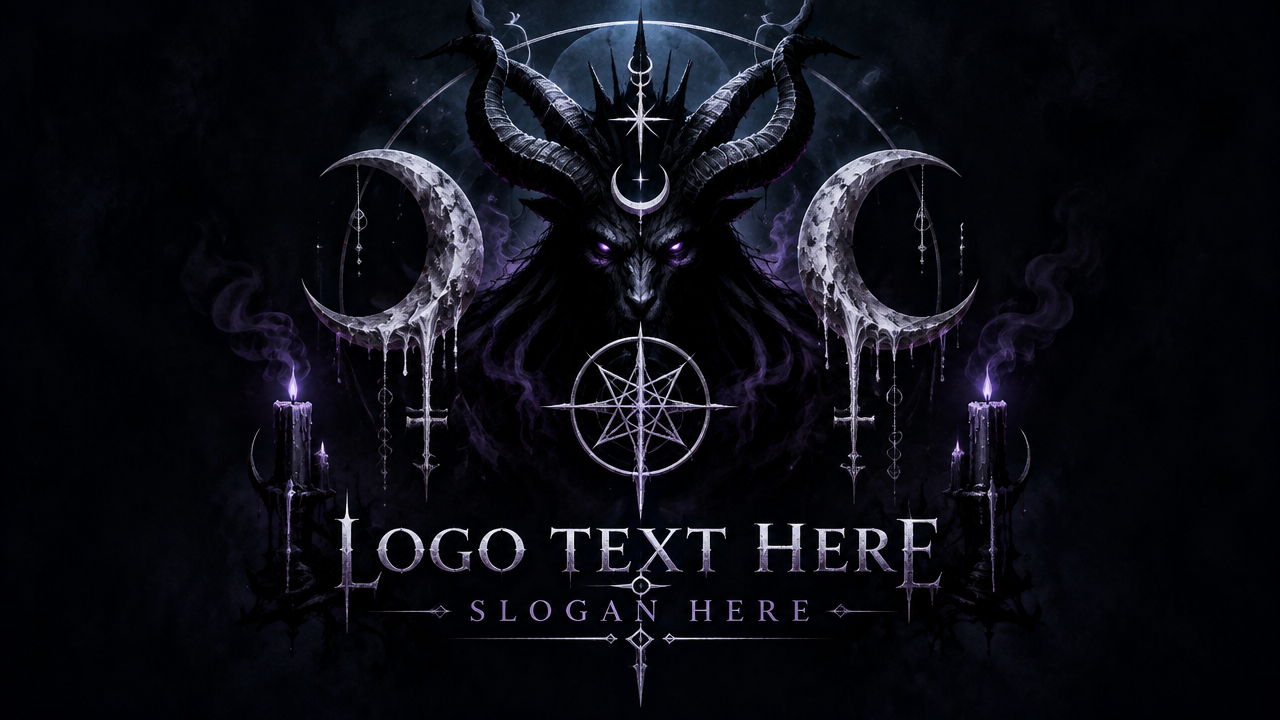
Need to understand what makes a bad logo? Generate bad logo design examples instantly to learn common mistakes and elevate your design skills. Start for free now!

Generate Bad Logo Designs: Learn What Not To Do

Upload your design ideas or choose a prompt. AI will instantly generate examples of bad logo designs, highlighting common pitfalls in seconds. Perfect for new designers and brands seeking to understand why some logos fail, no prior design experience needed.

Avoid Costly Redesigns and Brand Damage

Many businesses suffer from unprofessional logos that fail to resonate with customers, leading to poor first impressions and the need for expensive overhauls. Our tool helps you quickly identify and understand design flaws before they impact your brand reputation.

Learn Design Principles from Common Fails

Stop guessing what makes a logo bad. Our AI tool systematically showcases examples of bad graphic design logos, breaking down the principles violated in each case. This educational approach turns mistakes into clear lessons for effective logo creation.

Transform Your Design Eye: Good vs. Bad Logos

Develop a keen eye for effective branding by directly comparing good and bad logo design principles. Our AI-generated examples provide instant visual contrast, helping you understand the subtle differences that elevate a design from mediocre to memorable.

Your Journey to Better Design Starts Here

We believe that understanding bad design is the first step towards creating great design. Our platform is built with you in mind, offering a seamless, secure, and accessible learning experience.

Free to use

Access our powerful AI Bad Logo Design Generator and explore examples without any hidden costs or subscriptions. Start learning instantly.

All private

Your uploaded designs and generated examples are kept completely confidential. We respect your privacy and secure your data.

Beginner-friendly

Designed for everyone, from aspiring artists to seasoned marketers. Our intuitive interface makes learning about bad logo design effortless.

Article

Why Use an AI Bad Logo Design Generator?

In today's competitive market, a truly impactful logo is crucial for brand identity. But how do you ensure your logo stands out for the right reasons? Our AI Bad Logo Design Generator helps you understand common pitfalls by showcasing what not to do. This unique approach allows designers, marketers, and business owners to develop a critical eye, preventing costly mistakes and fostering innovation.

  • Instant Learning: Quickly generate diverse examples of bad logo designs to grasp principles visually.
  • Cost-Effective Education: Learn from mistakes without expensive courses or real-world brand damage.
  • Boost Creativity: Understanding poor design ignites ideas for truly innovative and effective logos.
  • Save Time: No more endless searching for bad logo design fails; get curated examples instantly.
  • Improve Decision-Making: Make informed choices when designing or evaluating potential company logos.
  • Enhance Brand Image: Prevent the pitfalls that lead to bad graphic design and ensure your brand shines.


How to Create and Analyze Bad Logo Designs

Learning from mistakes is easy with our intuitive AI tool. Follow these simple steps to generate and understand what makes a logo bad, and start improving your design skills today.

  1. Schritt 1 / 3

    Schritt 1

    Input Your Concept: Describe the type of bad logo you want to see, or upload an existing logo for AI analysis.

  2. Schritt 2 / 3

    Schritt 2

    Generate Examples: Click "Generate" to instantly receive multiple AI-created bad logo design examples.

  3. Schritt 3 / 3

    Schritt 3

    Learn & Refine: Review the generated designs and their highlighted flaws to understand common mistakes and improve your own design sensibility.

Frequently Asked Questions about Bad Logo Designs

A bad logo design often lacks clarity, is not scalable, uses poor color choices, has irrelevant imagery, or uses outdated typography. It fails to effectively communicate the brand's message or resonate with its target audience. Our tool helps you pinpoint these specific issues.

So verwendest du den FAQ-Bereich

Navigiere mit der Tabulatortaste zwischen Fragen. Klappe Antworten mit der Eingabe- oder Leertaste auf oder zu. Wechsle mit den Pfeiltasten nach oben und unten zwischen Fragen.