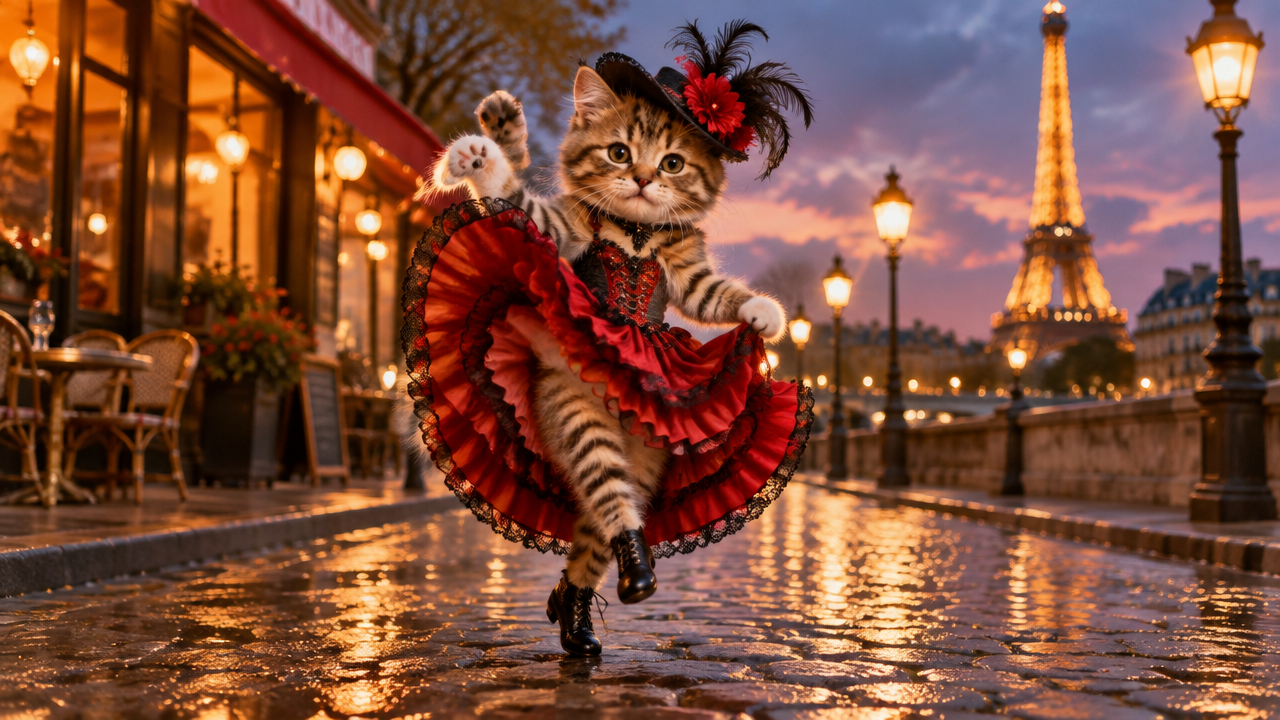
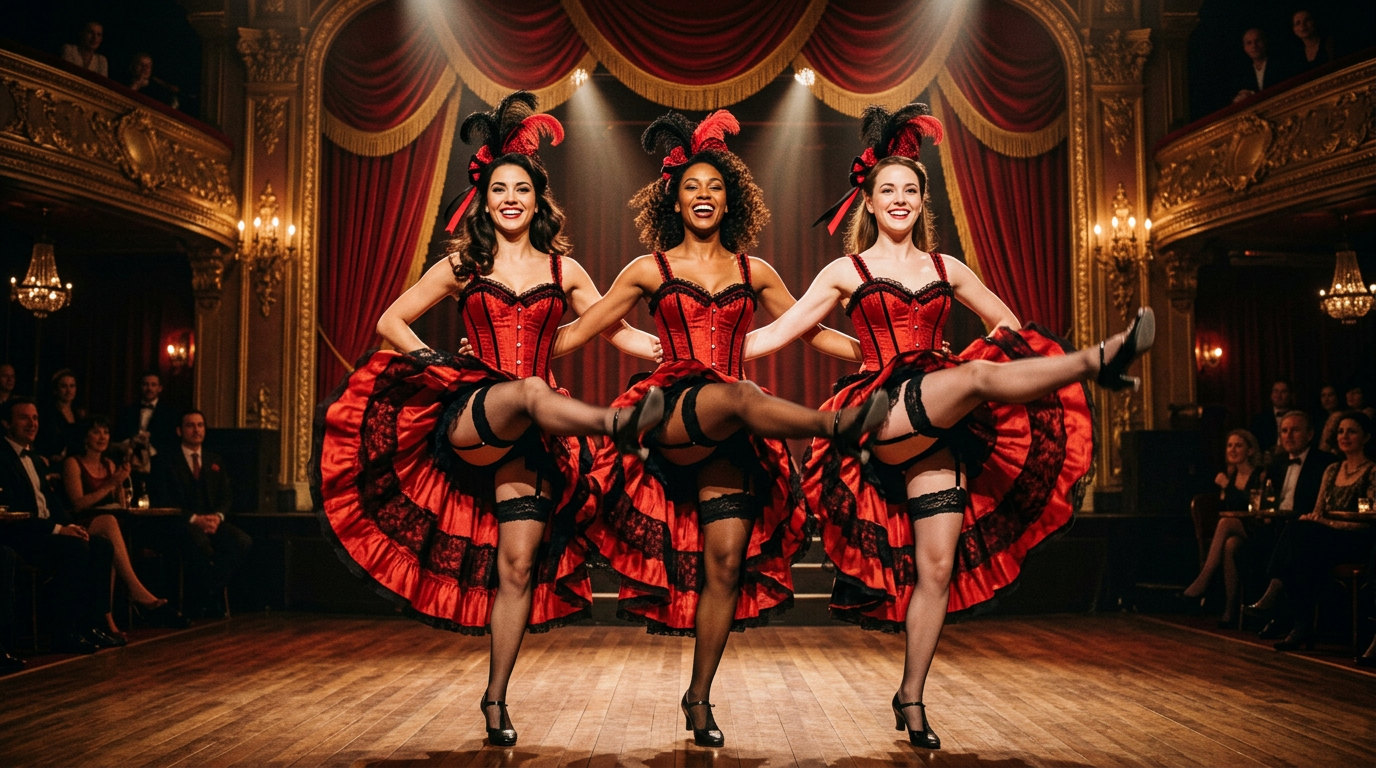
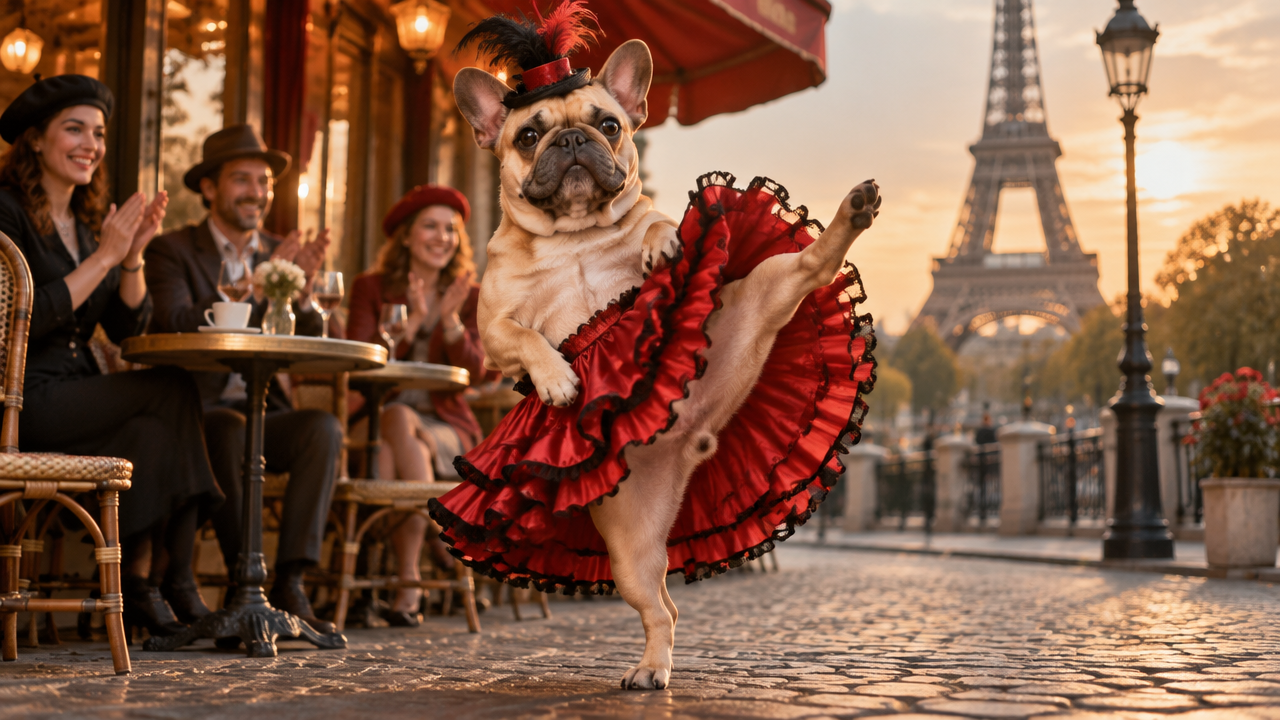
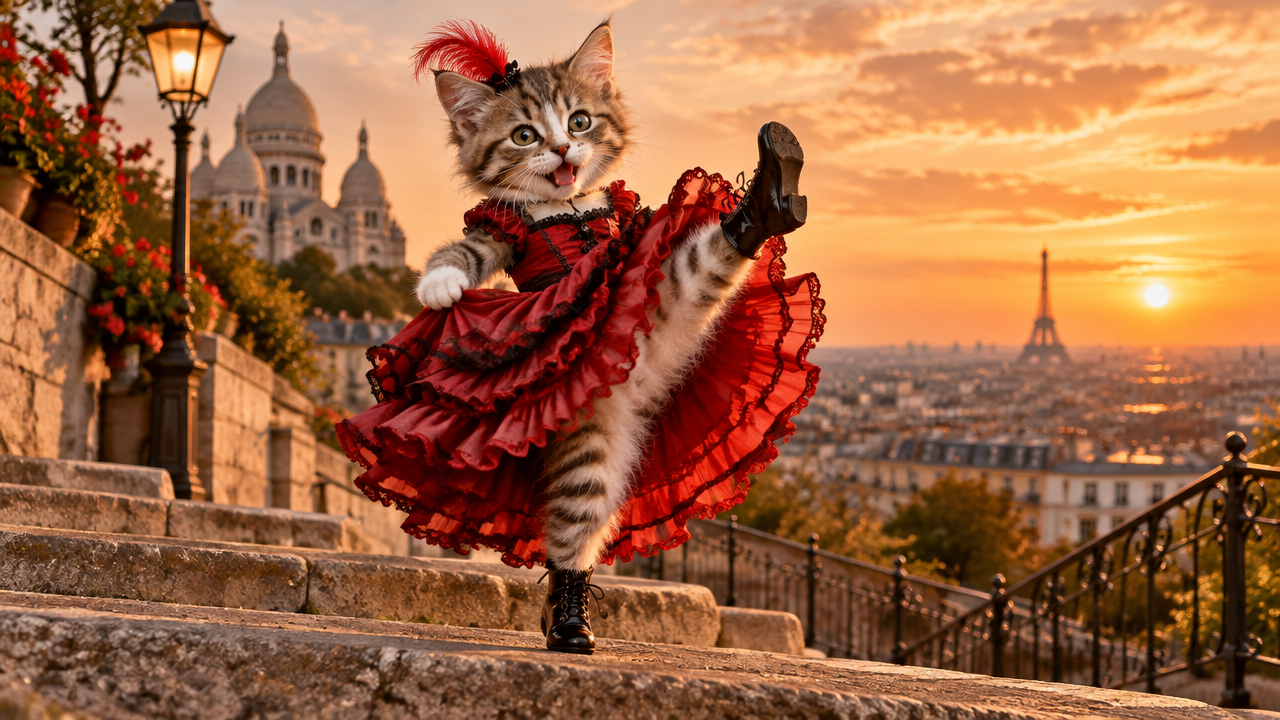
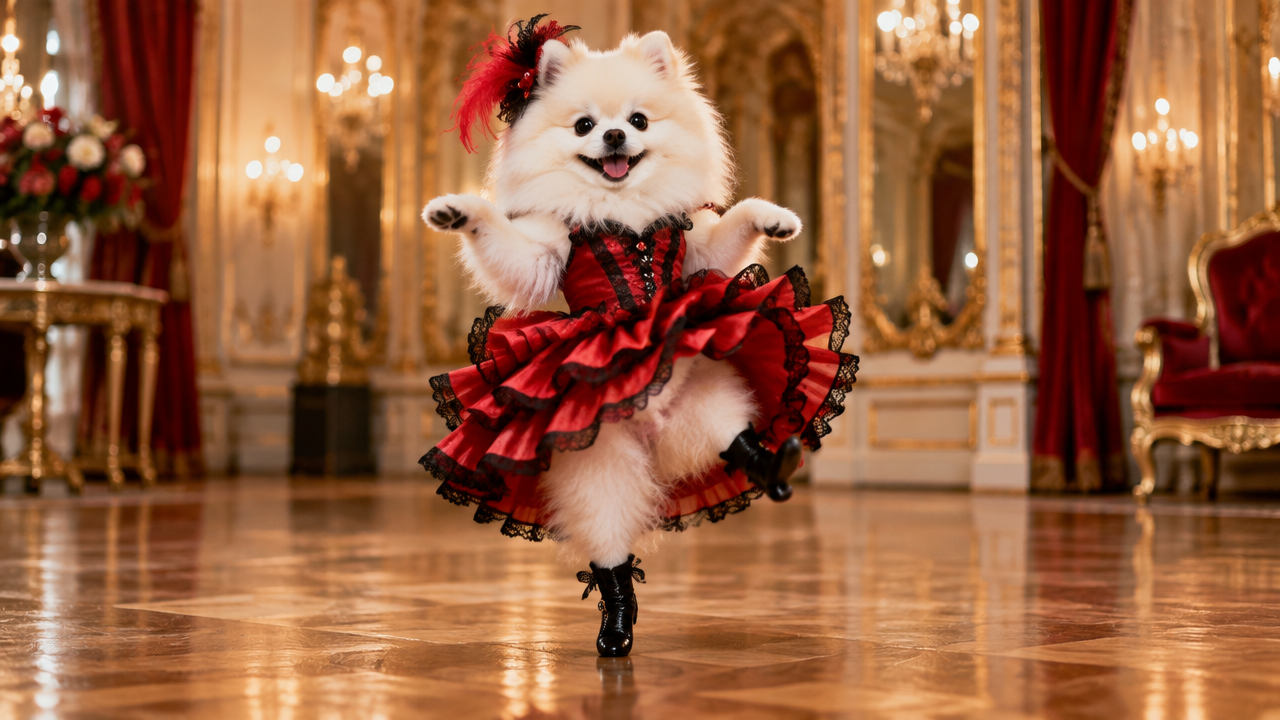
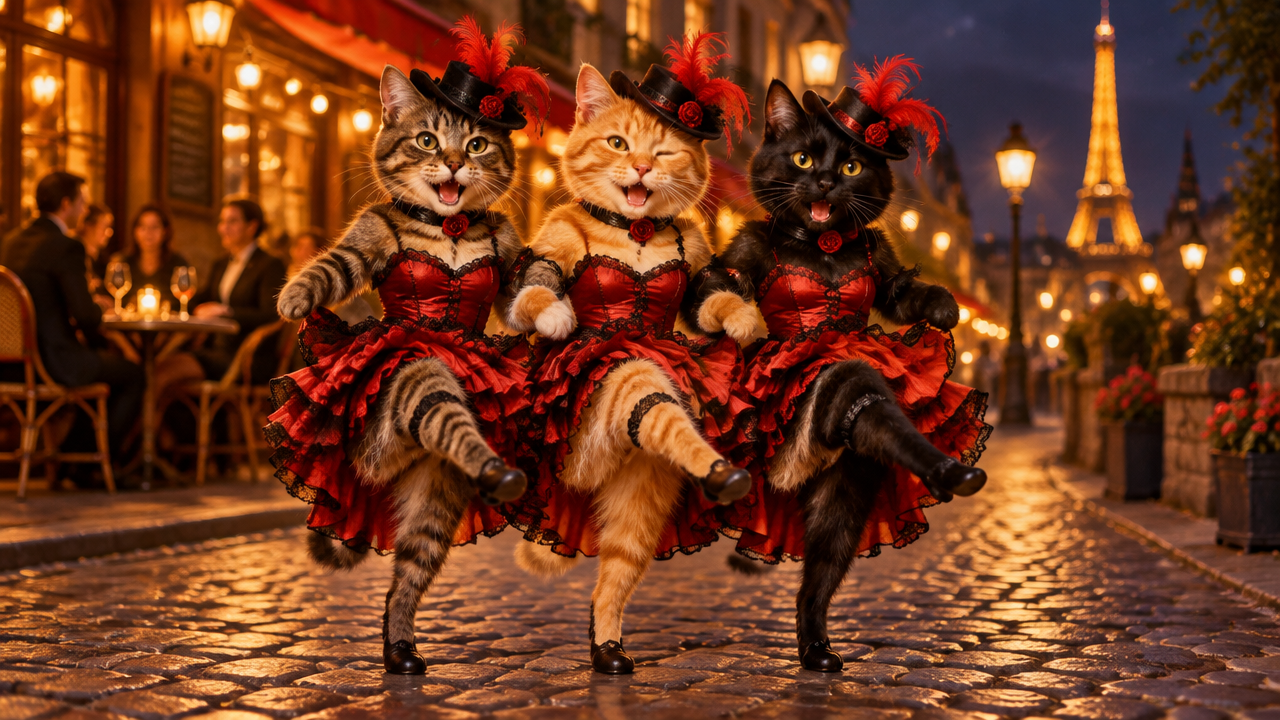
Want to join the Can Can Dance AI trend? Turn your photos into hilarious, viral Can Can Dance videos instantly! Free and easy. Try now!

Create Can Can Dance AI Videos Instantly from Your Photos

Upload any photo of a person or pet, and our advanced AI will animate it into a dynamic Can Can Dance. Get a unique, viral-ready video in seconds, perfect for sharing on social media. No video editing skills needed.

No More Complex Video Editing Software

Forget about intricate video editing tools or needing special skills. Our AI Can Can Dance Video Generator makes creating viral Can Can Dance videos effortless. Just upload your photo and watch the magic happen – no steep learning curve, just instant fun.

Create Can Can Dance AI Videos in Seconds, Not Hours

Tired of spending hours on video creation? With our Can Can AI Dance Generator, you can turn photos into Can Can Dance videos almost instantly. Get your fun, trending content ready faster and share it with the world without delay.

Unleash Your Creativity with Diverse Can Can Dance AI Effects

Beyond the basic Can Can Dance trend, explore various styles like high kick cancan video, Can Can Dance with friends, or even pet Can Can Dance video. Our tool allows you to personalize your creations, making your content truly stand out with unique twists.

Why Choose Our Can Can Dance AI Video Maker?

Experience the easiest and most secure way to create Can Can Dance AI videos. Our platform is designed with you in mind, offering unparalleled accessibility and peace of mind.

Free to use

Create stunning Can Can Dance videos without any cost. Enjoy unlimited fun and creativity without hidden charges.

All private

Your photos and generated videos are kept completely private and secure. We prioritize your data privacy, ensuring your content remains yours alone.

Beginner-friendly

No technical skills required. Simply upload a photo and get your Can Can AI Dance video in a few clicks. Perfect for everyone!

Article

Why Use a Can Can Dance AI Trend Generator?

Joining the Can Can Dance AI Trend has never been easier or more fun. Our AI tool simplifies the process, allowing anyone to create engaging and shareable content. It's the perfect way to add a touch of whimsy and excitement to your social media presence without any hassle.

  • Instant Creativity: Generate unique Can Can Dance videos from any photo in moments.
  • Trend Participation: Easily join the viral Can Can Dance trend on social media.
  • No Skills Needed: Perfect for beginners, no complex video editing experience required.
  • Wide Variety: Transform full body photos, selfies, pets, or group photos into dynamic dances.
  • Cost-Effective: Enjoy a free Can Can AI Dance video maker without hidden charges.
  • Fun & Engaging: Create funny Can Can Dance videos and share laughs with friends and followers.
How to Create Your Own Can Can Dance AI Video

Ready to make your photo dance? Follow these simple steps to generate a captivating Can Can Dance AI video in minutes, effortlessly transforming your static images into dynamic animations.

  1. Schritt 1 / 3

    Schritt 1

    Upload your photo. Choose any photo of a person or pet you want to animate. Ensure it's clear and well-lit for the best results in your Can Can Dance video.

  2. Schritt 2 / 3

    Schritt 2

    Let AI work its magic. Our advanced AI algorithm will transform your static image into a dynamic Can Can Dance animation. This process takes just a few seconds.

  3. Schritt 3 / 3

    Schritt 3

    Download and share. Once generated, you can easily download your new Can Can Dance video. Share it across social media platforms to join the trend and amuse your friends.

Frequently Asked Questions about Can Can Dance AI Videos

The Can Can Dance AI trend involves using artificial intelligence to animate photos or videos into the iconic high-kicking Can Can Dance. It's a popular way to create funny and viral content for social media, allowing anyone to participate easily.

So verwendest du den FAQ-Bereich

Navigiere mit der Tabulatortaste zwischen Fragen. Klappe Antworten mit der Eingabe- oder Leertaste auf oder zu. Wechsle mit den Pfeiltasten nach oben und unten zwischen Fragen.