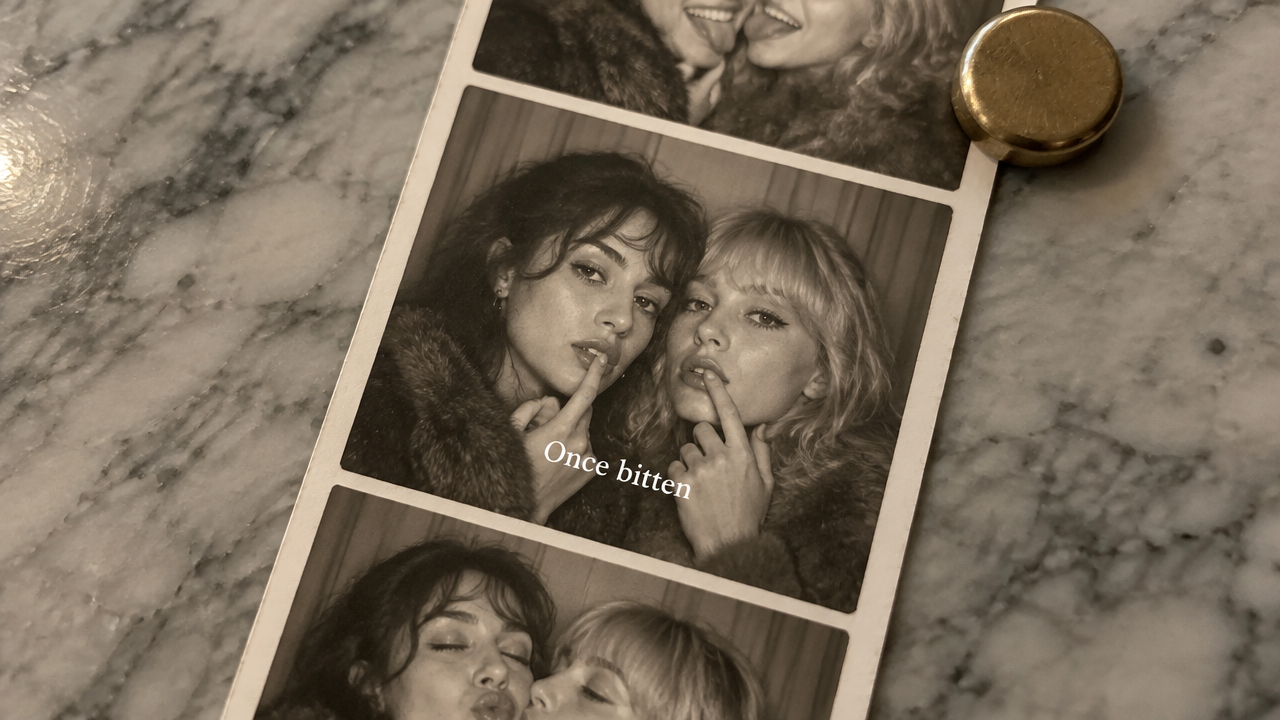
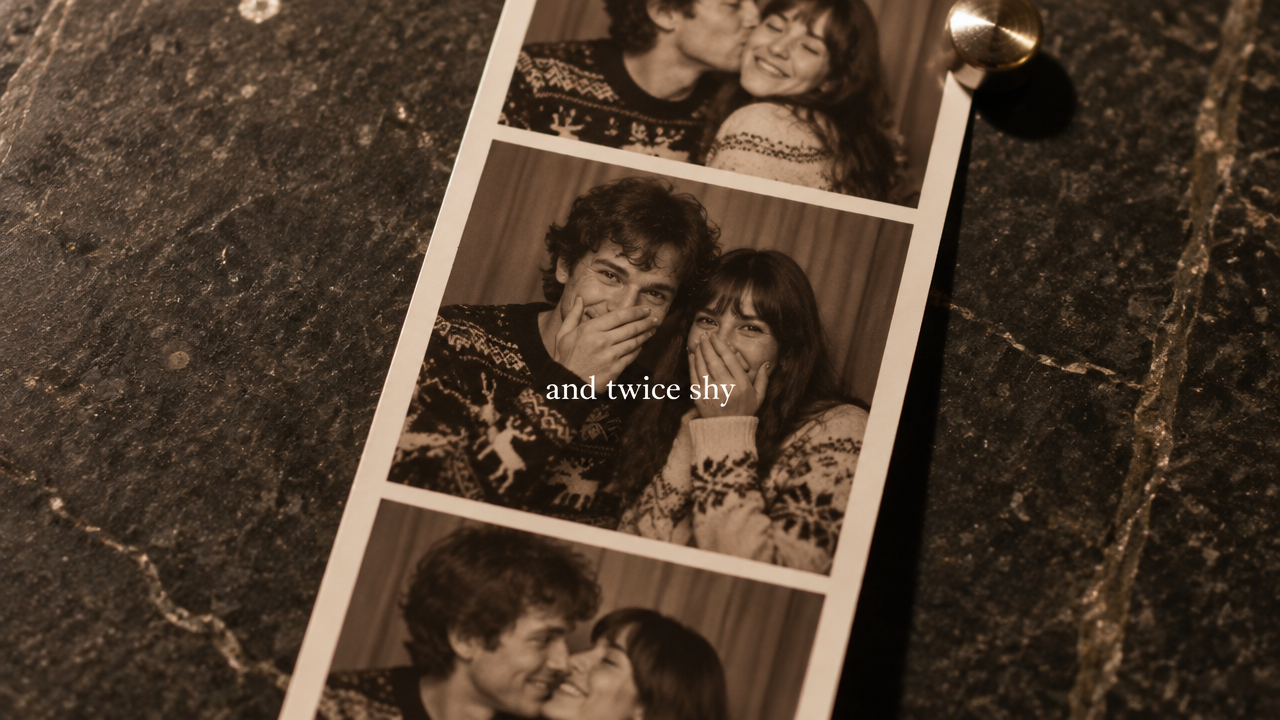
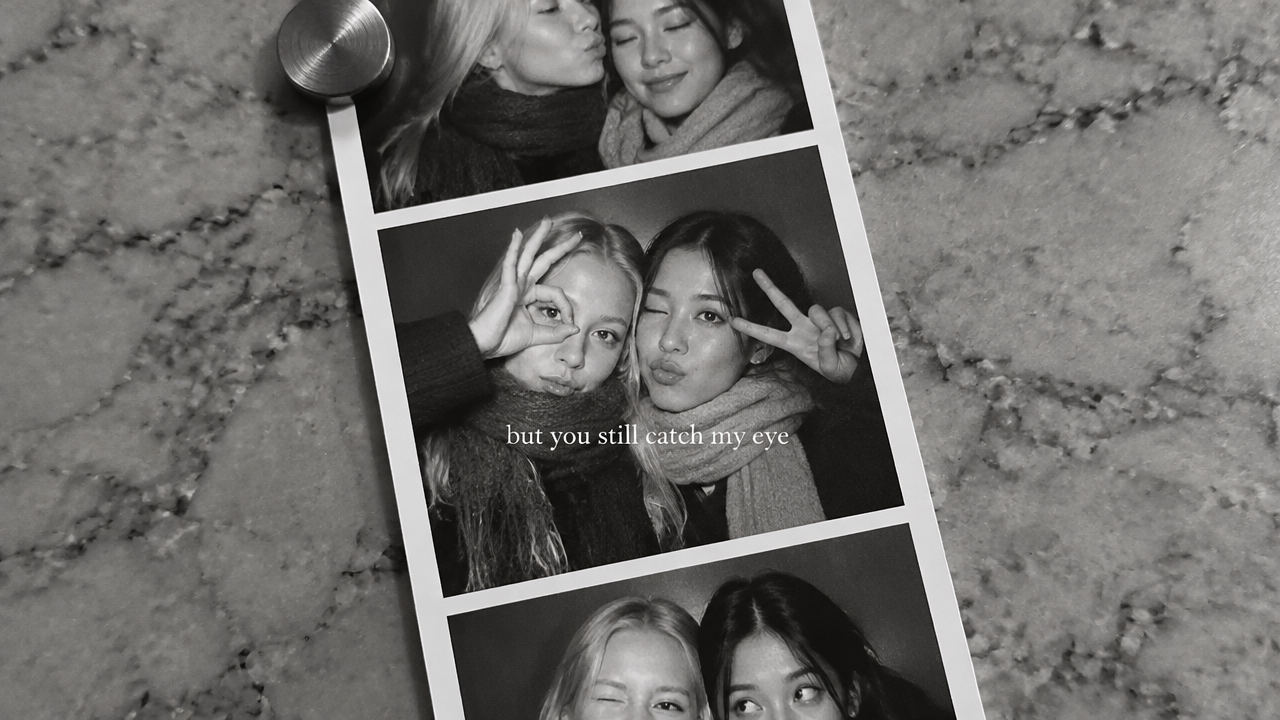
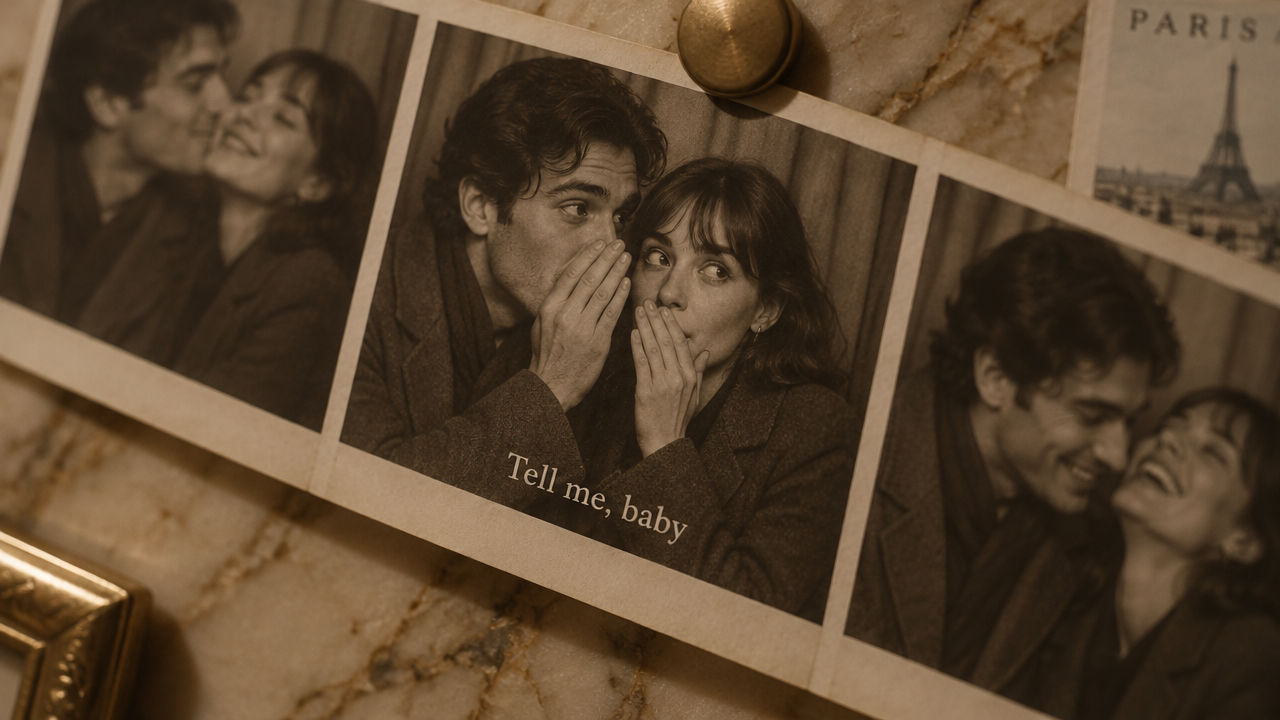
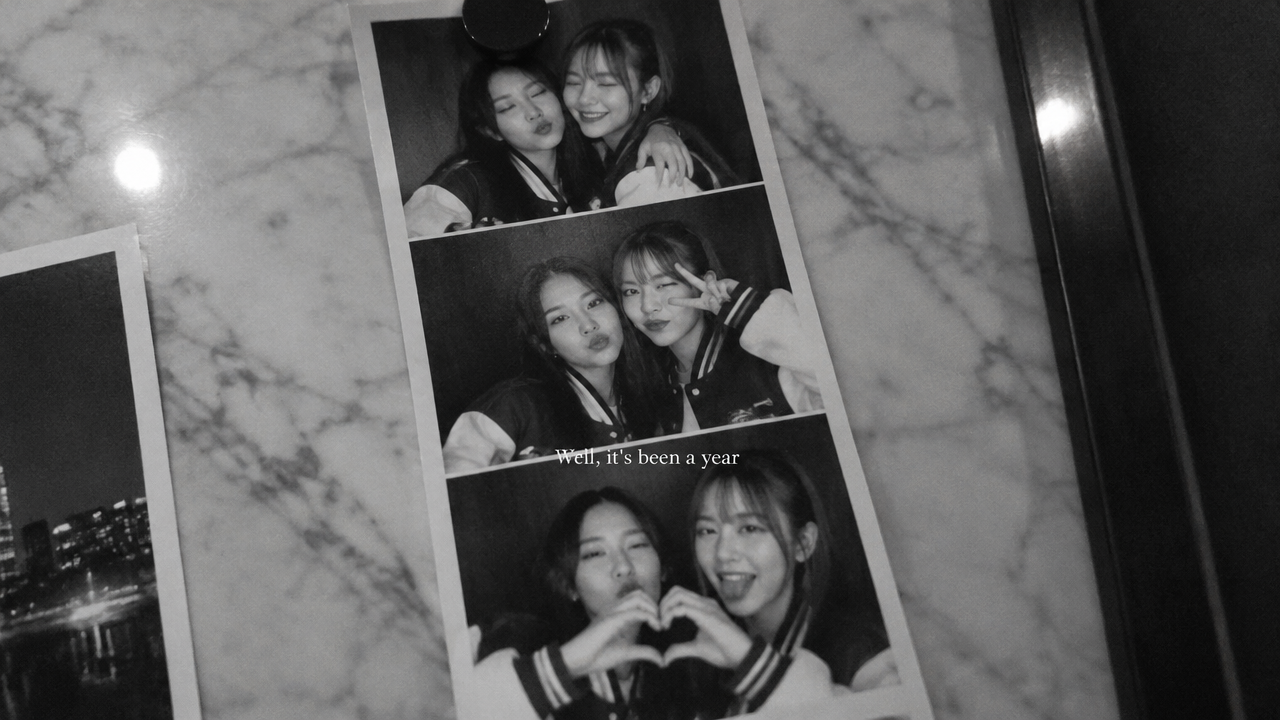
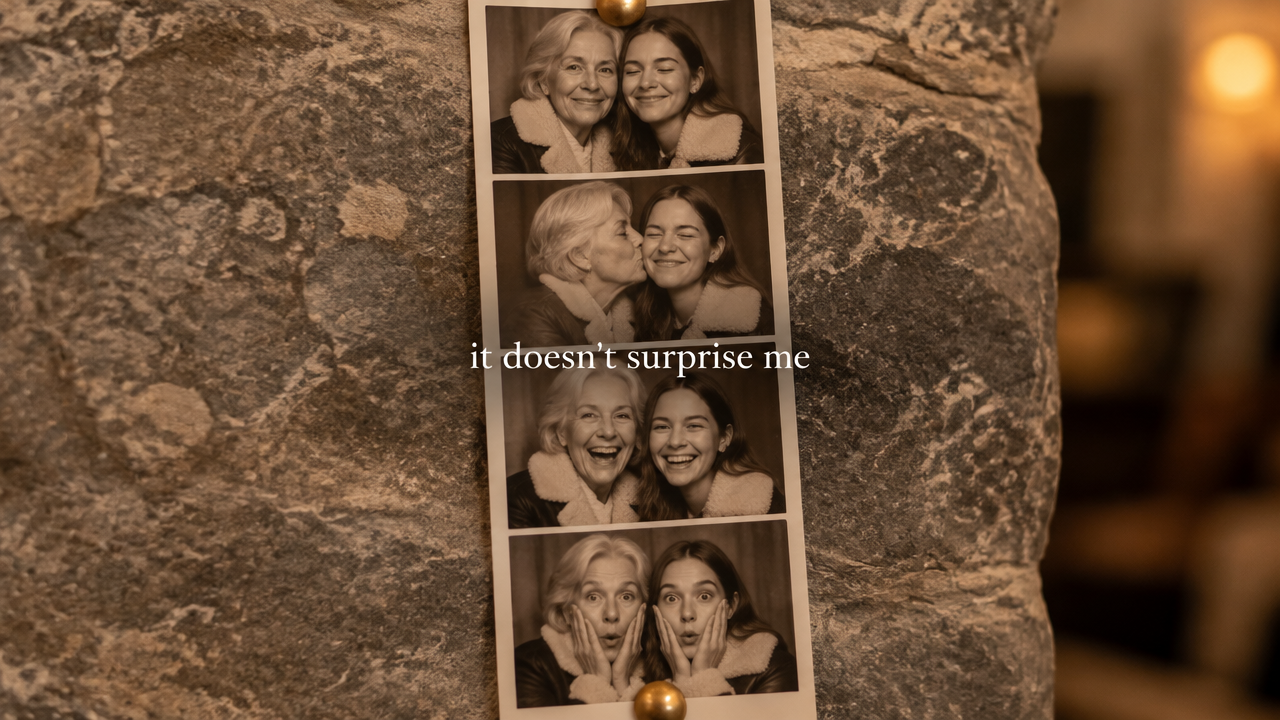
Create viral Christmas photobooth videos with AI! Transform your photos into a trendy Last Christmas photo strip. Easy, fast, and free to use.

Create Viral Christmas Photobooth AI Trend Videos Instantly

Upload your images, and our AI will transform them into trendy Last Christmas photo strip videos within minutes. Perfect for sharing festive fun with friends and family, no editing skills required.

No Editing Skills? No Problem!

Forget complicated software and endless tutorials. Our AI Christmas photobooth video generator simplifies the entire process. Just upload your photos, pick a style, and let AI do the magic.

Transform Photos into Viral Last Christmas Strips in Seconds

Why spend hours creating a Christmas photo strip video? Our custom Christmas photobooth video maker utilizes advanced AI to instantly transform your cherished memories into shareable, trendy video strips that capture the viral spirit of the season.

Personalize Your Holiday Story: Add Friends to Any Photo Strip

Make your Christmas photobooth AI trend videos truly yours! Easily add photos to Christmas photobooth trend AI from your gallery, featuring all your loved ones. Create memorable Two friends photobooth challenge videos or custom family highlights.

Your Go-To Christmas Photobooth AI Tool

Discover why thousands choose our AI tool for their holiday video creations. We prioritize ease of use, privacy, and accessibility for everyone.

Free to use

Experience the full power of our AI Christmas photobooth trend generator without any cost. Create, download, and share your festive videos with ease.

All private

Your precious photos and generated videos are completely private. We ensure your memories remain yours, always.

Beginner-friendly

Designed for everyone. Our intuitive interface means you can create stunning Christmas photo strip videos even if you've never used an AI tool before.

Article

Why Use a Christmas Photobooth AI Trend Generator?

The "Christmas Photobooth AI trend" is sweeping social media, allowing users to effortlessly create captivating video strips set to festive tunes like "Last Christmas." Our AI photobooth animation generator simplifies this process, turning your cherished photos into dynamic, shareable memories.

  • **Instant Creation:** Generate personalized holiday photobooth trend templates in minutes, not hours.
  • **No Skills Needed:** Animate photos into Christmas photo strip videos without any video editing experience.
  • **Viral Potential:** Craft engaging content that captures the spirit of TikTok's "Last Christmas photobooth trend."
  • **Personalized Fun:** Easily add photos to Christmas photobooth trend AI, featuring friends and family in unique poses.
  • **Cost-Effective:** Access a powerful AI tool for creating Christmas photo strip viral trends, often for free.
  • **High Quality Output:** Produce polished, professional-looking "AI photo strip video maker" results every time.

How to Create Your Christmas Photobooth AI Trend Video

Ready to join the festive fun? Our AI tool makes it incredibly simple to generate your personalized Christmas photobooth AI trend videos in just three quick steps.

  1. Schritt 1 / 3

    Schritt 1

    Upload Your Photos: Select your favorite pictures of friends and family that you want to include in your festive photobooth video.

  2. Schritt 2 / 3

    Schritt 2

    Choose Your Style: Pick a Last Christmas photobooth trend template or customize poses and music to match your unique holiday vision.

  3. Schritt 3 / 3

    Schritt 3

    Generate & Share: Let our AI work its magic! In moments, your Christmas photo strip video will be ready to download and share across all your social media.

Frequently Asked Questions About Christmas Photobooth AI

It's a popular social media trend where AI transforms your photos into dynamic video strips, often set to festive music like "Last Christmas," mimicking the experience of an old-school photo booth.

So verwendest du den FAQ-Bereich

Navigiere mit der Tabulatortaste zwischen Fragen. Klappe Antworten mit der Eingabe- oder Leertaste auf oder zu. Wechsle mit den Pfeiltasten nach oben und unten zwischen Fragen.