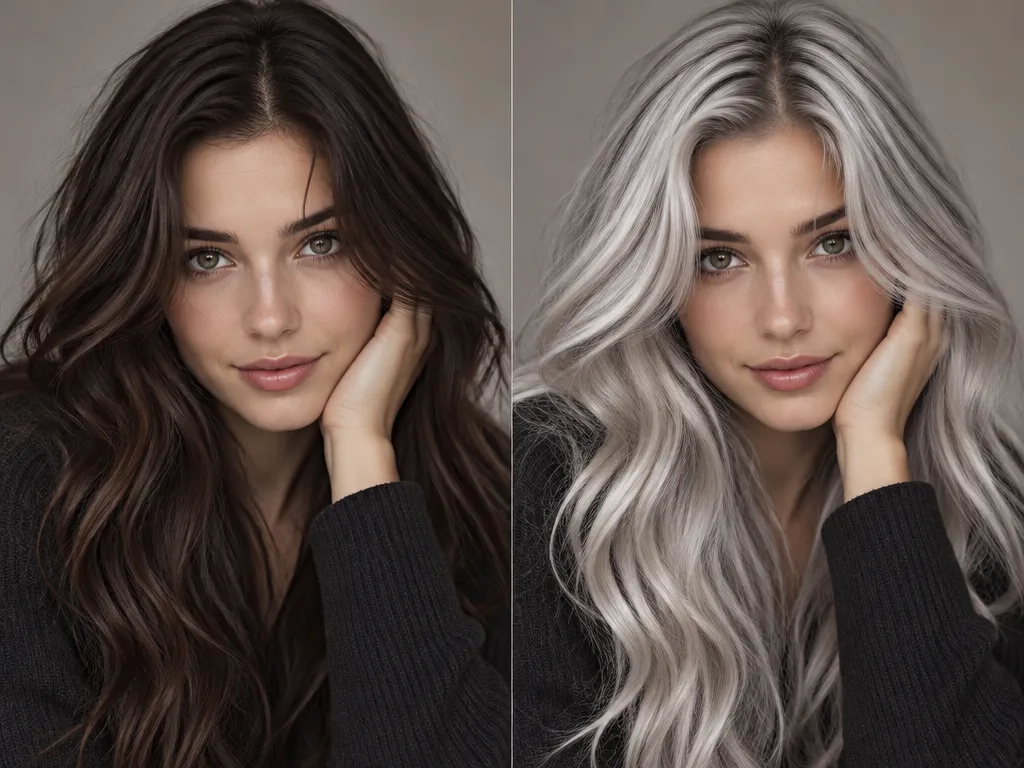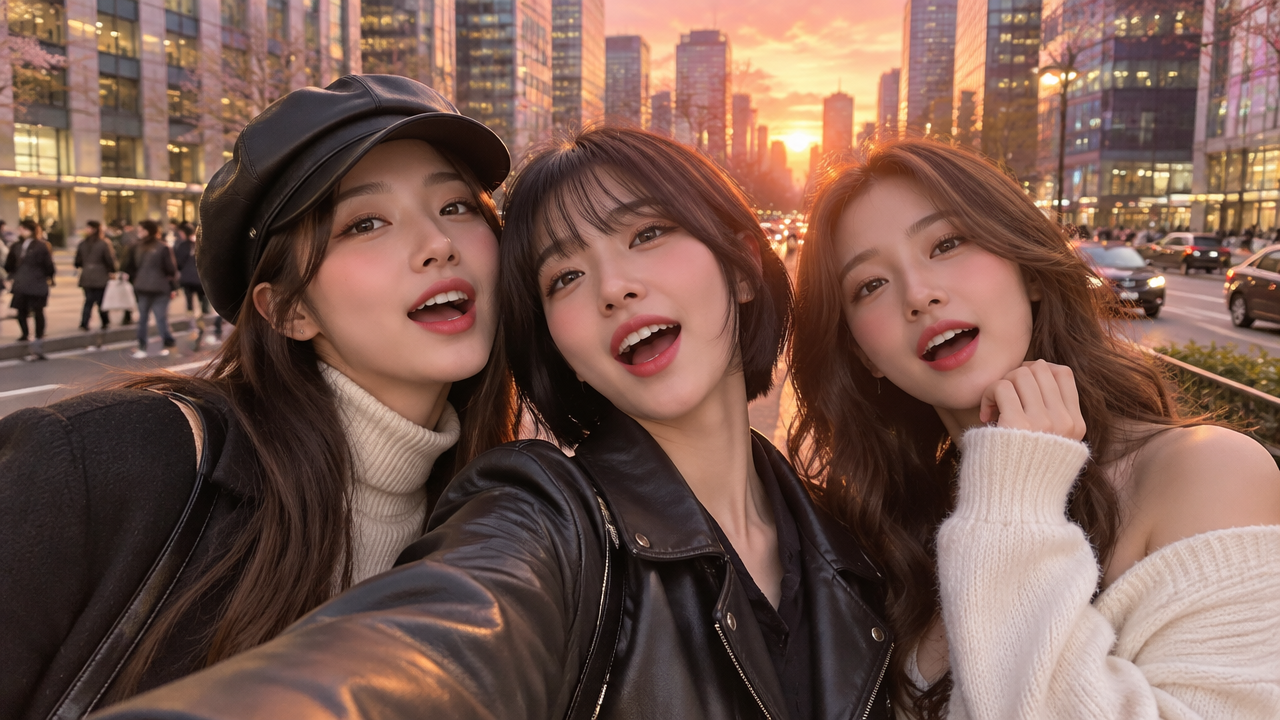
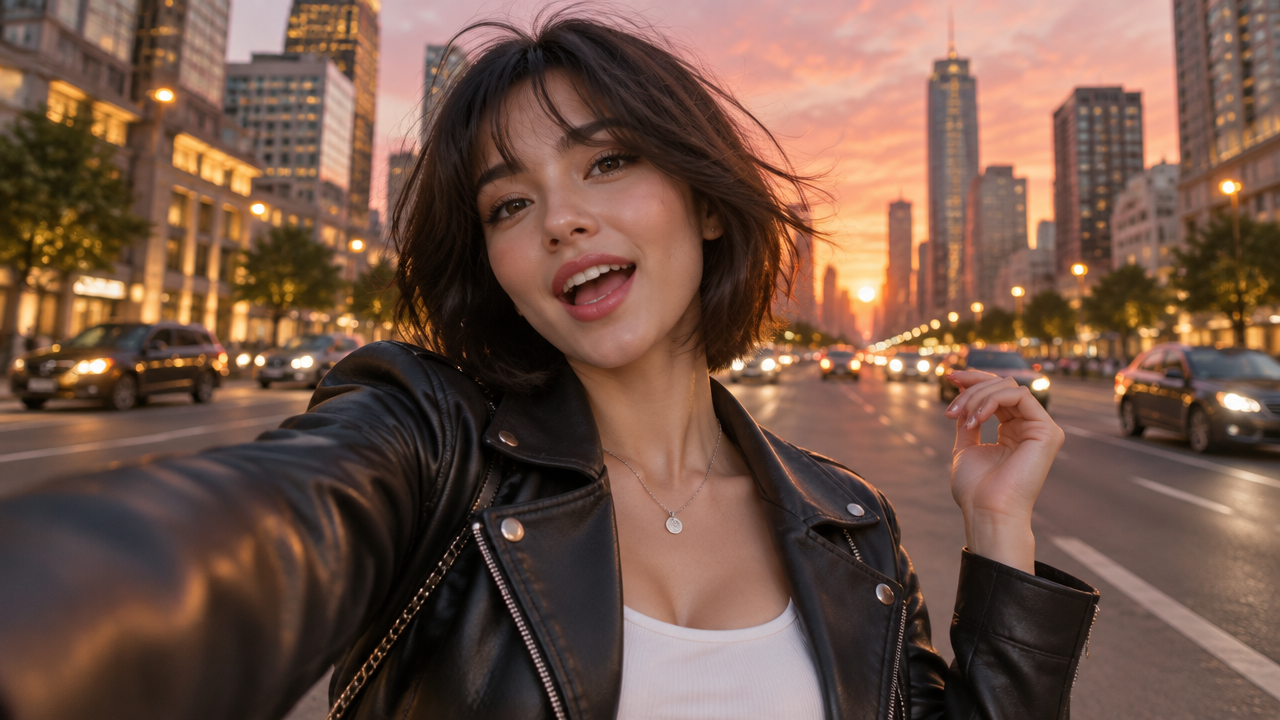
Want to create a viral Gangnam Style AI dance video from your photos? Easily animate selfies & group pictures with AI. Generate multi-person K-Pop dance videos for free!

Create Viral Gangnam Style AI Dance Videos Instantly

Upload your photos or selfies, and AI will instantly animate them into a dynamic Gangnam Style dance video. Perfect for social media trends, friends, and solo fun, no dance skills or complex editing required.

Animate Group Photos & Friends into a K-Pop Sensation

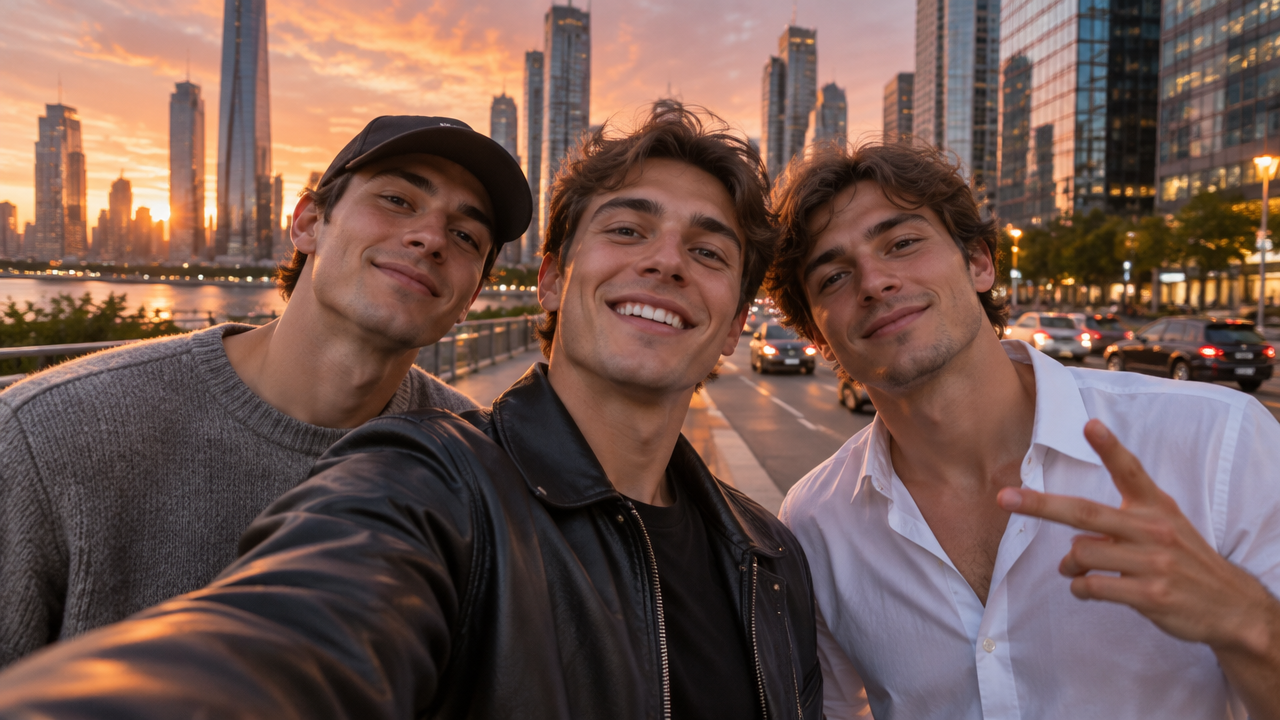
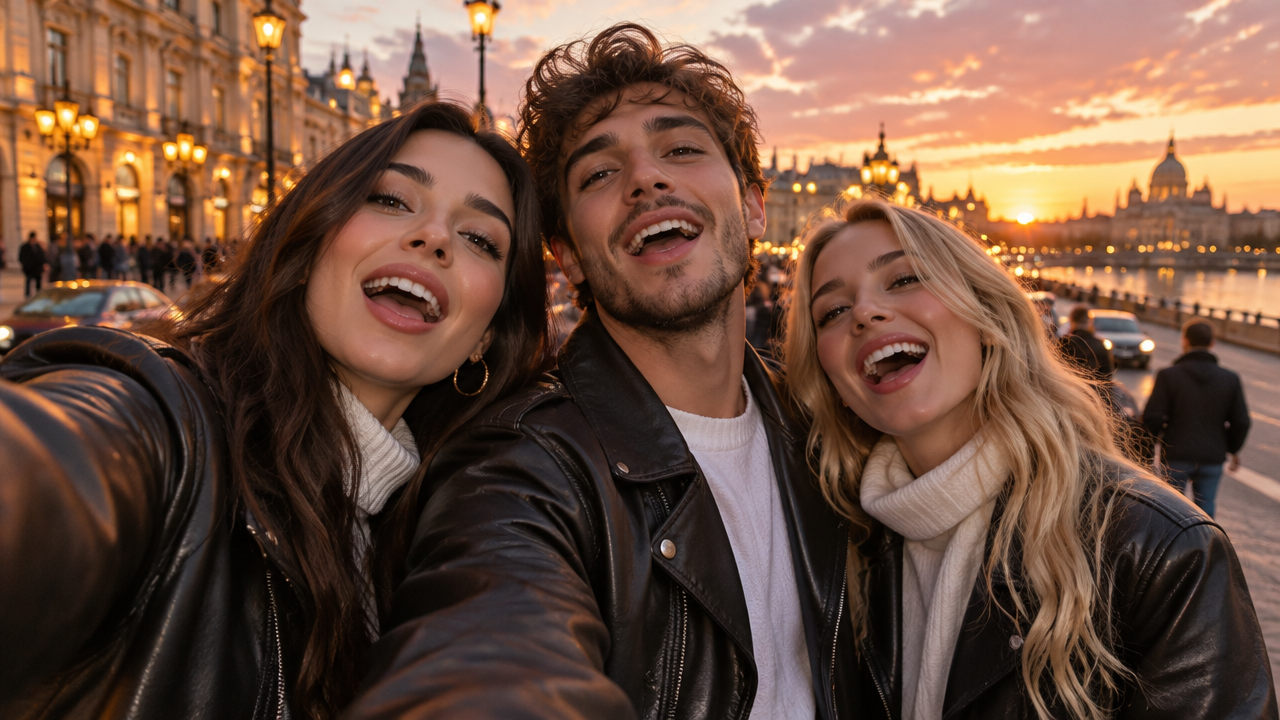
Don't let your group photos sit still! With our AI Gangnam Style Dance tool, effortlessly transform pictures of your three friends, family, or colleagues into a synchronized K-Pop dance video. Perfect for creating fun memories and sharing viral content.

Turn Your Selfie Camera Moments into Solo AI Dance Videos

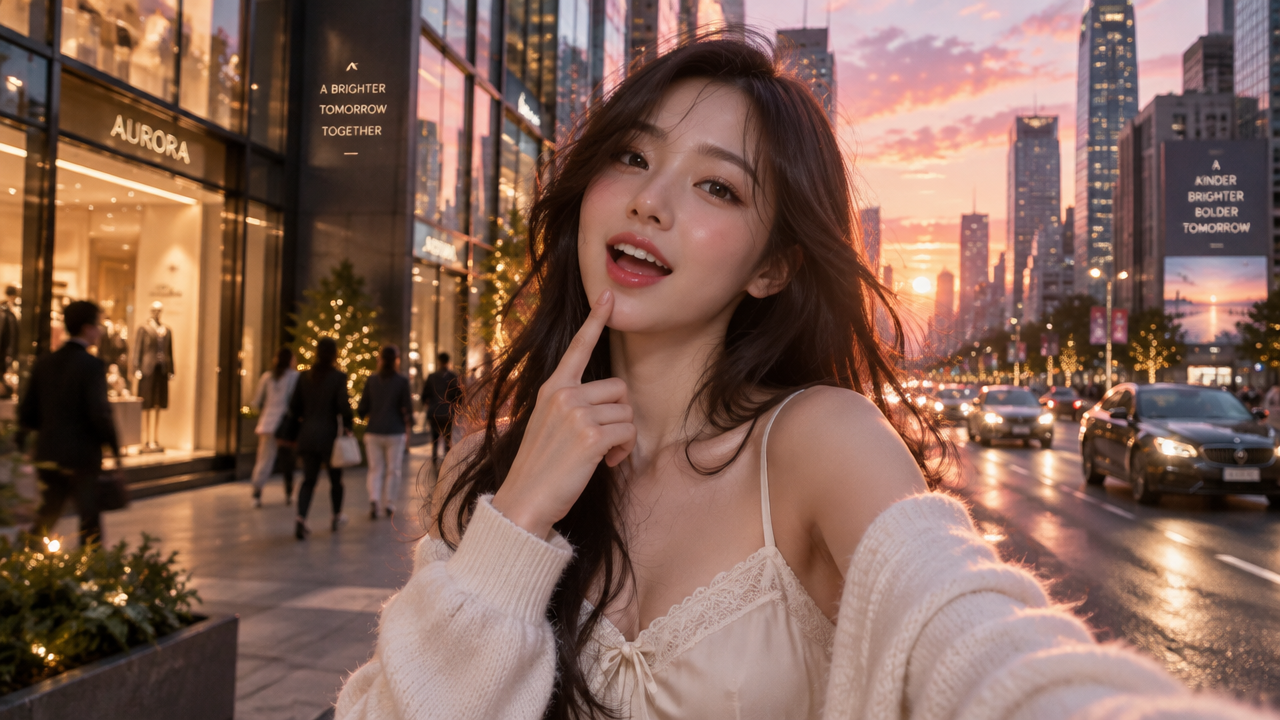
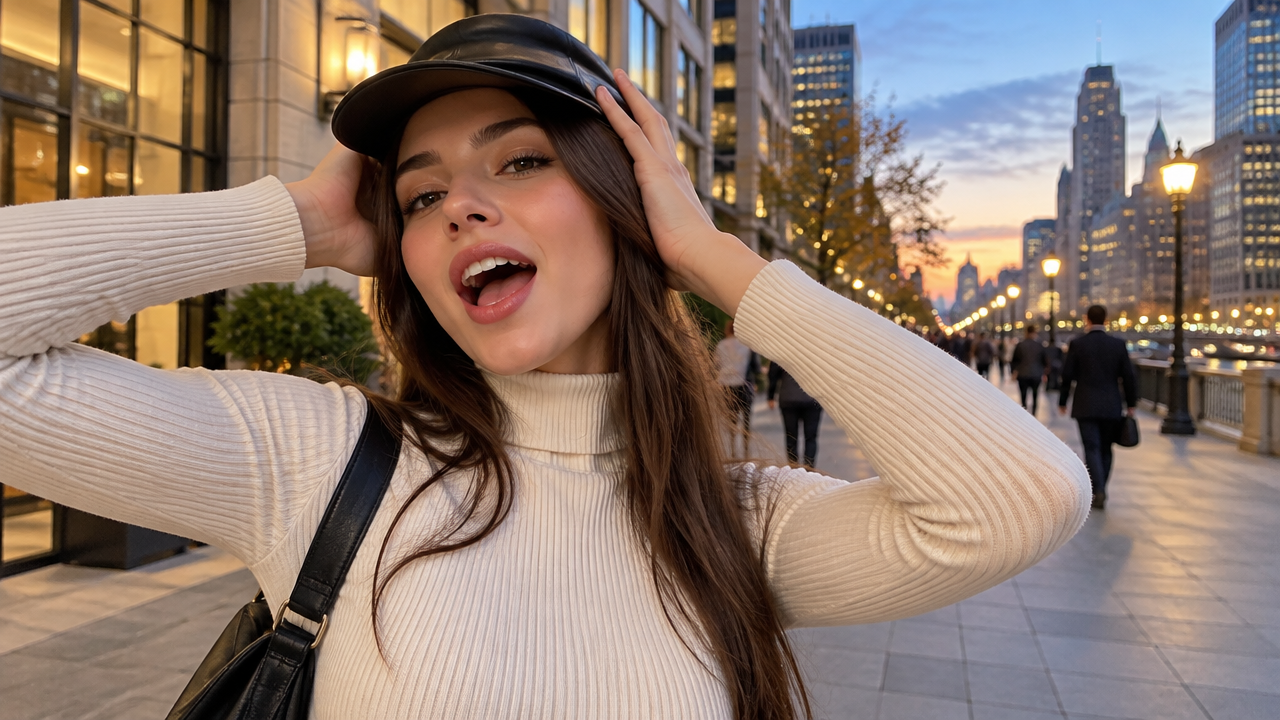
Captured a great selfie? Now bring it to life! Our AI makes it simple to transform your solo selfies into dynamic Gangnam Style dance videos, perfect for showing off your moves (or the AI's!) across social media.

Step into Seoul: Animate Your Photos with Iconic K-Pop Street Dance Vibes

Imagine your photos dancing on a bustling Seoul street at golden hour. Our AI brings that dream to life, effortlessly adding classic Gangnam Style horse dance and rhythmic head bobbing to your still images, complete with authentic street dance aesthetics.

Why Choose AIAI.com for Your Gangnam Style AI Dance?

Discover the ultimate tool for creating memorable Gangnam Style AI dance videos. We offer a seamless experience designed for everyone, ensuring your creations are safe, easy, and always accessible.

Free to use

Enjoy unlimited Gangnam Style AI dance video creation without any cost or hidden fees. Just upload and animate!

All private

Your photos and generated videos are kept completely private and secure. We never store or share your personal data.

Beginner-friendly

No prior editing experience or dance skills needed. Our intuitive interface makes creating AI dance videos simple for everyone.

Article

Why Use a Gangnam Style AI Dance Generator?

Unleash your creativity and join the global K-Pop phenomenon with our advanced Gangnam Style AI Dance Generator. This tool transforms your static images into captivating dance videos, making it accessible for everyone to produce professional-looking, viral content with ease.

  • **Effortless Video Creation:** No need for complex software or video editing skills. Simply upload your photos and let AI do the work.
  • **Join Viral Trends Instantly:** Quickly create trendy Gangnam Style content perfect for social media, keeping you and your friends relevant.
  • **Multi-Person & Solo Options:** Animate single selfies or group photos with ease, allowing for diverse creative possibilities.
  • **Iconic Dance Moves:** Get classic Gangnam Style horse dances, rhythmic head bobbing, and more, all generated automatically.
  • **Customizable Scenarios:** Choose from various backgrounds like Seoul street sunsets or create your own unique settings.
  • **High-Quality Output:** Generate crisp, smooth, and engaging AI dance videos ready for sharing on any platform.
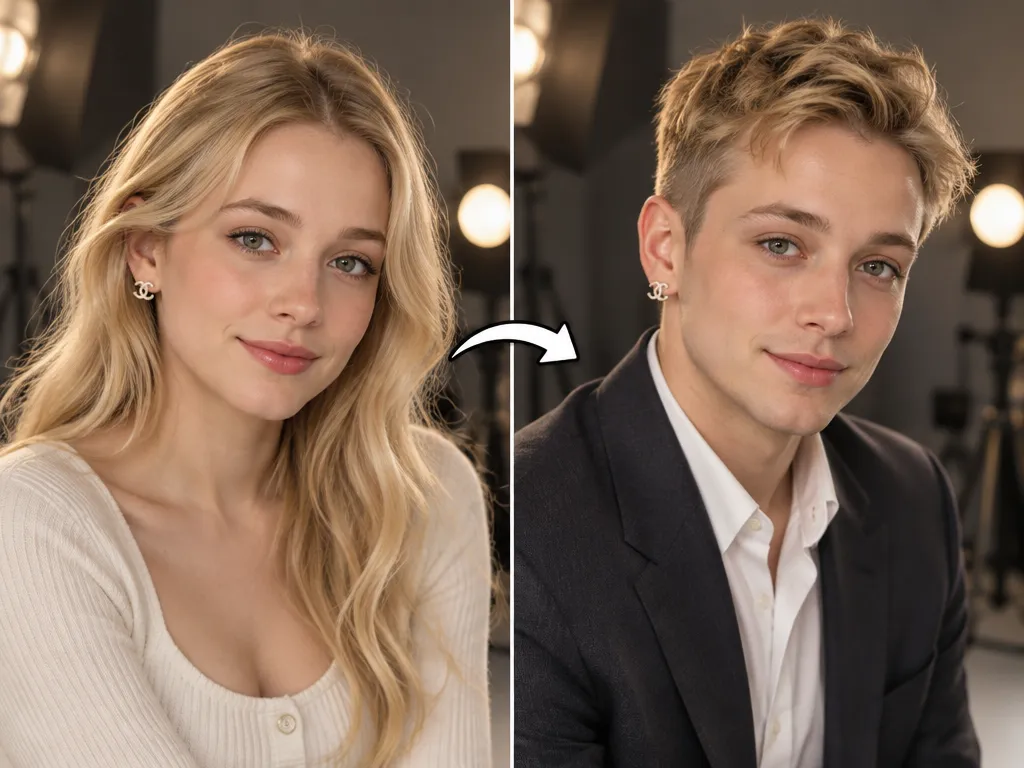
How to Create Your Gangnam Style AI Dance Video in 3 Easy Steps

Ready to animate your photos and join the Gangnam Style fun? Follow these simple steps to generate your personalized AI dance video in minutes!

  1. Schritt 1 / 3

    Schritt 1

    Upload Your Photos: Select one or multiple photos/selfies of yourself or your friends that you want to animate.

  2. Schritt 2 / 3

    Schritt 2

    Choose Your Gangnam Style: Select the Gangnam Style dance template or describe your desired scene (e.g., "three friends on Seoul street").

  3. Schritt 3 / 3

    Schritt 3

    Generate & Share: Click "Generate" and watch AI transform your images into a dance video. Download and share your creation!

Frequently Asked Questions About Gangnam Style AI Dance

You can use any clear photos or selfies, whether it's a solo shot, a group photo of three friends, or even professional portraits. Our AI is designed to work with various image types to animate your Gangnam Style dance.

So verwendest du den FAQ-Bereich

Navigiere mit der Tabulatortaste zwischen Fragen. Klappe Antworten mit der Eingabe- oder Leertaste auf oder zu. Wechsle mit den Pfeiltasten nach oben und unten zwischen Fragen.