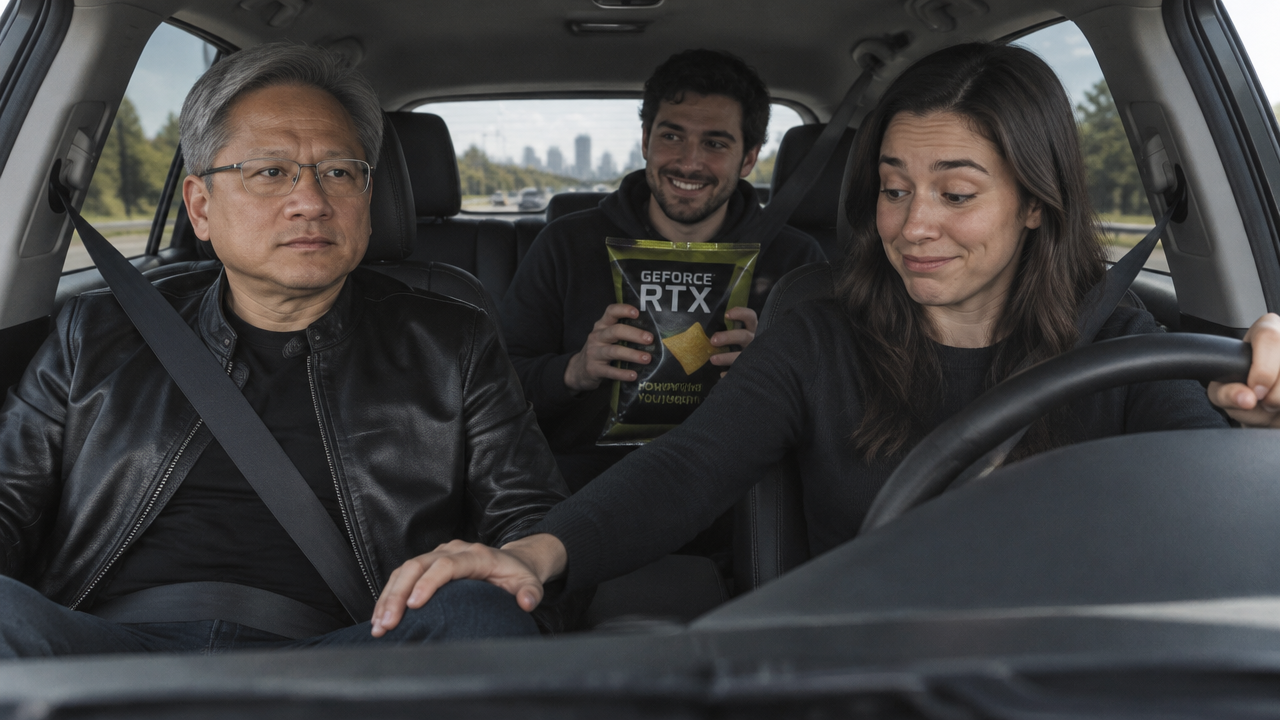


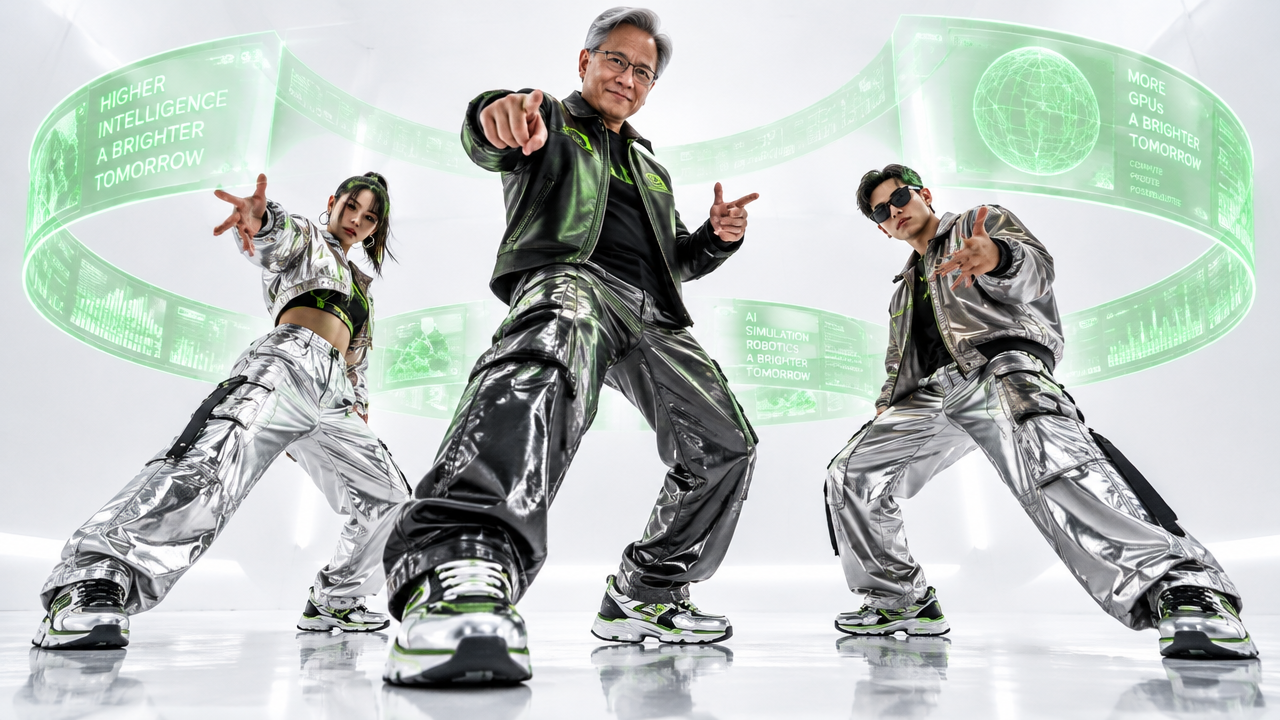
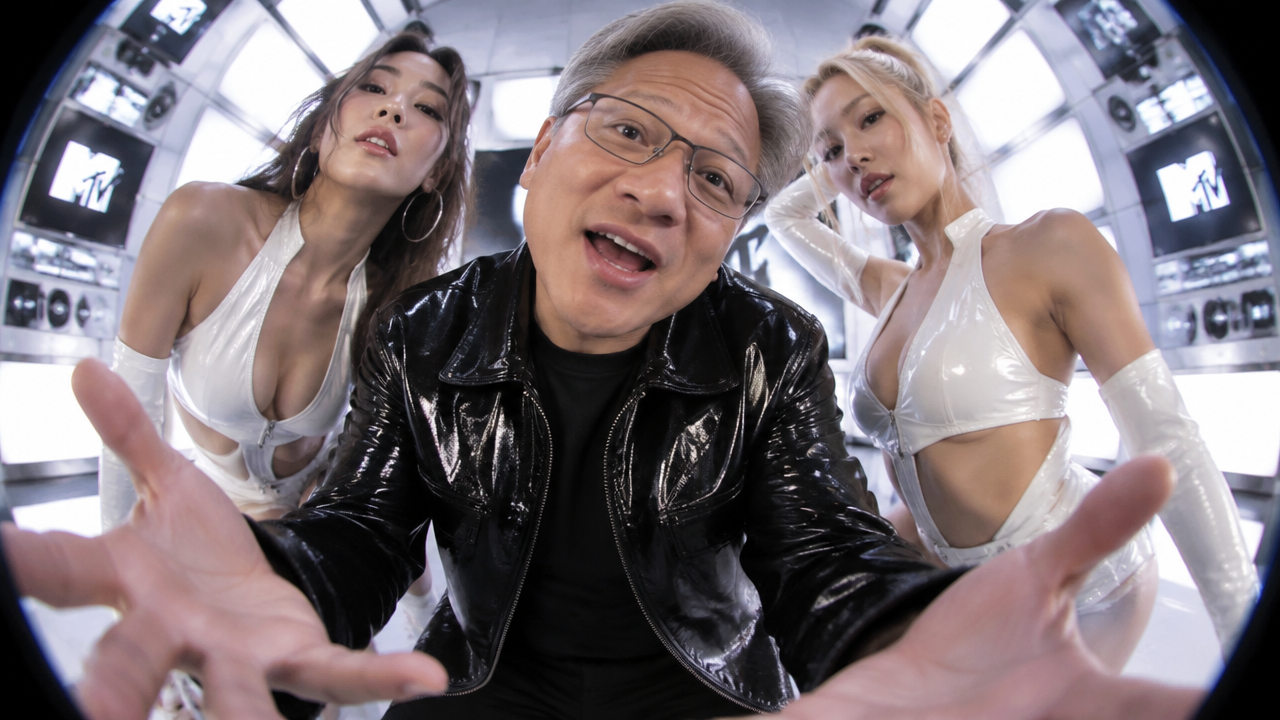

Want to join the Jensen Huang AI car meme trend? Generate your custom AI video with Nvidia CEO in the passenger seat instantly. Easy & free, try now!

Generate Your Jensen Huang AI Car Videos Instantly

Upload your photo or describe your scene, and our AI will create a viral Jensen Huang car clip in seconds. Perfect for trendsetters, marketers, and meme enthusiasts, no complex editing skills required.

Effortlessly Create Your Jensen Huang Car Meme Video

Stop wasting time on complex video editing software. Our intuitive AI tool simplifies the process, allowing you to generate stunning Jensen Huang car clips and memes in just a few clicks, without any prior experience.

Seamlessly Add Anyone to the Jensen Huang Passenger Seat

Want to put yourself, a friend, or another CEO in the car with Jensen Huang? Our AI maker makes it incredibly easy. Just upload a photo, and watch as our technology transforms it into a custom driving with Nvidia CEO scene.

High-Quality AI Jensen Huang Videos That Look Real

Don't settle for pixelated or unrealistic AI-generated content. Our advanced AI ensures that every Jensen Huang black leather jacket video or AI Jensen Huang car video you create is of superior quality, with natural movements and authentic details, ready for sharing.

Experience Worry-Free AI Video Creation

Our platform is designed for your convenience and peace of mind when creating viral Jensen Huang AI videos.

Free to use

Create your Jensen Huang AI videos without any cost or hidden fees. Enjoy full access to our powerful features and generate amazing content for free.

All private

Your custom Jensen Huang driving video creations remain entirely confidential. We prioritize your privacy and ensure your content is secure.

Beginner-friendly

Generate Jensen Huang car clips easily, even without prior video editing or AI experience. Our intuitive interface guides you every step of the way.

Article

Why Use a Jensen Huang AI Video Generator?

Harness the power of AI to effortlessly create captivating Jensen Huang AI videos and join the latest viral trends. Our generator simplifies complex video production, allowing anyone to produce engaging content in minutes, perfect for social media or personal entertainment. Break free from traditional editing constraints and explore limitless creativity with ease.

  • Instant Creation: Quickly generate Jensen Huang car clips and memes in seconds.
  • User-Friendly Interface: Create AI Jensen Huang videos with an intuitive design, no skills needed.
  • High-Quality Output: Get realistic Jensen Huang black leather jacket video effects and smooth animations.
  • Customizable Scenes: Easily put Nvidia CEO in car AI maker allows personalized driving scenarios.
  • Cost-Effective: Produce stunning Jensen Huang driving trend explained videos without expensive software.
  • Social Sharing Ready: Generate viral content like the Jensen Huang TikTok car meme instantly.

How to Make Your Jensen Huang AI Car Video in 3 Easy Steps

Follow these simple steps to generate your personalized Jensen Huang car video or car clip in minutes, turning your creative ideas into viral content effortlessly.

  1. Schritt 1 / 3

    Schritt 1

    Upload Your Photo or Choose a Template: Select an image of yourself or a desired subject to feature, or pick from our trending Jensen Huang car clip templates.

  2. Schritt 2 / 3

    Schritt 2

    Describe Your Scene: Briefly tell our AI what kind of Jensen Huang AI video or driving scenario you envision, including actions or background details.

  3. Schritt 3 / 3

    Schritt 3

    Generate and Share: Click 'Generate' to create your custom Jensen Huang driving video AI. Once ready, download and share your unique creation across social media!

Jensen Huang AI Video FAQs

The Jensen Huang AI video trend involves creating AI-generated videos, often featuring the Nvidia CEO in a car, riding as a passenger or driving, and wearing his iconic black leather jacket. It's a popular social media meme.

So verwendest du den FAQ-Bereich

Navigiere mit der Tabulatortaste zwischen Fragen. Klappe Antworten mit der Eingabe- oder Leertaste auf oder zu. Wechsle mit den Pfeiltasten nach oben und unten zwischen Fragen.