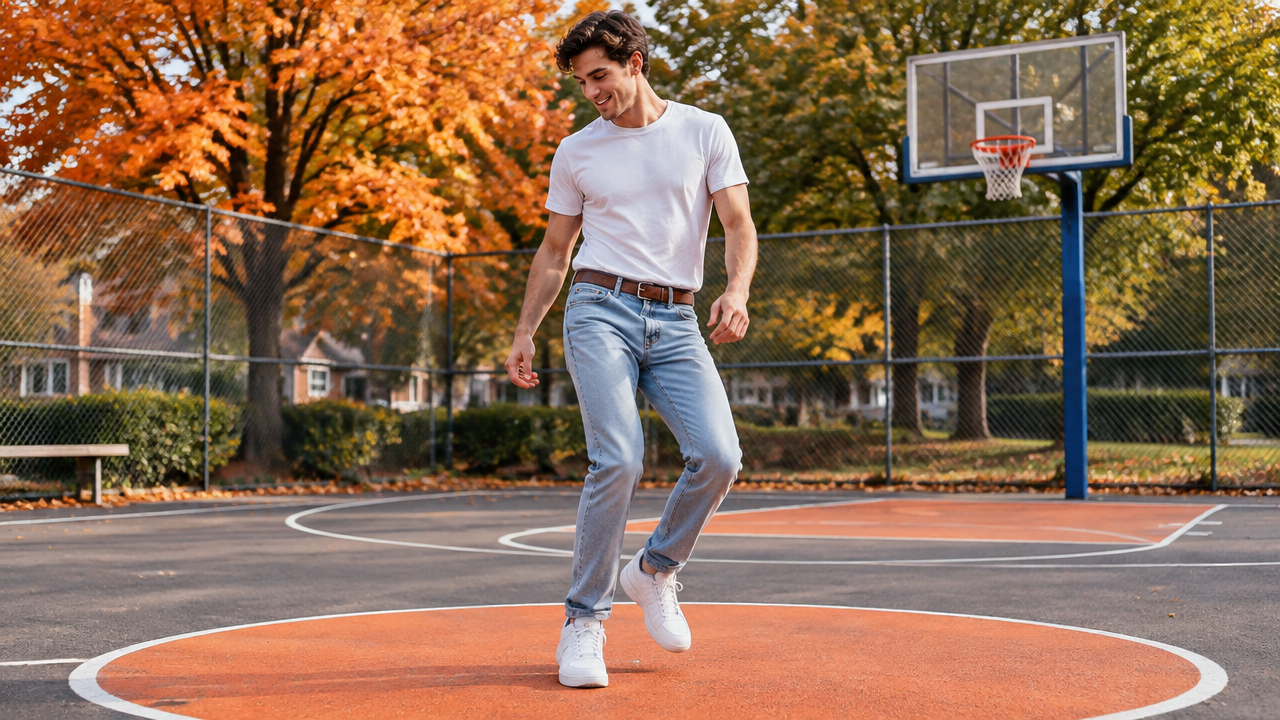
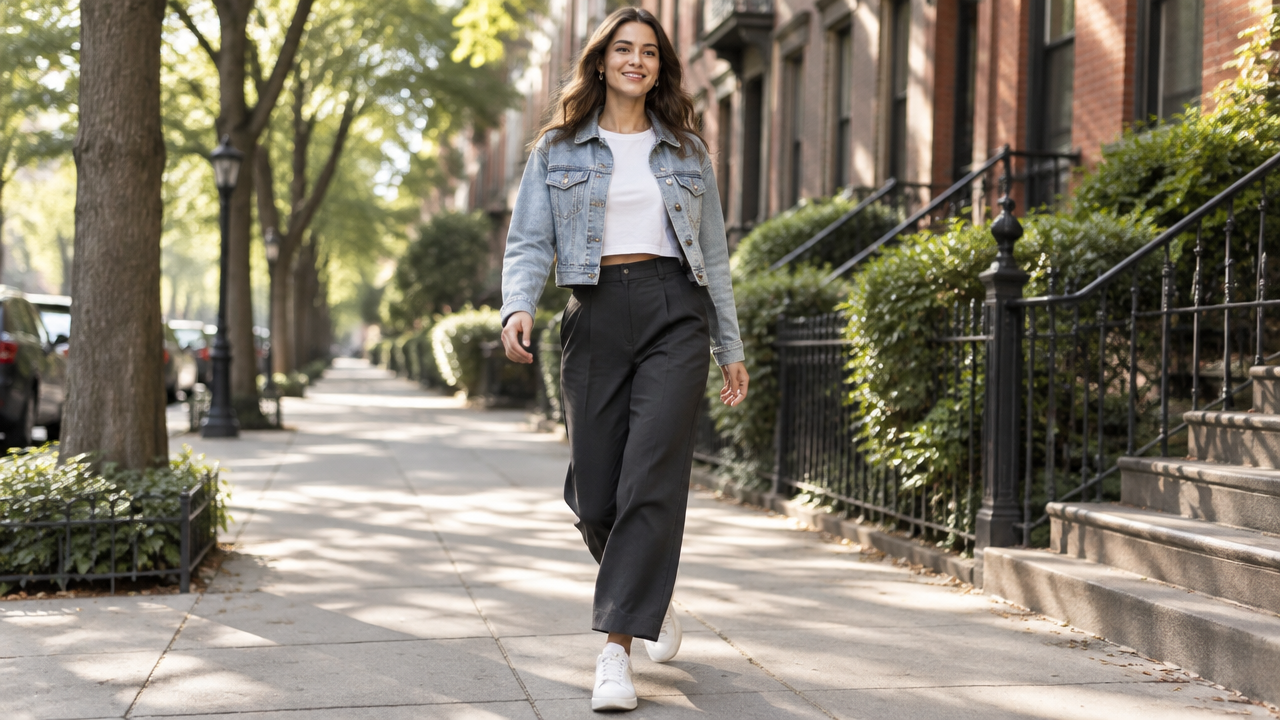
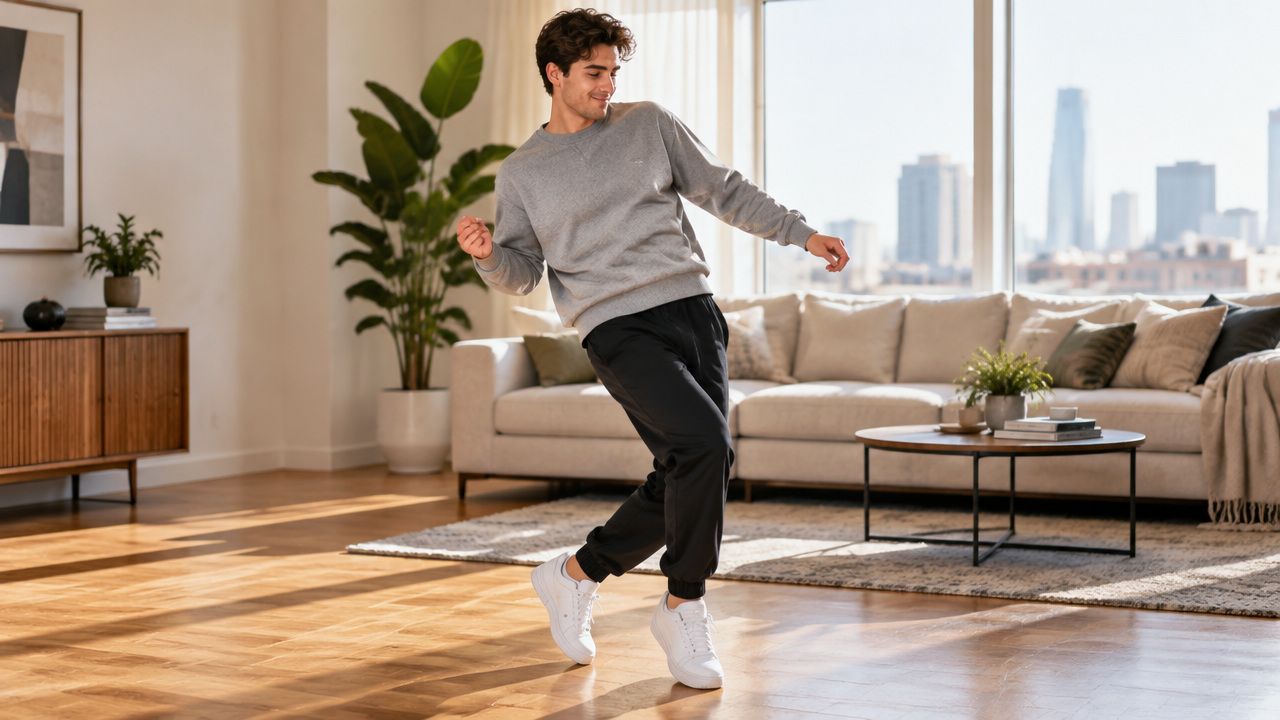
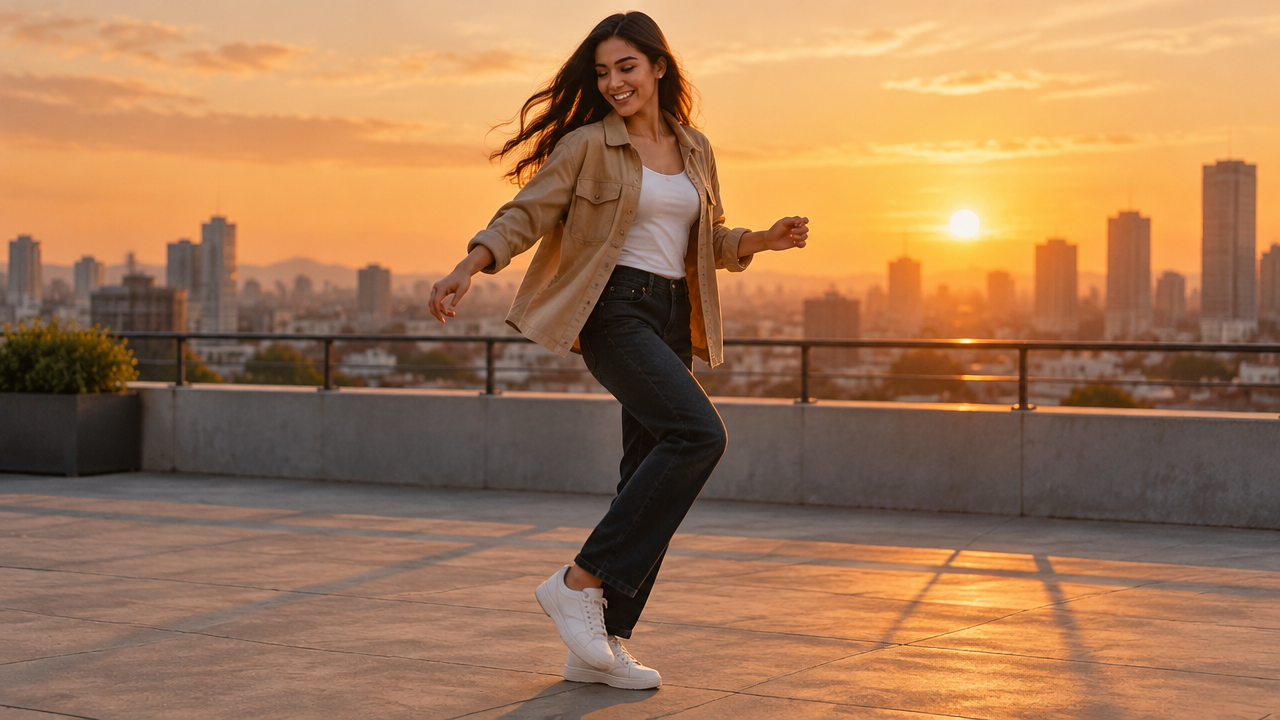

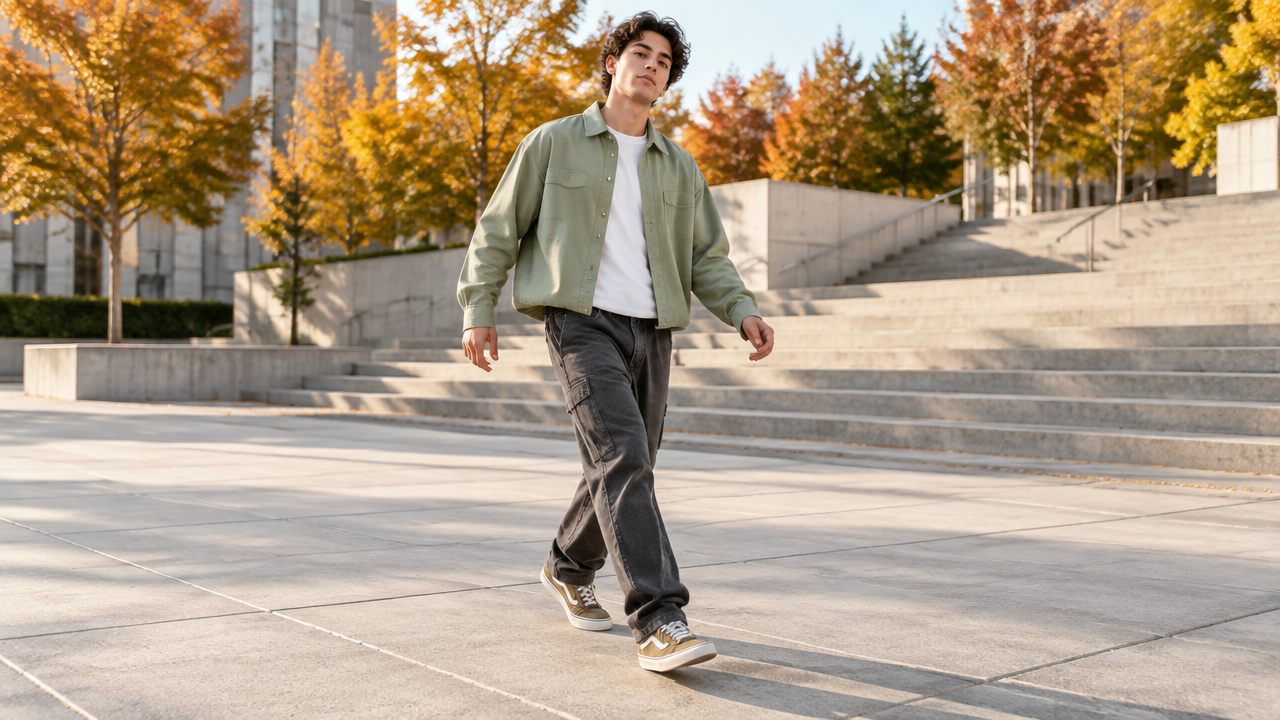
Want to create viral Keep On Steppin AI dance videos? Upload your photo or text, and our AI instantly animates it. Get smooth, trend-ready dance content for free, no skills needed.

Generate Keep On Steppin AI Dance Videos from Photos & Text

Upload your image or type a text prompt, and our AI will create a dynamic Keep On Steppin dance video within seconds. Perfect for trendsetters and content creators, no advanced editing skills required.

Transform Any Photo into a Dynamic Dance Video

Tired of static photos? With our intuitive AI, you can easily turn any picture into a captivating Keep On Steppin dance video. Just upload, and watch your memories come to life with fluid, professional-looking movements, no complex software required.

Master the Keep On Steppin Trend with AI Power

Join the viral sensation effortlessly! Our AI video maker provides all the tools you need to create trend-ready Keep On Steppin content. Say goodbye to endless editing and complex tutorials – simply generate and share your stunning dance videos.

Unleash Your Creativity with Custom Dance Prompts

Don't just generate, create! Our tool offers flexible options to control your Keep On Steppin AI dance videos using detailed text prompts. Experiment with character styles, backgrounds, and specific movements to bring your unique vision to life with precision.

Effortless Creation, Complete Control & Privacy

Discover why millions choose AIAI.com for their creative needs. We offer a seamless experience designed with you in mind.

Free to Use

Get started with your Keep On Steppin AI dance videos without any cost. Access powerful generation features absolutely free.

All Private

Your creations are yours alone. We ensure strict privacy for all your uploads and generated content.

Beginner-Friendly

No technical skills? No problem! Our intuitive interface makes AI dance video creation simple for everyone.

Article

Why Use a Keep On Steppin AI Dance Generator?

The Keep On Steppin trend has taken the internet by storm, and creating your own version has never been easier. An AI dance generator allows anyone, regardless of their video editing experience, to animate characters, photos, or even text prompts into dynamic and engaging dance sequences. It's the perfect tool for content creators, social media enthusiasts, and anyone looking to add a unique twist to their digital presence.

  • **Effortless Trend Participation:** Quickly create your own Keep On Steppin AI video without complex software or dance skills.
  • **Boost Engagement:** Generate eye-catching, unique content that stands out on social media platforms.
  • **Creative Freedom:** Transform photos, 3D avatars, anime characters, or text prompts into custom dance animations.
  • **Time & Cost Saving:** Avoid expensive production tools or hours of manual editing with instant AI generation.
  • **High-Quality Motion:** Enjoy smooth footwork and realistic dance movements powered by advanced AI algorithms.
  • **User-Friendly Interface:** Designed for beginners, making the process of generating AI dance content simple and accessible.


How to Create Your Keep On Steppin AI Dance Video in 3 Easy Steps

Ready to animate your photos or text? Follow these simple steps to generate your first Keep On Steppin AI dance video instantly.

  1. Schritt 1 / 3

    Schritt 1

    Upload or Describe: Choose to upload a photo/video or type a creative text prompt for your desired dance.

  2. Schritt 2 / 3

    Schritt 2

    Generate Your Dance: Click the "Generate" button. Our AI will quickly process your input and create the Keep On Steppin dance.

  3. Schritt 3 / 3

    Schritt 3

    Download & Share: Preview your AI-generated dance video, then download it in high quality and share it across your social media.

Frequently Asked Questions About Keep On Steppin AI Dance

Yes! You can generate and download your Keep On Steppin AI dance videos completely free of charge. No hidden fees or subscriptions are required to create basic videos.

So verwendest du den FAQ-Bereich

Navigiere mit der Tabulatortaste zwischen Fragen. Klappe Antworten mit der Eingabe- oder Leertaste auf oder zu. Wechsle mit den Pfeiltasten nach oben und unten zwischen Fragen.