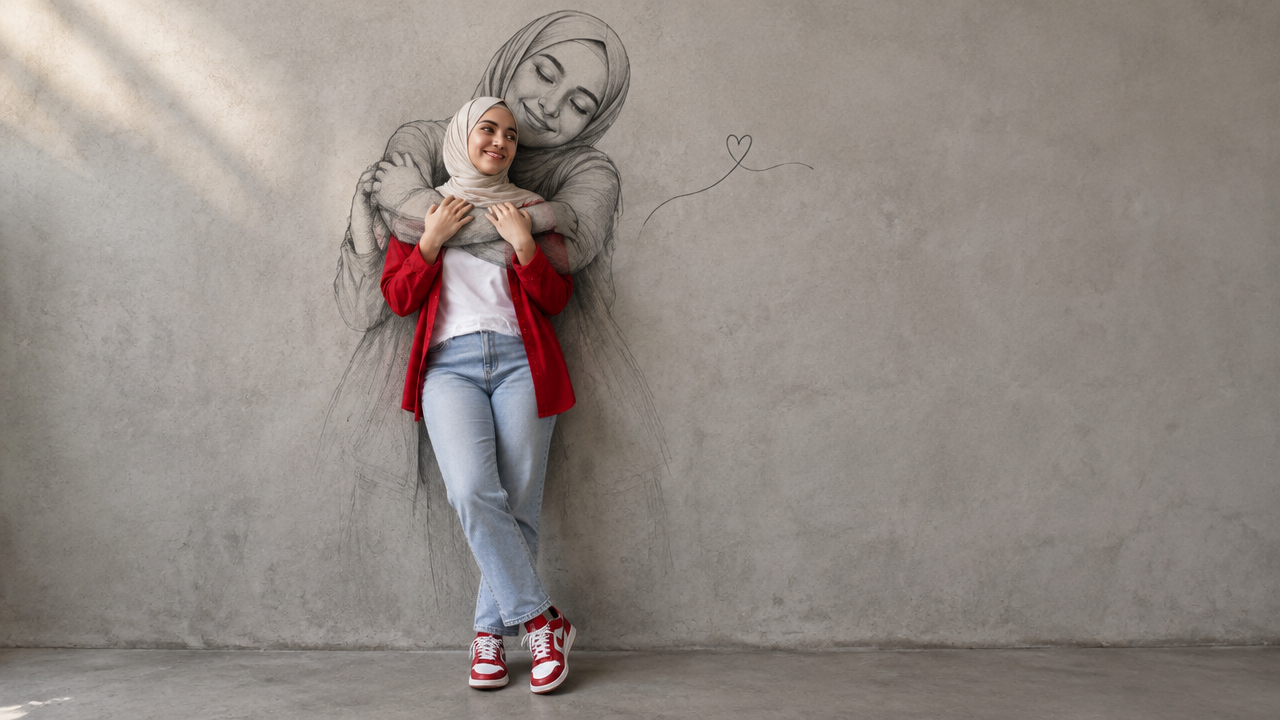
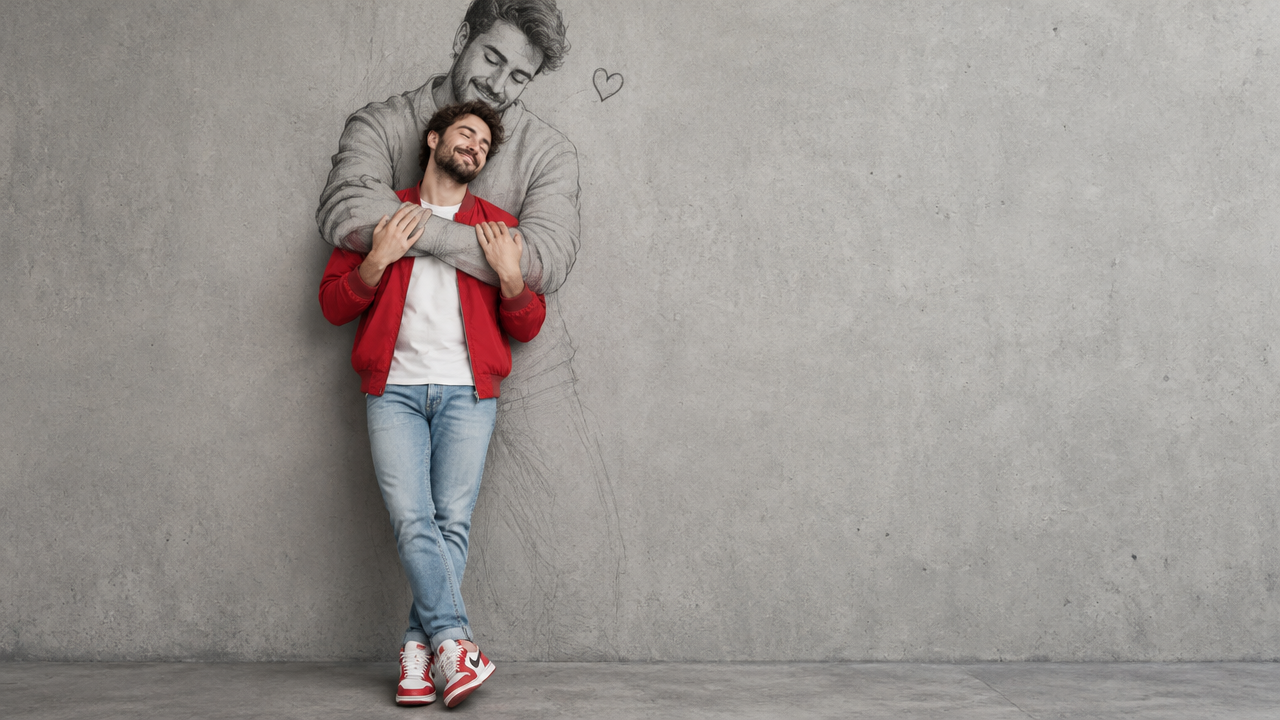
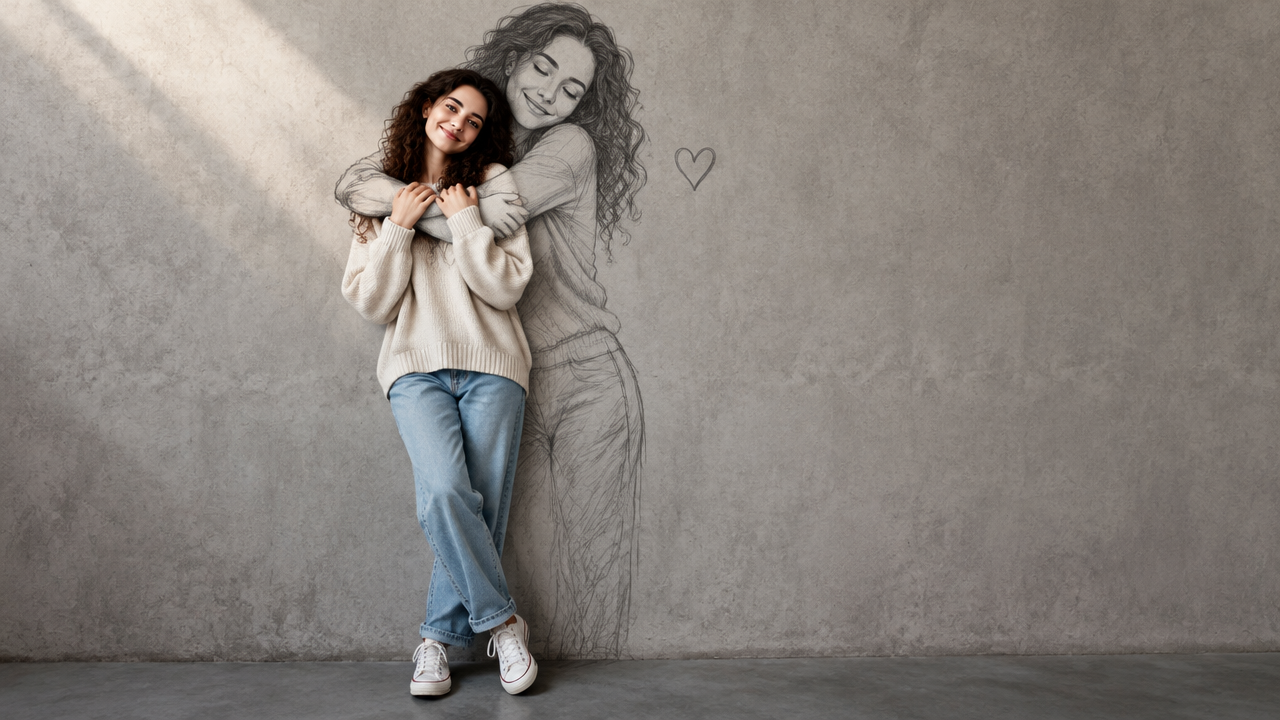

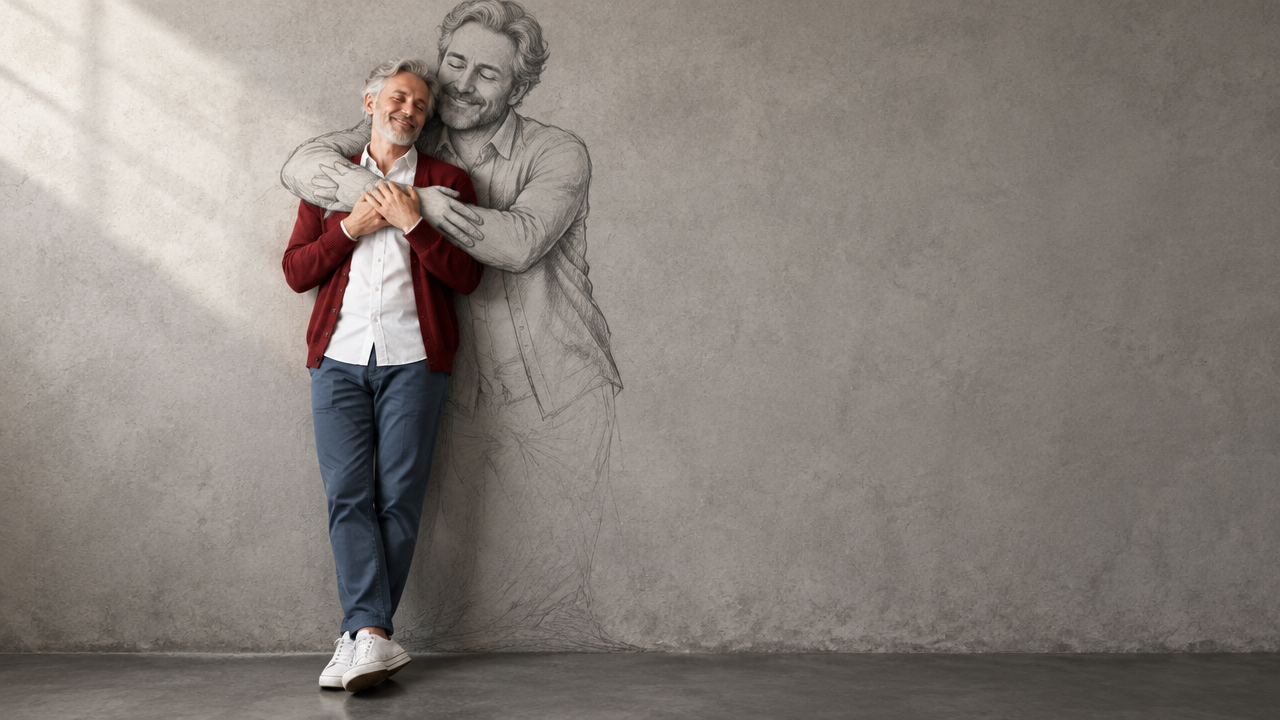

Want a unique Self Hug Sketch photo? Upload your picture to our AI tool, generate an artistic graphite sketch hugging you. Free, fast, and no registration needed.

Create Your Self Hug Sketch AI Trend Photo

Upload your photo, and our AI will instantly transform it into a stunning Self Hug Sketch. Perfect for unique profile pictures or expressing self-love, no artistic skills required.

Effortless Creation: Skip the Complex Drawing Software

Tired of complicated design tools or lacking artistic skills to create the trendy Self Hug Sketch? Our AI handles the intricate blending, letting you achieve professional results in seconds.

Custom Self Portrait Sketch Hug: Make It Uniquely Yours

Don't settle for generic templates. Our AI self hug sketch photo generator allows you to transform your selfie into a custom graphite sketch, ensuring your "Embrace of my own self" art piece truly reflects you.

Join the Trend: Self Hug Sketch AI Trend Made Simple

Participate in the viral Embrace of my own self trend effortlessly. Our tool simplifies the process of getting a real photo hugged by sketch, allowing you to share your unique artistic self-portrait in minutes.

Create with Confidence: Your AI Self Hug Sketch Journey

Experience a seamless and secure creation process. Our AI self hug sketch photo generator is designed with your privacy and ease of use in mind, making artistic expression accessible to everyone.

Free to Use

Generate stunning Self Hug Sketch photos without any cost or hidden fees. Experience premium AI effects for free.

All Private

Your uploaded photos and generated sketches are completely private and secure. We never store or share your personal data.

Beginner-Friendly

No prior design experience needed. Our intuitive interface makes creating your giant pencil drawing hugging me photo simple for everyone.

Article

Why Use a Self Hug Sketch AI Trend Generator?

The `Self Hug Sketch AI Trend` has captivated social media, offering a unique way to express self-love and creativity. Our AI tool streamlines the process, allowing anyone to effortlessly blend their real photo with a mesmerizing sketch. Whether you're aiming for an `emotional self embrace art pose` or a striking `graphite sketch hugging real person`, our generator delivers artistic results without the hassle. It's more than just a filter; it's a powerful tool for personal expression and digital art creation.

  • **Instant Transformation:** Generate your `self hug sketch photo effect` in seconds.
  • **Artistic Versatility:** Achieve styles from `giant pencil drawing hugging me` to subtle `pencil sketch hug`.
  • **User-Friendly Interface:** No complex software, just simple steps to `add photo to wall sketch hug trend AI`.
  • **Trend Participation:** Easily create content for the `Embrace of my own self meme` and other viral trends.
  • **Privacy Assured:** Your personal photos remain private, ensuring a secure creation experience.
  • **Cost-Effective:** Access premium features to `generate sketch hugging real person AI` for free.

How to Create Your Self Hug Sketch Photo in 3 Simple Steps

Ready to join the Self Hug Sketch AI trend? Follow these easy steps to transform your selfie into a personalized artistic sketch hug in minutes.

  1. Schritt 1 / 3

    Schritt 1

    Upload Your Photo: Click "Upload Image" and select the picture you want to transform into a real photo hugged by sketch.

  2. Schritt 2 / 3

    Schritt 2

    Customize Your Sketch: Adjust settings or add prompts to achieve your desired graphite sketch hugging real person style.

  3. Schritt 3 / 3

    Schritt 3

    Generate & Download: Hit "Generate" and watch our AI create your Self Hug Sketch. Download your unique art instantly!

Self Hug Sketch AI Trend FAQs

Yes, our AI self hug sketch photo generator allows you to create high-quality self hug sketch photos completely free, with no hidden costs or subscriptions.

So verwendest du den FAQ-Bereich

Navigiere mit der Tabulatortaste zwischen Fragen. Klappe Antworten mit der Eingabe- oder Leertaste auf oder zu. Wechsle mit den Pfeiltasten nach oben und unten zwischen Fragen.