



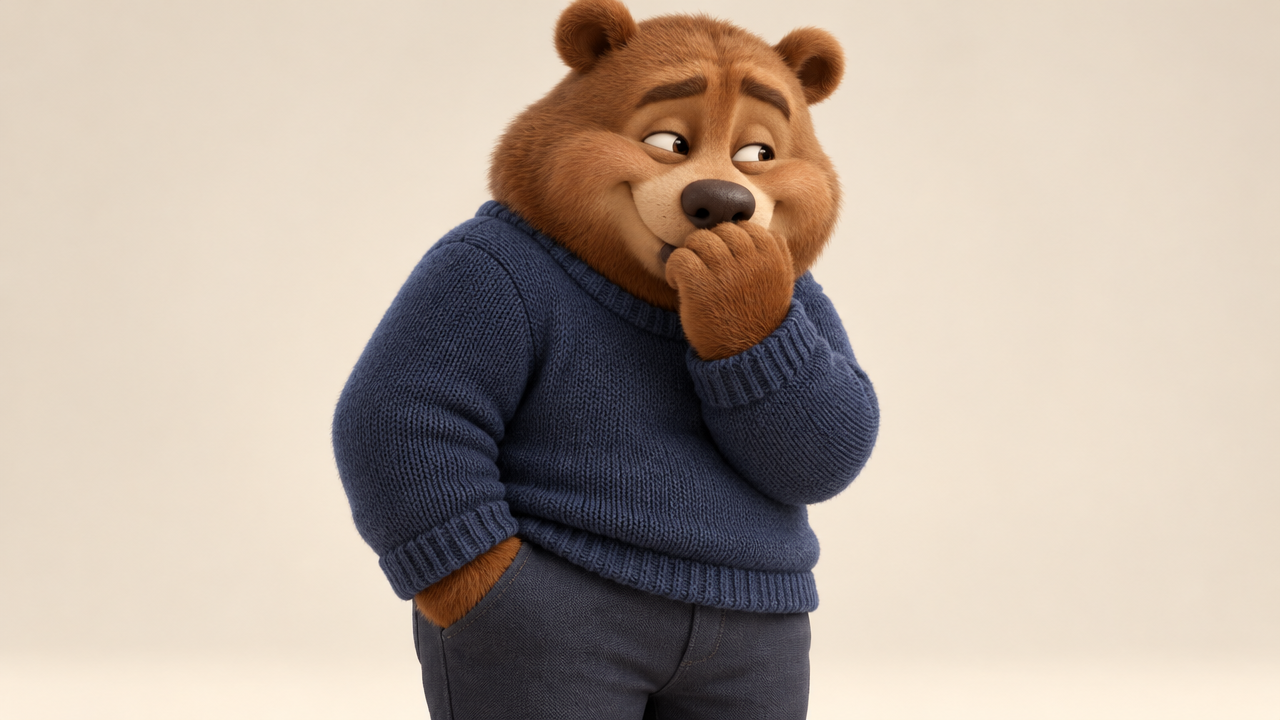

Create viral "You Tweaking AI Trend" videos instantly! Upload photos, choose templates, and get AI-generated memes for social media. Fast, free, no watermark!

Generate Viral You Tweaking AI Trend Videos & Memes Instantly

Input your ideas, upload photos, or select a template. Our AI will transform them into trending "Oh He Tweakin'" videos and memes in seconds, perfect for social media. No complex editing skills or downloads required.

Transform Photos into "Oh He Tweakin'" AI Videos

Don't have a video? No problem! Simply upload your favorite photos and let our AI bring them to life with the popular "You Tweaking" effect. Create dynamic, engaging clips that perfectly capture the trend, even from static images.

Easy-to-Use Templates for Instant Viral Content

Skip the complex editing! Our diverse library of "You Tweaking AI Trend" templates, including the famous 360 handbag spin and various face swap options, makes creation effortless. Just choose a template, add your content, and go viral.

Create Unique "Oh He Tweakin'" Skits & Pranks

Go beyond simple effects! With our AI, you can generate full-fledged "You Tweaking" skits, funny dating show memes, or personalized prank videos. Whether it's a couple's animation or a solo twist, unleash your creativity for truly original content.

Seamless & Secure AI Video Creation

Experience hassle-free "Oh He Tweakin'" video generation with features designed for everyone.

Free to use

Generate your first "You Tweaking" videos without any cost. Access essential features for free.

All private

Your uploaded photos and generated "Oh He Tweakin'" videos are kept 100% confidential. Your privacy is our priority.

Beginner-friendly

No prior video editing experience? No problem! Our intuitive interface makes creating "You Tweakin'" trends easy for everyone.

Article

Why Use a You Tweaking AI Trend Generator?

The "You Tweaking" or "Oh He Tweakin'" trend has taken social media by storm, offering a fun and engaging way to express creativity. Our AI Trend Generator allows anyone to easily create these viral videos and memes, transforming everyday content into shareable masterpieces. Whether you're aiming for humor, relatability, or pure entertainment, our tool provides the power to bring your ideas to life.

  • **Effortless Creation:** Generate "Oh He Tweakin'" videos with just a few clicks, no complex software needed.
  • **Stay Relevant:** Jump on the latest "You Tweaking" trends and keep your content fresh and engaging.
  • **Boost Engagement:** Viral AI content is proven to capture attention and increase interactions on social media.
  • **Unleash Creativity:** Experiment with various scenarios, from pet versions to custom handbag spins, and make it uniquely yours.
  • **High-Quality Output:** Enjoy HD "You Tweaking" videos without watermarks, perfect for professional-looking posts.
  • **Time-Saving:** Drastically cut down on video production time, letting you focus on content ideas.

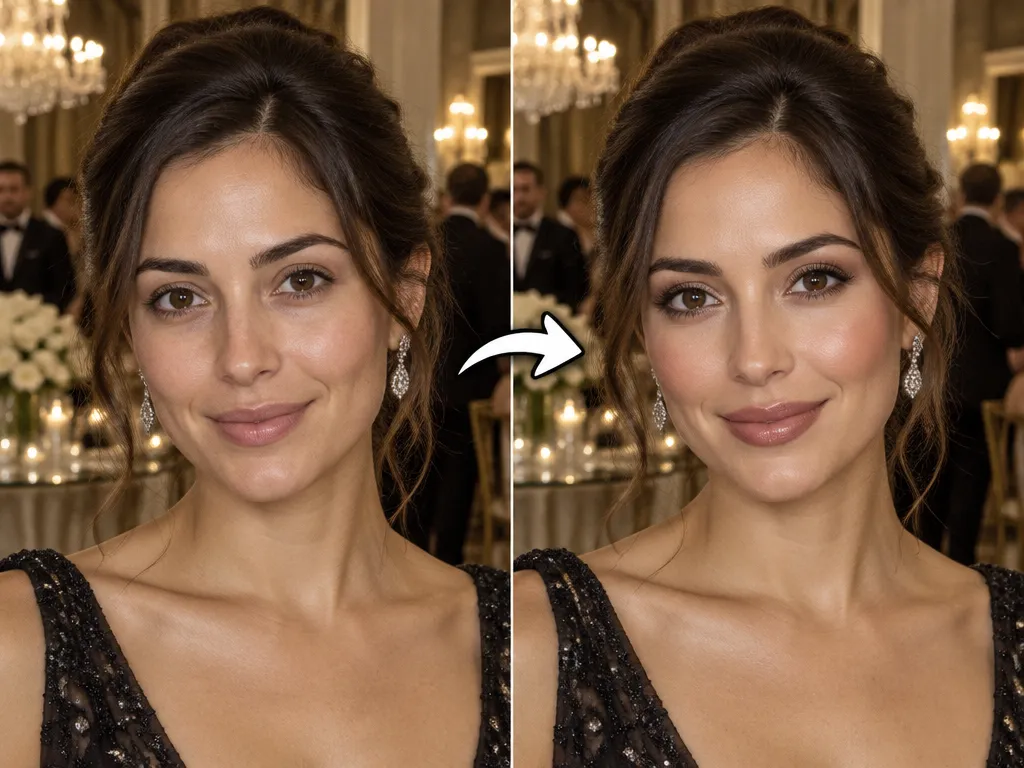
How to Create "You Tweaking" AI Trend Videos in 3 Simple Steps

Ready to join the viral "Oh He Tweakin'" trend? Follow these quick and easy steps to generate your personalized AI video masterpiece.

  1. Schritt 1 / 3

    Schritt 1

    Upload Your Media: Start by uploading photos or a short video clip you want to "tweak."

  2. Schritt 2 / 3

    Schritt 2

    Choose Your Trend: Select from various "You Tweaking" styles, templates, or describe your desired effect with a prompt.

  3. Schritt 3 / 3

    Schritt 3

    Generate & Share: Click generate! Our AI will process your content, and you can then download your "Oh He Tweakin'" video instantly.

Frequently Asked Questions About You Tweaking AI Trend Videos

The "You Tweaking" or "Oh He Tweakin'" AI Trend is a popular social media phenomenon where AI is used to create humorous and exaggerated video effects, often involving facial distortions or object spins, making content go viral. It's essentially an AI filter that produces comical animations.

So verwendest du den FAQ-Bereich

Navigiere mit der Tabulatortaste zwischen Fragen. Klappe Antworten mit der Eingabe- oder Leertaste auf oder zu. Wechsle mit den Pfeiltasten nach oben und unten zwischen Fragen.