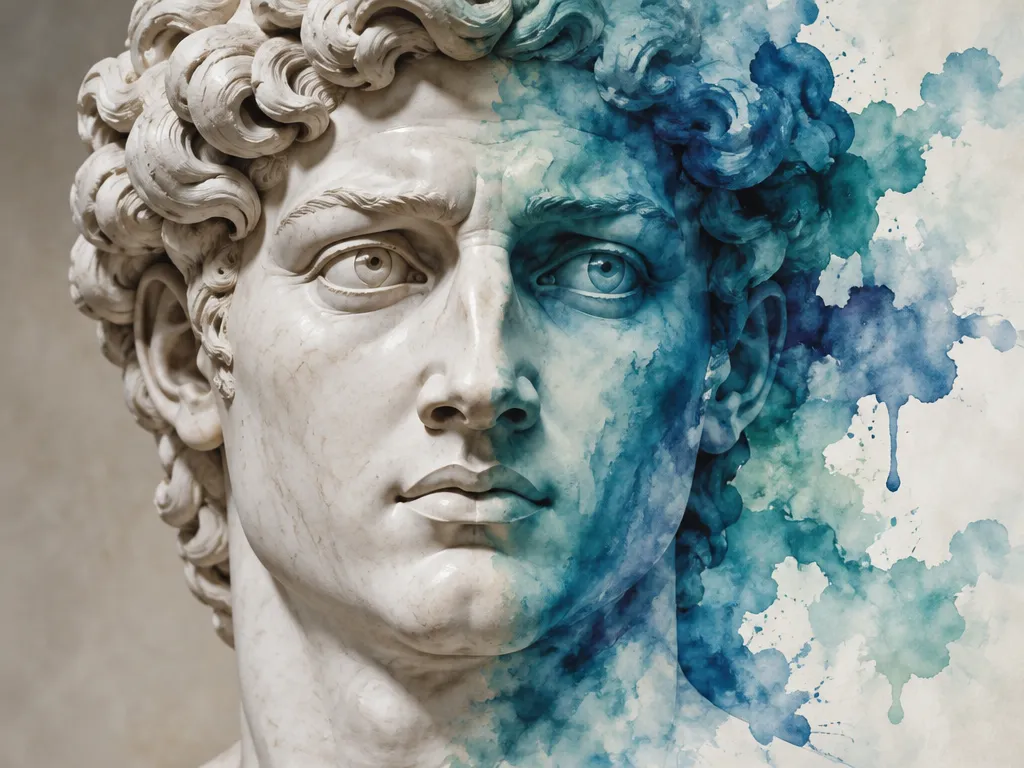
AI Cosplay Portrait Generator: Create Epic AI Art from Photos | AIAI.com

Transform your photos into stunning AI cosplay portraits and anime cosplay art with our free online generator. Unleash your inner hero today!

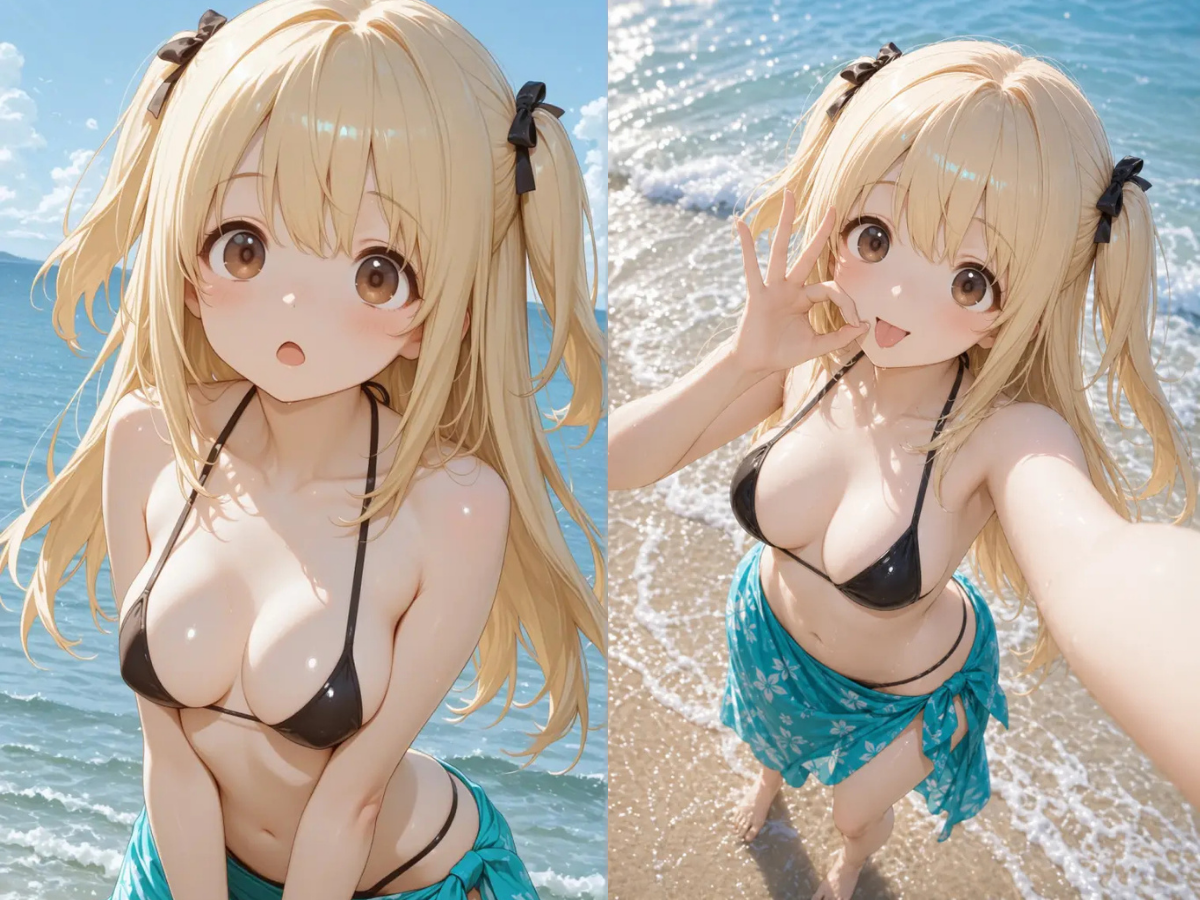
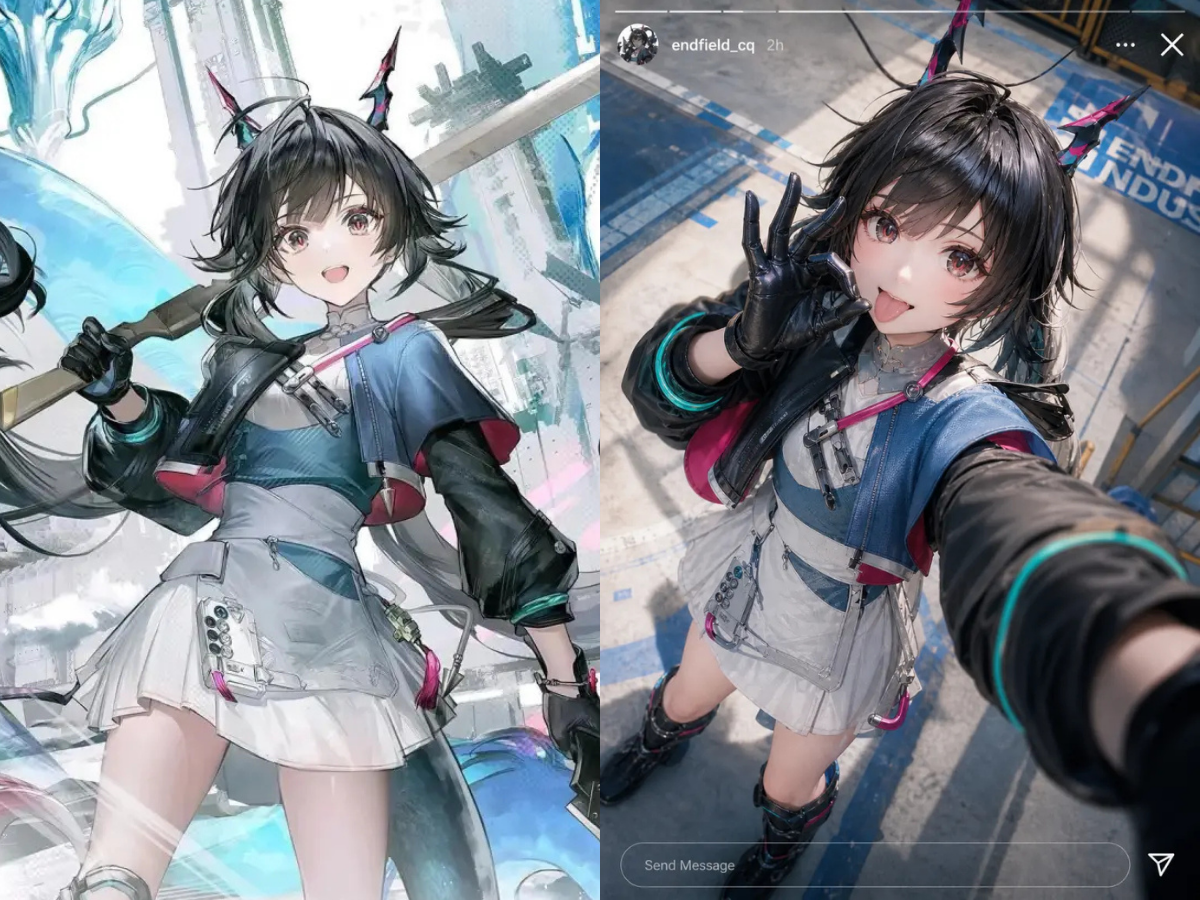
Generate Unique AI Anime Cosplay from Your Photos

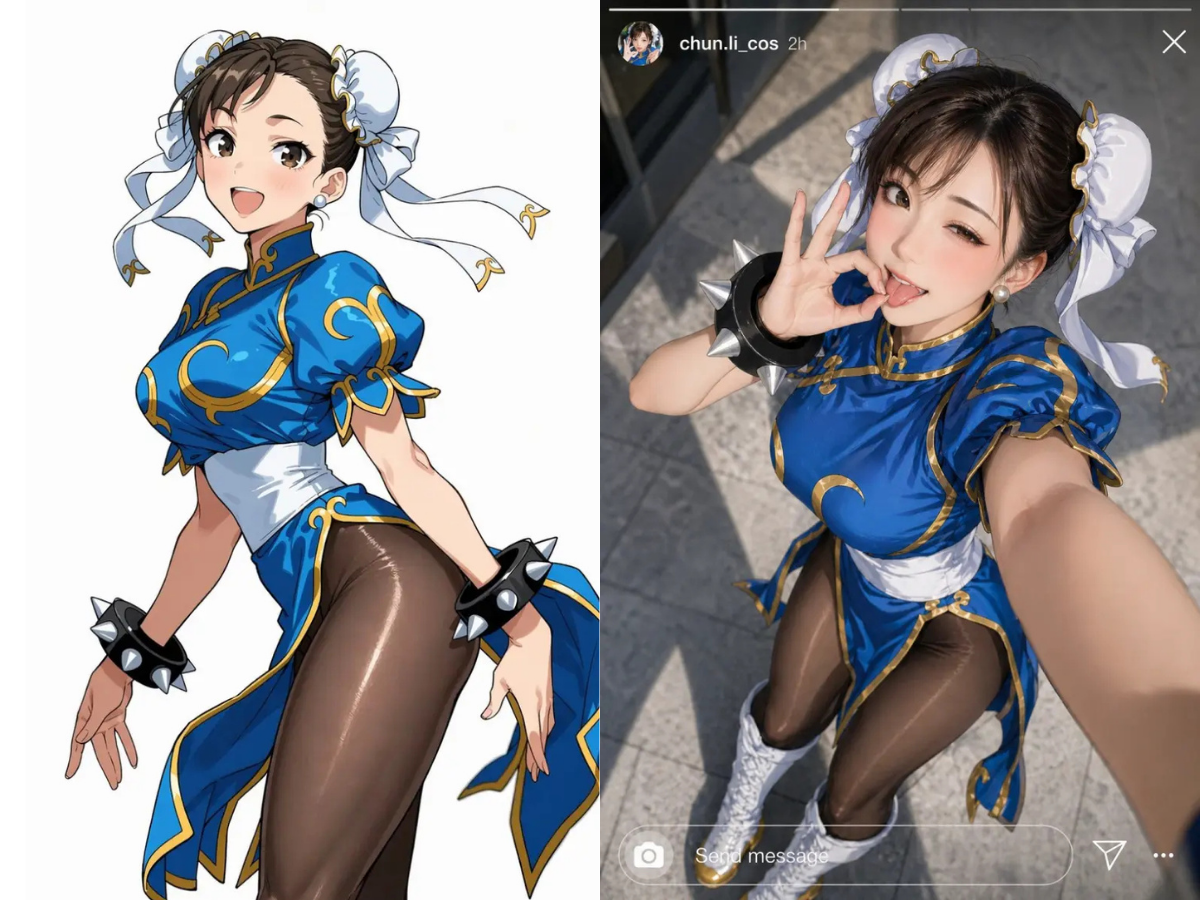
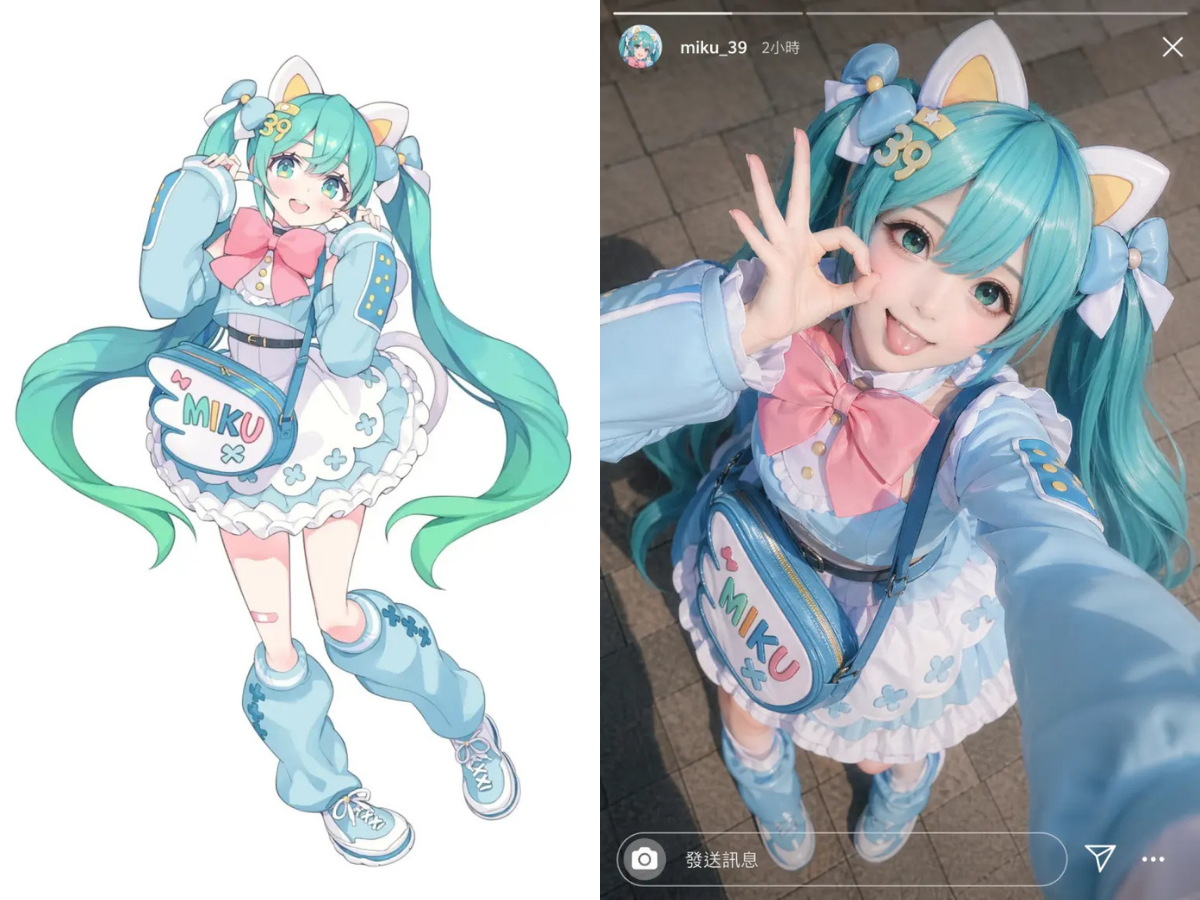
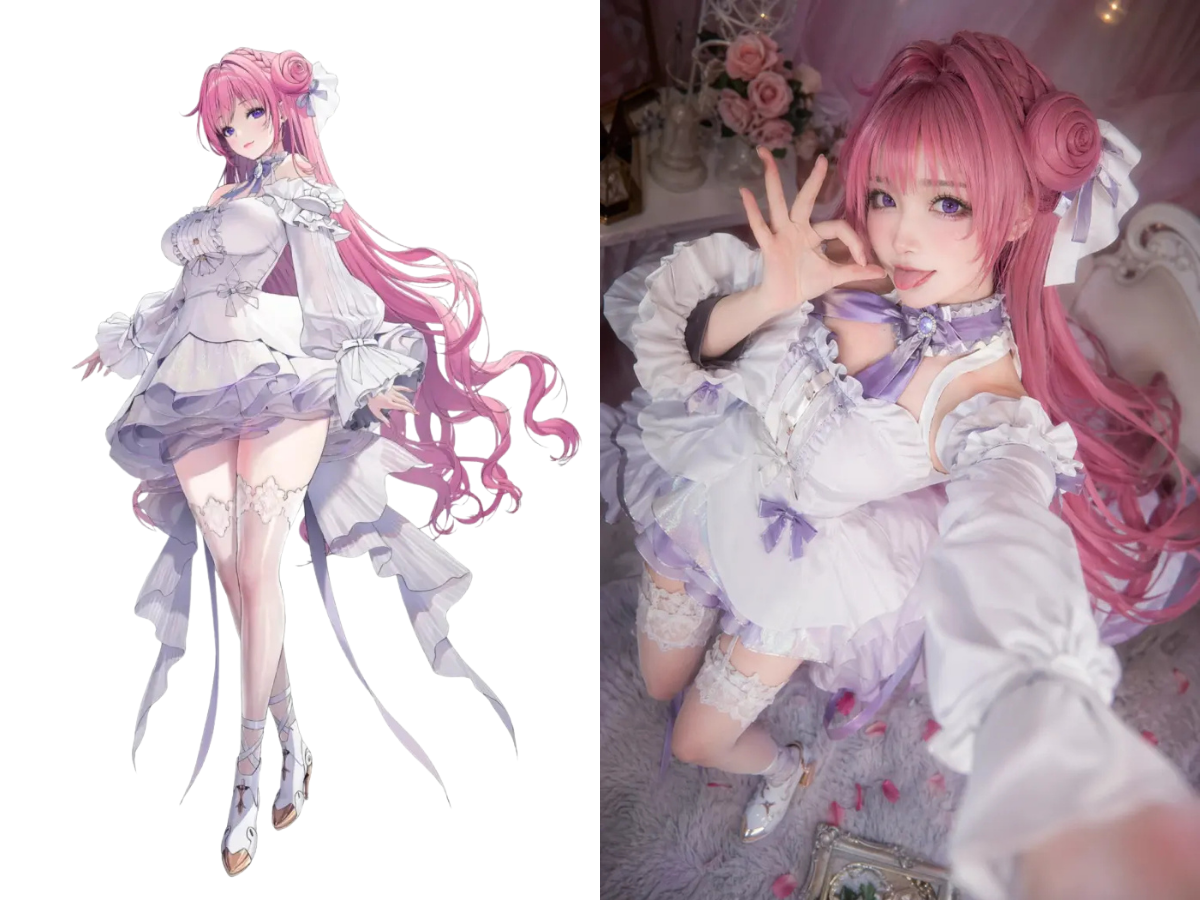
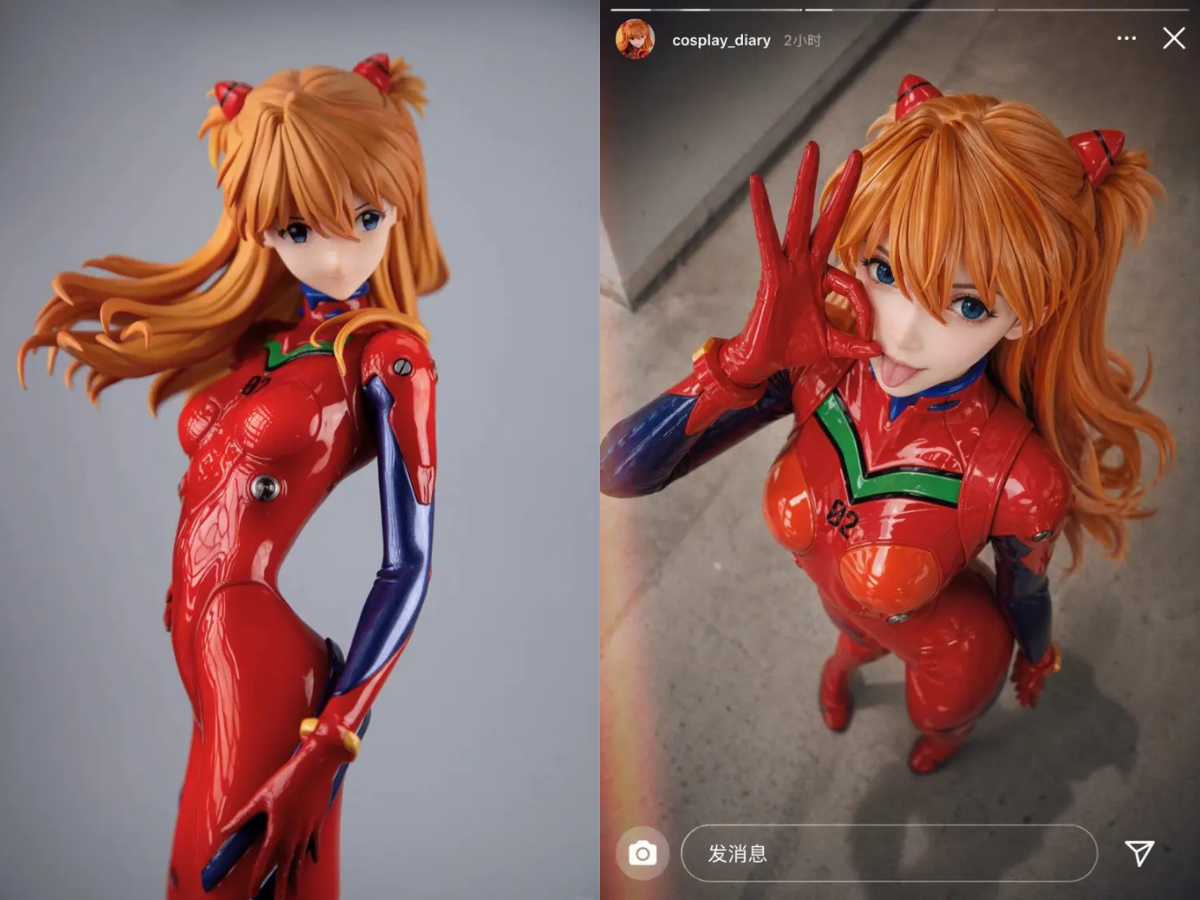
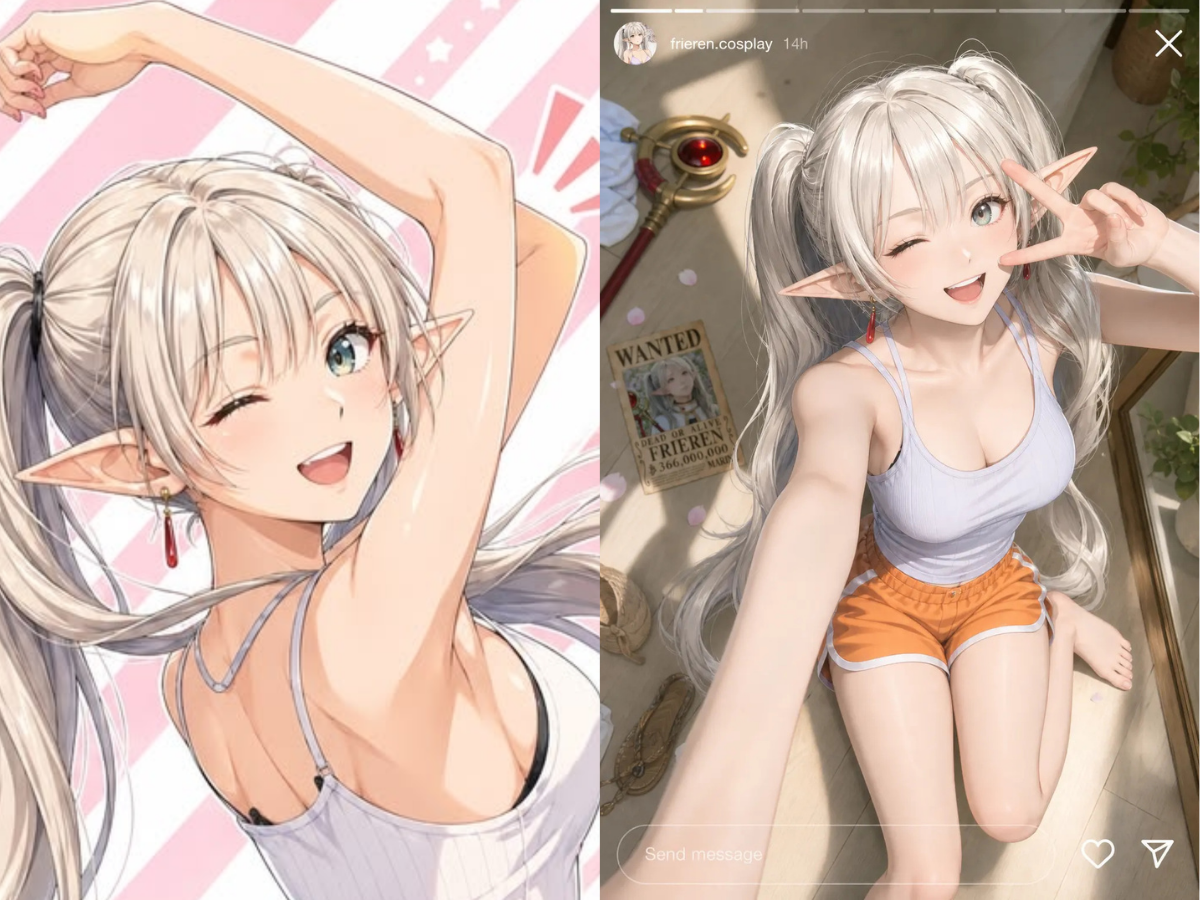
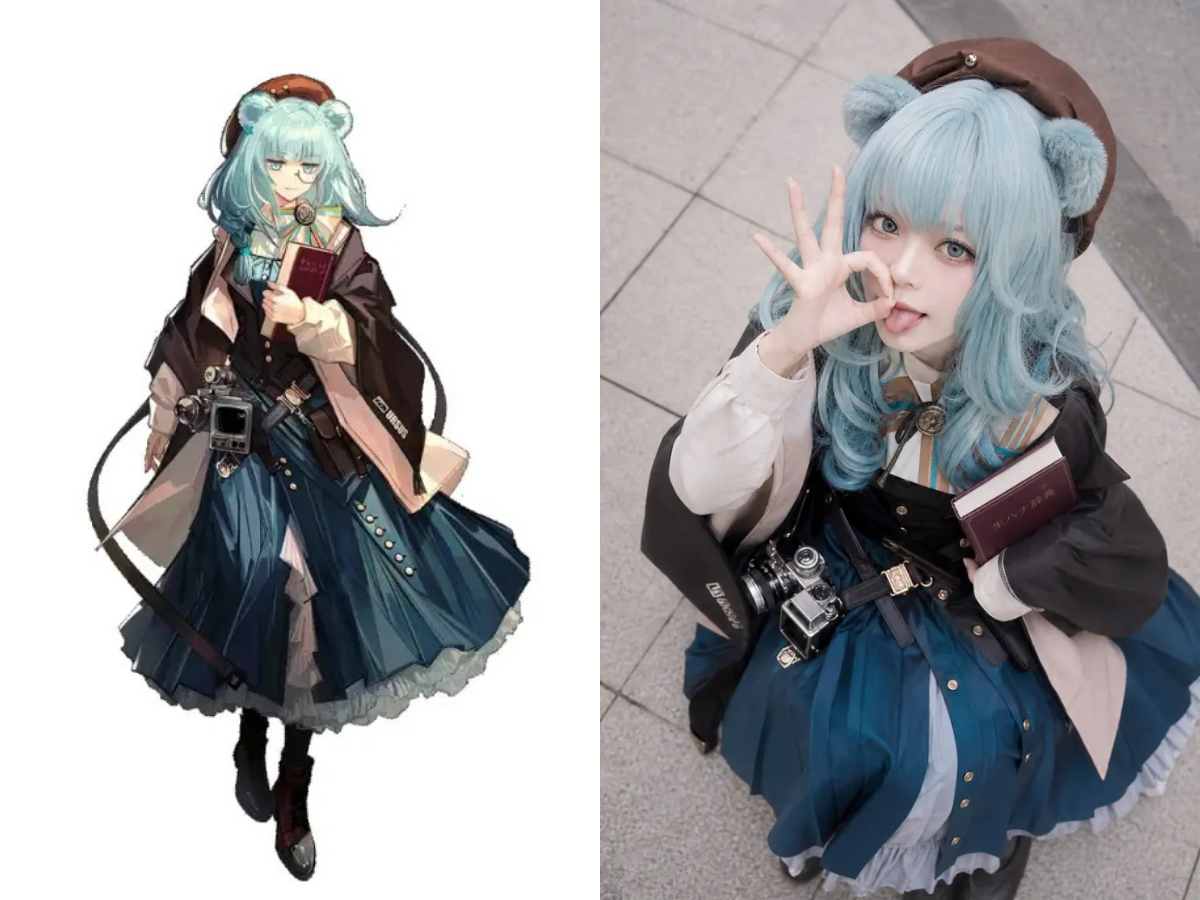
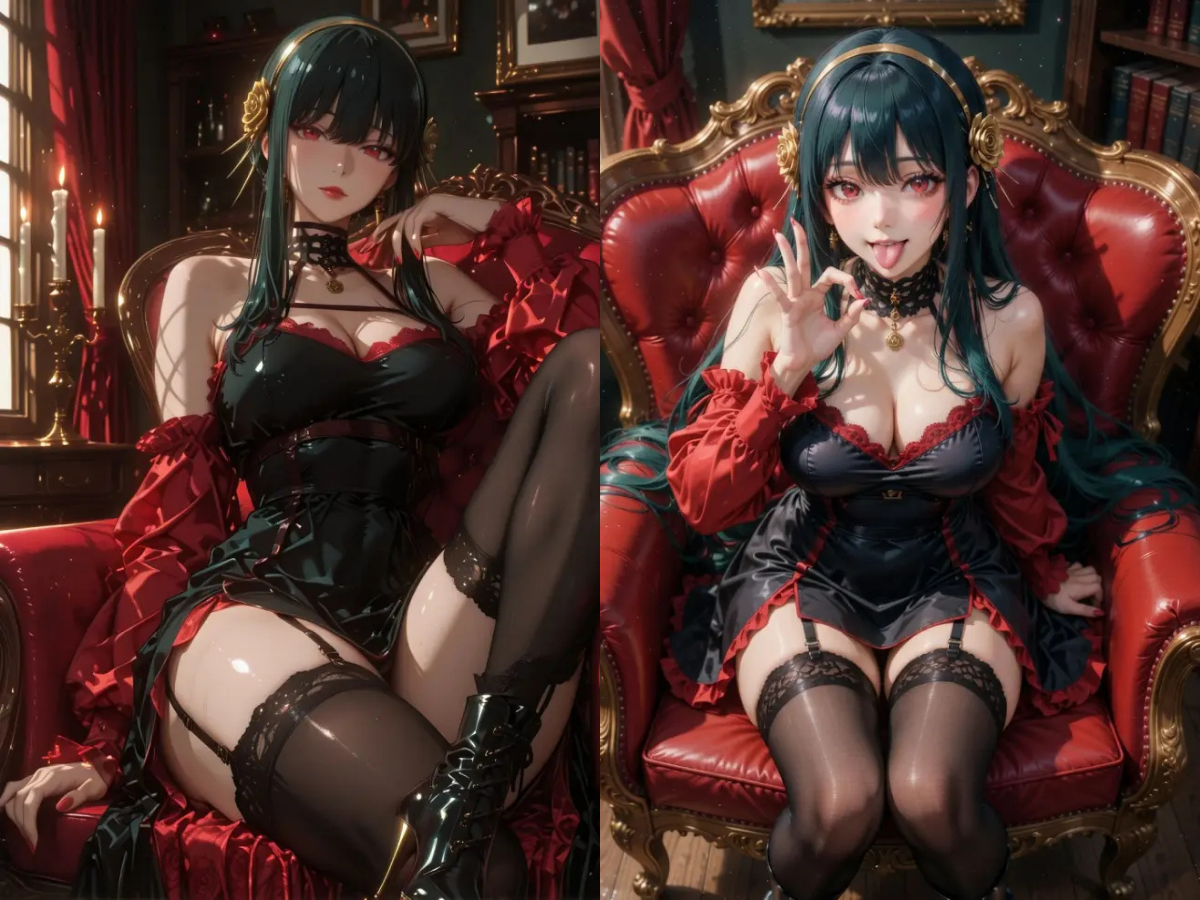
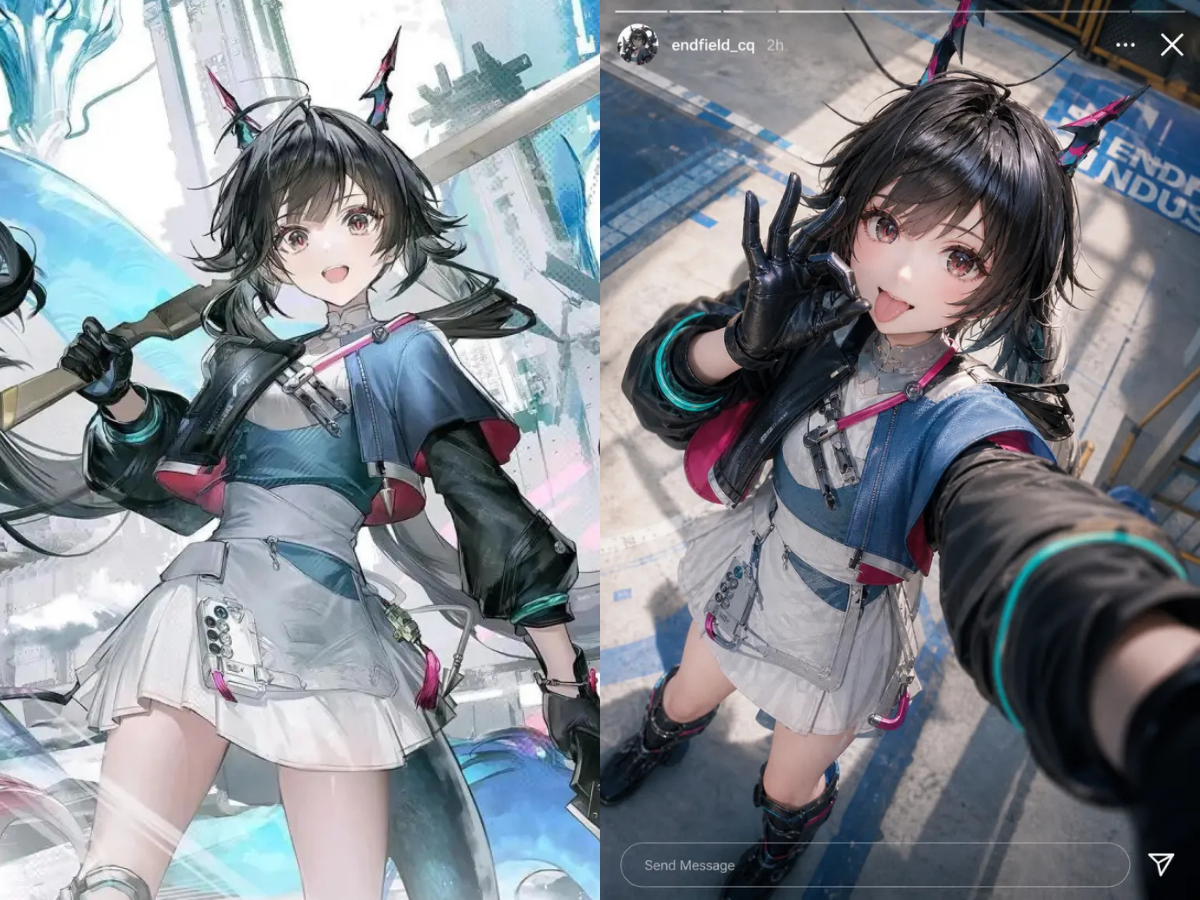
Dive into the vibrant world of anime with our specialized AI. Effortlessly turn your selfies into dynamic anime cosplay portraits, capturing the iconic styles and expressions you love. Perfect for fans seeking their ultimate anime alter-ego.
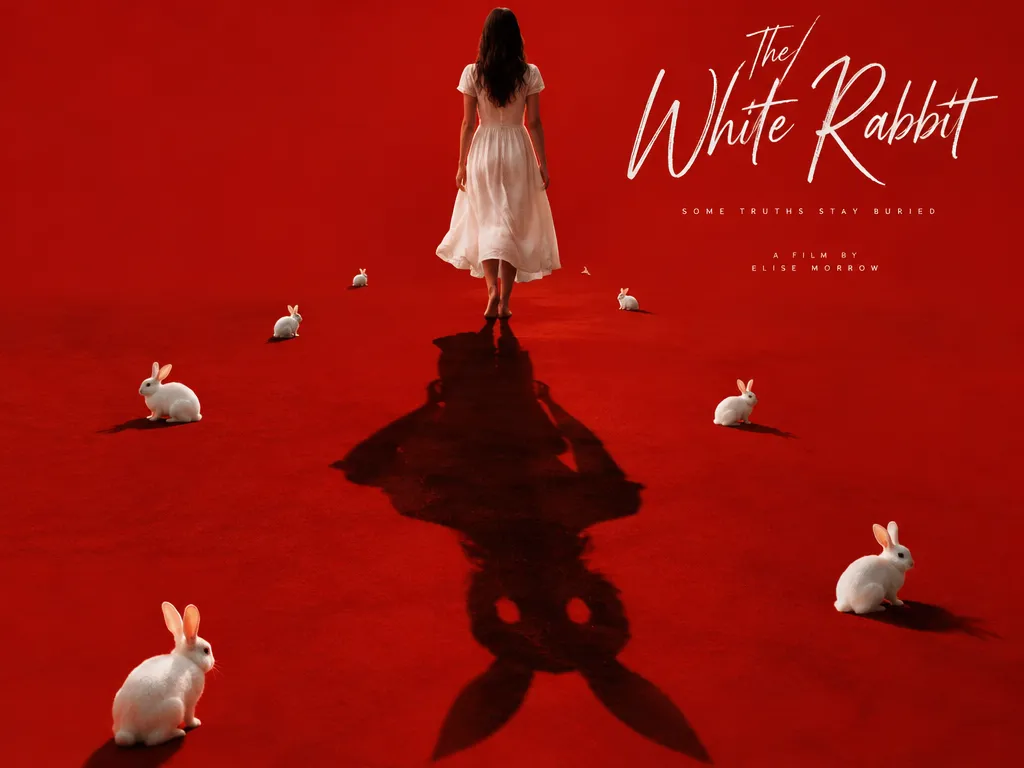
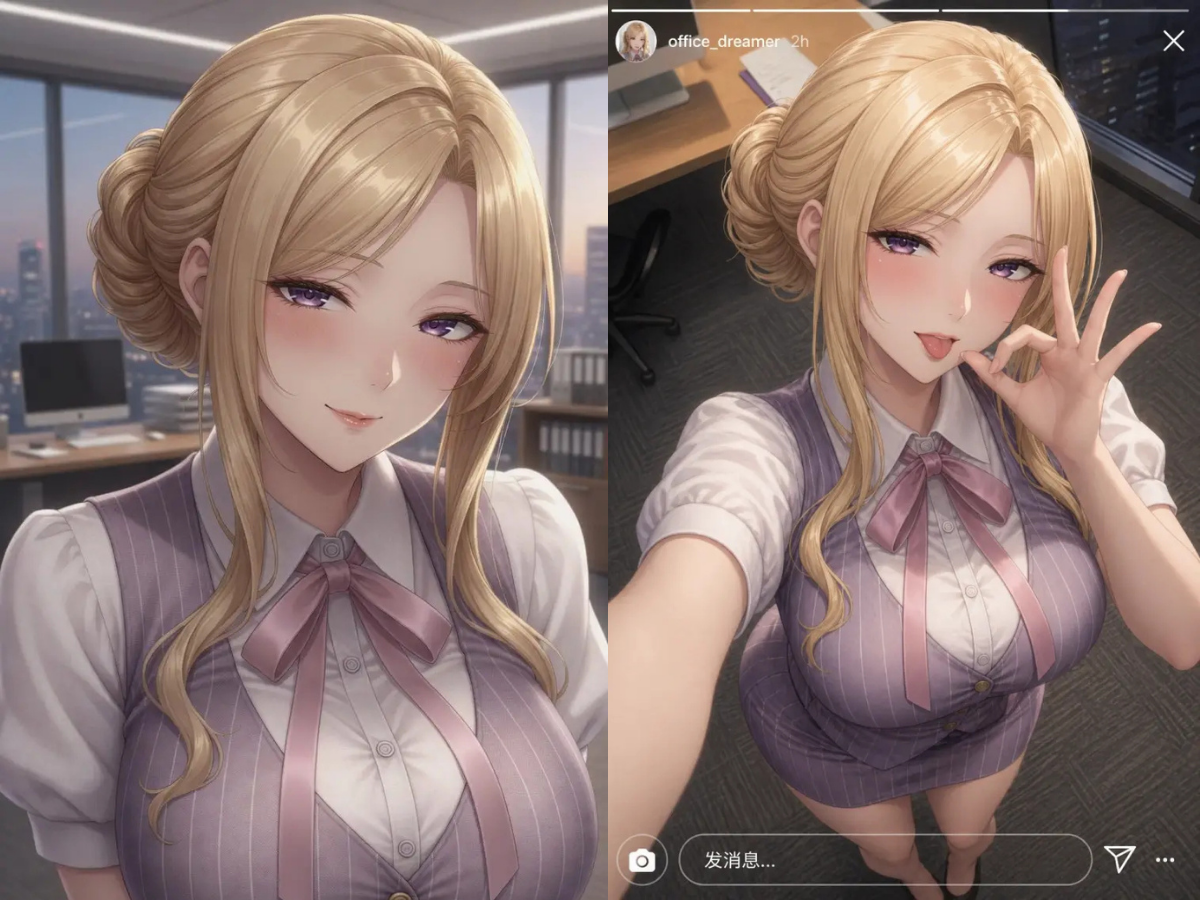
Experience Professional Cosplay Portrait Photography with AI

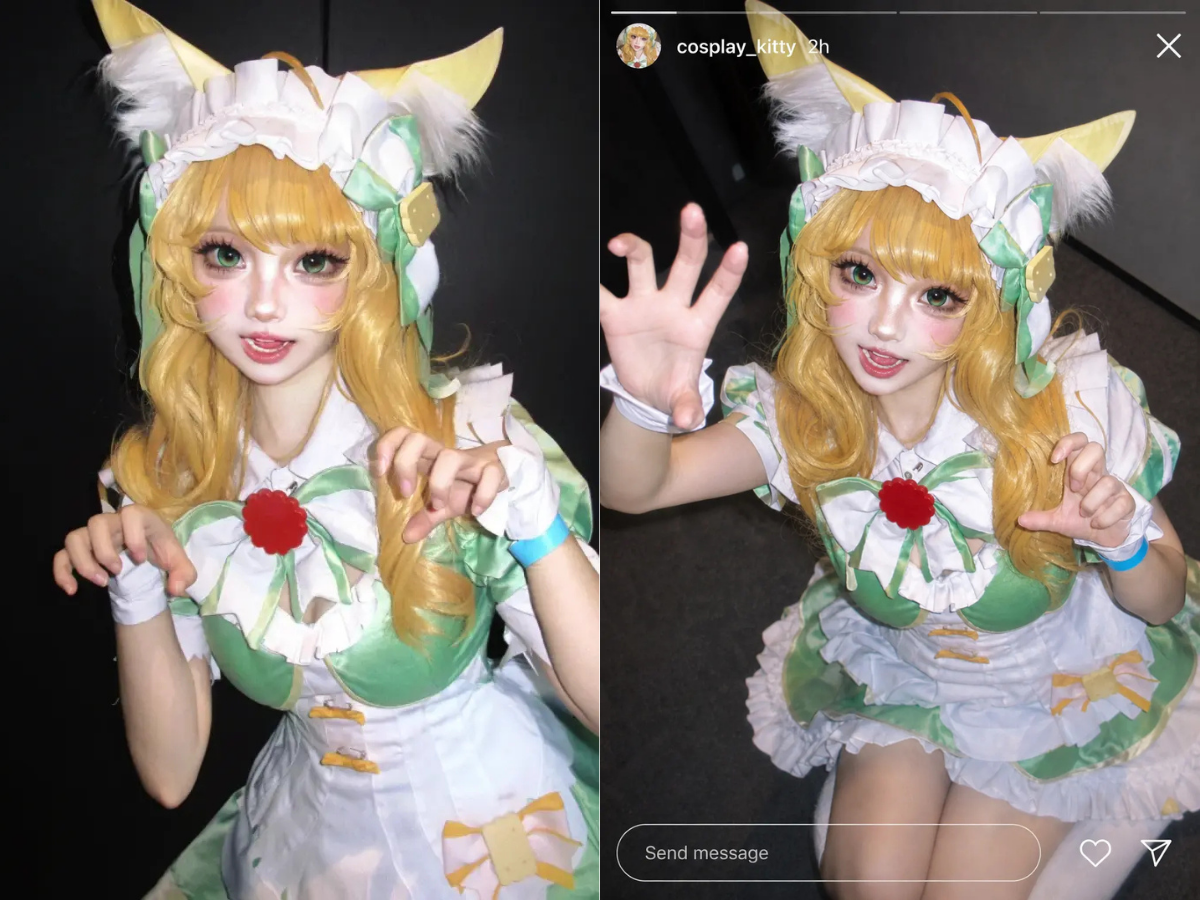
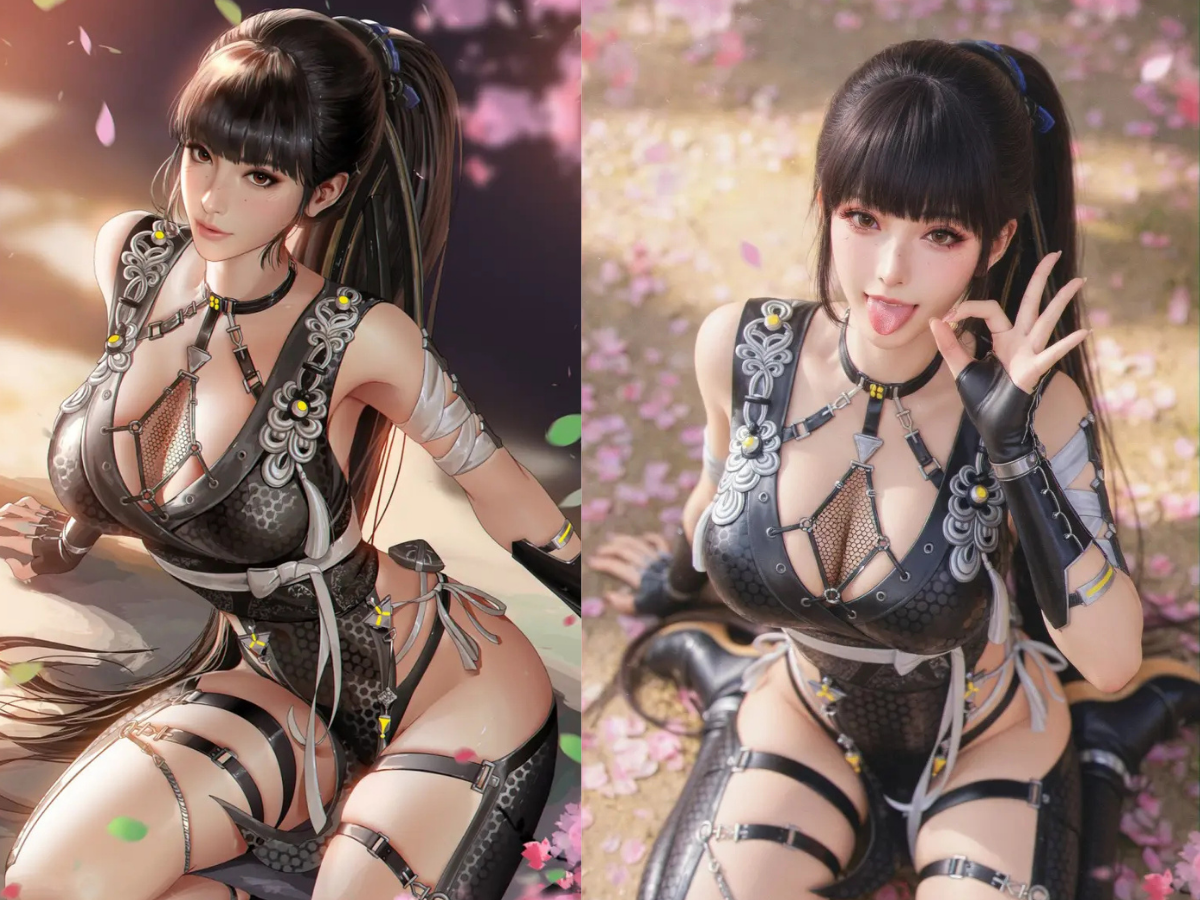
Get studio-quality cosplay portraits without the hassle. Our AI replicates intricate details, perfect lighting, and stunning backgrounds, making every AI cosplay portrait a masterpiece. Elevate your online presence with professional-grade images.

Unleash Creativity with Our AI Cosplay Generator

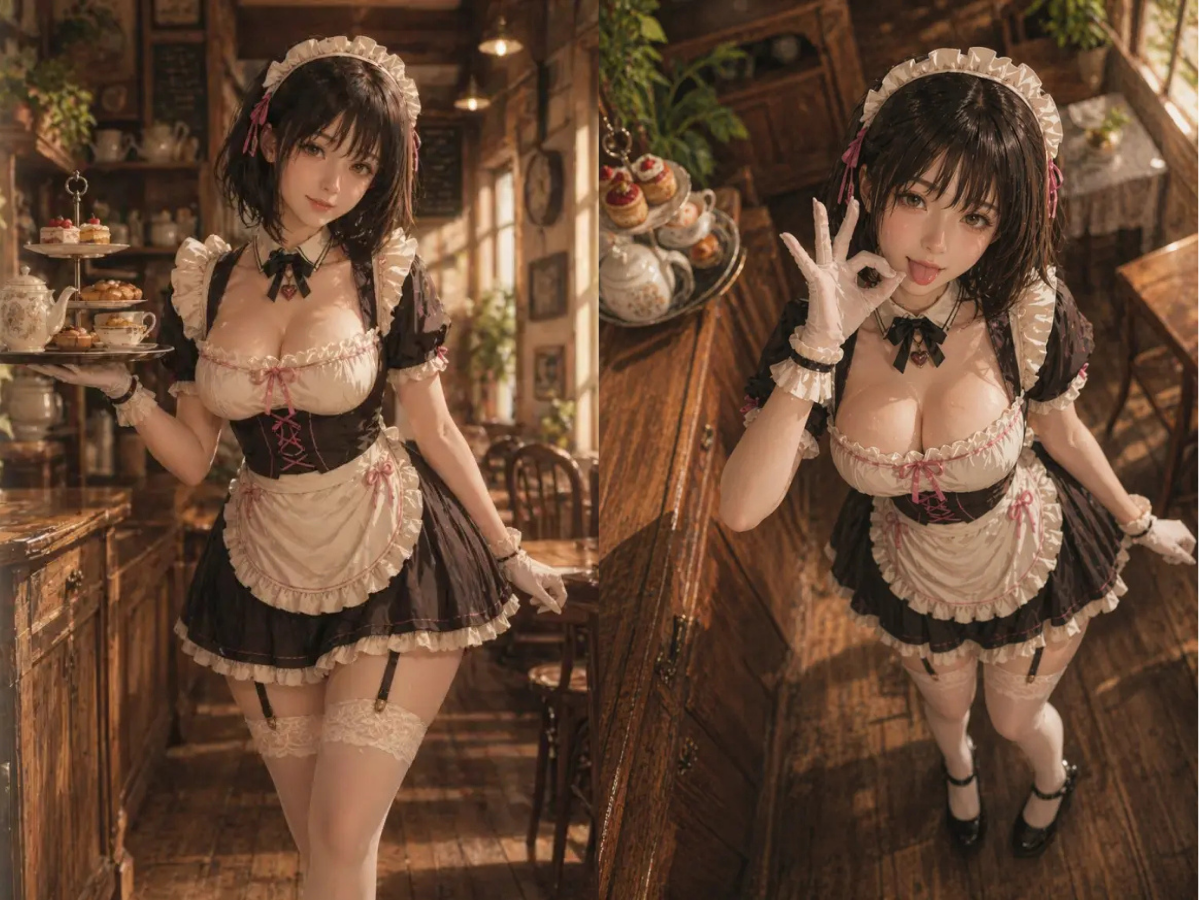
Explore endless possibilities! Our powerful AI cosplay generator empowers you to experiment with diverse styles, characters, and aesthetics. From realistic to fantastical, create the cosplay portrait of your dreams with unparalleled ease and speed.

How to Create Stunning AI Cosplay Portraits

Generating your personalized AI cosplay portrait is quick and easy. Follow these simple steps to transform your photos into amazing cosplay art in just minutes!

  1. Step 1 of 3

    Step 1

    Upload Your Photo: Choose a clear image of yourself from your device.

  2. Step 2 of 3

    Step 2

    Select a Cosplay Style: Browse our diverse collection of themes, characters, and anime styles.

  3. Step 3 of 3

    Step 3

    Generate Your Portrait: Click "Generate" and watch our AI bring your cosplay vision to life instantly.

Frequently Asked Questions About AI Cosplay Generation

An AI cosplay generator uses artificial intelligence to transform your regular photos into images where you appear as a cosplay character, often in various styles like anime or fantasy.

Comment utiliser la section FAQ

Utilisez Tab pour naviguer entre les questions. Appuyez sur Entrée ou Espace pour développer ou réduire une réponse. Utilisez les flèches haut/bas pour vous déplacer entre les questions.