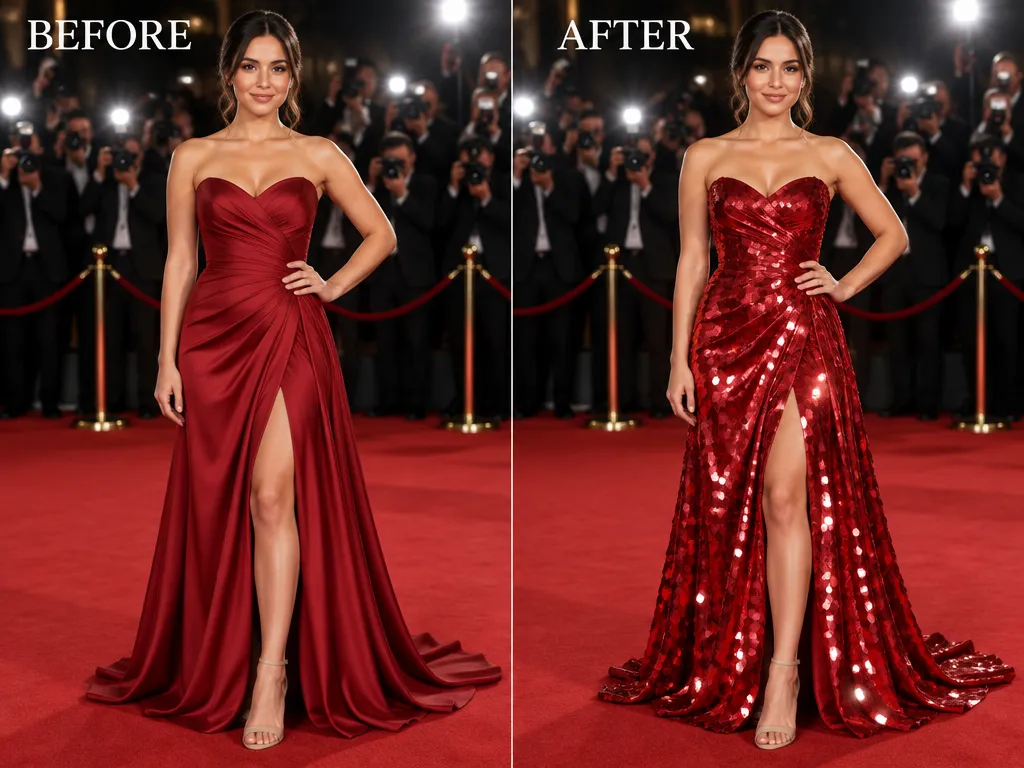





Create hilarious Facebook Marketplace Husband AI memes in seconds! Turn your photos into viral porch reaction videos with AI. Get your free AI trend now!

Generate Your Facebook Marketplace Husband AI Trend Videos & Memes

Input your photos or text descriptions, AI will generate hilarious Facebook Marketplace Husband AI content in seconds. Perfect for creators, social media enthusiasts, and anyone looking for a quick laugh, no complex video editing skills needed.

Transform Any Photo into a Viral Marketplace Meme

Don't have the perfect setup or specific scenario in mind? Simply upload any photo of a person or a scene, and our AI will adapt it to the classic Facebook Marketplace Husband meme style. It's the easiest way to turn your snapshots into shareable, funny content without needing complex editing software.

Beyond Photos: Craft Your Own Marketplace Husband AI Narratives

Want more control? Our AI isn't just for turning photos into memes. Use text prompts to generate entirely new scenes, characters, and hilarious scenarios. Describe the husband's "reckless purchase," the wife's "shocked reaction," or the "barndominium porch" setting, and watch our AI bring your unique story to life as a video or image.

Get the Perfect Viral Reaction: Shocked Wife, Grinning Husband

Capturing the exact facial expressions that make these memes viral can be tricky. Our AI specializes in generating realistic "shocked barefoot wife on farmhouse porch" reactions and the classic "husband grinning next to broken project car." Achieve that perfect blend of disbelief and proud defiance every time, ensuring your content stands out.

Why Choose AIAI.com for Your Marketplace Husband Trend?

Discover the compelling reasons why countless creators trust AIAI.com for generating their viral Facebook Marketplace Husband AI memes. We combine advanced AI with user-centric design to deliver an unparalleled creation experience.

Free to Use

Start creating instantly without any cost. Our core features for the Facebook Marketplace Husband AI trend are completely free.

All Private

Your uploads and creations are entirely private. We prioritize your privacy and ensure your content remains confidential.

Beginner-Friendly

No prior AI experience or design skills needed. Our intuitive interface guides you through every step, making creation effortless.

Article

Why Use an AI Tool for the Facebook Marketplace Husband Trend?

The Facebook Marketplace Husband AI trend has taken social media by storm, creating endless laughs with its relatable scenarios of "reckless marketplace purchases" and the wives' priceless reactions. But how do you jump on this trend without extensive editing skills or endless hours?

  • Instant Creation: Generate viral memes and videos in seconds, not hours.
  • No Design Skills Needed: Perfect for beginners, our AI handles all the complex parts.
  • High-Quality Visuals: Produce realistic images and videos that truly capture the meme's essence.
  • Unlimited Customization: Use photos or text prompts to create truly unique scenarios.
  • Cost-Effective: Access powerful AI generation tools without breaking the bank.
  • Stay Trendy: Quickly create relevant content and keep your social media feed fresh and engaging.

How to Create Your Facebook Marketplace Husband AI Meme or Video

Ready to join the viral fun? Our AI tool makes it incredibly simple to generate your own hilarious Facebook Marketplace Husband content. Just follow these quick steps:

  1. Étape 1 / 3

    Étape 1

    Upload your photo or describe your scene in detail using text.

  2. Étape 2 / 3

    Étape 2

    Our AI processes your input and generates a preview of your custom meme or video.

  3. Étape 3 / 3

    Étape 3

    Review your creation, make any final adjustments, and download your high-quality content to share!

Frequently Asked Questions About the Marketplace Husband AI Trend

Yes! Our AI tool allows you to upload any of your own photos, and it will adapt them into the classic Facebook Marketplace Husband meme style. You can also use text prompts for full customization.

Comment utiliser la section FAQ

Utilisez Tab pour naviguer entre les questions. Appuyez sur Entrée ou Espace pour développer ou réduire une réponse. Utilisez les flèches haut/bas pour vous déplacer entre les questions.