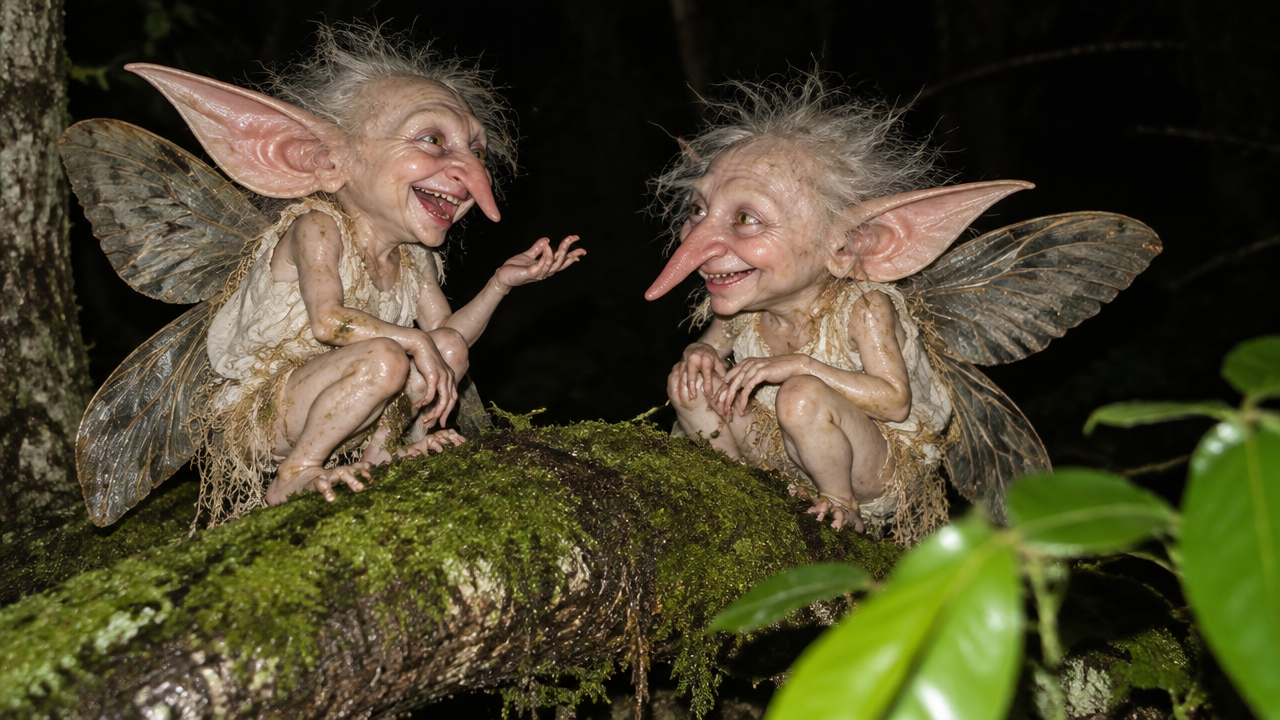

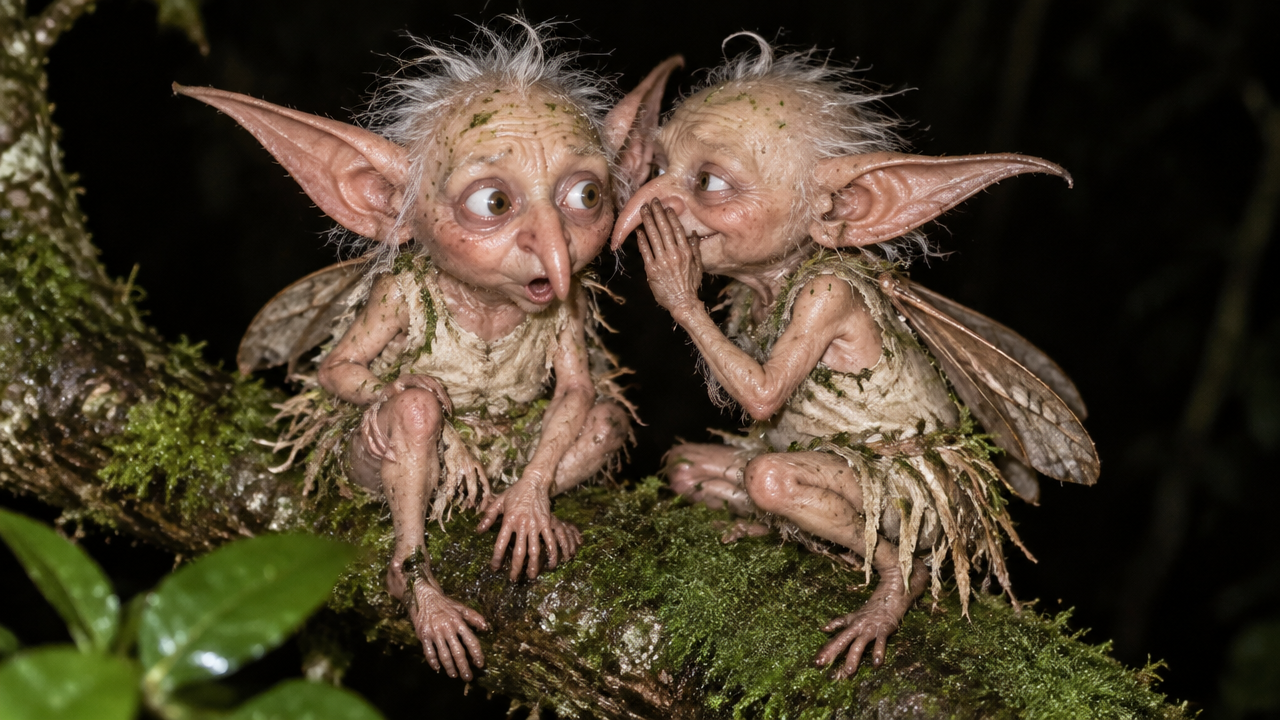
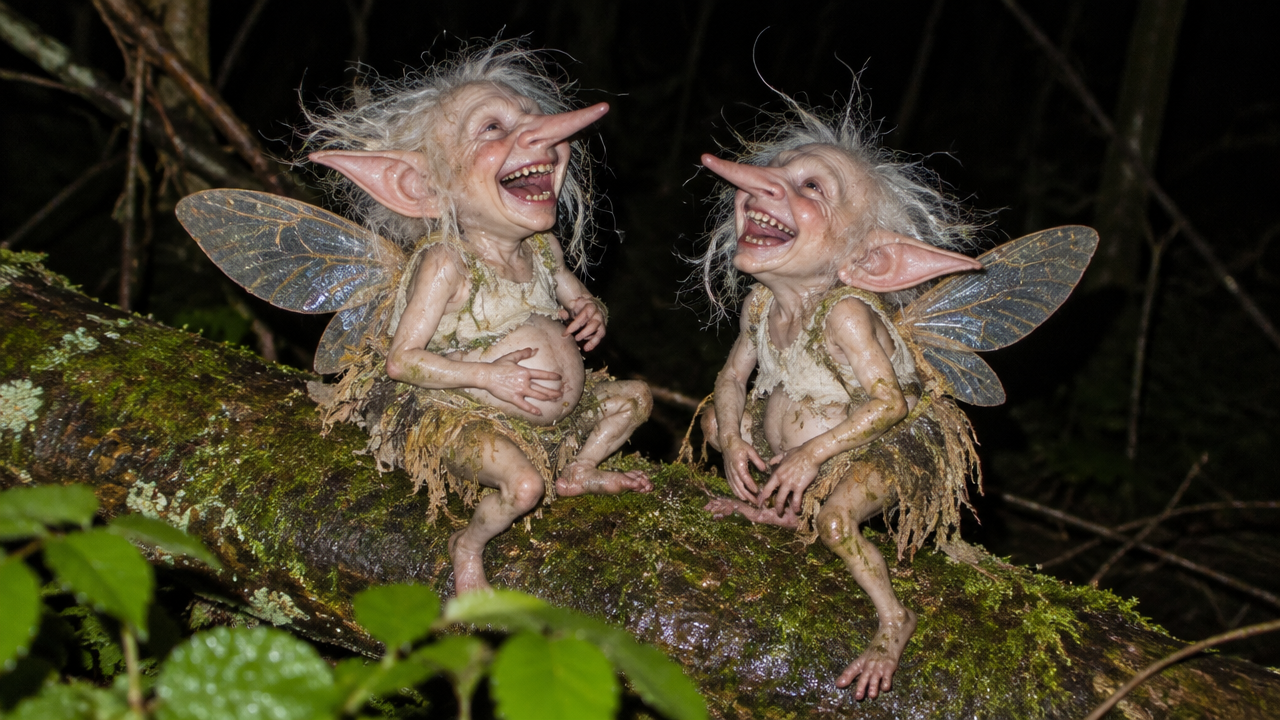
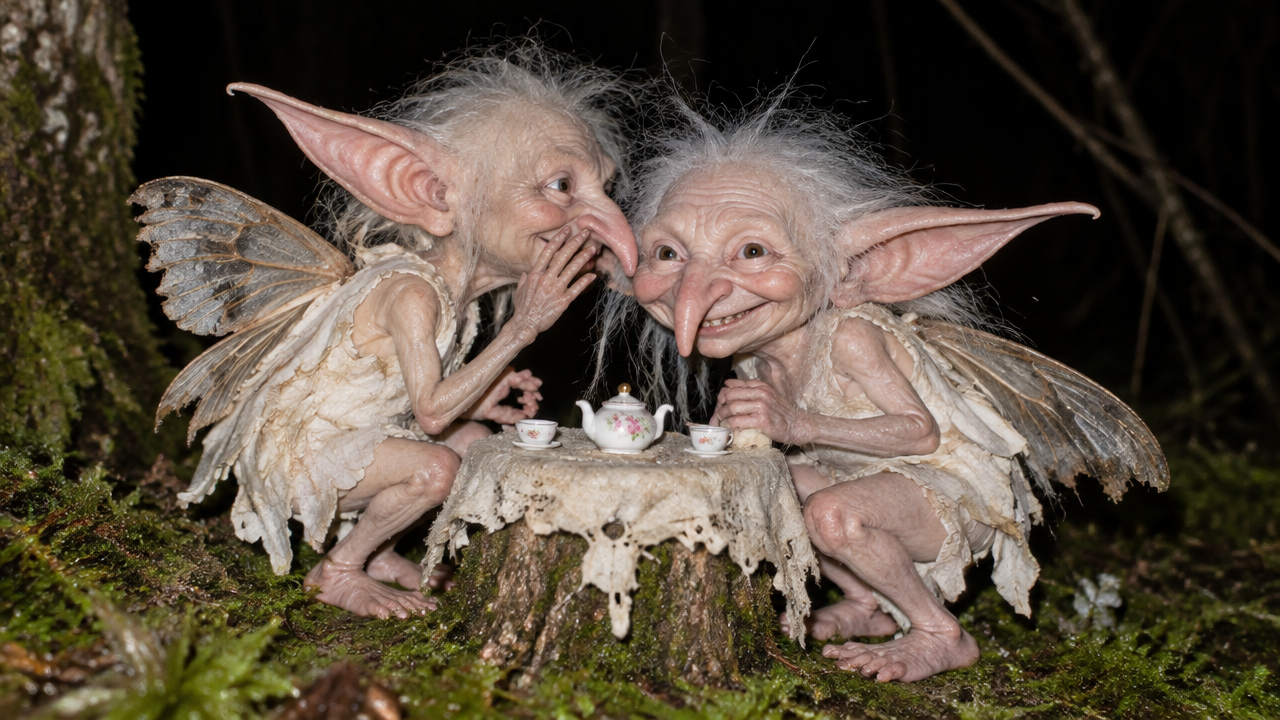
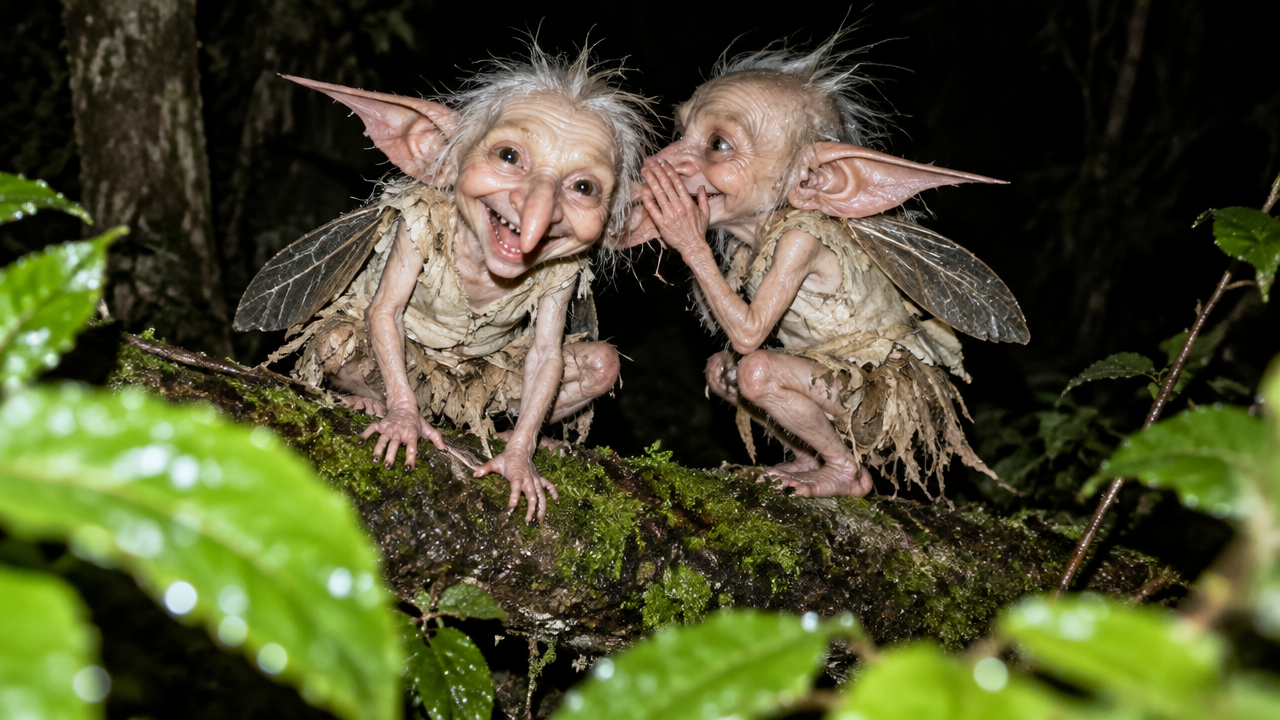
Create hilarious Laughing Fairy AI videos and memes from photos or text prompts instantly. Generate your viral trend with customizable animations & sounds, no skills needed!

Create Your Laughing Fairy AI Meme Video Instantly

Upload your image or describe your vision, and our AI will generate a hilarious Laughing Fairy video or meme in seconds. Perfect for creators, marketers, and anyone wanting to join the viral trend without complex editing.

Transform Photos into Laughing Fairy AI Videos

Don't let your still photos stay silent. Our AI can animate any image into a dynamic Laughing Fairy AI video, bringing your static content to life with hilarious motion and expressions. Perfect for turning old memories or new shots into viral memes.

Craft Custom Laughing Fairy AI Scenes & Characters

Move beyond basic memes. With our advanced AI, you can generate Laughing Fairy videos with custom characters, specific actions like pointing and laughing, or even complex scenes like a fairy sitting on a shoulder or flying through the air. Your imagination is the only limit.

Enhance Your Memes with Dynamic Laughing Fairy AI Effects

Elevate your Laughing Fairy AI memes with professional-grade effects. Easily add transparent backgrounds, synchronize specific laugh sound effects, or create green screen videos for seamless integration into any project. Achieve viral-ready quality effortlessly.

Why Choose AIAI.com for Your Laughing Fairy AI Memes?

Experience seamless creation with our intuitive Laughing Fairy AI generator. We prioritize ease of use, privacy, and accessibility for all users.

Free to Use

Dive into the Laughing Fairy AI trend without any upfront costs. Enjoy creating unlimited videos and memes completely free.

All Private

Your creations are yours alone. We ensure complete privacy for your uploads and generated Laughing Fairy content.

Beginner-Friendly

No prior experience? No problem! Our Laughing Fairy AI video maker is designed for effortless meme generation.

Article

Why Use a Laughing Fairy AI Video Generator?

The Laughing Fairy AI trend has taken the internet by storm, and our advanced AI video generator makes it simple for anyone to join in. Whether you're looking to create viral memes, express humor, or add a magical touch to your content, our tool offers unparalleled ease and creative freedom. Leverage the power of artificial intelligence to animate photos, generate custom fairy characters, and add dynamic effects that will make your creations truly stand out.

  • Quick & Easy Creation: Generate Laughing Fairy AI videos and memes in minutes, not hours.
  • Unleash Creativity: Customize everything from character style to animation type with simple prompts.
  • Stay Trendy: Easily produce content that aligns with the latest viral Laughing Fairy AI trends.
  • Cost-Effective Solution: Create high-quality AI videos without expensive software or designers.
  • Broad Application: Perfect for social media, personal projects, or digital marketing campaigns.
  • Seamless Sharing: Generate and download ready-to-share videos directly to your platforms.
How to Create Laughing Fairy AI Videos & Memes

Get started in just three simple steps! Our intuitive AI tool makes creating your own viral Laughing Fairy content easier than ever.

  1. Étape 1 / 3

    Étape 1

    Upload Your Media or Enter a Prompt: Choose an image you want to animate, or describe the Laughing Fairy meme video you envision using text.

  2. Étape 2 / 3

    Étape 2

    Customize with AI Options: Select specific styles (e.g., cute, evil, 3D), add sound effects, or enable green screen features to tailor your Laughing Fairy AI creation.

  3. Étape 3 / 3

    Étape 3

    Generate & Share: Click 'Generate' to create your video or meme instantly. Download and share it directly to your favorite social platforms.

Laughing Fairy AI Trend FAQs

Yes, absolutely! Our tool allows you to easily turn photo into laughing fairy ai videos or memes. Just upload your image and let the AI do the animation.

Comment utiliser la section FAQ

Utilisez Tab pour naviguer entre les questions. Appuyez sur Entrée ou Espace pour développer ou réduire une réponse. Utilisez les flèches haut/bas pour vous déplacer entre les questions.