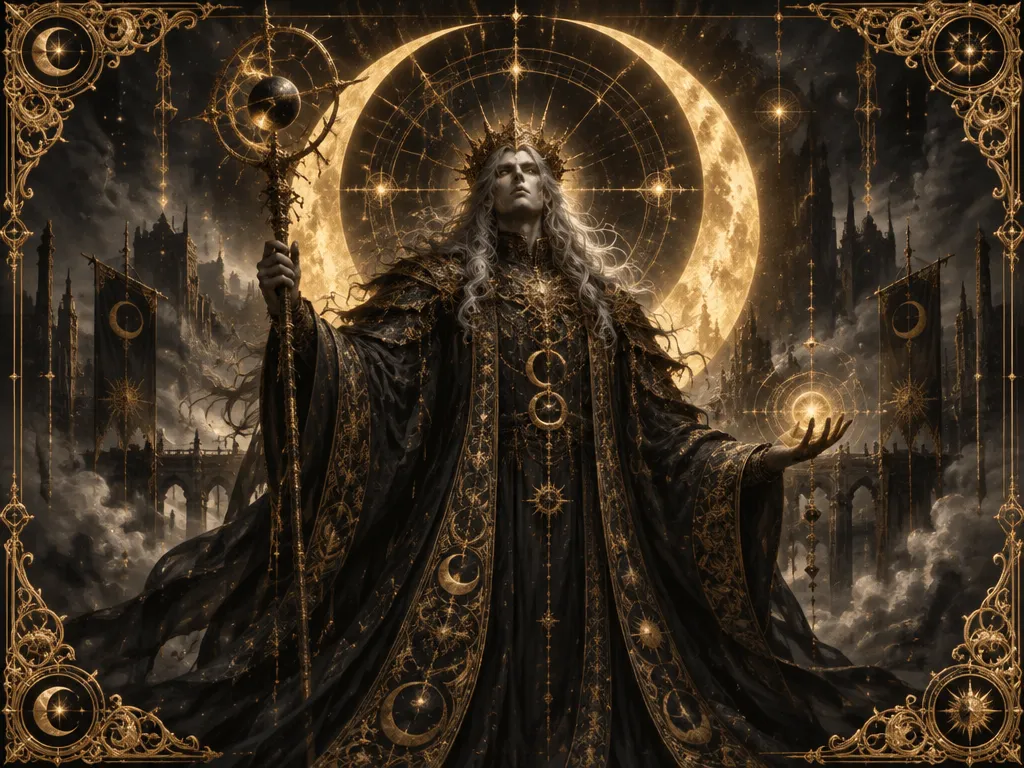

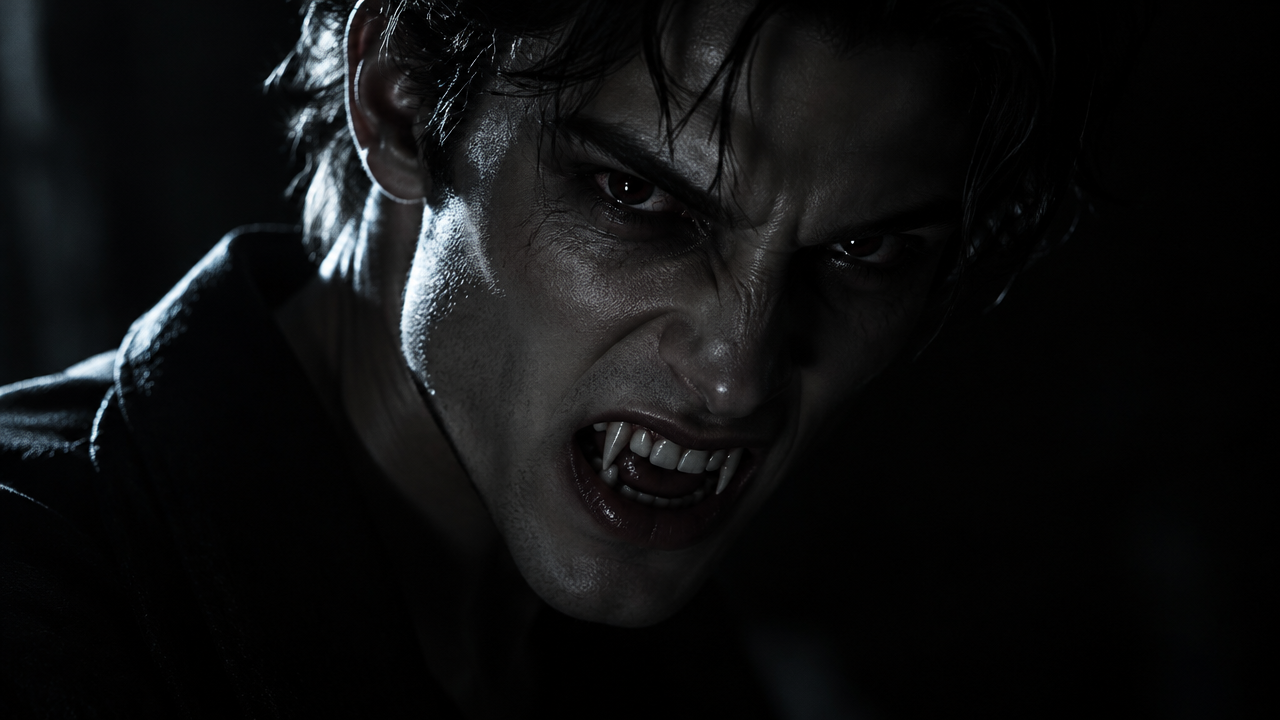

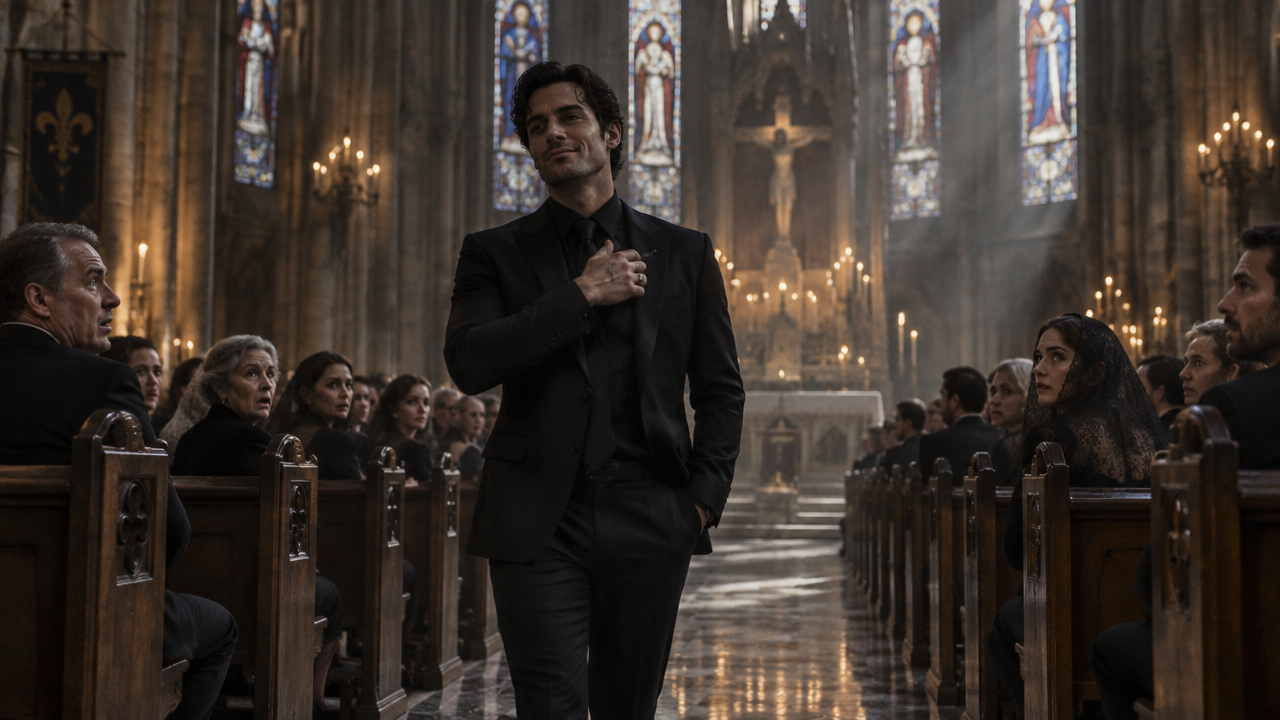

Join the Damon Salvatore AI Trend! Instantly face swap into iconic scenes like the church entrance or smirk. Create your Vampire Diaries AI video for free, no editing needed. Try now!

Create Damon Salvatore AI Trend Videos: Face Swap & Iconic Scenes

Upload your photo, and our AI will transform it into iconic Damon Salvatore scenes in seconds. Perfect for Vampire Diaries fans, no complex editing required.

Transform Your Photos into Damon Salvatore AI Videos with Ease

Tired of complicated video editing software? Our AI tool makes it effortless to turn any photo into a captivating Damon Salvatore AI video. No technical skills? No problem. Simply upload your image, pick a template, and let our AI do the magic.

Master the Iconic Damon Smirk AI Effect Instantly

Struggling to get that perfect Damon Salvatore smirk? Our advanced AI precisely captures and applies the iconic expression to your face, ensuring a realistic and stunning result. Achieve the legendary cinematic vampire smirk AI video look effortlessly.

Step into Iconic Damon Salvatore Scenes with Face Replacement AI

Ever wanted to be in the Vampire Diaries church entrance or other famous scenes? Our powerful face replacement AI lets you seamlessly put your face on Damon Salvatore in any iconic scene. Experience Damon Salvatore iconic scenes AI video creation like never before.

Experience Seamless AI Transformation

Discover the ultimate tool for creating Damon Salvatore AI trend videos with confidence and ease.

Free to use

Create unlimited Damon Salvatore AI videos without any hidden costs or subscriptions. Get started right away!

All private

Your uploads and creations are always secure and private. We respect your data and privacy.

Beginner-friendly

No complex settings or technical skills required. Our intuitive interface makes AI video creation simple for everyone.

Article

Why Use a Damon Salvatore AI Trend Video Generator?

Our Damon Salvatore AI Trend video generator is designed to bring your creative visions to life with unparalleled ease and stunning realism. Whether you're a devoted Vampire Diaries fan or simply looking to join the viral trend, our tool offers a seamless experience to transform your photos into captivating AI videos featuring the iconic Damon Salvatore. Enjoy cutting-edge face swap AI technology that makes every scene look incredibly authentic.

  • **Instant Transformation:** Quickly generate high-quality Damon Salvatore AI videos in just seconds.
  • **Realistic Face Swap:** Seamlessly replace faces with advanced AI, ensuring natural and believable results for your Damon Salvatore scenes.
  • **No Editing Skills Needed:** Create professional-looking videos without any prior experience in video editing or graphic design.
  • **Access Iconic Scenes:** Choose from a wide array of popular Damon Salvatore scenes, including the famous smirk and dramatic church entrance.
  • **Completely Free & Private:** Enjoy all features without cost, knowing your data and creations are kept secure and confidential.
  • **Shareable Content:** Easily download and share your unique Damon Salvatore AI videos across all social media platforms to join the trend.
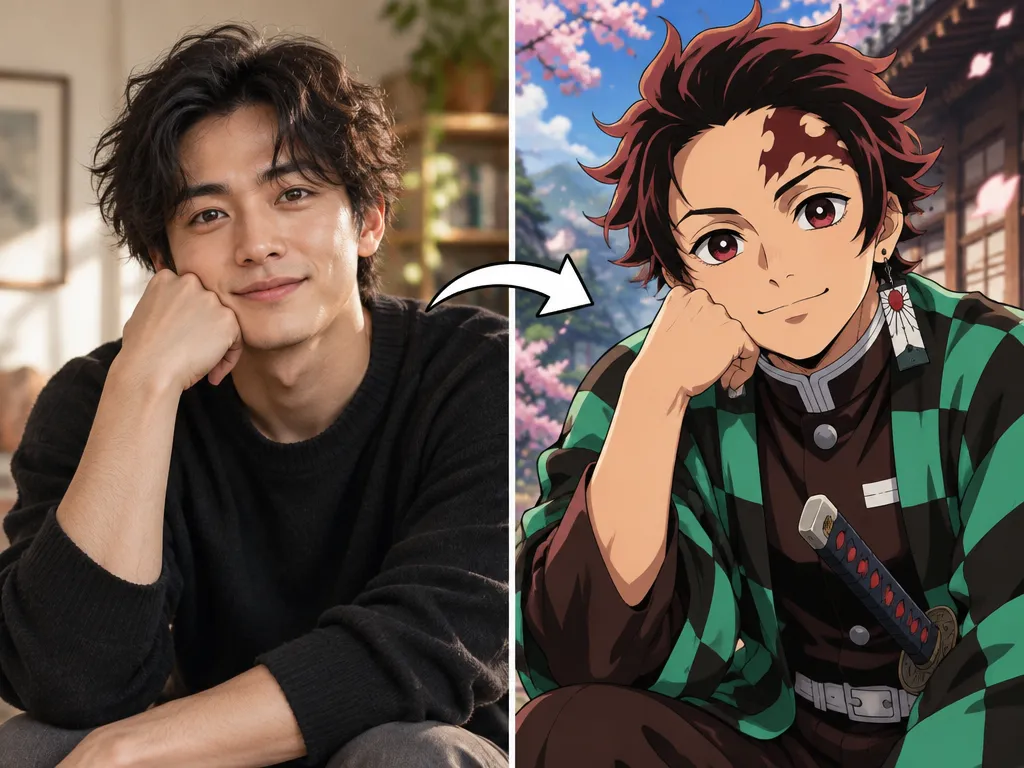

How to Create Your Damon Salvatore AI Trend Video in 3 Easy Steps

Get ready to become the next viral sensation! Our intuitive tool makes creating your Damon Salvatore AI video quick and effortless. Follow these simple steps to bring your favorite Vampire Diaries scenes to life.

  1. Passaggio 1 / 3

    Passaggio 1

    Upload Your Photo. Simply drag and drop or select an image of the face you want to swap.

  2. Passaggio 2 / 3

    Passaggio 2

    Choose Your Damon Salvatore Scene. Select from a variety of iconic templates, like the smirk or church entrance.

  3. Passaggio 3 / 3

    Passaggio 3

    Generate & Download. Let our AI work its magic, then download your personalized Damon Salvatore AI video instantly.

Frequently Asked Questions about Damon Salvatore AI Trends

Yes, our Damon Salvatore AI video generator is completely free! You can create and download unlimited AI videos featuring Damon Salvatore without any charges or hidden fees.

Come usare la sezione delle domande frequenti

Usa Tab per spostarti tra le domande. Premi Invio o Spazio per espandere o comprimere una risposta. Usa le frecce Su e Giù per passare da una domanda all'altra.