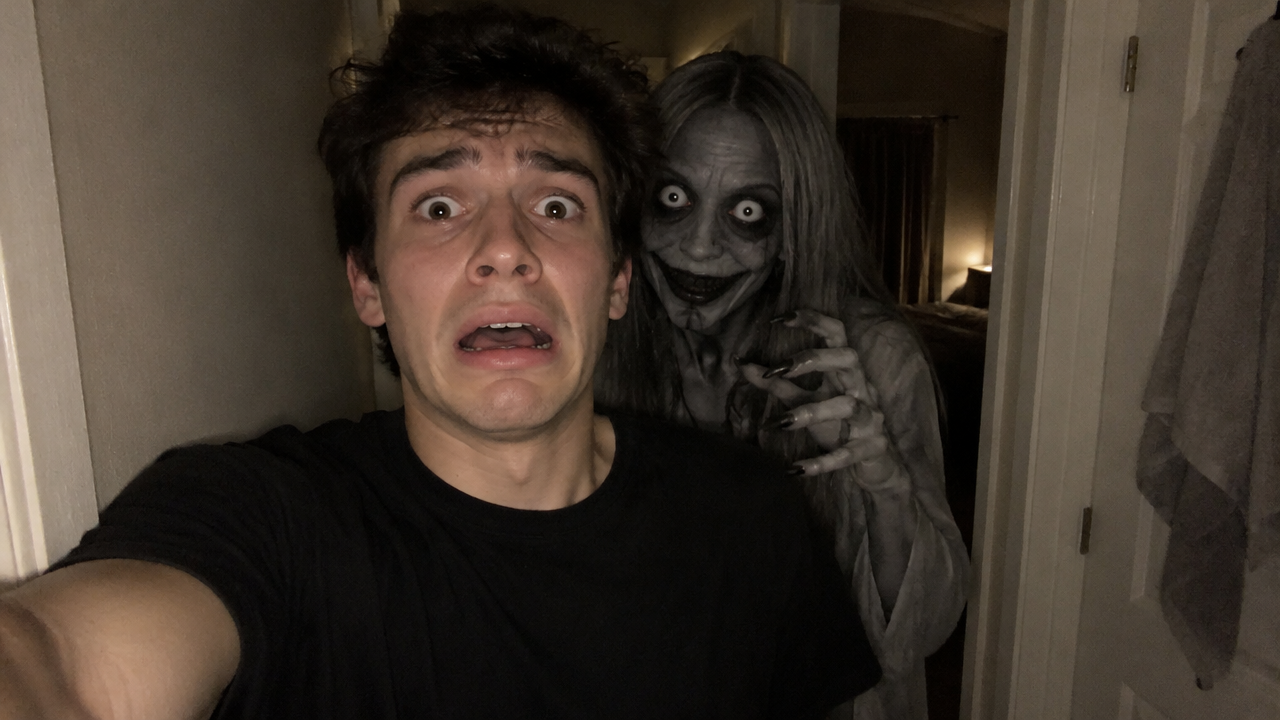
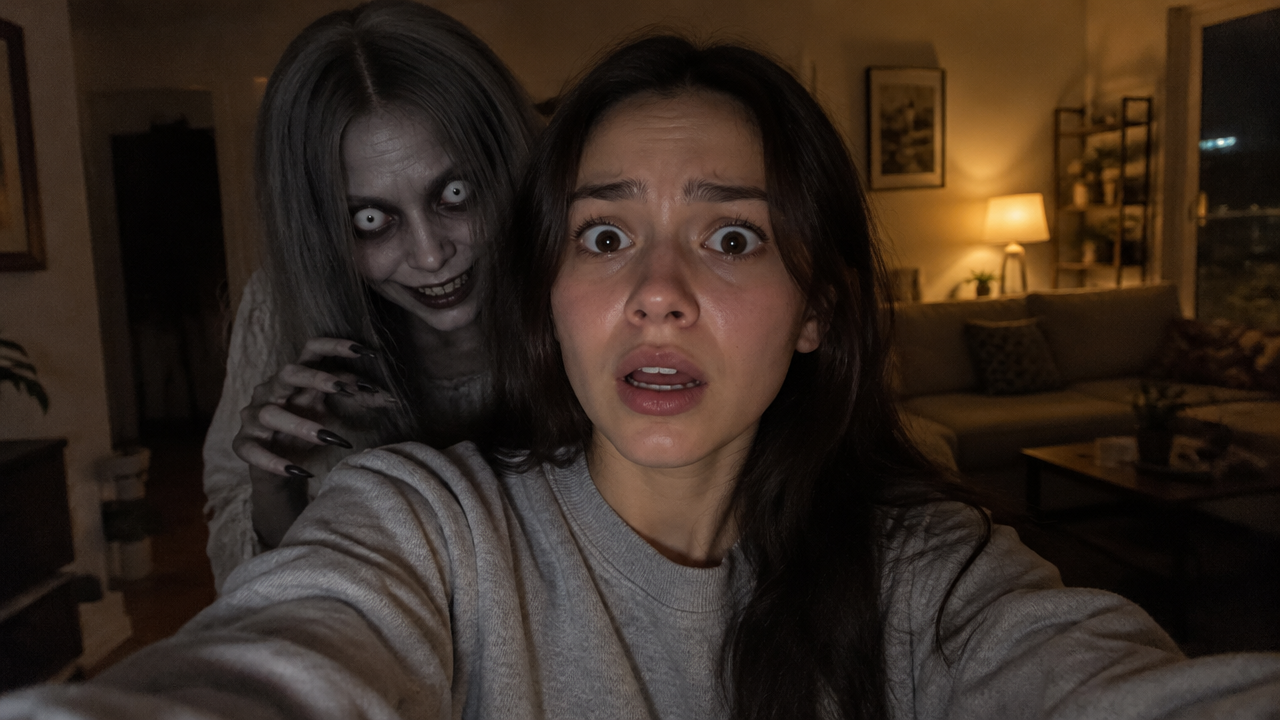
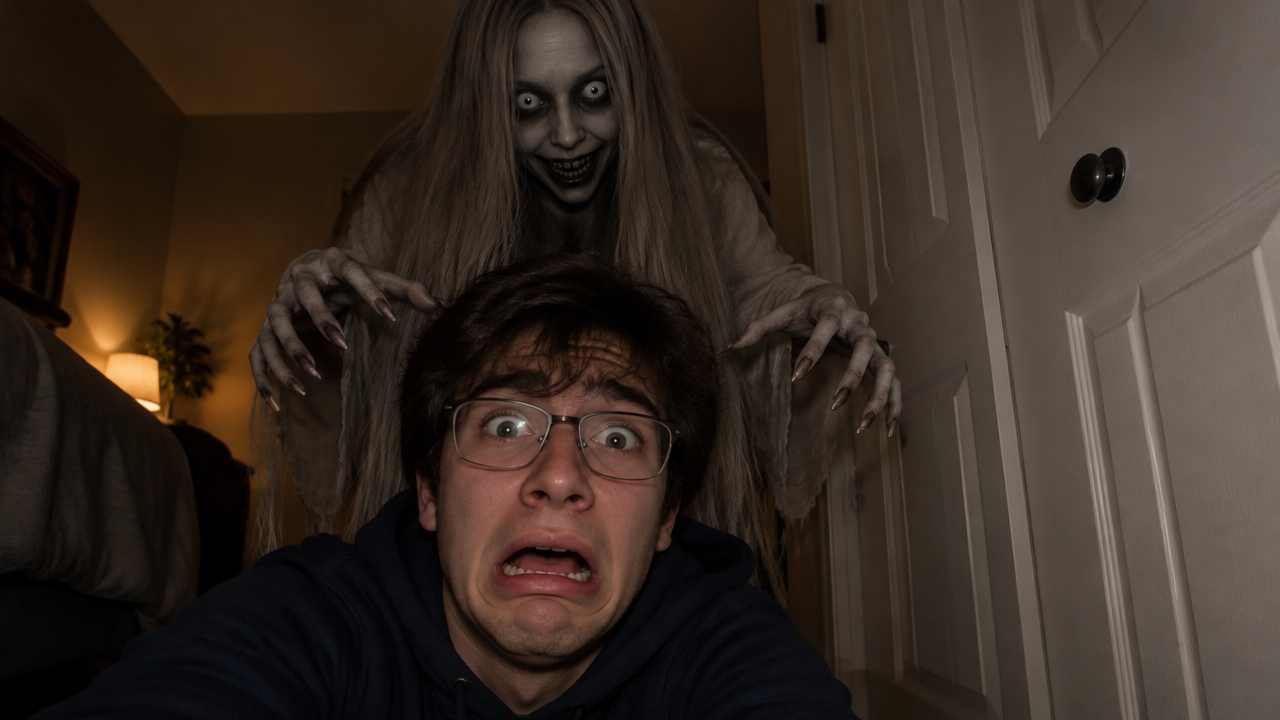
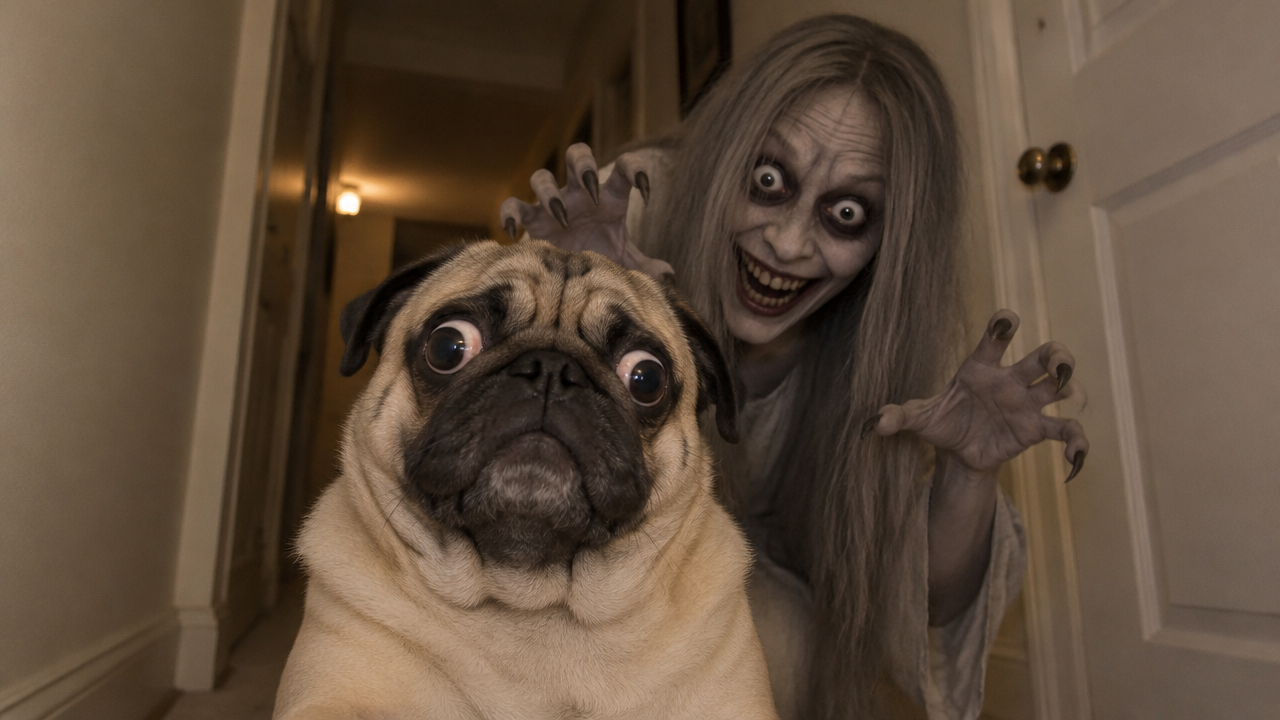
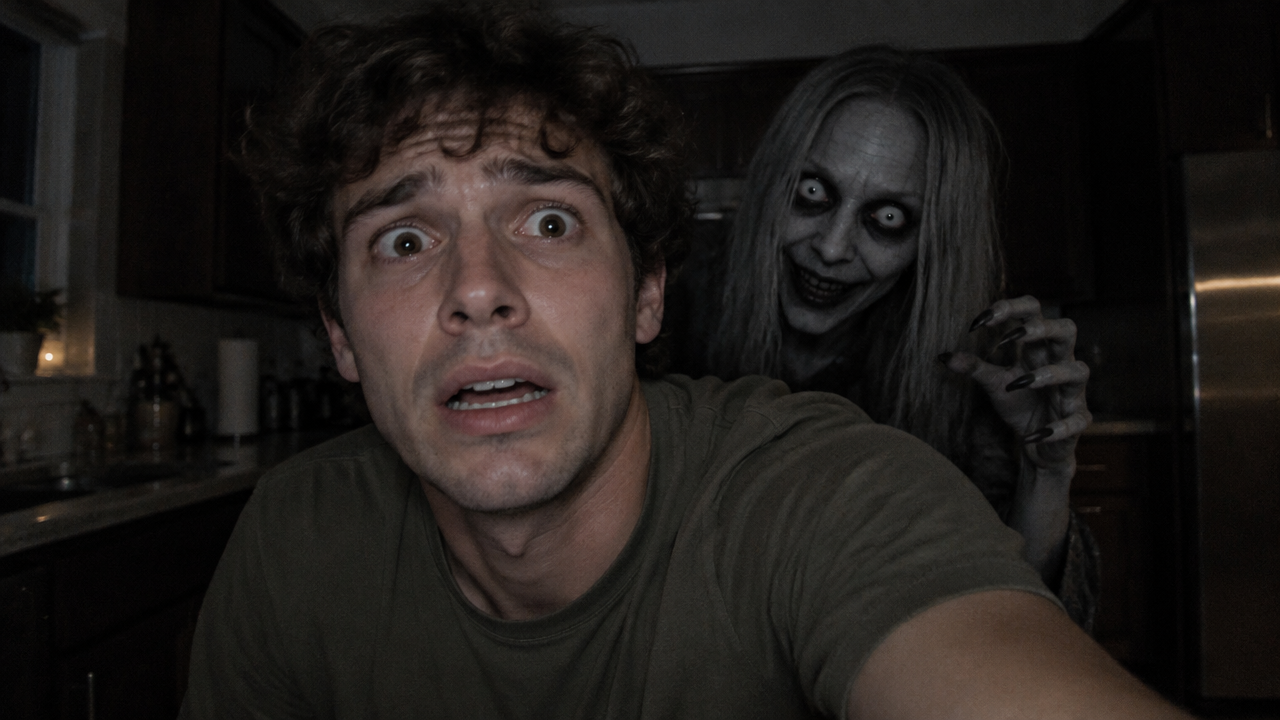
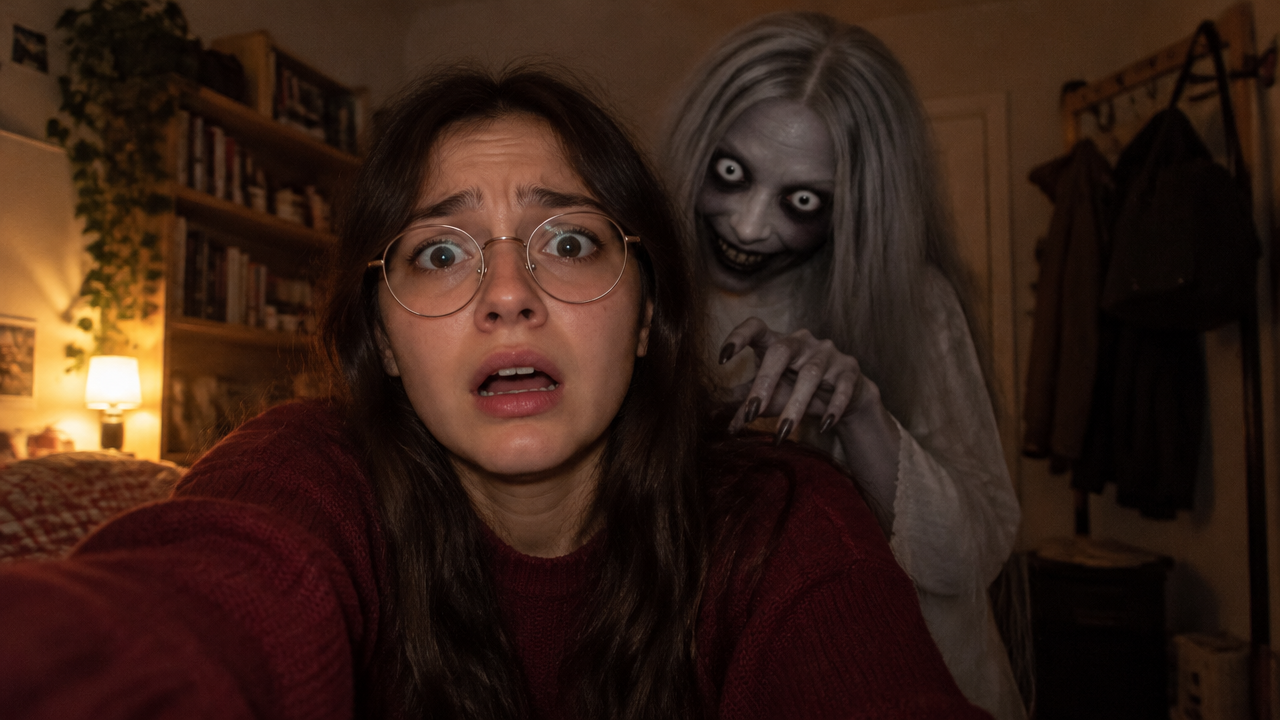
Create instant, realistic ghost pranks with AI! Generate scary videos or funny images from templates. No editing skills needed, try our free ghost filter AI generator now!

Generate Spooky Ghost Prank Videos Instantly with AI

Input your scenario or upload footage, and AI will generate a terrifyingly realistic ghost prank video within moments. Perfect for creators, pranksters, and anyone wanting to scare friends effortlessly, without any complex editing.

Say Goodbye to Complex Video Editing

Forget cumbersome software and steep learning curves. Our AI ghost prank video maker empowers you to create realistic transparent ghost effects and spooky jumpscares without any prior editing experience. Simply select your footage, and let AI do the heavy lifting, saving you hours of manual work.

Get Professional Ghost Effects in Seconds

Tired of fake-looking ghost filters? Our advanced AI ensures your ghost apparition video generator creates truly realistic ghost shadow effects and 3D ghost appearances that will leave viewers questioning reality. Achieve cinematic quality without the effort.

Unleash Your Creativity with AI Prank Prompts

Never run out of ideas! Our AI ghost prank prompt feature helps you generate unique scenarios, from a ghost in mirror prank ai to a dark room ghost filter prank, or even ghost prank on dog ai. Explore endless possibilities and create viral content tailored to your audience.

Your Ultimate AI Ghost Prank Studio

Experience seamless ghost prank creation with our platform, designed for ease, privacy, and accessibility.

Free to Use

Start crafting your ghost filter pranks without any cost. Access powerful AI tools and a wide array of templates for free.

All Private

Your creative content and personal data are always secure. Enjoy private ghost prank video making with complete peace of mind.

Beginner-friendly

No prior editing skills? No problem! Our intuitive interface makes creating professional-looking ghost apparition videos incredibly easy for everyone.

Article

Why Use Our AI Ghost Prank Video Maker?

Our advanced AI ghost prank video maker is designed to revolutionize how you create terrifyingly realistic ghost pranks. Say goodbye to complex editing and hello to instant, high-quality results. Whether you're aiming for a subtle ghost apparition video or a full-blown ghost jumpscare, our platform has you covered with unparalleled ease and efficiency.

  • **Instant Creation:** Generate scary ghost filter pranks in seconds, not hours.
  • **Unmatched Realism:** Achieve realistic transparent ghost effects and detailed ghost shadows.
  • **Vast Template Library:** Access a wide range of ghost filter prank templates and scenarios.
  • **User-Friendly Interface:** Designed for everyone, from beginners to experienced pranksters.
  • **Creative Freedom:** Utilize AI ghost prank prompts to spark new ideas for your videos.
  • **Completely Free:** Enjoy all essential features and ghost effects without any cost.

How to Create a Ghost Filter Prank AI Trend Video in 3 Easy Steps

Crafting your ultimate ghost prank video has never been simpler. Follow these quick steps to generate an unforgettable scare in just minutes.

  1. Passaggio 1 / 3

    Passaggio 1

    Upload Your Video Footage or Image: Choose the base for your prank. Our AI works with existing content to add the perfect ghostly touch.

  2. Passaggio 2 / 3

    Passaggio 2

    Describe Your Ghost Prank Idea: Use simple text prompts to tell our AI what kind of ghost, where it appears, and how it acts. E.g., "A creepy ghost slowly emerges from the dark behind a sleeping person."

  3. Passaggio 3 / 3

    Passaggio 3

    Generate and Share Your Prank: Click 'Generate' and watch as AI brings your spooky vision to life. Download your high-quality ghost video and share the fright with friends!

Frequently Asked Questions About Our AI Ghost Prank Maker

Yes! Our core AI ghost filter prank generator features are completely free. You can create stunning ghost videos and images without any cost.

Come usare la sezione delle domande frequenti

Usa Tab per spostarti tra le domande. Premi Invio o Spazio per espandere o comprimere una risposta. Usa le frecce Su e Giù per passare da una domanda all'altra.