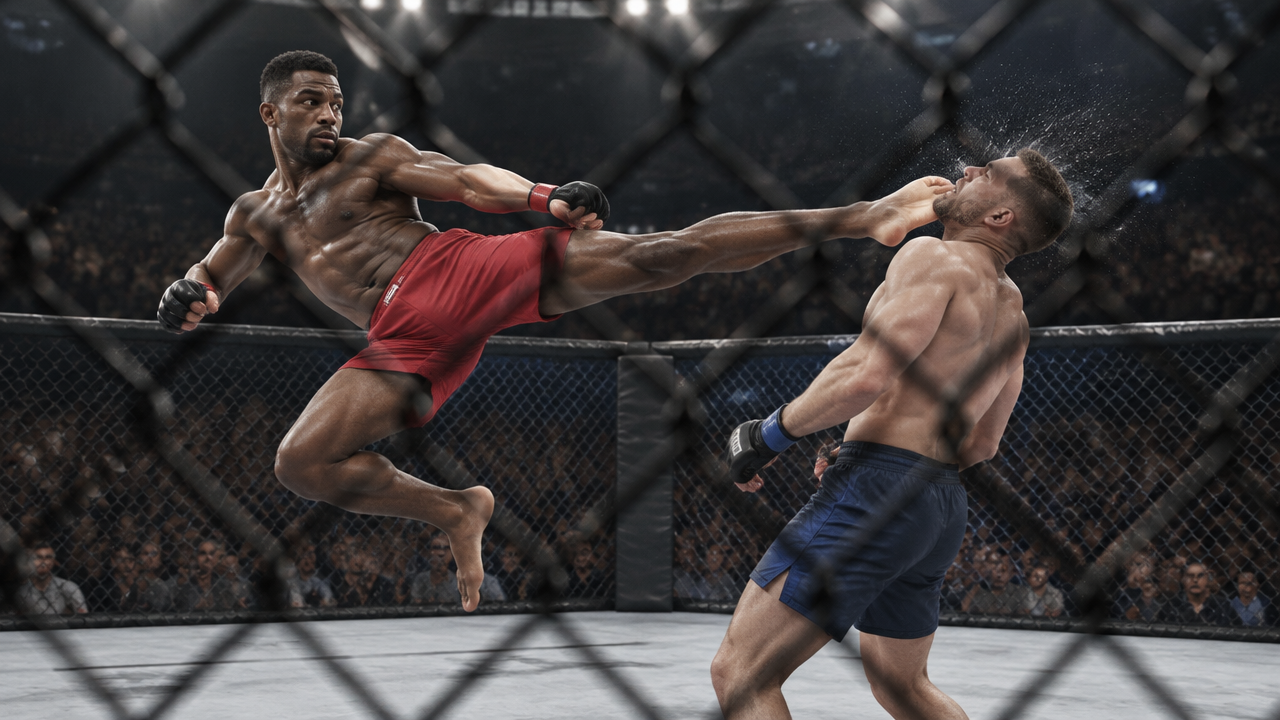
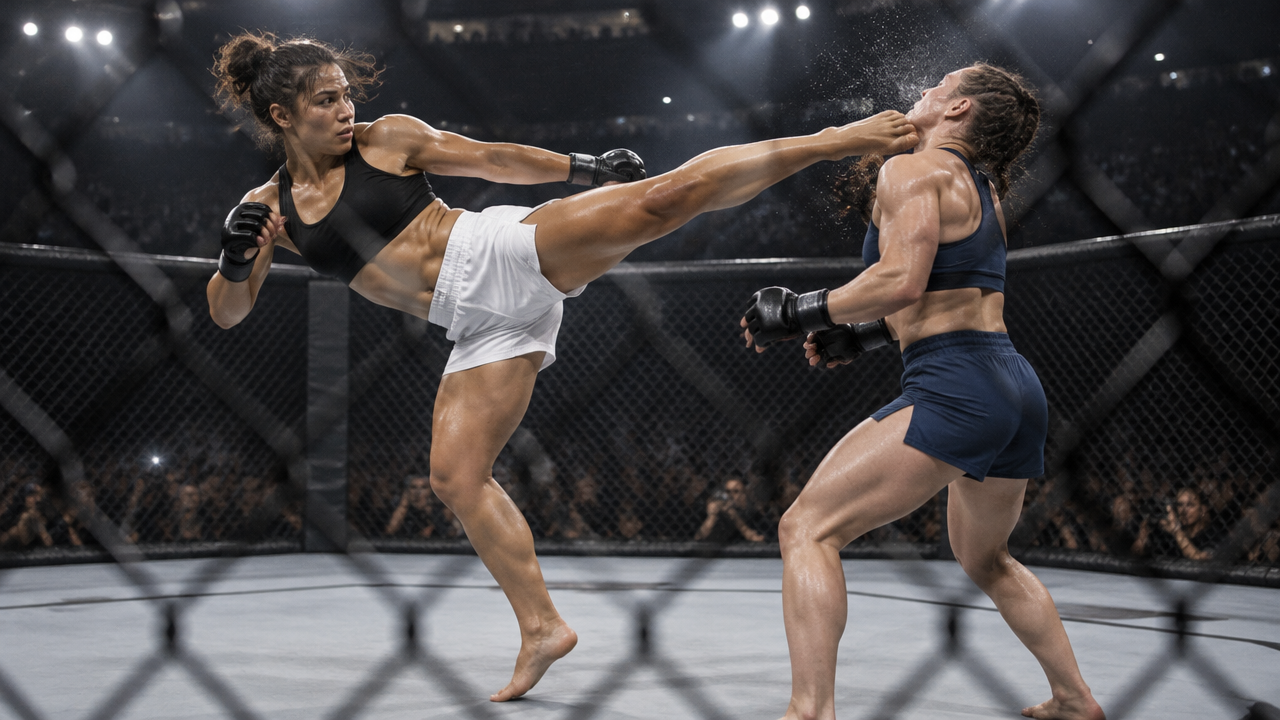
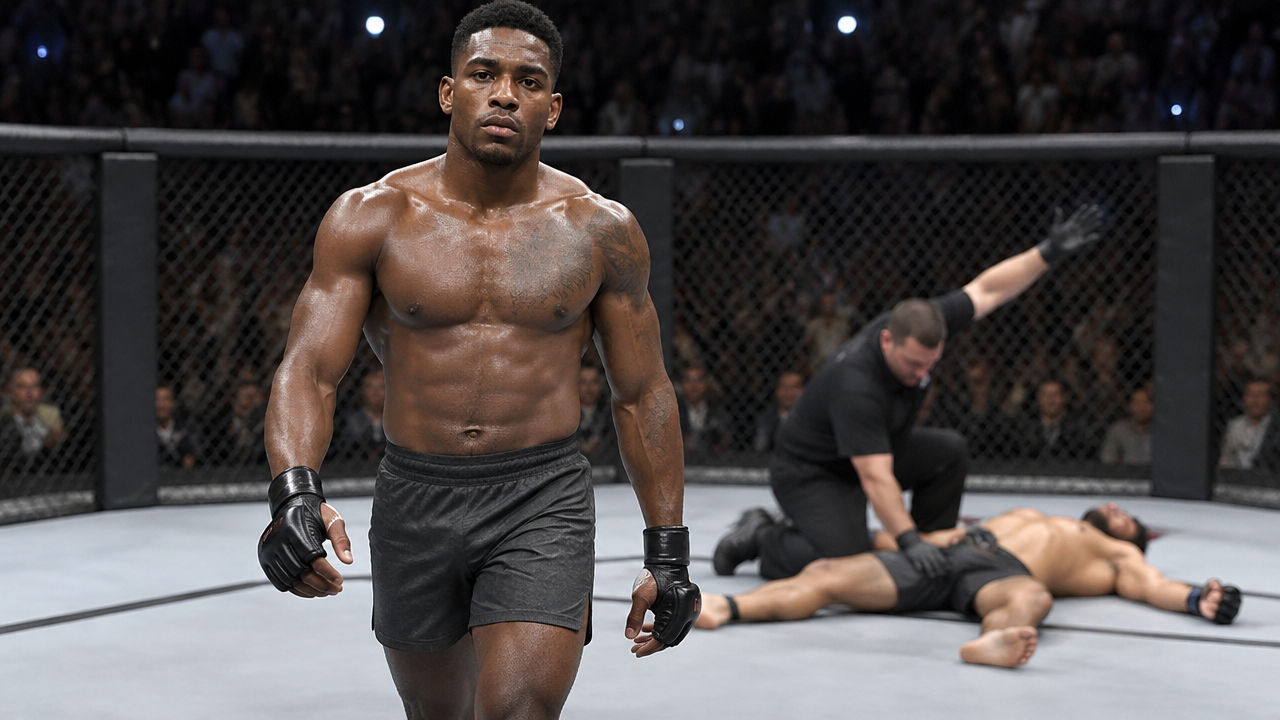
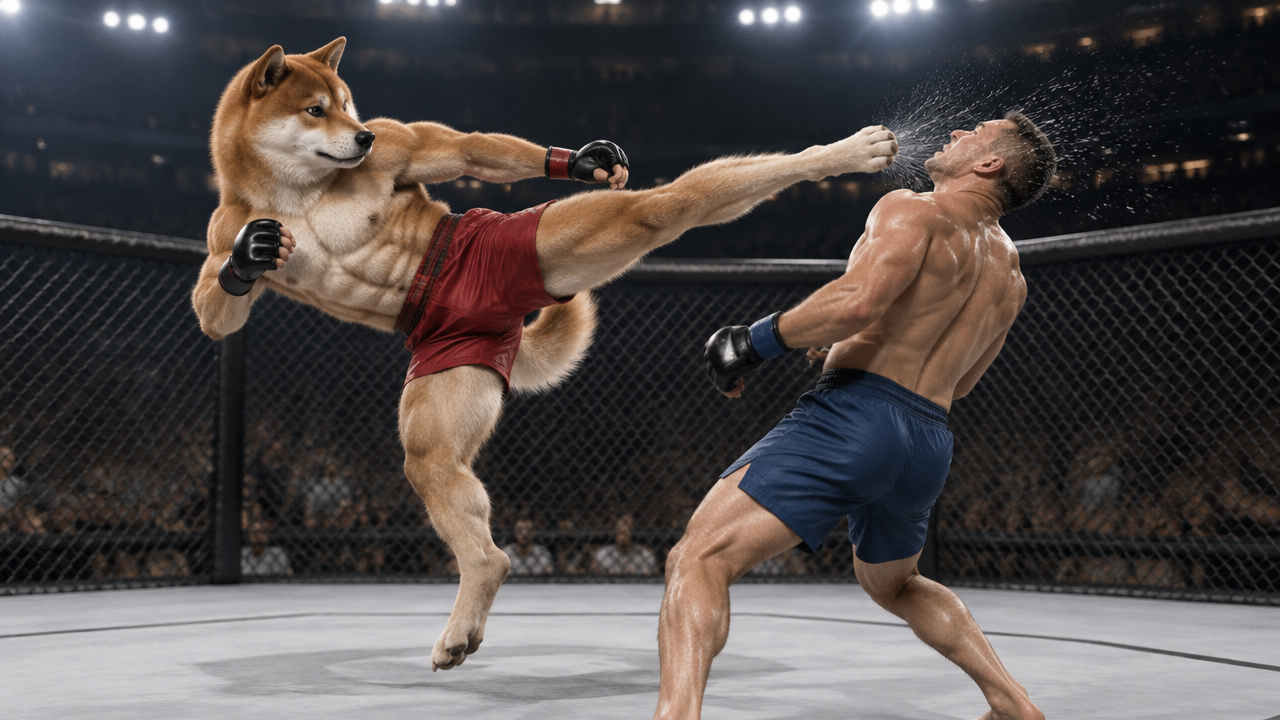
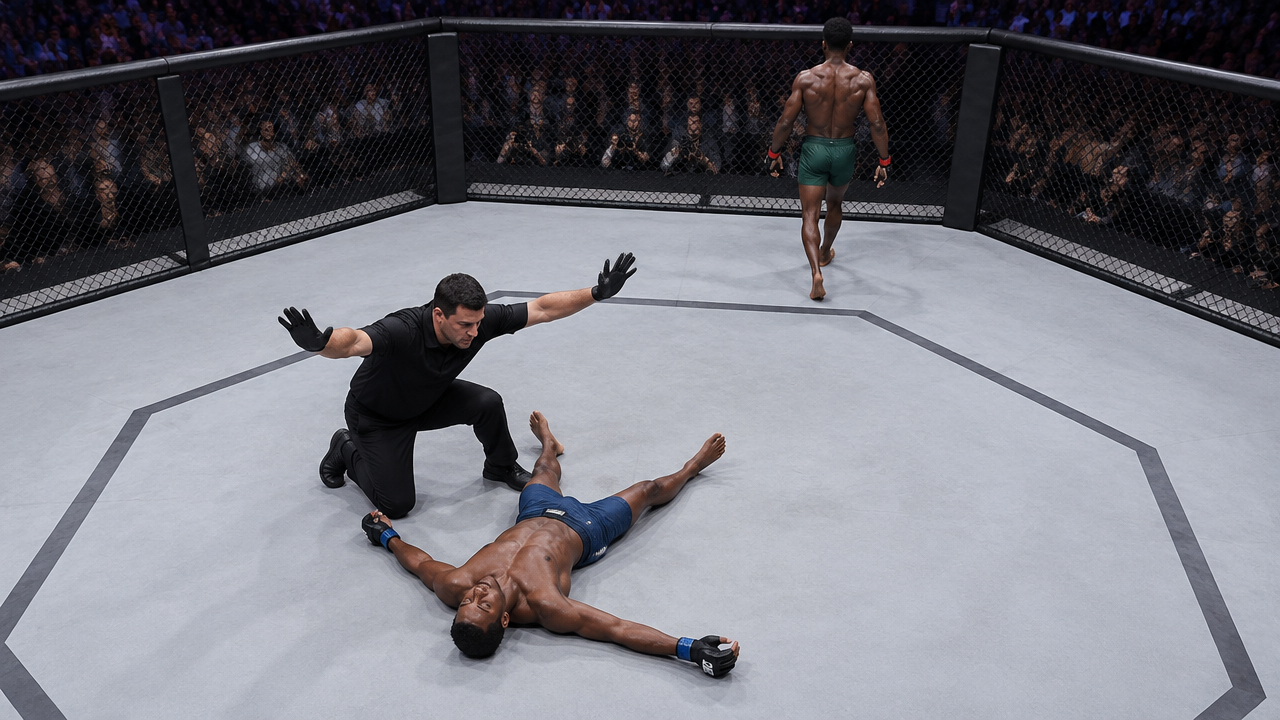
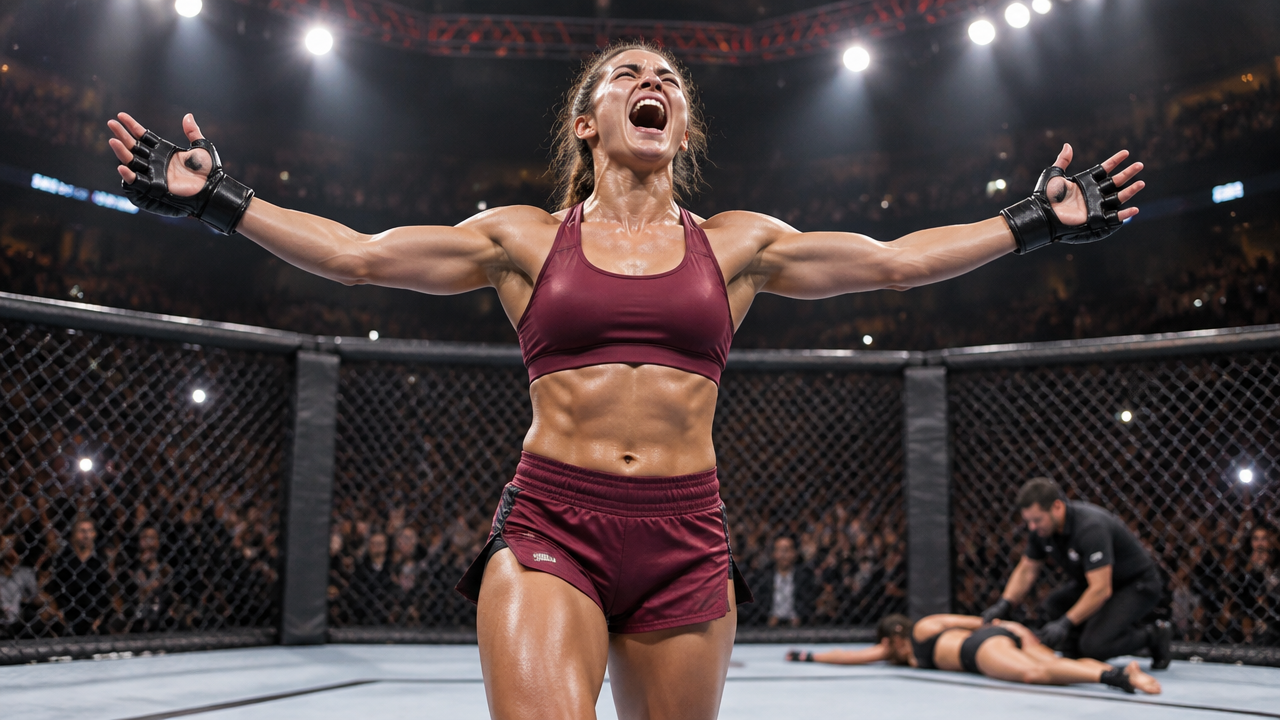
Want to join the Joaquin Buckley knockout AI trend? Easily transform your photos into viral UFC spinning back kick videos. Get instant, personalized KO clips now! Free & easy to use.

Create Your Own Viral Joaquin Buckley Knockout AI Videos

Upload your photo, and our AI will instantly turn it into a dynamic Joaquin Buckley spinning back kick knockout video. Perfect for creators and fans wanting to join the trend, no editing skills needed.

Beyond Complex Editing: Create Viral Clips Instantly

Tired of wrestling with video software? Our AI Joaquin Buckley knockout video generator simplifies the entire process. Just upload your image and watch the magic happen, effortlessly crafting a high-quality UFC viral knockout clip in seconds.

Transform Photos into UFC Fighter Moments, No Skills Needed

Don't let a lack of editing expertise stop you from participating in the Joaquin Buckley AI trend. Our intuitive AI spinning back kick video creator allows anyone to put their face on Joaquin Buckley KO, animating photos into spectacular UFC caught kick videos with ease.

Custom Joaquin Buckley Videos: Your Face, Your Viral Moment

Stand out with truly personalized content. Our custom Joaquin Buckley video maker AI lets you add your photo to UFC caught kick videos, creating unique "walk off roar meme AI" and fighter celebration victory pose clips that are sure to go viral. Make your mark on the Leaping spinning back kick trend!

Effortless Creation, Complete Control, Always Free

Experience the power of AI video generation designed for everyone, with full privacy and no hidden costs.

Free to use

Generate your Joaquin Buckley knockout AI trend videos without any cost. Access powerful AI tools for free, anytime.

All private

Your creations and personal data remain 100% private. We ensure your content is secure and for your eyes only.

Beginner-friendly

Our intuitive interface makes creating stunning UFC spinning back kick videos simple for everyone, from novices to pros.

Article

Why Use Our Joaquin Buckley Knockout AI Video Generator?

Discover how our AI tool empowers you to create engaging and viral UFC content with unprecedented ease and speed. Get ready to transform your photos into dynamic UFC spinning back kick videos and join the global trend effortlessly.

  • Instant Transformation: Turn any photo into a dynamic UFC caught kick video in seconds.
  • User-Friendly Interface: Designed for everyone, making "how to do the Joaquin Buckley knockout trend" effortless.
  • High-Quality Results: Generate professional-grade "AI Joaquin Buckley knockout video" clips.
  • Complete Customization: Personalize your "Joaquin Buckley walk off roar meme AI" with unique touches.
  • Viral Trend Ready: Perfectly aligned with the "UFC spinning back kick trend," ensuring your content stands out.
  • Absolutely Free: Enjoy all features to create your "MMA fighter knockout generator" videos without any cost.


How to Create Your Joaquin Buckley Knockout AI Video

Follow these simple steps to put your face on Joaquin Buckley KO and join the viral UFC trend in minutes.

  1. Passaggio 1 / 3

    Passaggio 1

    Upload Your Photo. Choose a clear image of yourself or a friend you want to feature in the UFC caught kick spinning back kick animation.

  2. Passaggio 2 / 3

    Passaggio 2

    Let AI Do the Magic. Our advanced AI Joaquin Buckley knockout video generator processes your image and integrates it seamlessly into the dynamic knockout scene.

  3. Passaggio 3 / 3

    Passaggio 3

    Download & Share Your Viral Clip. Preview your unique Joaquin Buckley viral knockout clip and download it instantly. Share it across social media and become part of the Leaping spinning back kick trend!

Frequently Asked Questions about Joaquin Buckley AI Trend

It's a viral online trend where users transform their photos or videos into AI-generated clips featuring the iconic "Joaquin Buckley cage knockout video" or "UFC caught kick spinning back kick" with a personalized touch.

Come usare la sezione delle domande frequenti

Usa Tab per spostarti tra le domande. Premi Invio o Spazio per espandere o comprimere una risposta. Usa le frecce Su e Giù per passare da una domanda all'altra.