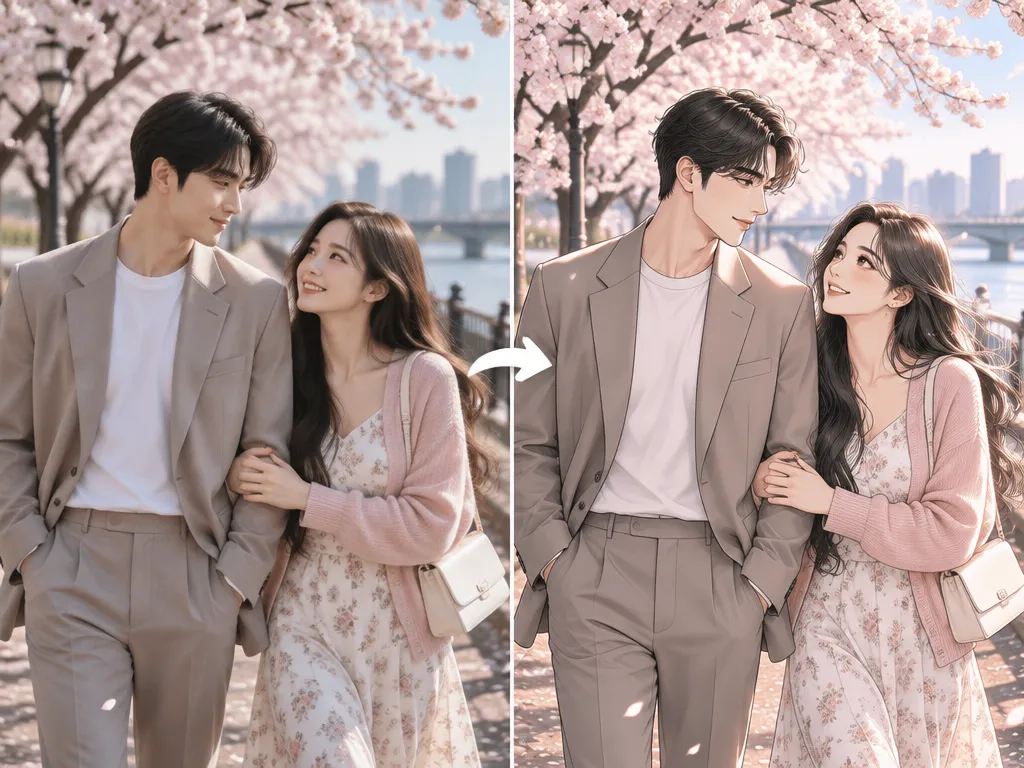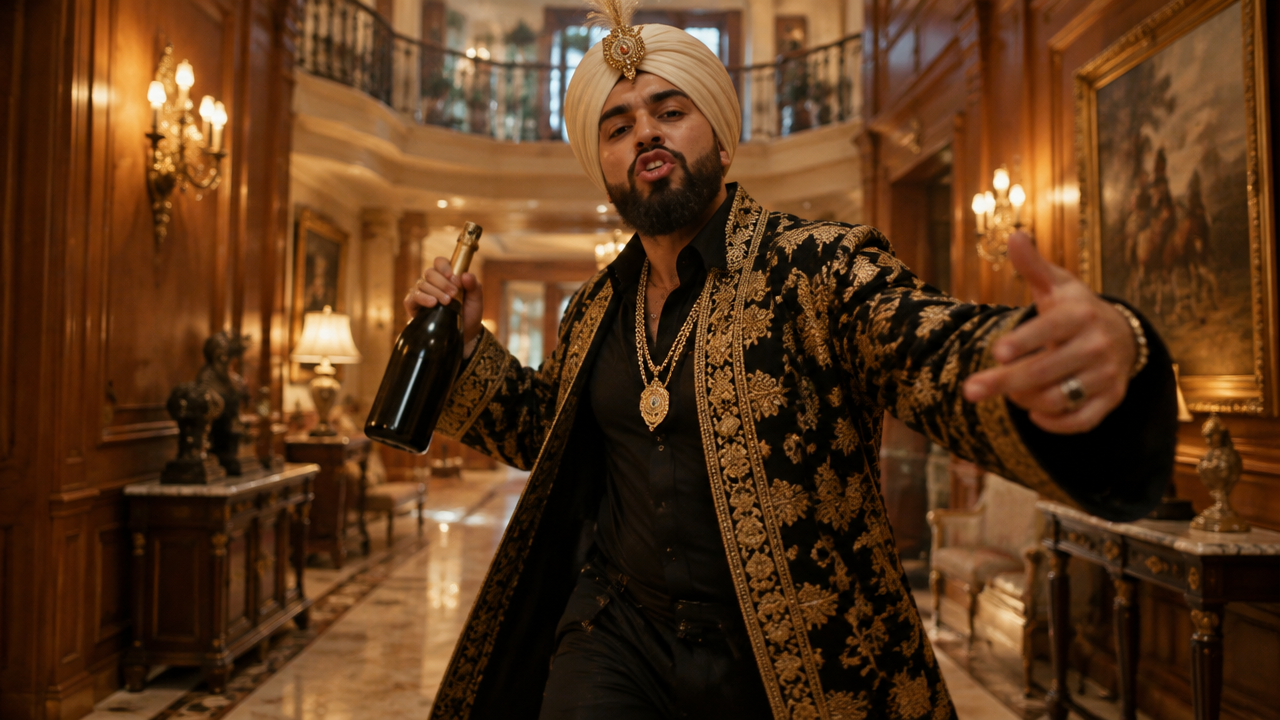
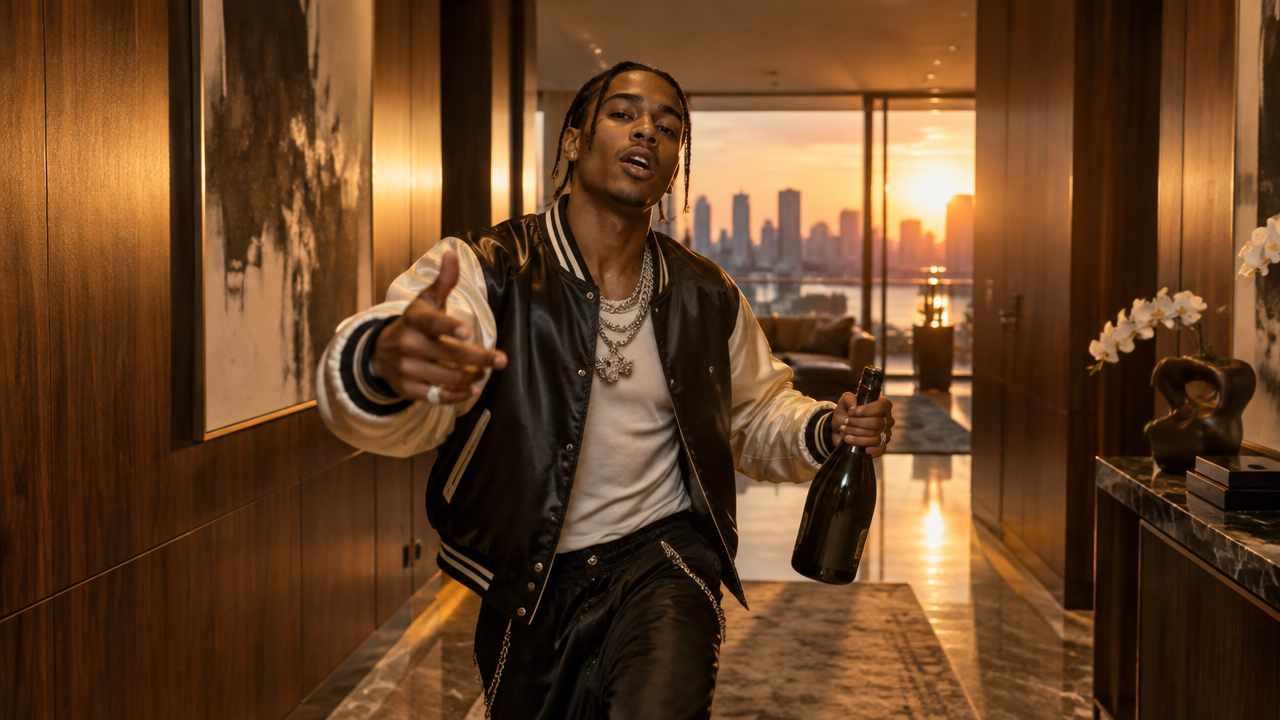
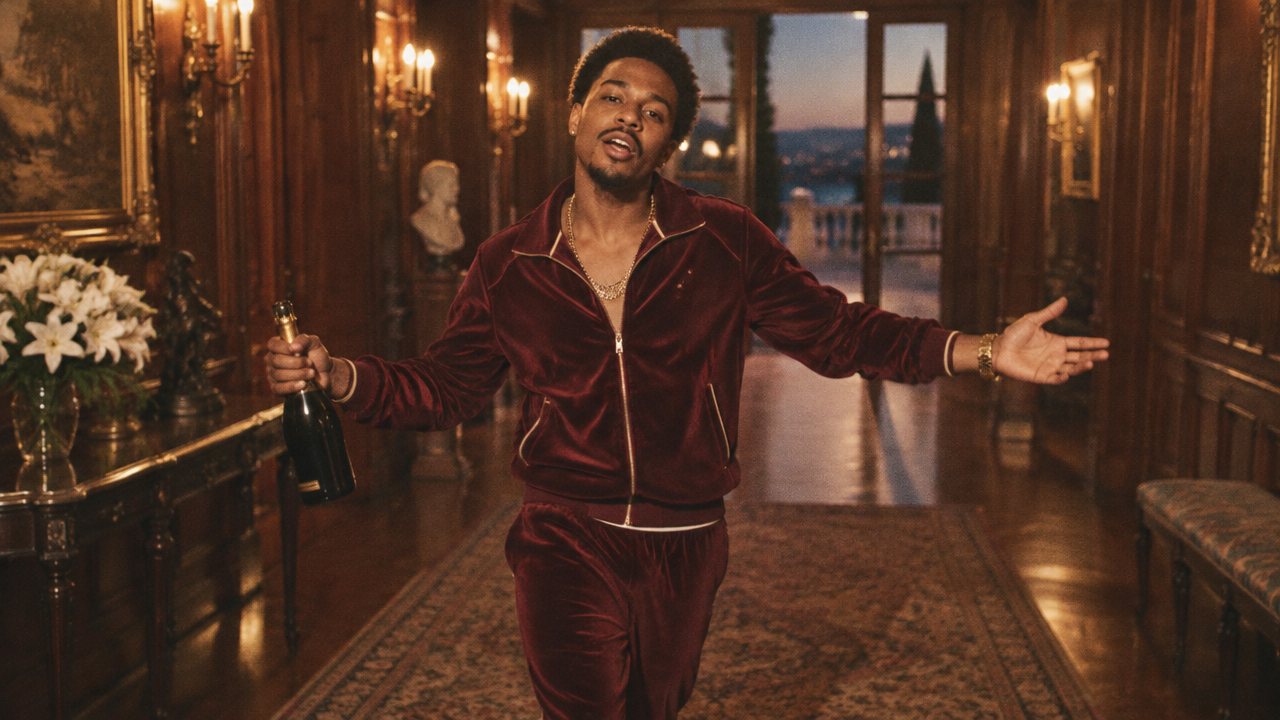
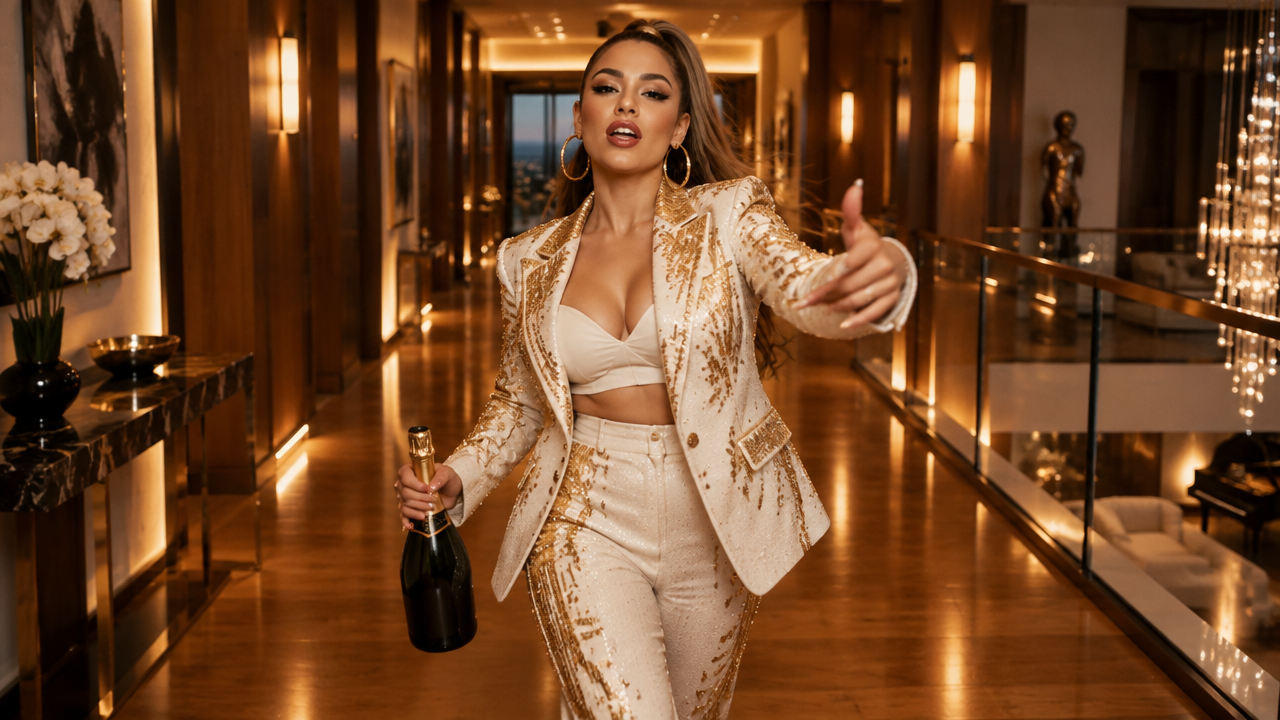


Want a viral Popstar AI video? Upload your photo, instantly transform into a music video star with stunning AI effects. Free, fast, and no editing skills needed.

Popstar AI Trend Generator: Instantly Create Viral Music Videos

Upload your photo or video, and our Popstar AI trend generator will instantly transform you into a music video star. Perfect for social media, creators, and anyone ready to go viral, no complex editing required.

Transform Photos into Popstar AI Videos in One Tap

Say goodbye to complex editing software! Our AI tool lets you effortlessly convert your cherished photos into dynamic Popstar AI music videos with just a single tap. It's never been easier to become the star you envision.

Unleash Your Inner Popstar with Viral AI Effects

Ready to capture the latest trends? Our platform offers a wide range of viral Popstar AI effects, filters, and templates, including the exclusive mansion hallway and champagne walk trends. Stay ahead and make your content unforgettable on social media.

High-Quality Popstar AI Videos with Custom Looks

Don't compromise on quality or personalization. Generate stunning HD Popstar AI music videos with realistic face swaps, perfectly synced sound, and even custom outfit options. Your vision, realized in cinematic detail.

Why Choose Our Popstar AI Trend Tool?

Discover the key benefits that make our Popstar AI video creator the ultimate choice for your viral content needs. We combine innovation with user-centric design.

Free to use

Access powerful Popstar AI trend generation features without any cost. Create and download your viral videos for free.

All private

Your uploads and creations are kept 100% private. We value your privacy and ensure your content remains secure.

Beginner-friendly

Our intuitive interface makes creating Popstar AI videos simple for everyone. No technical skills or prior experience needed.

Article

Why Use a Popstar AI Trend Generator?

Our Popstar AI trend generator isn't just a tool; it's your gateway to instant fame and creative expression. Leveraging advanced AI, it transforms your ordinary photos and videos into captivating, trendy music videos that are destined to go viral. Experience the power of AI to bring your popstar dreams to life effortlessly.

  • Instant Viral Content: Quickly generate Popstar AI videos optimized for social media engagement and trending topics.
  • Effortless Creation: Turn photos or short clips into professional-looking music videos without any editing skills.
  • Customizable Styles: Explore a wide range of Popstar AI templates, filters, and effects to match your unique vision.
  • High-Quality Output: Produce HD Popstar AI music videos with realistic motion transfer and crystal-clear audio.
  • Privacy & Security: Your personal data and creations are always protected with our robust privacy measures.
  • Completely Free: Enjoy all premium features of our Popstar AI trend generator at absolutely no cost.
How to Make Your Own Popstar AI Video in 3 Easy Steps

Ready to become a popstar? Follow these simple steps to transform your content into a viral Popstar AI music video using our intuitive generator.

  1. Passaggio 1 / 3

    Passaggio 1

    Upload Your Media: Start by uploading a photo or short video clip from your device.

  2. Passaggio 2 / 3

    Passaggio 2

    Choose Your Trend or Prompt: Select a trending Popstar AI effect, template, or simply describe your desired video with a text prompt.

  3. Passaggio 3 / 3

    Passaggio 3

    Generate & Share: Click "Generate," and in moments, your unique Popstar AI video will be ready to download and share across social media.

Frequently Asked Questions about Popstar AI Videos

A Popstar AI trend generator is an online tool that uses artificial intelligence to transform your uploaded photos or videos into trendy, high-quality music video-style clips, often featuring effects similar to those seen in popular popstar visuals. It helps you create Popstar AI videos effortlessly.

Come usare la sezione delle domande frequenti

Usa Tab per spostarti tra le domande. Premi Invio o Spazio per espandere o comprimere una risposta. Usa le frecce Su e Giù per passare da una domanda all'altra.