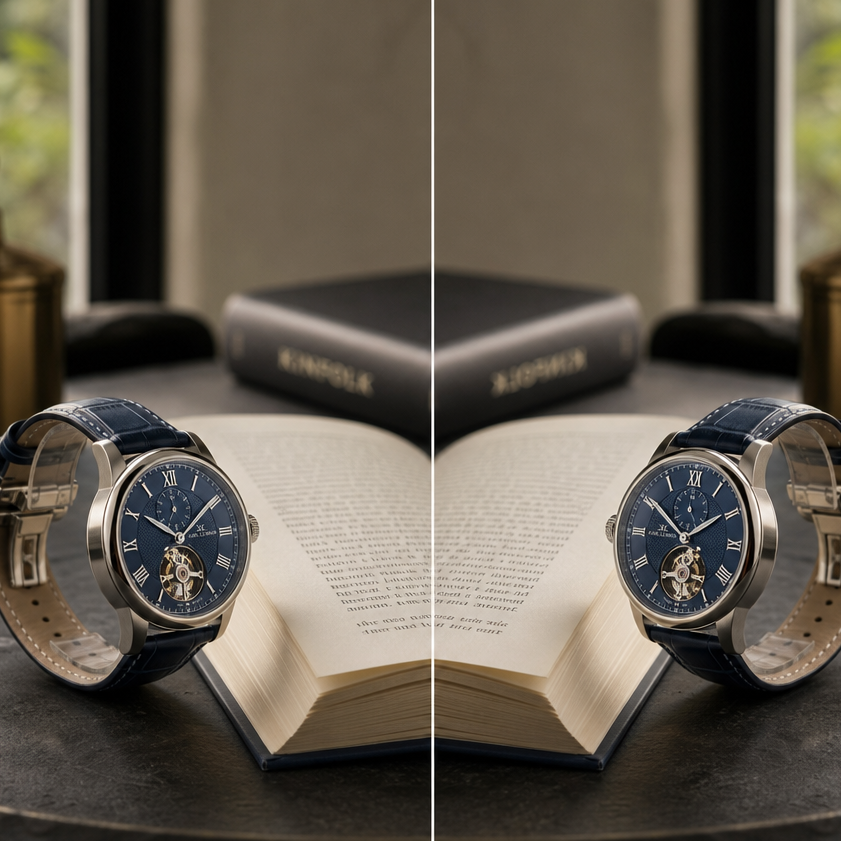
반전 필터 온라인: 무료 이미지 및 비디오 편집기 | AIAI.com

사진과 비디오에 반전 필터를 즉시 적용하세요. 얼굴, 카메라 또는 TikTok 효과를 위한 반전 필터 온라인. 무료이며 간편합니다.

온라인 반전 필터의 힘을 경험하세요

직관적인 반전 필터 온라인 도구로 창의적인 가능성을 열어보세요. 몇 번의 클릭만으로 사진과 동영상을 멋지고 독특한 시각적 콘텐츠로 손쉽게 변환하세요. 예술적 효과를 원하든 재미있는 새 모습을 원하든, 저희 플랫폼은 모든 사람이 반전 필터 온라인을 원활하고 즐겁게 사용할 수 있도록 합니다. 색상과 톤이 아름답게 반전되어 디지털 콘텐츠에 새로운 시각을 제공하는 세계에 빠져보세요.
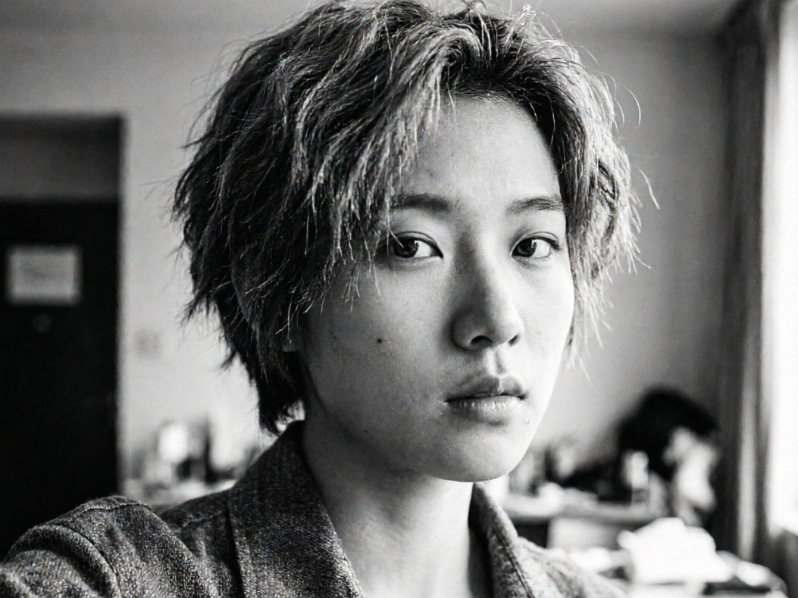
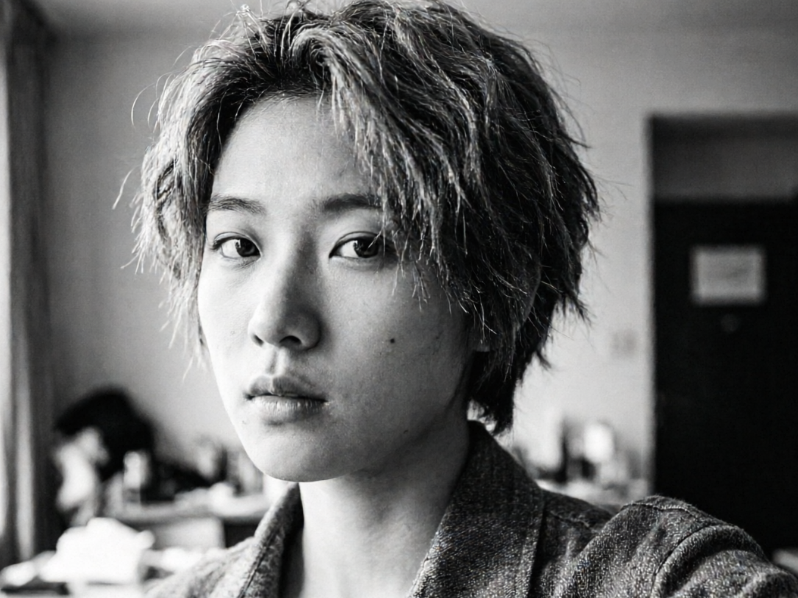
where the woman's face is now slightly turned to the right, left shoulder slightly raised, with the left-right order of her hairstyle and collar reversed, appearing as a mirror image of the original photo, and the background is also horizontally flipped accordingly, showcasing perfect symmetry.
A high-contrast image, with the left side showing a clear half-body selfie of a young woman, her face slightly turned to the left, right shoulder slightly raised, long brown hair falling naturally, wearing a beige sweater, with a blurred indoor background of green plants and a light-colored wall; the right side shows the effect of the same photo after applying a horizontal mirror invert filter
BeforeAfter

즉시 색상을 반전시켜 눈에 띄는 사진 만들기

저희 반전 필터가 적용된 이미지에서 극적인 차이를 확인하세요. 고급 알고리즘이 정밀한 색상 반전을 보장하여 평범한 사진을 특별한 시각적 표현으로 바꿉니다. 미묘한 변화부터 강한 대비까지, 간단한 반전 필터가 어떻게 사진의 수준을 높이고 모든 디테일이 반전된 색상에서 돋보이게 하는지 목격하세요. 사진을 업로드하고 직접 그 마법을 경험해 보세요.
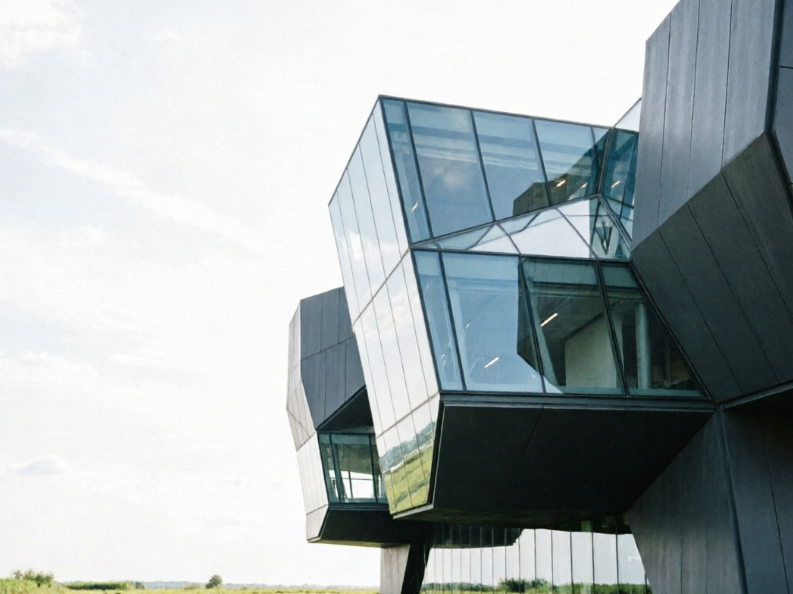
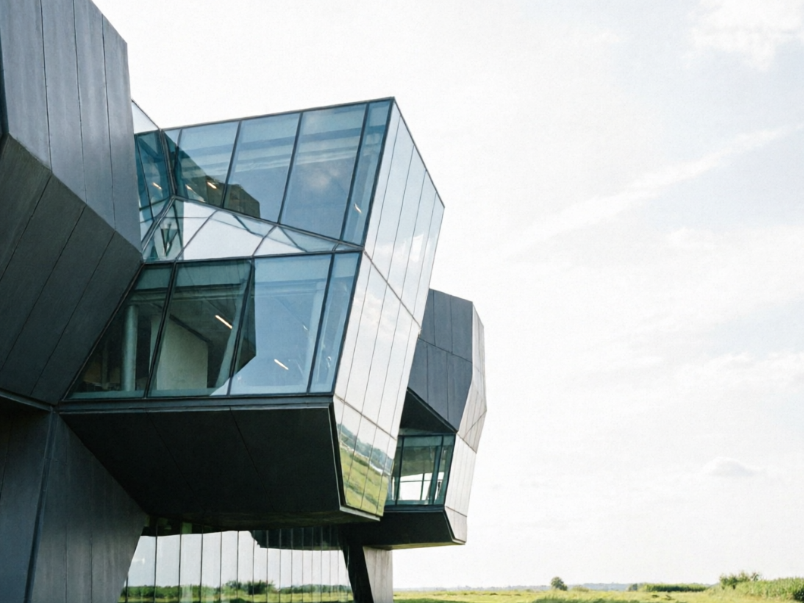
where the building's main structure now leans towards the right side of the frame, with the left-right elements of its glass and steel entirely reversed, and the sky and green area also flipped accordingly, creating a curious visual effect that is both symmetrical and familiar.
A high-contrast image, with the left side showing a clear photo of an urban landmark building (e.g., an asymmetrical modern art museum), with its unique glass and steel structure leaning towards the left side of the frame, and a portion of clear blue sky and a green area on the right; the right side shows the effect of the same photo after applying a horizontal mirror invert filter
BeforeAfter

다이내믹 반전 효과로 비디오를 재상상하세요

동영상 클립에 반전 필터를 적용하면 예상치 못한 생동감으로 살아나는 것을 확인하세요. 저희 온라인 도구는 동영상 반전을 완벽하게 처리하며, TikTok 제작자나 시각적 스토리에 독특한 변주를 추가하려는 모든 분에게 적합합니다. 복잡한 소프트웨어 없이 부드러운 전환과 놀라운 반전 영상을 경험하세요. 평범한 영상을 매혹적이고 공유 가능한 콘텐츠로 손쉽게 변환하세요.
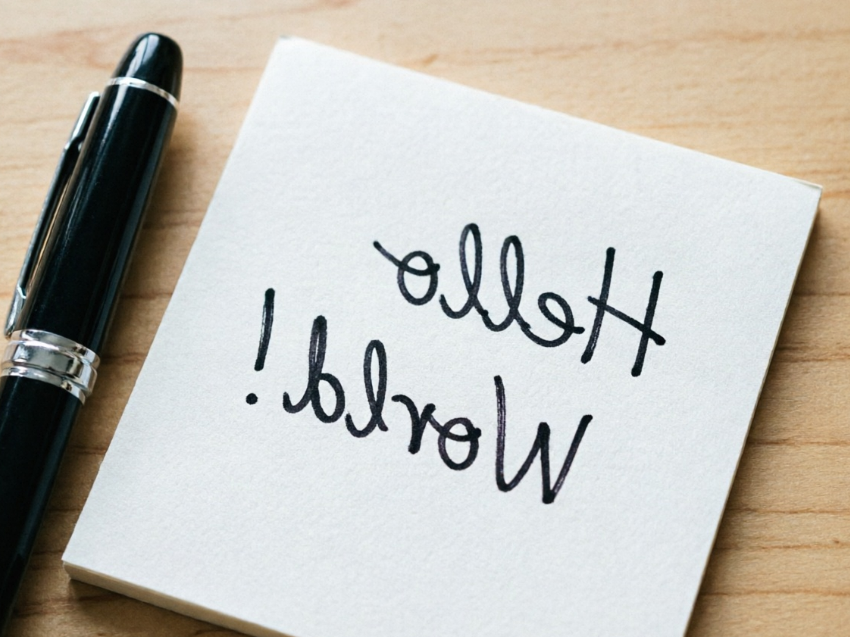

where the handwritten English text "Hello World!" on the sticky note is reversed horizontally into mirror text, and the nib of the fountain pen also completely reverses its direction to point to the left, creating an interesting "reading text in a mirror" effect for the entire scene.
A high-contrast image, with the left side showing a clear top-down photo of a desk, with a white sticky note clearly displaying black handwritten English text "Hello World!" on it, next to a dark blue fountain pen with its nib pointing to the right; the right side shows the effect of the same photo after applying a horizontal mirror invert filter
BeforeAfter

AIAI.com이 반전 필터 도구에 최고의 선택인 이유

저희 반전 필터 서비스를 돋보이게 하는 핵심 가치를 알아보세요. 접근성, 개인 정보 보호 및 사용자 친화성을 최우선으로 하여 모든 크리에이터에게 최고의 경험을 보장합니다. 이러한 원칙은 타협 없이 창의력을 발휘할 수 있는 신뢰할 수 있고 즐거운 도구를 제공하는 데 도움이 됩니다.

무료 사용

무료로 저희 반전 필터 온라인 도구를 무제한 이용하세요. 구독도, 숨은 요금도 없습니다. 필요할 때마다 순수한 창작의 자유를 누리세요.

모두 비공개

업로드된 파일은 안전하게 처리되고 즉시 삭제됩니다. 개인정보 보호를 약속하며, 개인 이미지와 동영상은 오직 여러분만의 것으로 남습니다.

초보자 친화적

직관적인 인터페이스 덕분에 누구나 반전 필터를 간편하게 적용할 수 있습니다. 기술이 필요 없습니다. 업로드, 클릭, 다운로드만 하면 변환된 콘텐츠를 얻을 수 있습니다.

3단계로 온라인 반전 필터 도구 사용하는 방법

온라인으로 반전 필터를 적용하는 것이 그 어느 때보다 쉬워졌습니다. 다음 빠른 단계를 따라 이미지와 비디오를 즉시 변환하고 창의력을 발휘하세요.

  1. Step 1 of 3

    Step 1

    【미디어 업로드】

  2. Step 2 of 3

    Step 2

    【반전 필터 적용】

  3. Step 3 of 3

    Step 3

    【결과 다운로드】

반전 필터에 관한 자주 묻는 질문

반전 필터는 디지털 방식으로 미디어의 색상을 반전시킵니다. 예를 들어 검은색은 흰색으로, 흰색은 검은색으로 바뀌며, 다른 색상들은 보색으로 전환되어 네거티브 효과를 만듭니다.

FAQ 섹션 사용 방법

Tab 키로 질문 사이를 이동하고 Enter 또는 Space로 답변을 펼치거나 접을 수 있습니다. 위/아래 화살표 키로 질문 간 이동이 가능합니다.