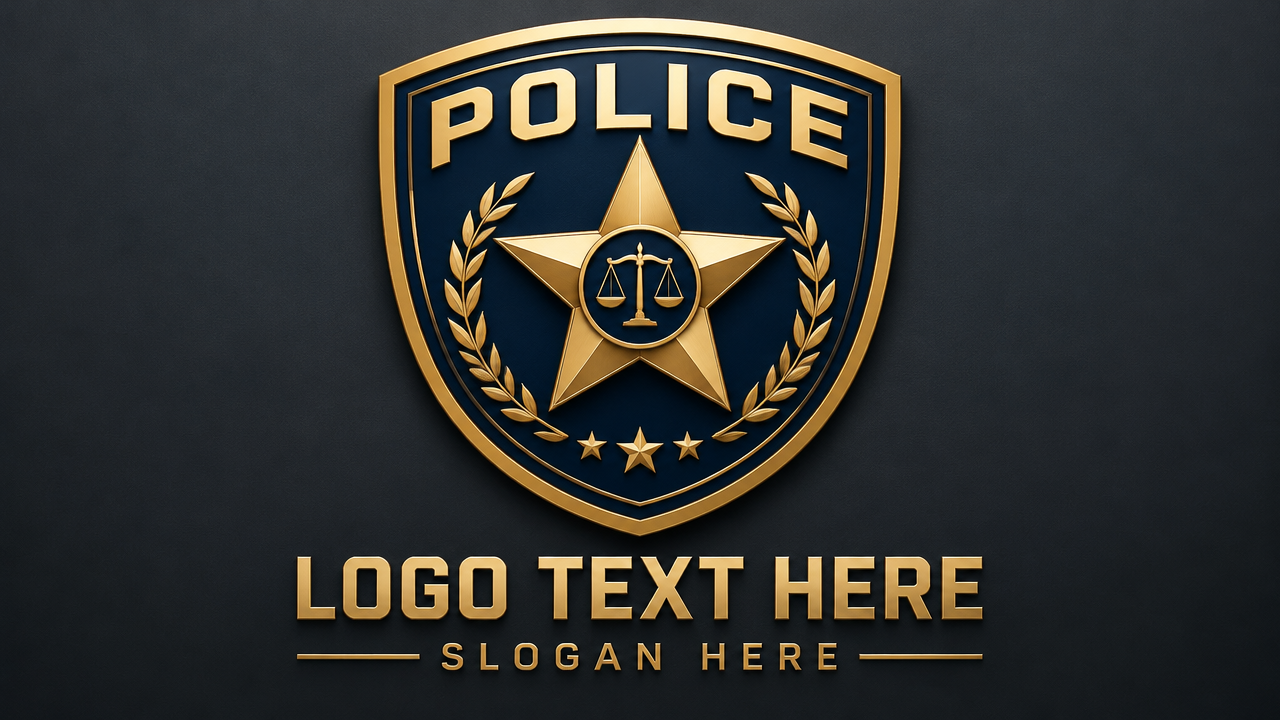
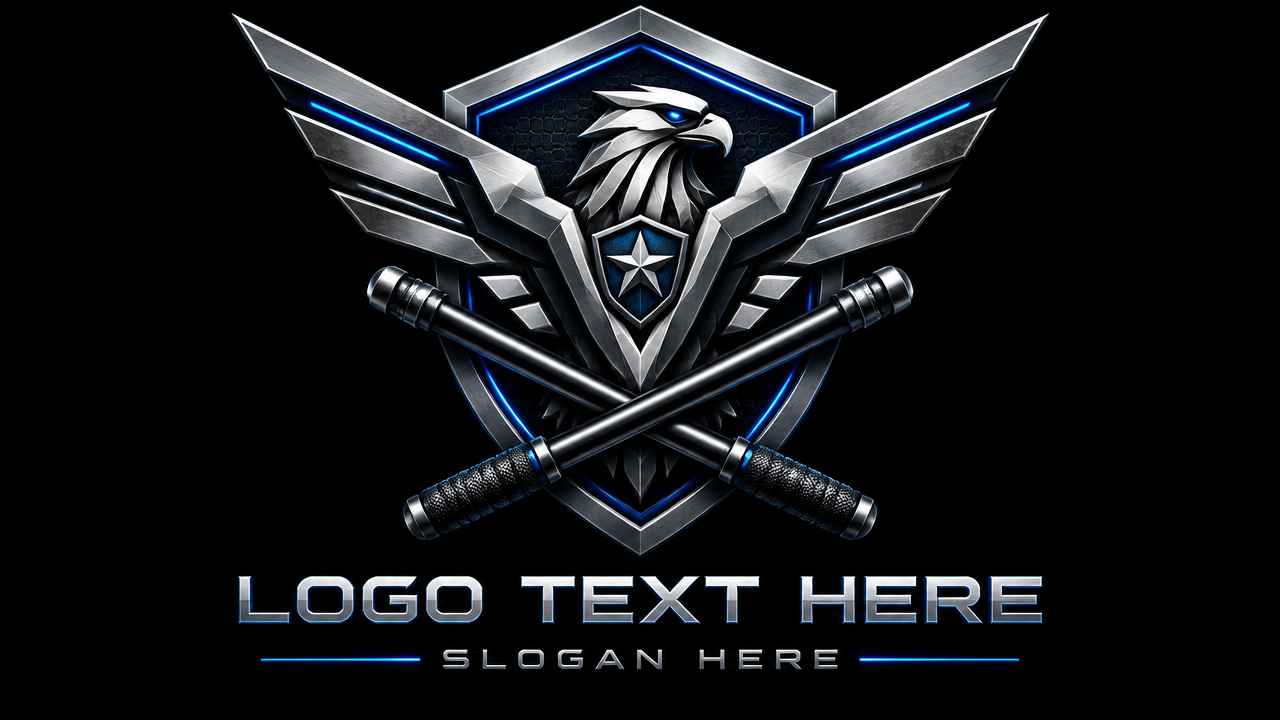

Need a police logo? Create stunning police badge, car, and department logos instantly with our free AI tool. No design skills needed, get professional results in minutes!

Design Professional Police Logos Instantly with AI

Input your ideas, and our AI will generate unique police logos, badges, and car decals in seconds. Perfect for departments, community events, or personal projects, no design experience needed.

No Design Skills? No Problem for Your Police Logo!

Forget complex software and steep learning curves. Our intuitive AI Police Logo Maker handles the design, letting anyone create professional police logos, badges, and car decals effortlessly.

Get Custom Police Logo Designs in Minutes, Not Weeks

Tired of waiting for designers or struggling with slow design processes? Our AI Police Logo Design tool delivers custom, high-quality logos for badges, cars, and uniforms in just minutes.

Affordable & Free Police Logo Maker for Every Budget

Why pay high fees for professional designers? Our free AI police logo maker allows you to create unlimited designs, including police badge and car logos, without breaking the bank. Get premium results for free.

Why Choose Our AI Police Logo Design Platform?

Experience a superior way to create your police logos with features designed for ease, privacy, and quality.

Free to use

Design and download stunning police logos, badges, and car decals without any hidden costs. Access powerful AI design tools completely free.

All private

Your creative designs and personal information are always secure. We ensure complete privacy for all your police logo projects.

Beginner-friendly

With an intuitive interface, creating professional police logos is straightforward for everyone, regardless of design experience.

Article

Why Use an AI Police Logo Design Tool?

An AI police logo design tool transforms the way individuals and organizations create professional and impactful symbols for law enforcement. It leverages artificial intelligence to streamline the entire design process, offering unparalleled speed, flexibility, and accessibility. Whether you need a crisp police badge logo, a dynamic police car logo design, or a comprehensive police logo design template, AI makes it possible with ease.

  • **Instant Creation:** Generate multiple police logo concepts in seconds, saving valuable time compared to traditional methods.
  • **Cost-Effective:** Design high-quality police logos without the expense of hiring a professional graphic designer.
  • **Highly Customizable:** Easily modify colors, fonts, symbols, and layouts to perfectly match your vision for any police-related branding.
  • **No Skills Required:** Produce professional-grade police badge and car logos even if you have no prior design experience.
  • **Consistent Branding:** Ensure visual uniformity across all your police department assets, from uniforms to digital media.
  • **Access to Templates:** Start with a diverse range of police logo design templates and customize them to fit specific needs.

How to Create Your Police Logo Design with AI

Designing a professional police logo with our AI tool is simple and intuitive. Follow these three easy steps to bring your vision to life in minutes.

  1. 단계 1 / 3

    단계 1

    Describe Your Police Logo Idea: Enter a prompt describing the police logo design you envision – whether it's for a badge, a vehicle, or a specific unit. Our AI uses your text to understand your needs.

  2. 단계 2 / 3

    단계 2

    Generate & Customize Your Logo: The AI will instantly generate several police logo options. Select your favorite and easily customize colors, fonts, icons, and layout to perfect your unique police emblem.

  3. 단계 3 / 3

    단계 3

    Download Your High-Resolution Design: Once satisfied, download your new police logo in various high-resolution formats, ready for use on badges, cars, websites, or merchandise.

FAQs About Our AI Police Logo Maker & Design

Yes, our AI Police Logo Maker allows you to design and download police badge logos completely free of charge. Explore unlimited options and customize them to your needs.

FAQ 섹션 사용 방법

Tab 키로 질문 사이를 이동하고 Enter 또는 Space로 답변을 펼치거나 접을 수 있습니다. 위/아래 화살표 키로 질문 간 이동이 가능합니다.