
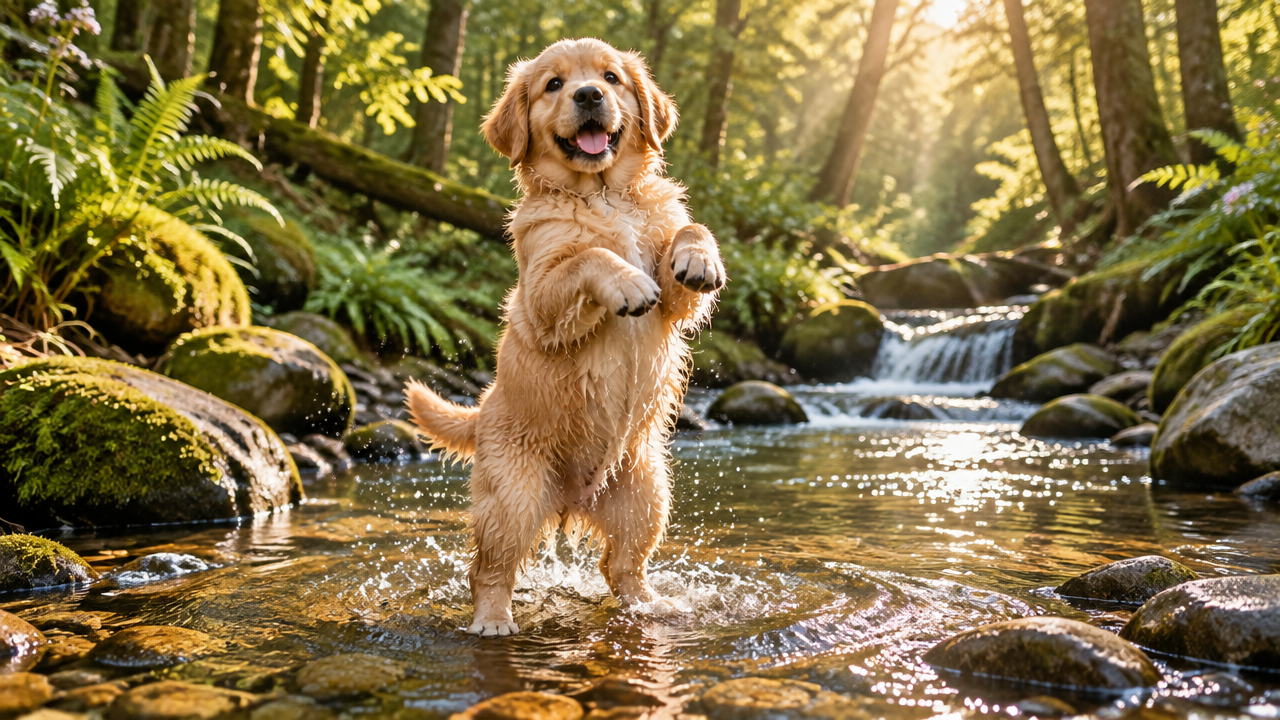
Create viral Quiet On The Creek AI dance videos instantly. Transform photos into trending Saucy Santana dances with a finger-to-lips bounce. Free & no editing needed. Try now!

Generate Quiet On The Creek AI Dance Videos Instantly

Upload your photo or describe your idea, and our AI instantly transforms it into viral "Quiet On The Creek AI dance" trends. Perfect for creators, pet owners, and friends who want to join the challenge without complex editing.

No Editing Skills? Generate Viral Quiet On The Creek Videos Instantly.

Forget complex video editing software. Our AI tool simplifies "Quiet On The Creek AI video" creation, allowing anyone to generate stunning, viral-ready clips with just a few clicks. Transform your still images into dynamic dance videos effortlessly.

Unleash Your Creativity: Custom Quiet On The Creek Dance Templates.

Struggle to make content that pops? Our AI provides unique "Quiet On The Creek dance template" ideas, ensuring your videos stand out. Transform any concept into a trending "Saucy Santana dance video" effortlessly, from finger to lips bounce to sassy hip bounce.

Animate Anyone: Pets, Friends, or Yourself in Quiet On The Creek AI Videos.

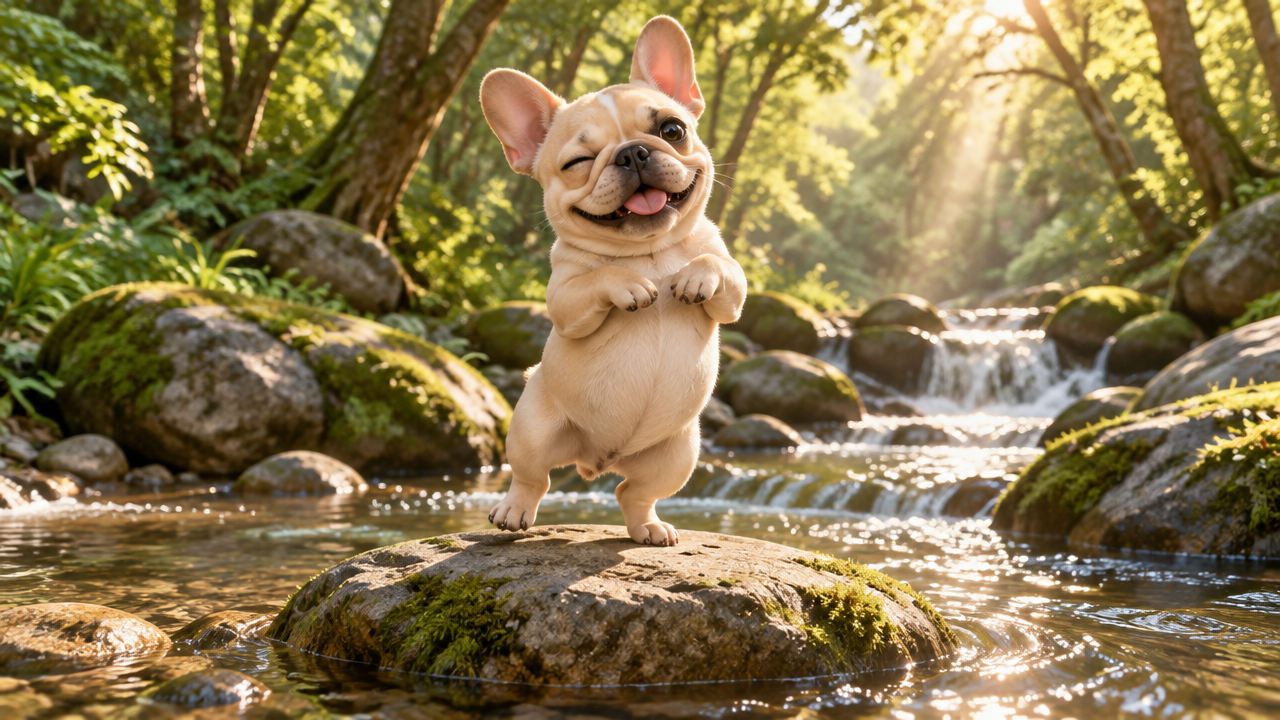
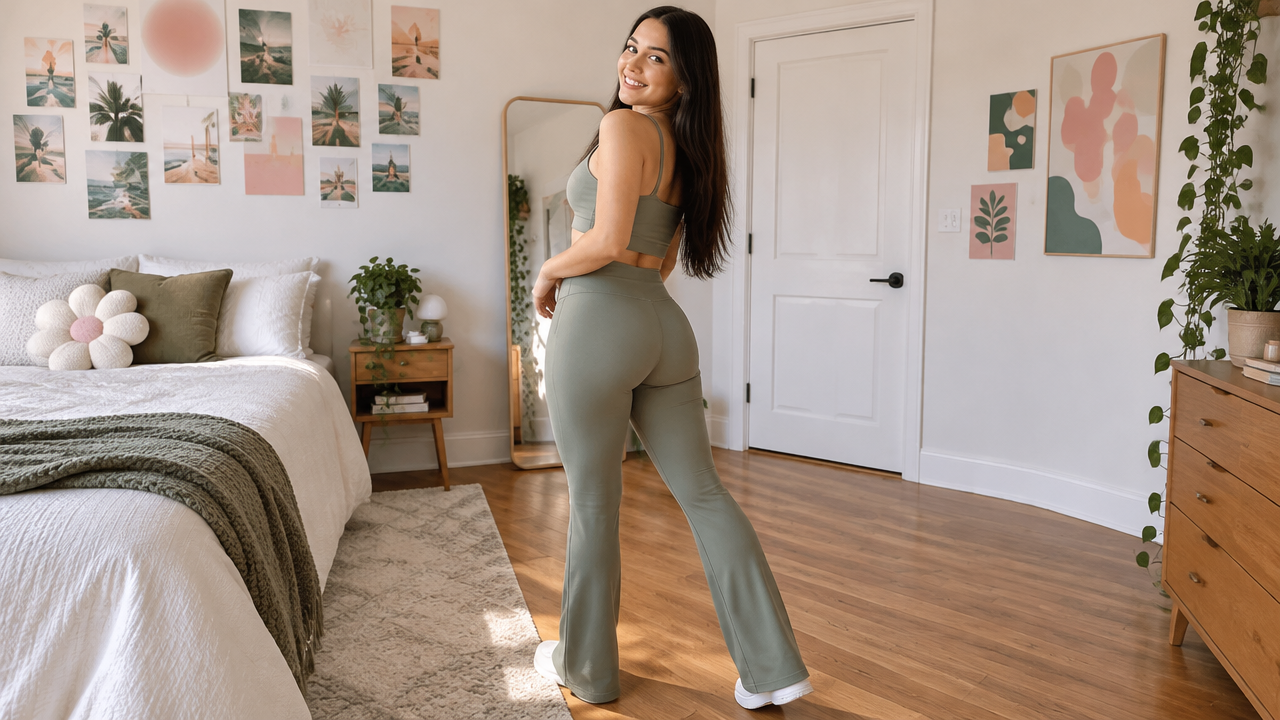
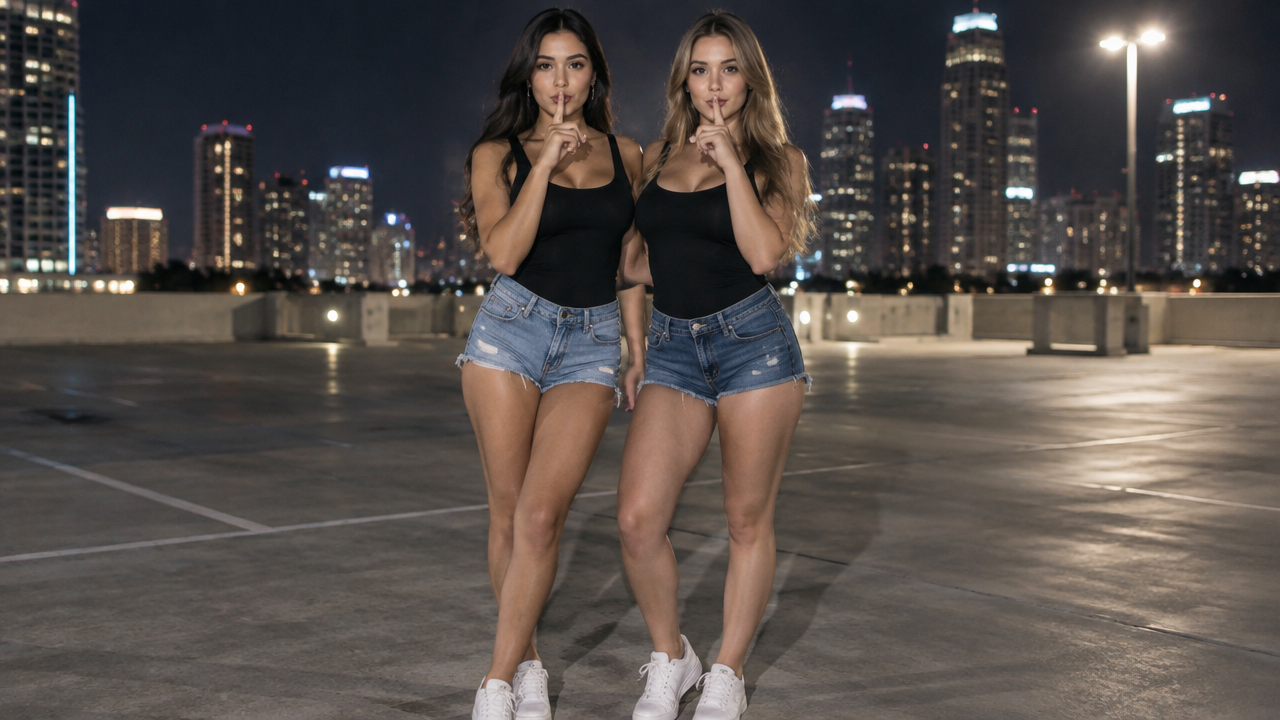
Don't limit your creativity! Whether it's a selfie, a photo of two friends, or your beloved pet, our "AI video generator" can turn any image into a captivating "Quiet On The Creek AI dance." Watch your dog paw to snout hush and bounce dance!

Why Choose Our Quiet On The Creek AI Video Generator?

Experience seamless AI video creation designed for everyone. Our tool makes viral content accessible, private, and incredibly easy to use.

Free to Use

Create unlimited Quiet On The Creek AI trend videos without any hidden costs. Experience the full power of our AI generator for free.

All Private

Your photos and generated AI dance videos are always kept confidential. We prioritize your privacy and data security.

Beginner-Friendly

No technical skills required. Our intuitive interface allows anyone to generate Quiet On The Creek choreo AI trend videos in minutes.

Article

Why Use a Quiet On The Creek AI Trend Generator?

Unlock the viral potential of this captivating trend with an AI-powered tool. A dedicated Quiet On The Creek AI Trend Generator transforms your static images into dynamic, engaging content that's ready to share. It's the simplest way to join the "Saucy Santana dance video" phenomenon and create unique, eye-catching visuals.

  • Instant Virality: Quickly turn any photo into a trending Quiet On The Creek AI video.
  • Effortless Creation: No complex software or design skills needed for stunning AI dance videos.
  • Diverse Personalization: From solo acts to pet quiet on the creek ai video, customize your content.
  • Time-Saving: Generate professional-looking content in minutes, not hours.
  • Cost-Effective: Access powerful AI tools without the need for expensive subscriptions.
  • Accessibility for All: A user-friendly interface ensures anyone can create compelling viral trends.
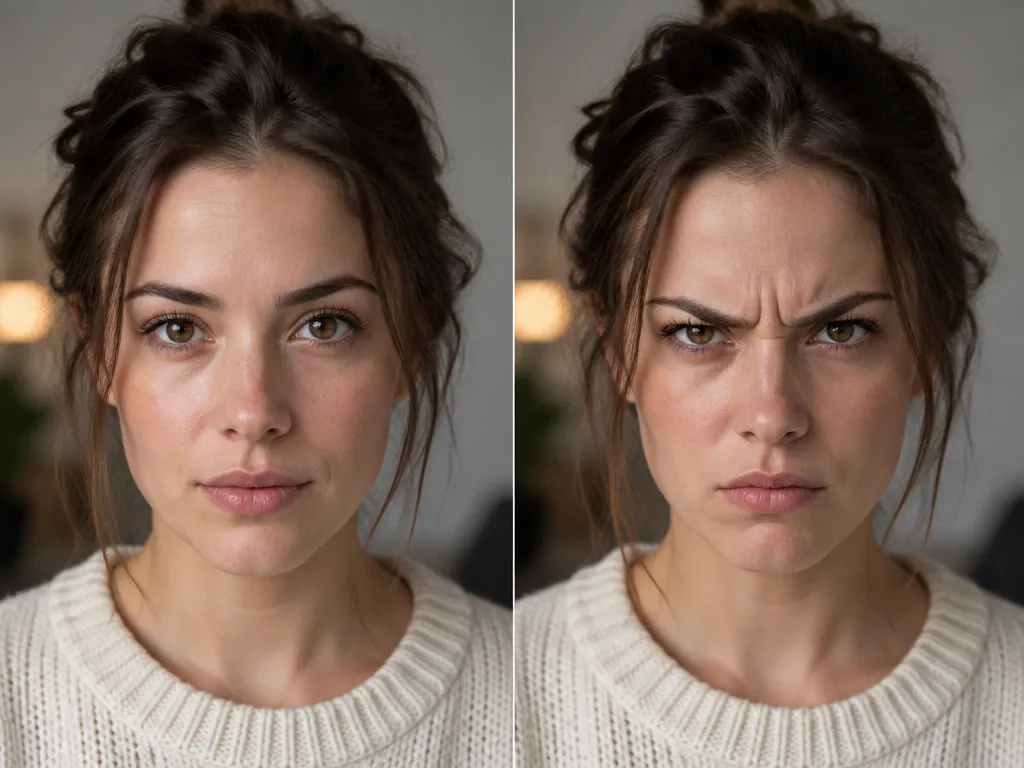

How to Make Your Own Quiet On The Creek AI Videos

Create your own trending "Quiet On The Creek AI trend" videos in three simple steps. No technical expertise required – just follow along!

  1. Stap 1 / 3

    Stap 1

    Upload Your Image: Select a photo (or multiple photos for a duo dance) of yourself, friends, or your pet that you want to animate.

  2. Stap 2 / 3

    Stap 2

    Choose Your Style or Prompt: Pick a "Quiet On The Creek dance template" or describe the specific finger to lips bounce dance or sassy hip bounce action you envision.

  3. Stap 3 / 3

    Stap 3

    Generate & Share: Click 'Generate' and let our AI transform your image into a viral "Quiet On The Creek AI video." Download your creation and share it instantly!

Frequently Asked Questions About Quiet On The Creek AI Video

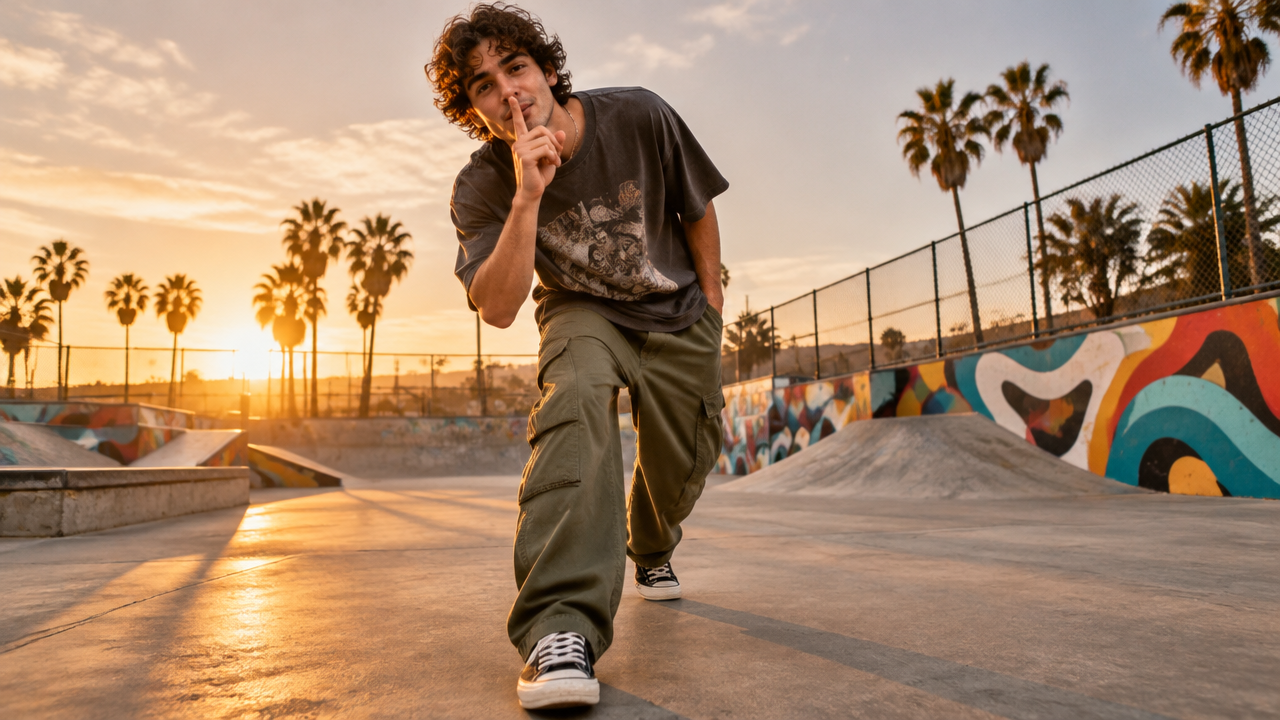
The Quiet On The Creek AI trend involves generating videos featuring a finger to lips hush gesture followed by a rhythmic bounce dance, often set to a specific beat. Our AI tool helps you easily create these viral AI dance videos.

Zo gebruik je de sectie met veelgestelde vragen

Gebruik Tab om tussen vragen te navigeren. Druk op Enter of de spatiebalk om een antwoord uit of in te klappen. Gebruik de pijltjes omhoog en omlaag om tussen vragen te bewegen.