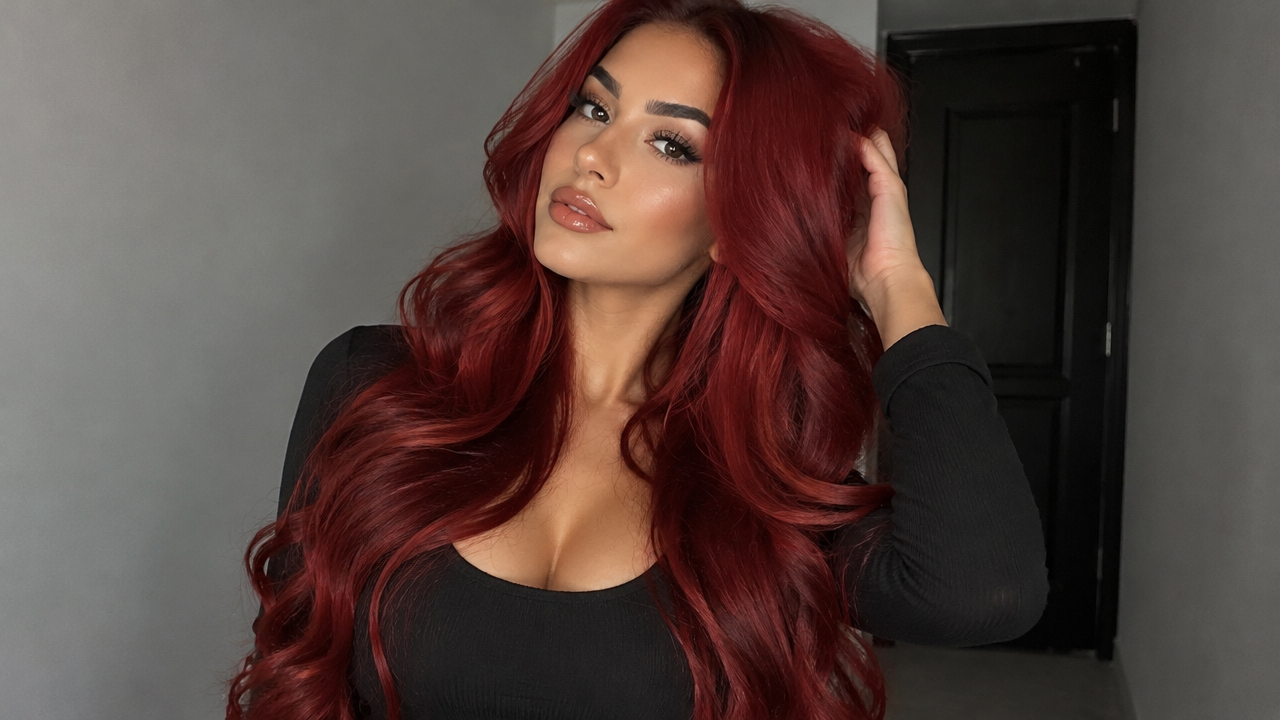
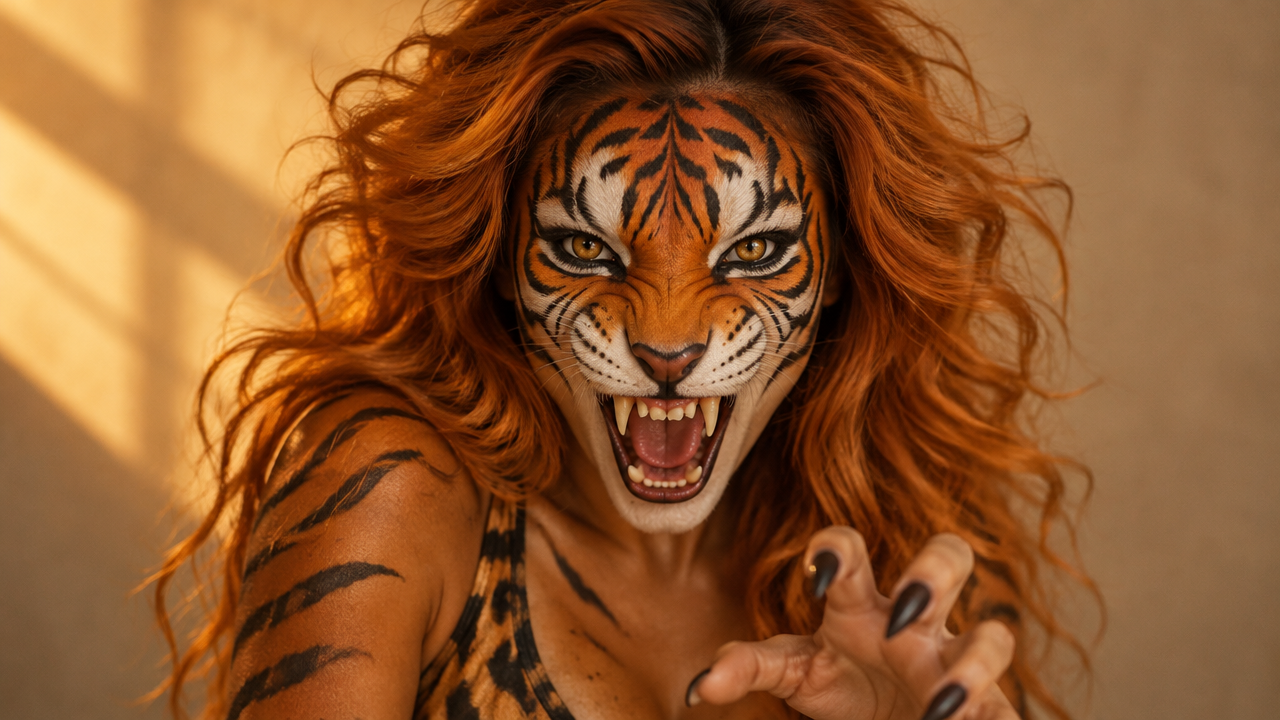

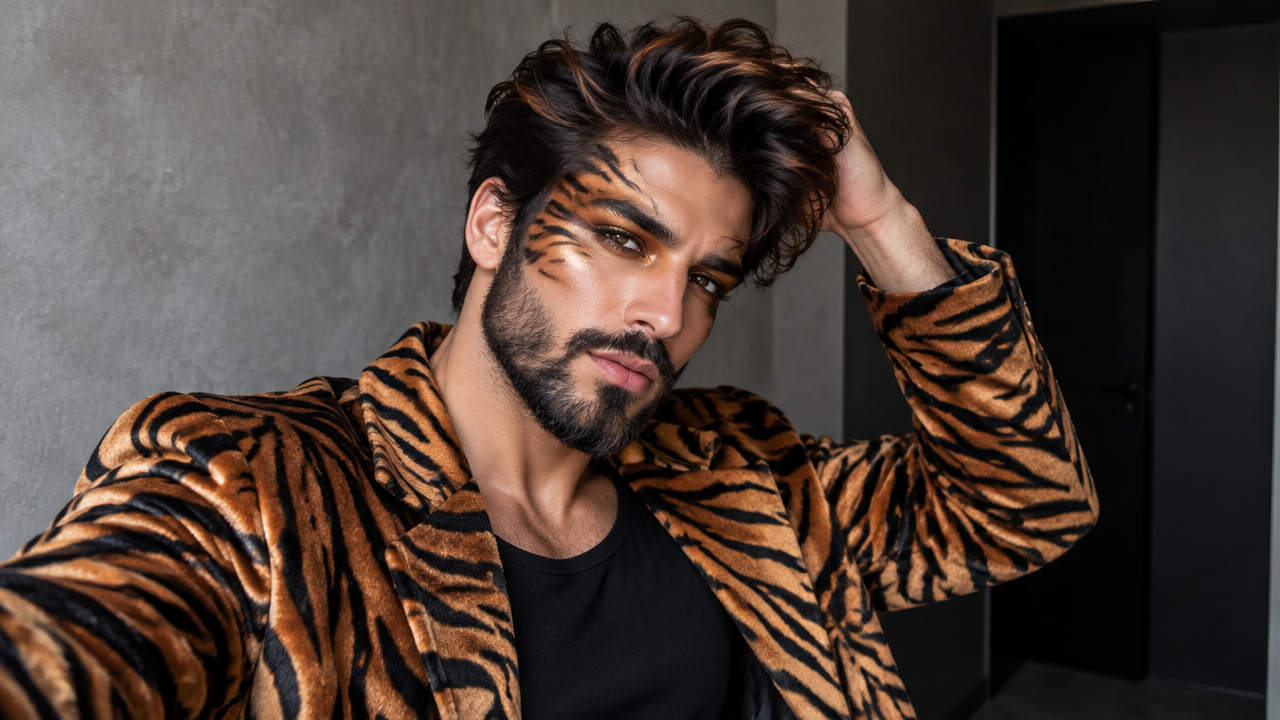

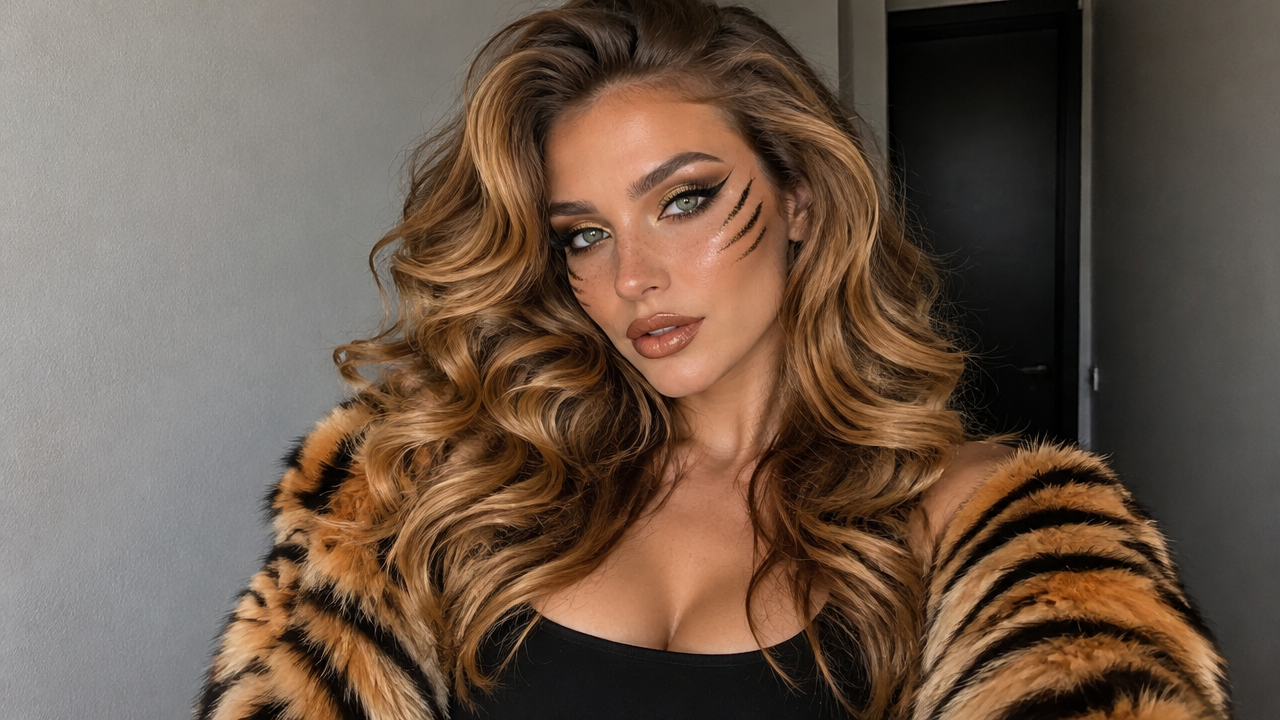
Want the viral Tiger Transition AI trend? Generate stunning glow-up & makeup videos effortlessly. Our AI handles complex edits for a perfect transformation. Try it free now!

Generate Tiger Transition AI Trend Videos for Instant Glow-Ups

Upload your photo or video, and our AI will create stunning Tiger Transition videos in seconds. Perfect for TikTok, Instagram, and YouTube creators, no editing skills needed.

Effortless Transformations: Ditch Complex Editing

Manual video editing for popular trends like the Tiger Transition is tedious and time-consuming. Our AI video generator simplifies the entire process, letting you create professional-looking glow-up videos with just a few clicks.

No Skills Needed: Become a Trendsetter Instantly

Don't have advanced editing software or design skills? No problem. Our intuitive AI tool transforms your plain videos or photos into a full glam look, capturing the viral You Cannot Reason With a Tiger trend or any hand swipe transition effortlessly.

Personalize Your Glow-Up: Custom AI Transition Videos

Why settle for generic? Our AI offers a range of styles from fierce tiger quotes to elegant beauty glow-ups. Add your photo to the Tiger Transition trend AI and get a unique, stunning makeover result that stands out.

Why Choose Our AI Tiger Transition Tool?

Experience seamless, secure, and user-friendly video creation with features designed for everyone.

Free to Use

Instantly create stunning Tiger Transition videos without any cost. Access powerful AI features to transform your content today.

All Private

Your uploads and creations are always secure and private. We ensure your data is protected every step of the way.

Beginner-Friendly

Designed for everyone, from novices to pros. Our intuitive interface makes creating viral AI glow-up videos incredibly simple.

Article

Why Use an AI Tiger Transition Video Generator?

Unlock the power of artificial intelligence to effortlessly create captivating video transitions, saving you time and enhancing your creative output for trending content like the "You Cannot Reason With a Tiger" meme and various glow-up transformations. This advanced AI tool allows anyone to produce professional-quality videos without the steep learning curve of traditional editing software.

  • Instant Trend Participation: Quickly generate viral Tiger Transition videos to keep up with the latest social media trends.
  • No Editing Skills Required: Seamlessly transform your plain photos or videos into a full glam look with AI-driven automation.
  • High-Quality Results: Produce visually stunning and smooth transitions, including hand swipe camera effects and makeup edits.
  • Time & Cost Efficient: Save hours of manual editing and avoid expensive software, making high-quality video creation accessible to all.
  • Creative Flexibility: Explore diverse styles from fierce tiger quotes to elegant beauty glow-ups, personalizing your transformation.
  • Boost Engagement: Captivate your audience with dynamic, eye-catching content that stands out on any platform.
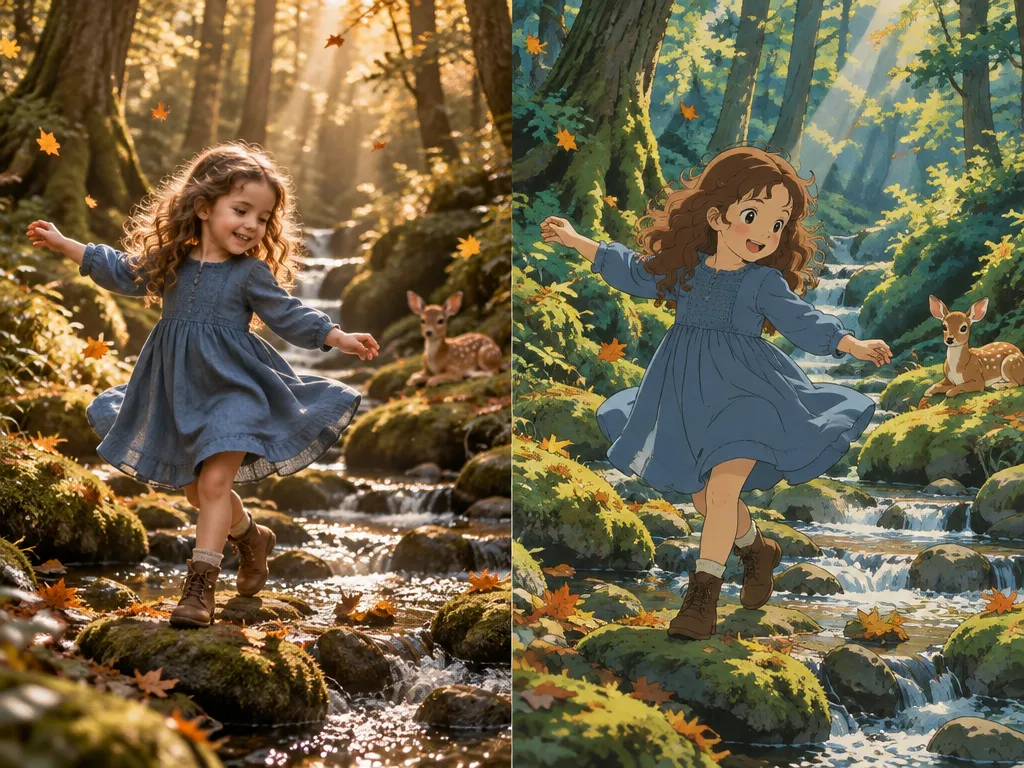

How to Create Your AI Tiger Transition Video in 3 Easy Steps

Transform your content into a viral sensation with our simple, guided process. Get stunning results in minutes, even if you're a complete beginner!

  1. Stap 1 / 3

    Stap 1

    Upload Your Media: Simply drag and drop your photo or video (plain look, just out of the shower, etc.) into our AI generator.

  2. Stap 2 / 3

    Stap 2

    Choose Your Style: Select your desired transition effect, like a "full glam makeup transformation," "tiger quote glow-up," or "hand swipe."

  3. Stap 3 / 3

    Stap 3

    Generate & Share: Click 'Generate' and watch our AI work its magic. Download your stunning Tiger Transition video and share it instantly!

Frequently Asked Questions About AI Tiger Transition

It's a popular video trend where users transform from a "plain" look to a "glam" or "fierce" look, often accompanied by a "You cannot reason with a tiger" quote. Our AI tool helps you create these captivating videos easily.

Zo gebruik je de sectie met veelgestelde vragen

Gebruik Tab om tussen vragen te navigeren. Druk op Enter of de spatiebalk om een antwoord uit of in te klappen. Gebruik de pijltjes omhoog en omlaag om tussen vragen te bewegen.