
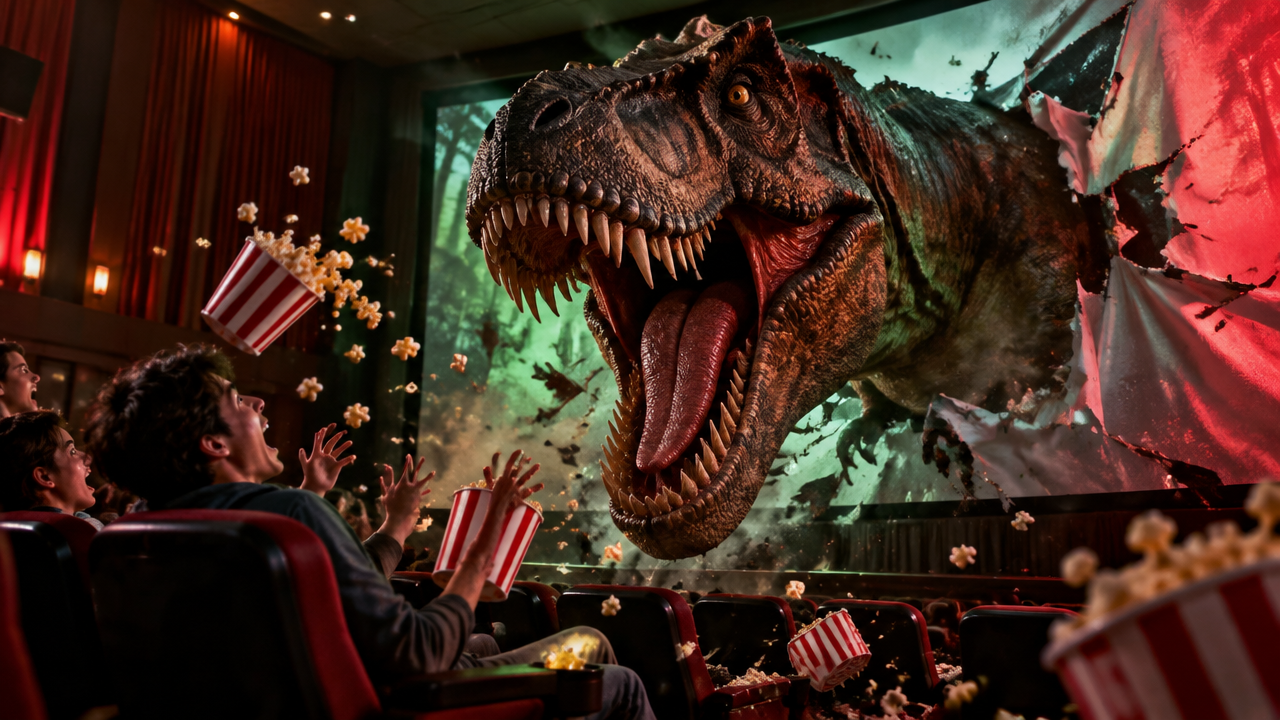
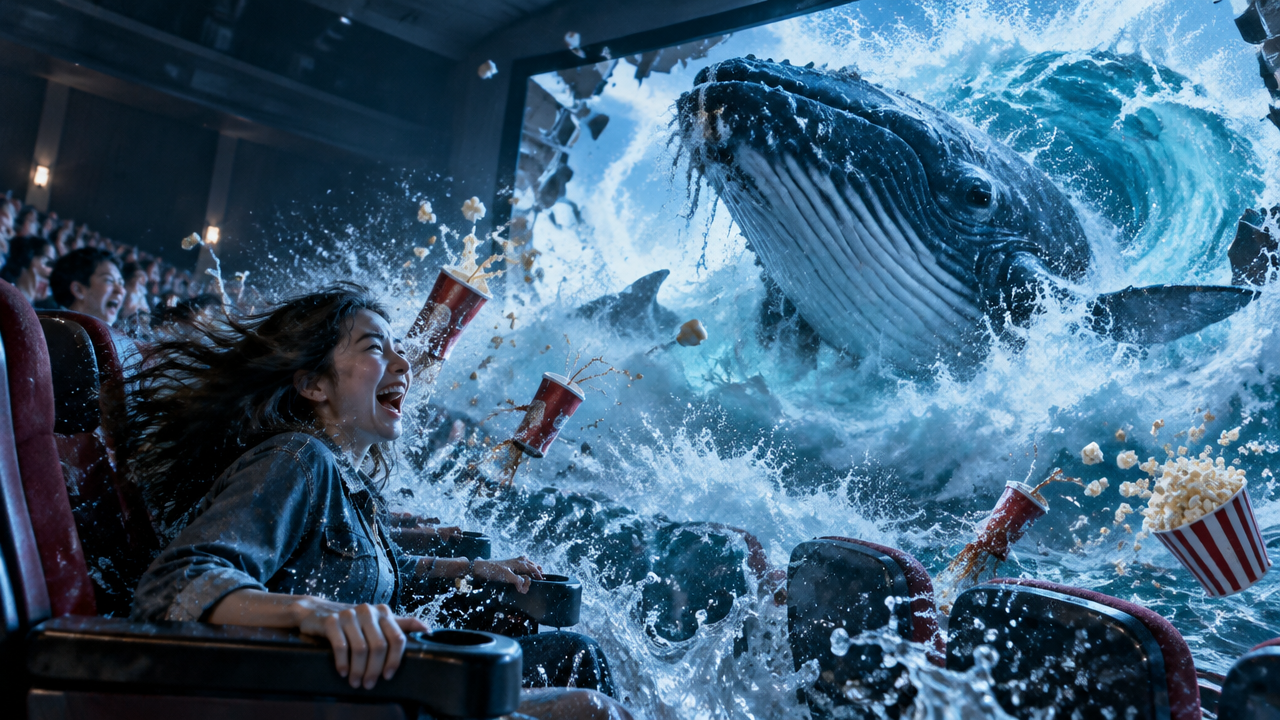
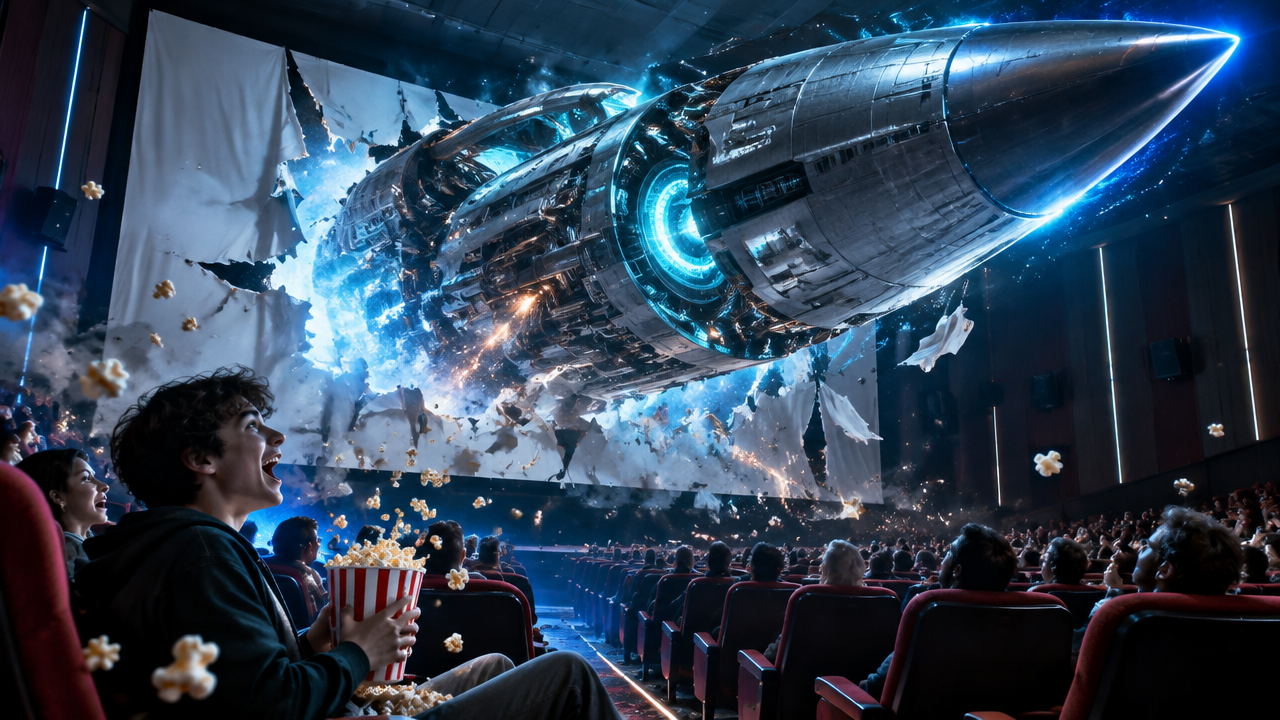
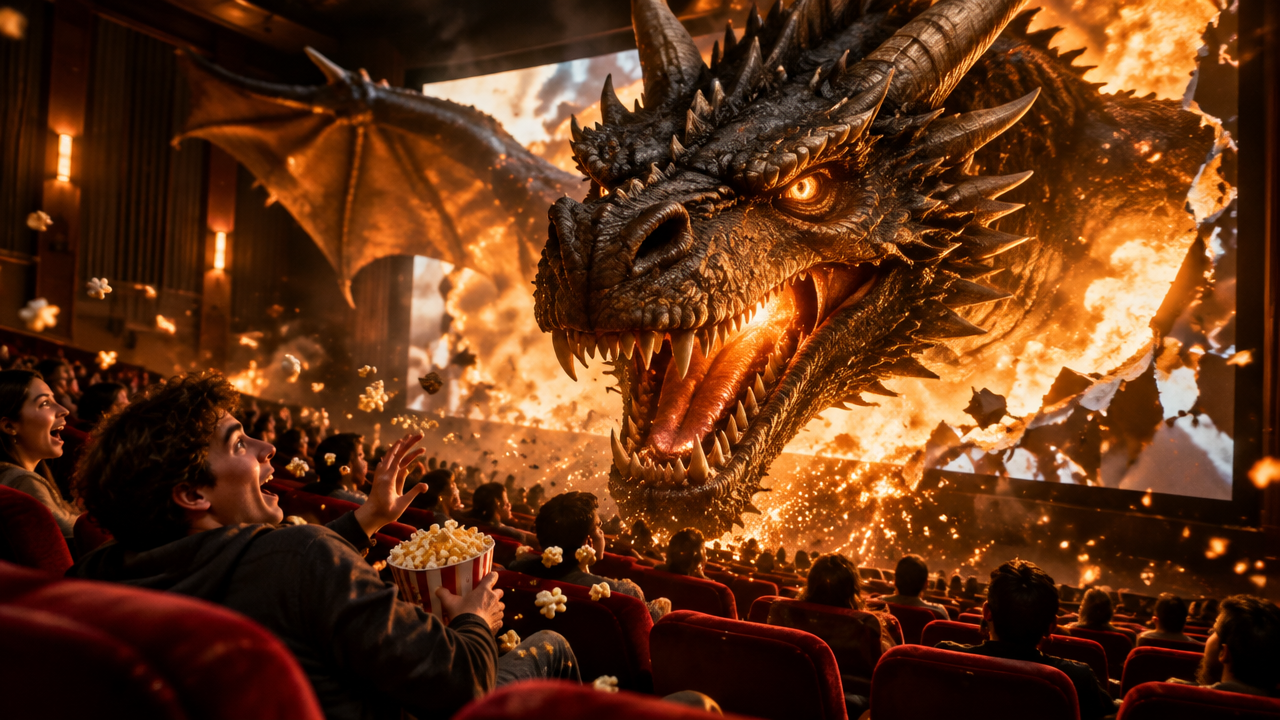
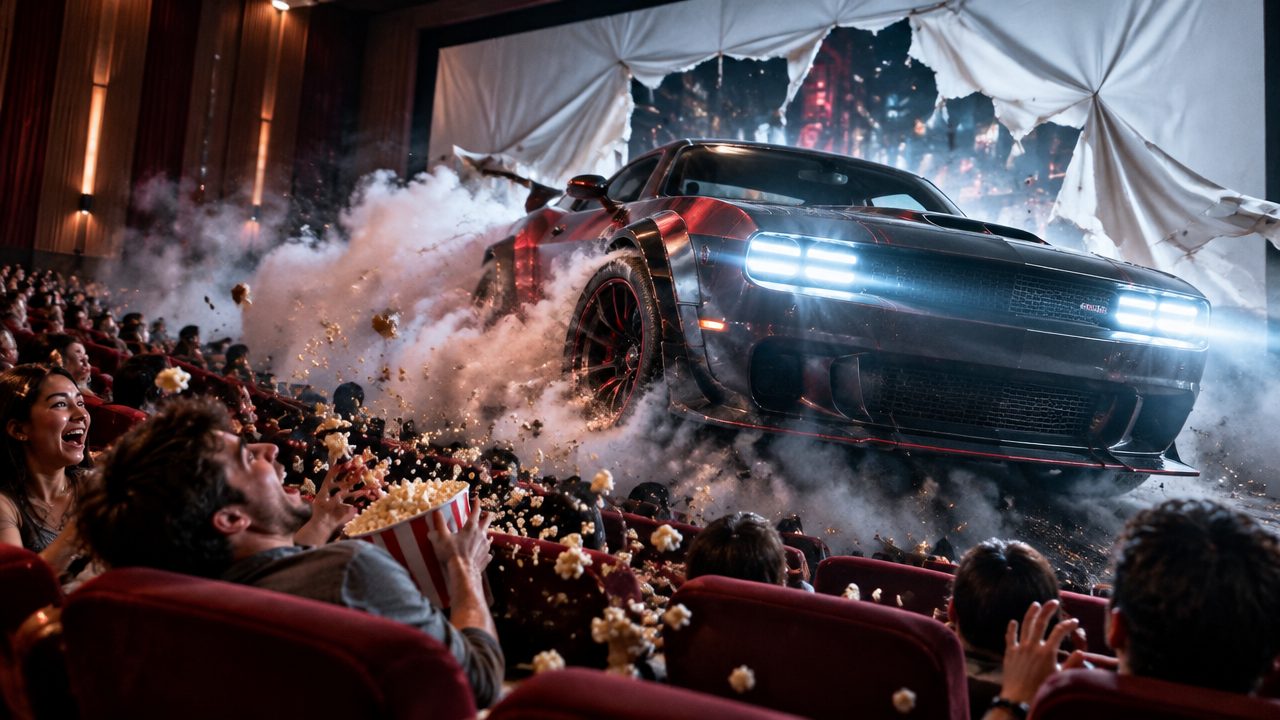
Want eye-catching cinema breakout videos? Use our AI generator to create hyper-realistic 3D movie effects from text. Free & easy, make stunning screen bursts now!

Generate AI Cinema Breakout Videos: Stunning 3D Screen Effects

Input your idea, and our AI will create hyper-realistic 3D cinema breakout videos in seconds. Perfect for content creators & marketers, no advanced skills needed.

Effortless Creation, No VFX Skills Required

Forget complicated software and steep learning curves. Our AI cinema breakout video generator simplifies the entire process, letting you create professional-grade effects with simple text prompts. Focus on your vision, not the technicalities.

Achieve Hyper-Realistic 3D Movie Effects

Elevate your content with visuals that truly captivate. Our advanced AI renders cinematic theater depth illusion video and stunning 4K screen bursts, making your creations indistinguishable from studio productions. Experience immersive movie theater breakout animation.

Rapid Production, Unlimited Creative Potential

Why wait days or spend a fortune for bespoke video effects? With our AI tool, you can generate countless unique cinema screen breakout videos in minutes, exploring every creative idea without budget constraints or lengthy production times. Free your creativity.

Your Creative Journey, Powered by Trust

Discover why users worldwide choose AIAI.com for their AI cinema breakout video creation. We prioritize ease, privacy, and accessibility for every creator.

Free to use

Generate stunning AI cinema breakout videos without any cost. Access powerful tools and bring your ideas to life for free.

All private

Your creative projects and data are always secure and confidential. We ensure complete privacy for all your generated content.

Beginner-friendly

Designed for everyone. Easily create professional-grade 3D movie theater breakout videos with an intuitive interface, no prior experience needed.

Article

Why Use an AI Cinema Breakout Video Generator?

An AI cinema breakout video generator transforms your creative concepts into stunning, immersive visual experiences with unparalleled ease and speed. It democratizes complex visual effects, making high-quality content accessible to everyone from independent artists to marketing professionals.

  • **Boost Engagement:** Capture audience attention with eye-popping, dynamic screen burst cinema video effects.
  • **Save Time & Cost:** Generate complex 3D movie theater breakout videos in minutes, eliminating lengthy production cycles and expensive software.
  • **Unleash Creativity:** Experiment with various AI characters breaking out of cinema screen video scenarios, limited only by your imagination.
  • **Professional Quality:** Achieve create realistic movie screen breakout video results with advanced AI rendering, suitable for any platform.
  • **User-Friendly:** No technical skills required to make cinema breakout video with AI, perfect for beginners and pros alike.
  • **Versatile Applications:** Ideal for social media, marketing campaigns, presentations, and personal projects seeking an optical illusion cinema video generator.
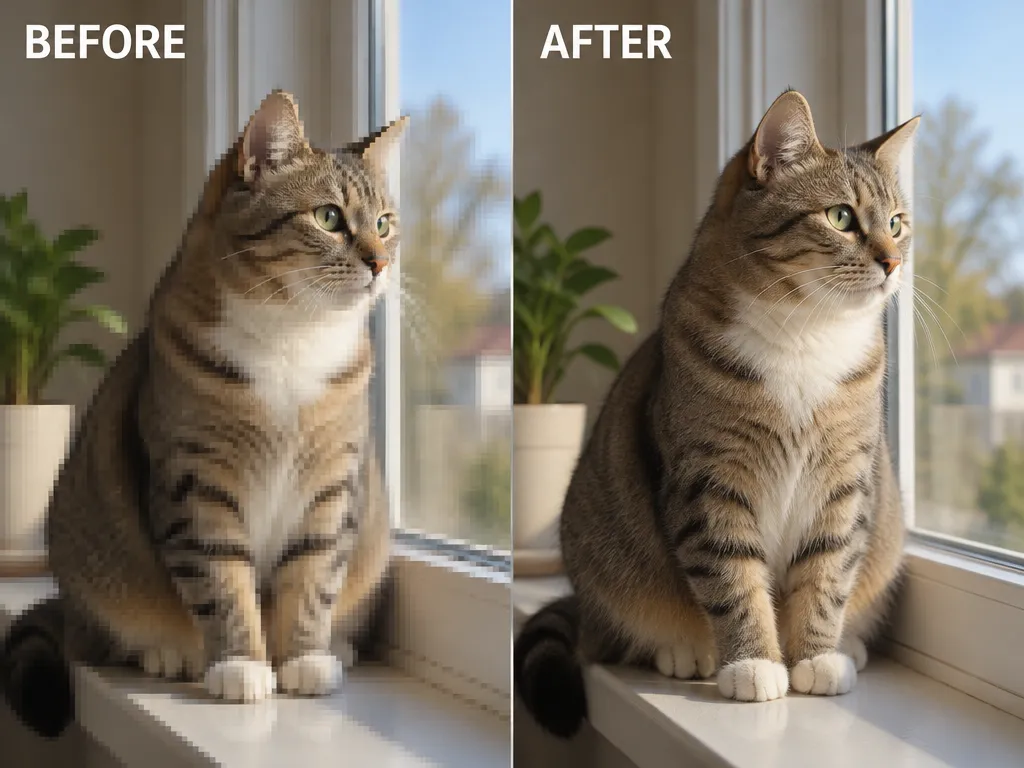

How to Create Your Own AI Cinema Breakout Video

Making a captivating screen burst video in cinema has never been simpler. Follow these three easy steps to bring your wildest ideas to life with our powerful AI tool.

  1. Passo 1 / 3

    Passo 1

    Describe Your Vision: Input a text prompt detailing the character, object, or scene you want breaking out of the screen. Be as specific as you like!

  2. Passo 2 / 3

    Passo 2

    Generate Your Video: Click 'Generate' and let our AI create your custom AI 3D illusion cinema screen breakout video in moments.

  3. Passo 3 / 3

    Passo 3

    Download & Share: Preview your hyper realistic 3D screen tear video and download it in high resolution, ready to impress your audience.

Frequently Asked Questions About AI Cinema Breakout Videos

An AI cinema breakout video is a stunning visual effect where a character, object, or scene appears to emerge from or shatter a movie screen, creating an immersive, breaking fourth wall video effect. Our AI tools make it easy to generate these dynamic clips.

Como usar a secção de perguntas frequentes

Usa Tab para navegar entre perguntas. Prime Enter ou Espaço para expandir ou recolher uma resposta. Usa as setas para cima e para baixo para mudar de pergunta.