

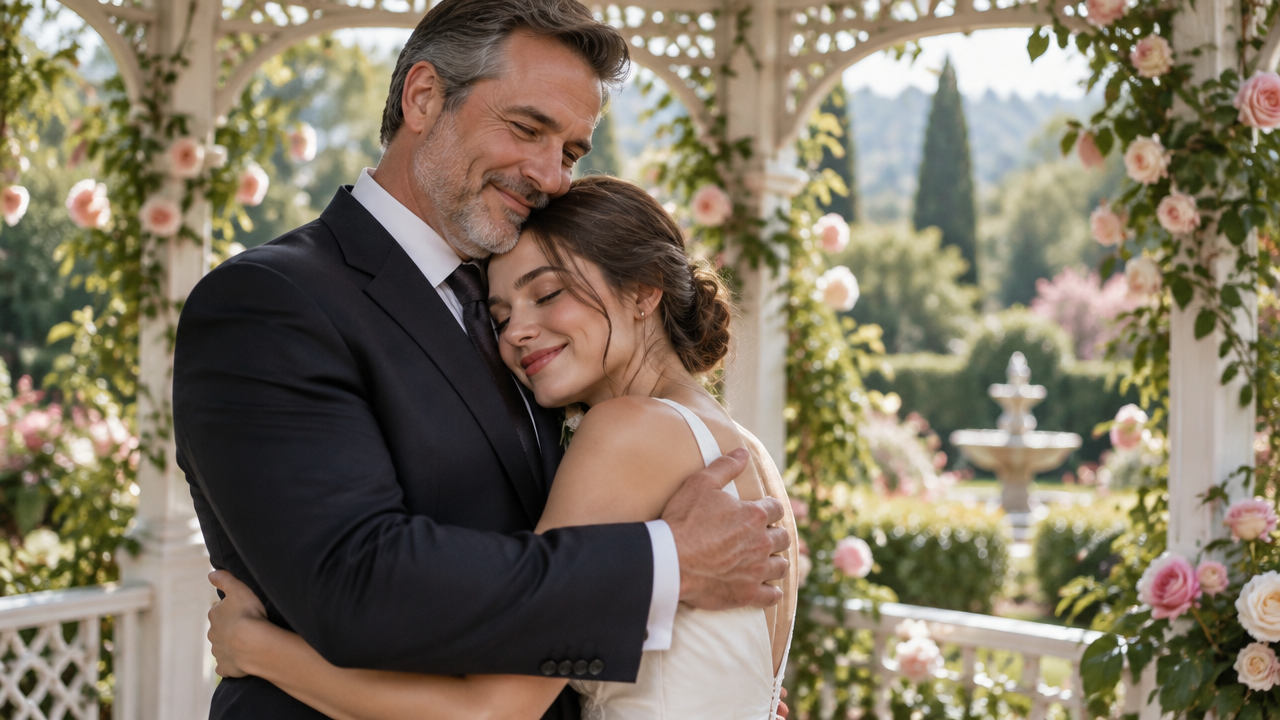
Want touching hug videos from photos? Our free AI Hug Video Generator quickly creates realistic embrace videos. No editing skills needed, start today!

Turn Photos into AI Hug Videos & Embrace Moments

Input your photos or describe your vision, and our AI will instantly generate heartwarming hug videos. Perfect for memorializing loved ones, celebrating relationships, or simply creating fun animations, all without complex software.

Effortless Creation: Turn Images into Realistic Hug Videos

Forget complex software and hours of editing. Our AI Hug Video Generator simplifies the process, letting you create stunning, realistic hug videos from any photo in minutes. Just upload your image and let the AI do the magic.

Revive Memories: Generate Emotional & Memorial Hug Videos

Bridge time and distance with AI. Create deeply moving hug deceased relative videos AI or hug younger self videos that bring cherished memories to life. Our generator helps you craft sentimental tributes with ease and emotional depth.

Connect & Celebrate: Craft Couple, Family, and Reunion Hug Videos

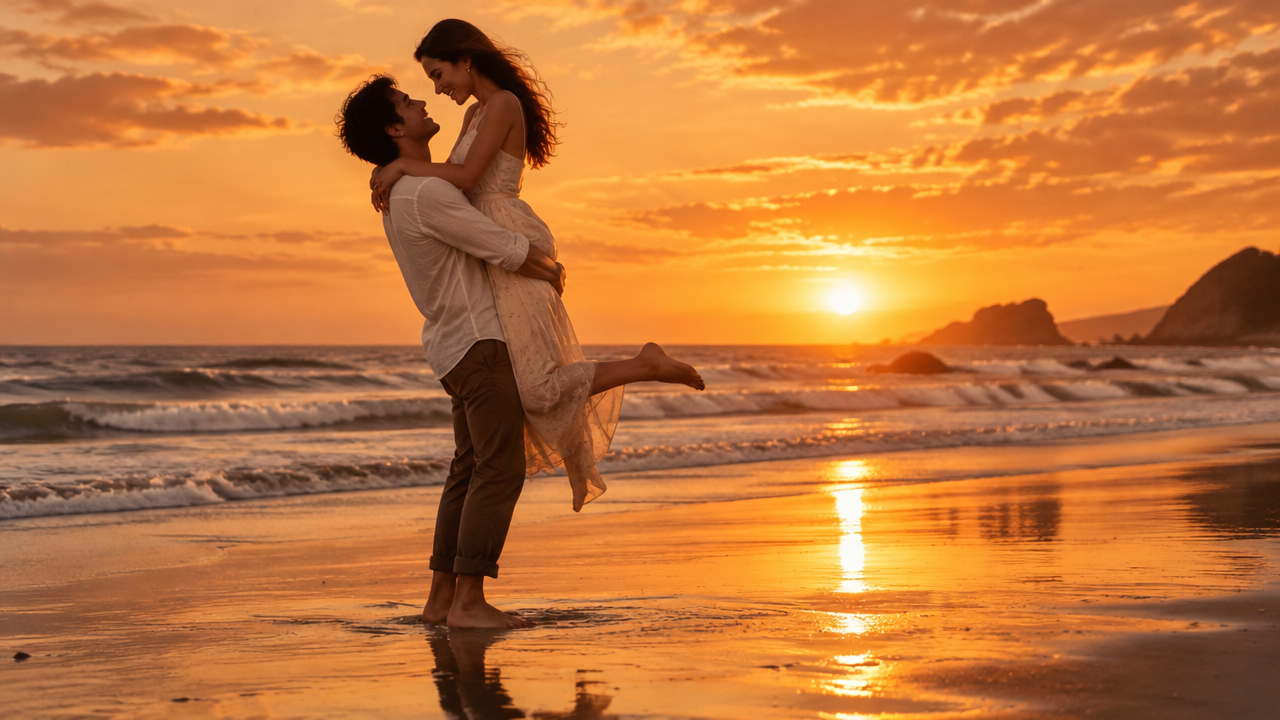
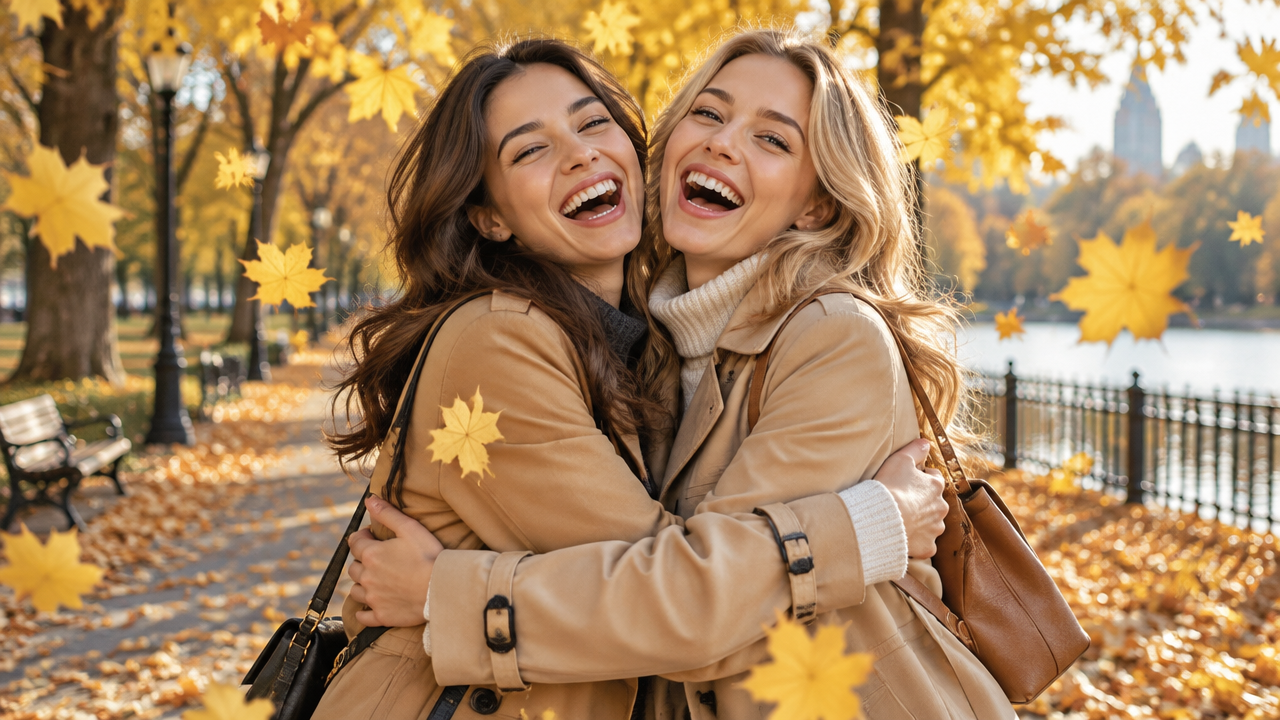
Strengthen bonds and capture joy. Our AI hug video maker is perfect for creating couple hug video generator masterpieces, family hug video generator AI scenes, or heartwarming reunion hug video maker AI clips. Celebrate your relationships with personalized, dynamic videos.

Create with Confidence: Secure, Simple, and Accessible AI Hug Videos

We believe in making powerful AI tools available to everyone. Our platform ensures your creative journey is seamless, private, and free to explore.

Free to Use

Get started instantly with our AI Hug Video Generator without any upfront costs. Enjoy creating your first emotional videos completely free.

All Private

Your precious photos and generated videos are kept entirely confidential. We prioritize your privacy and ensure your content remains yours.

Beginner-Friendly

No prior video editing skills? No problem! Our intuitive interface makes creating stunning AI hug videos easy for everyone, from novices to pros.

Article

Why Use an AI Hug Video Generator?

In today's fast-paced digital world, connecting emotionally and preserving memories in dynamic ways is more important than ever. An AI Hug Video Generator like ours transforms static images into living, breathing moments of affection, offering a unique blend of technology and sentimentality. It's more than just a tool; it's a bridge to past memories, a celebration of present connections, and a creative outlet for future expressions.

  • **Instant Transformation:** Quickly turn any photo into a dynamic hug video without complex manual editing.
  • **Realistic & Emotional Output:** Generate lifelike hugging animations that capture genuine warmth and feeling.
  • **Diverse Scenario Support:** Create videos for memorials, family reunions, couples, younger self reflections, and more.
  • **User-Friendly Interface:** Accessible to everyone, regardless of technical skill or video editing experience.
  • **Privacy & Security:** Your uploaded images and generated content are handled with the utmost confidentiality.
  • **Creative Freedom:** Explore various styles and prompts to bring your unique vision of an embrace to life.

How to Create AI Hug Videos in 3 Simple Steps

Crafting your heartwarming hug video is easier than ever. Follow these quick steps to transform your photos into beautiful, dynamic embrace videos.

  1. Passo 1 / 3

    Passo 1

    Upload Your Photos: Select the images you want to use as the base for your AI hug video. Our tool supports various formats.

  2. Passo 2 / 3

    Passo 2

    Describe Your Vision: Provide a short text prompt describing the desired hug scene, emotions, and style. The more detailed, the better the AI output.

  3. Passo 3 / 3

    Passo 3

    Generate & Download: Click "Generate" and watch our AI bring your vision to life. Once complete, download your personalized AI hug video instantly.

Frequently Asked Questions about AI Hug Videos

Yes, our advanced AI hug video generator can take a single photo and intelligently animate a realistic hug video. For optimal results, providing two photos can further enhance the interaction.

Como usar a secção de perguntas frequentes

Usa Tab para navegar entre perguntas. Prime Enter ou Espaço para expandir ou recolher uma resposta. Usa as setas para cima e para baixo para mudar de pergunta.