
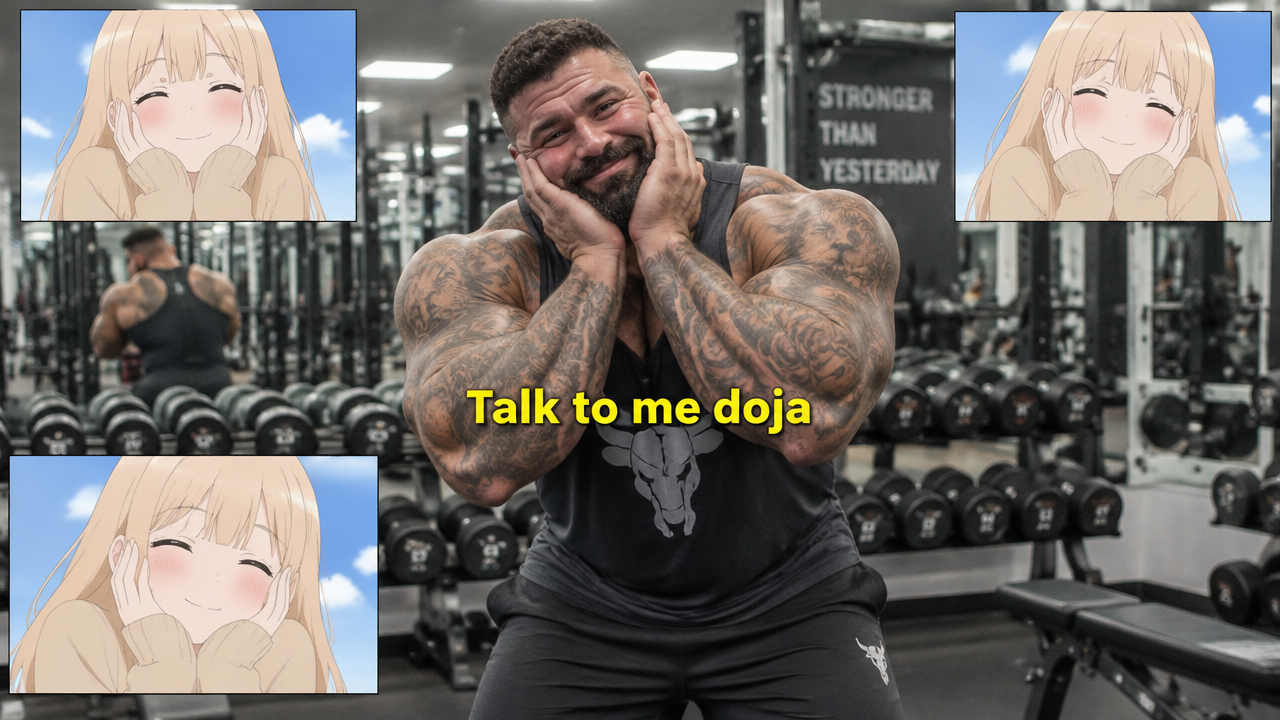

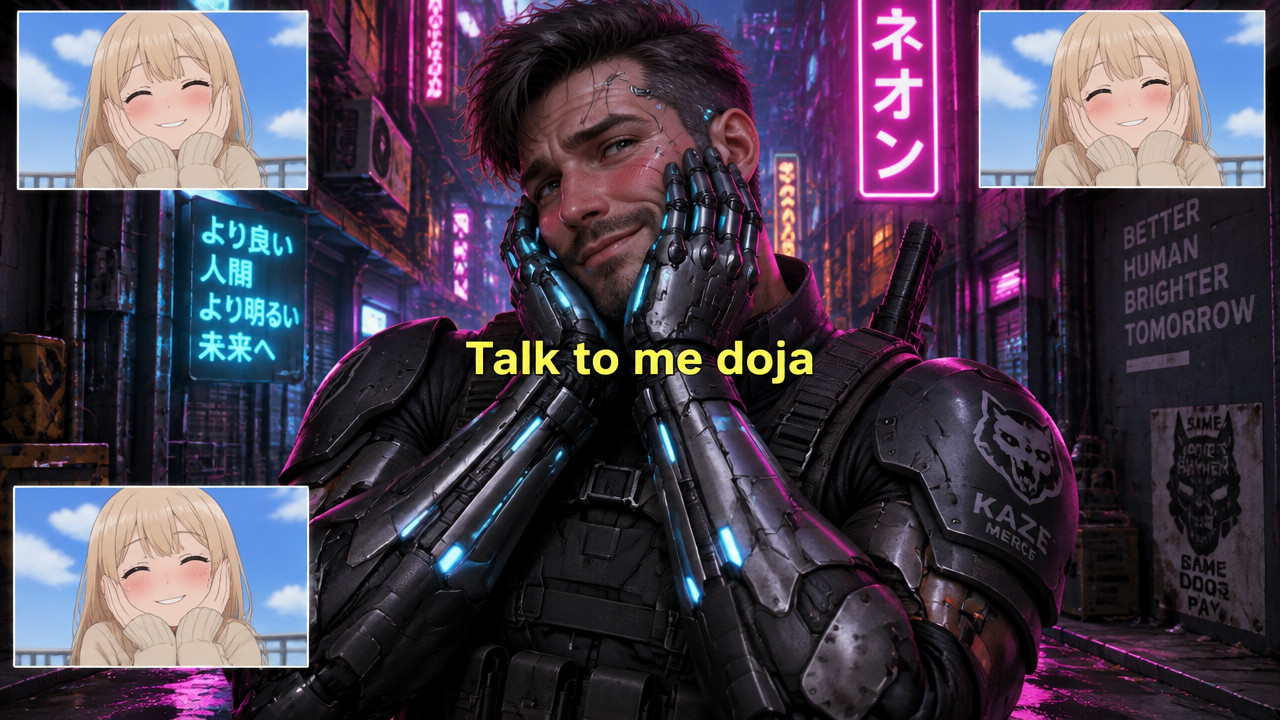


Want to join the Talk To Me Doja trend? Easily transform your photos into viral AI videos with shy smile, palms to cheeks, and head tilt. Create your Doja Like That meme now!

Transform Your Photo into Talk To Me Doja AI Trend Videos

Upload your photo, and our AI will instantly generate a viral Talk To Me Doja AI trend video in seconds. Perfect for TikTok creators and meme enthusiasts, no editing skills required.

AI Power for Viral Doja Cat Trend Videos

Tired of complicated video editing software? Our AI Talk To Me Doja video generator takes care of all the technicalities. Simply upload your image, and let our intelligent algorithms animate it into a captivating Doja Like That trend video automatically. No tedious keyframing or manual adjustments needed.

Instantly Join the Shy Smile Blonde Anime Girl Trend

Don't miss out on the shy smile blonde anime girl trend! Our AI transforms any photo into this popular style, complete with pressing both palms to cheeks and tilting head slightly to the side. Get your own anime girl shy smile dance trend video in minutes, perfect for TikTok and social media virality.

Custom Talk To Me Doja Video Maker with AI

Want to add your unique twist to the Talk To Me Doja viral meme video? Our AI tool is a custom Talk To Me Doja video maker AI that allows you to guide the animation with simple prompts. From playful and innocent facial expressions to specific Doja Like That speed up dance moves, tailor your video to your exact vision.

Your Go-To AI Trend Creator: Easy, Private, Free

Discover why millions trust AIAI.com for their viral video needs. We prioritize user experience and security above all else.

Free to Use

Generate your Talk To Me Doja AI trend videos without any cost. Access powerful AI tools at no charge.

All Private

Your photos and creations are yours alone. We ensure complete privacy and data security for all users.

Beginner-Friendly

Our intuitive interface makes creating Doja Like That trend videos incredibly simple, even for first-time users.

Article

Why Use an AI Talk To Me Doja Video Generator?

Harness the power of artificial intelligence to effortlessly create stunning `Talk To Me Doja AI trend` videos. Our advanced `AI video generator` simplifies the complex process of animation, allowing anyone to jump on viral trends like the `Doja Like That speed up dance` or the `shy smile blonde anime girl trend` with ease. Transform your creative ideas into engaging content in just a few clicks.

  • **Instant Trend Participation:** Generate viral videos in seconds, keeping you ahead of social media trends.
  • **No Editing Skills Required:** Our intuitive AI handles all the technical complexities for you.
  • **High-Quality Animation:** Enjoy smooth, captivating visuals that truly stand out.
  • **Privacy Guaranteed:** Your personal images and data are always protected.
  • **Completely Free to Use:** Access powerful AI generation without any cost.
  • **Endless Customization:** Personalize your videos with unique touches and expressions.
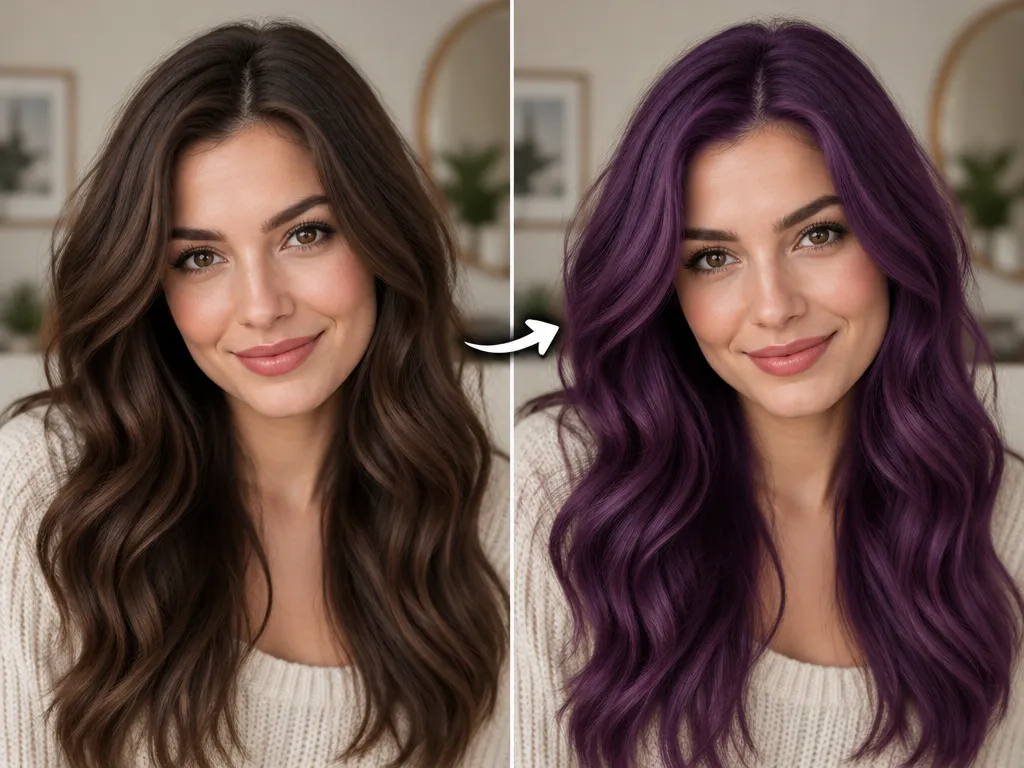
How to Create Your Talk To Me Doja AI Trend Video in 3 Easy Steps

Ready to go viral? Follow these simple steps to generate your personalized Talk To Me Doja AI trend video instantly with AIAI.com.

  1. Passo 1 / 3

    Passo 1

    Upload Your Photo: Choose a clear photo of yourself or any subject you wish to transform into the Doja trend.

  2. Passo 2 / 3

    Passo 2

    Customize with a Prompt (Optional): Describe the specific shy smile, palms to cheeks, or head tilt elements you'd like to include. Our AI understands your creative vision.

  3. Passo 3 / 3

    Passo 3

    Generate & Share: Click "Generate" and watch our AI work its magic! Download your Doja Like That trend video and share it across all your social platforms.

FAQs About Talk To Me Doja AI Trend Video Generation

The Talk To Me Doja AI trend is a viral social media phenomenon featuring an individual or anime character with a shy smile, palms to cheeks, and a head tilt, often set to a Doja Like That speed up sound. Our AI tool helps you easily create your version.

Como usar a secção de perguntas frequentes

Usa Tab para navegar entre perguntas. Prime Enter ou Espaço para expandir ou recolher uma resposta. Usa as setas para cima e para baixo para mudar de pergunta.