Create stunning logos with AIAI.com, the best free online AI logo maker. Design custom business logos effortlessly for any brand or project.

Logo Design

Unleash your creativity with AIAI.com's powerful AI Logo Design tool. Craft unique and professional logos in minutes, perfect for businesses, brands, and personal projects. Experience the future of logo making.

Create Professional Logos Without Design Skills

Forget complex software and steep learning curves. Our intuitive AI platform empowers anyone to design a logo like a pro. Simply input your vision, and let our intelligent tool bring your brand to life.

Get Your Unique Business Logo in Minutes

Time is money. Stop waiting days or weeks for designers. AIAI.com delivers high-quality, unique business logos instantly. Perfect for startups, small businesses, and anyone needing a quick, custom branding solution.

Access Thousands of Free Logo Design Templates & Icons

Why settle for generic? Our vast library offers countless design templates, fonts, and icons to customize your logo. Create anything from a minimalist text logo to an elaborate brand mark, all with powerful AI assistance.

Why Choose AIAI.com for Your Logo Needs?

AIAI.com is your trusted partner for all logo design projects. We combine cutting-edge AI technology with user-centric features to deliver an unparalleled experience.

Free to Use

Design and download your stunning logo without any hidden costs. Experience full creative freedom with our free AI logo maker.

All Private

Your designs are yours alone. We ensure complete privacy and security for all your logo creations.

Beginner-Friendly

No design experience? No problem! Our intuitive interface makes creating professional logos simple and fun for everyone.

Article

Why Use an AI Logo Design Tool?

An AI logo design tool like AIAI.com revolutionizes the way you create visual identities for your brand. Leveraging advanced algorithms, it simplifies complex design processes, making professional logo creation accessible to everyone. From generating initial concepts to fine-tuning details, AI streamlines every step, ensuring a unique and compelling outcome.

  • **Speed & Efficiency:** Generate numerous design options in seconds, significantly reducing the time traditionally spent on logo development.
  • **Cost-Effective:** Access professional-quality design without the hefty price tag of hiring a graphic designer or purchasing expensive software.
  • **Unlimited Creativity:** Explore diverse styles, fonts, and icons with AI-driven suggestions, pushing the boundaries of your creative vision.
  • **User-Friendly:** Intuitive interfaces mean no prior design experience is required. Anyone can easily navigate and customize their perfect logo.
  • **Unique & Customizable:** While AI provides a foundation, you retain full control to customize every element, ensuring your logo truly stands out.
  • **Consistent Branding:** Maintain brand consistency across all your designs with easy-to-use tools for color palettes and typography.
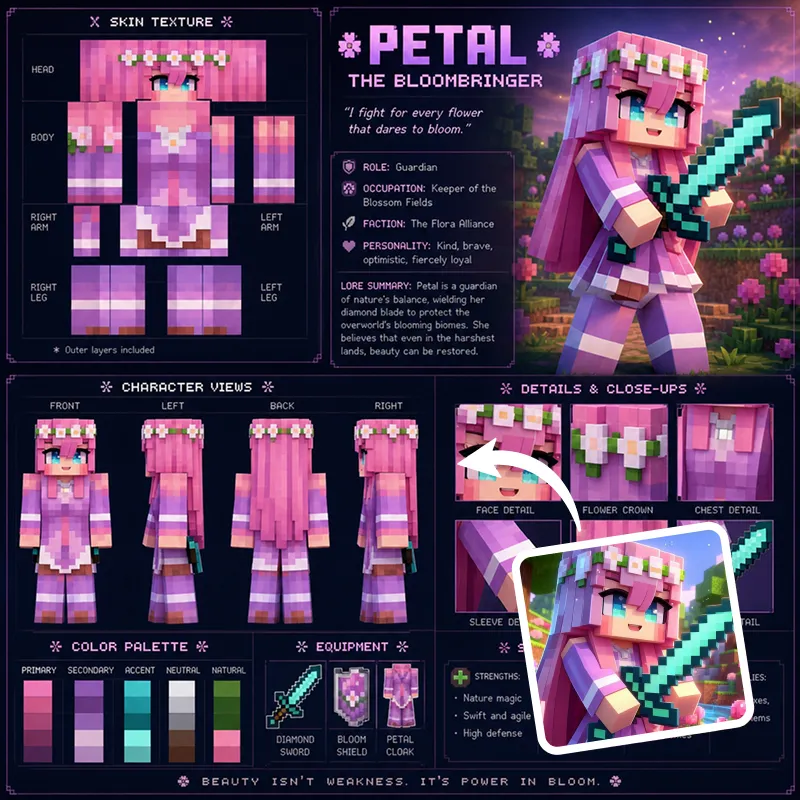
How to Create Your Best Logo Design with AIAI.com

Crafting your ideal logo with AIAI.com is incredibly simple and intuitive. Follow these three easy steps to bring your vision to life.

  1. Шаг 1 / 3

    Шаг 1

    Input Your Idea: Tell our AI what kind of logo design you envision. Describe your brand, industry, style preferences, and any specific elements you want to include.

  2. Шаг 2 / 3

    Шаг 2

    Generate & Refine: Our AI logo maker will instantly generate a variety of unique logo designs based on your input. Browse through options, then customize colors, fonts, shapes, and layouts to perfect your chosen design.

  3. Шаг 3 / 3

    Шаг 3

    Download & Use: Once satisfied, easily download your high-resolution logo files in various formats, ready for use across all your platforms – from websites to business cards.

Frequently Asked Questions About Our AI Logo Maker

Yes, AIAI.com offers a completely free logo design experience. You can create, customize, and download your chosen logo without any cost. We believe in providing accessible tools for everyone.

Как пользоваться разделом FAQ

Используйте Tab для перемещения между вопросами. Нажимайте Enter или Space, чтобы раскрывать или скрывать ответы. Используйте стрелки вверх/вниз для перехода между вопросами.