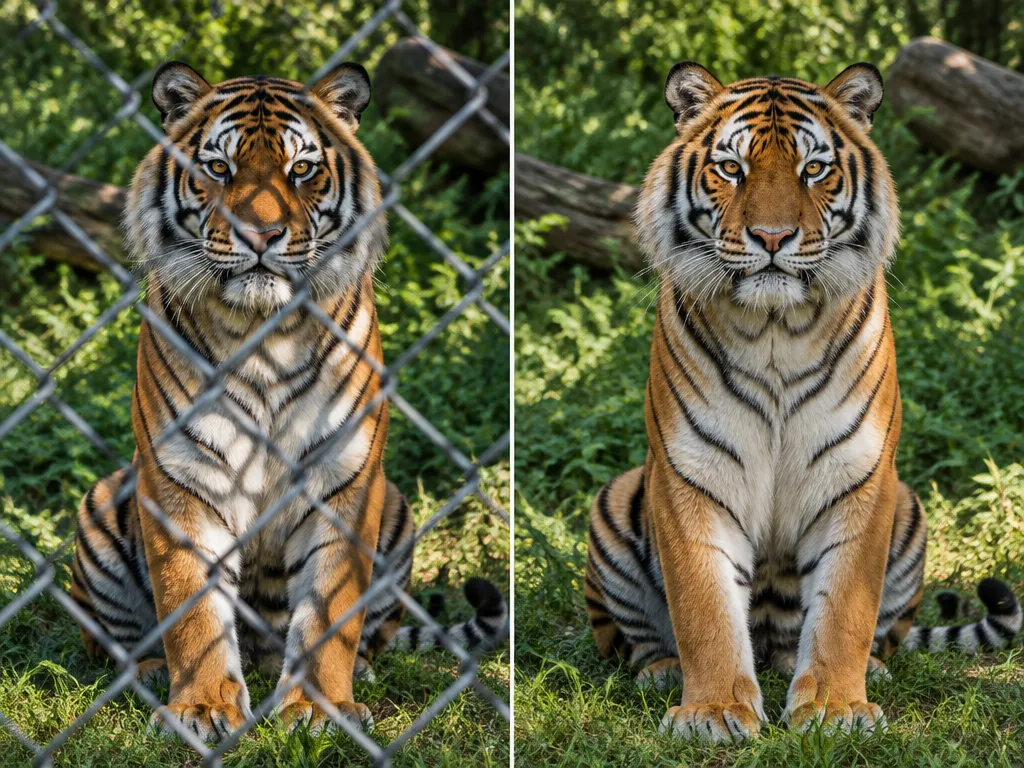
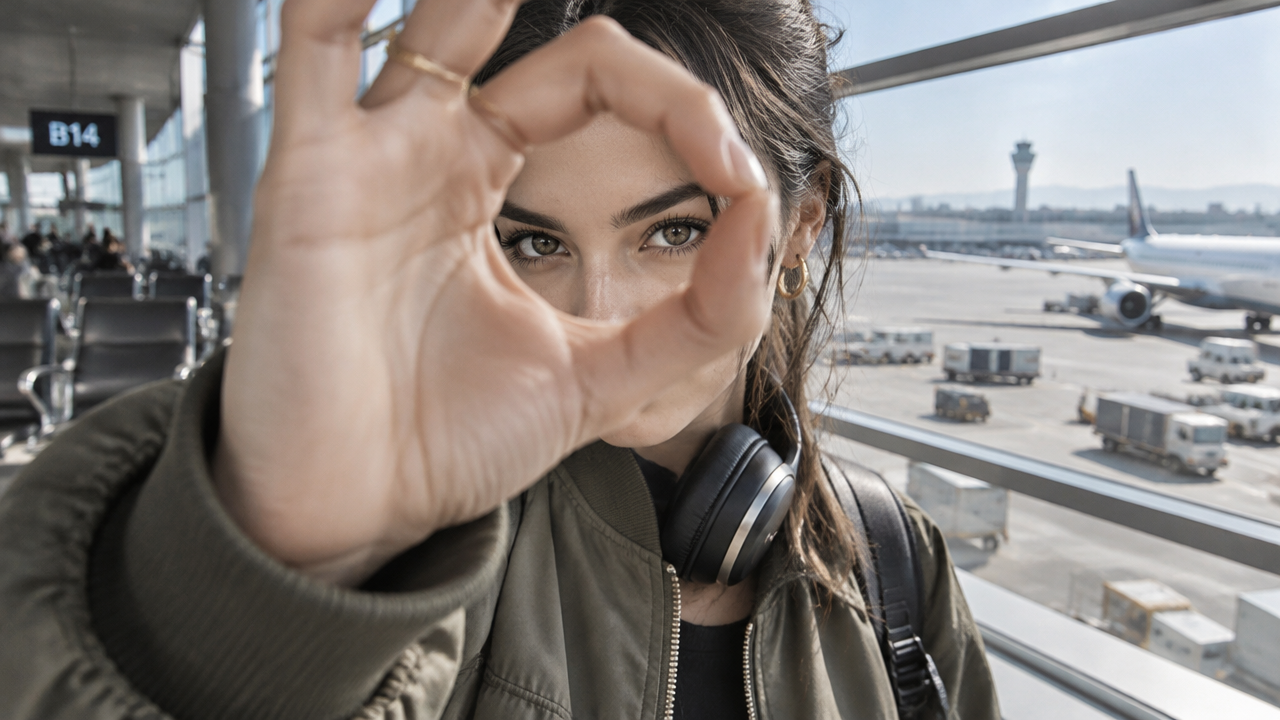
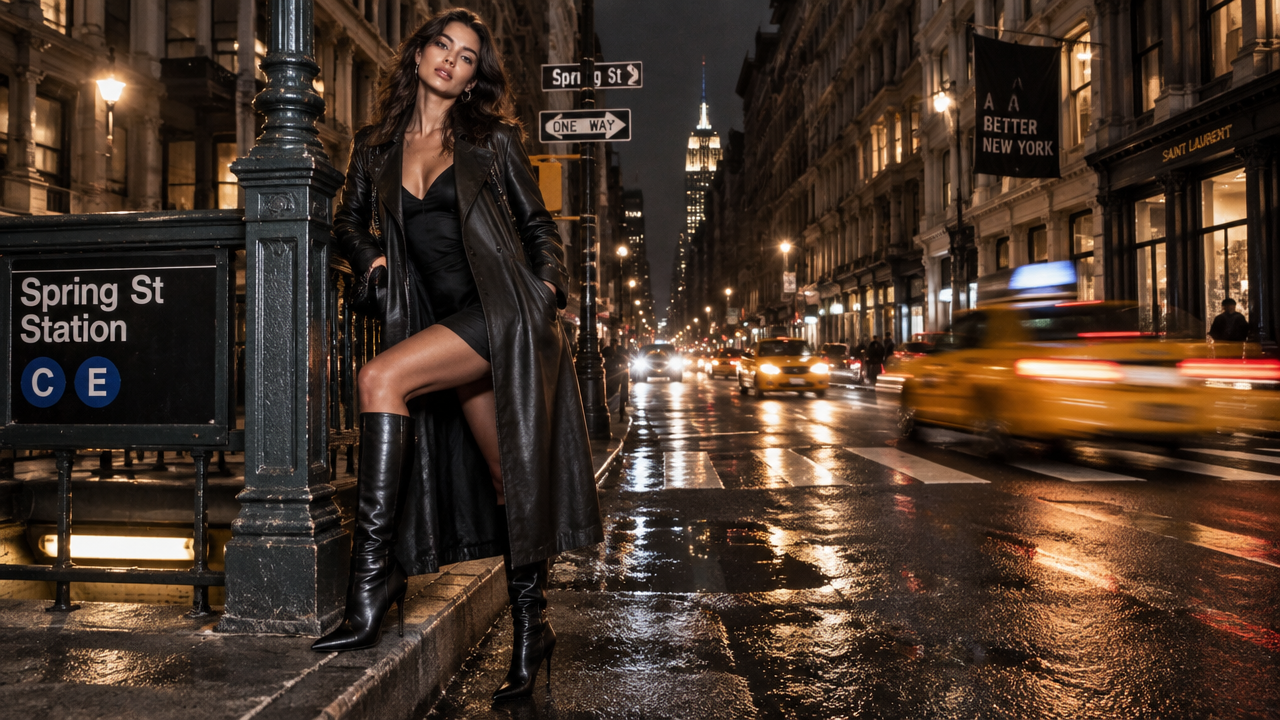
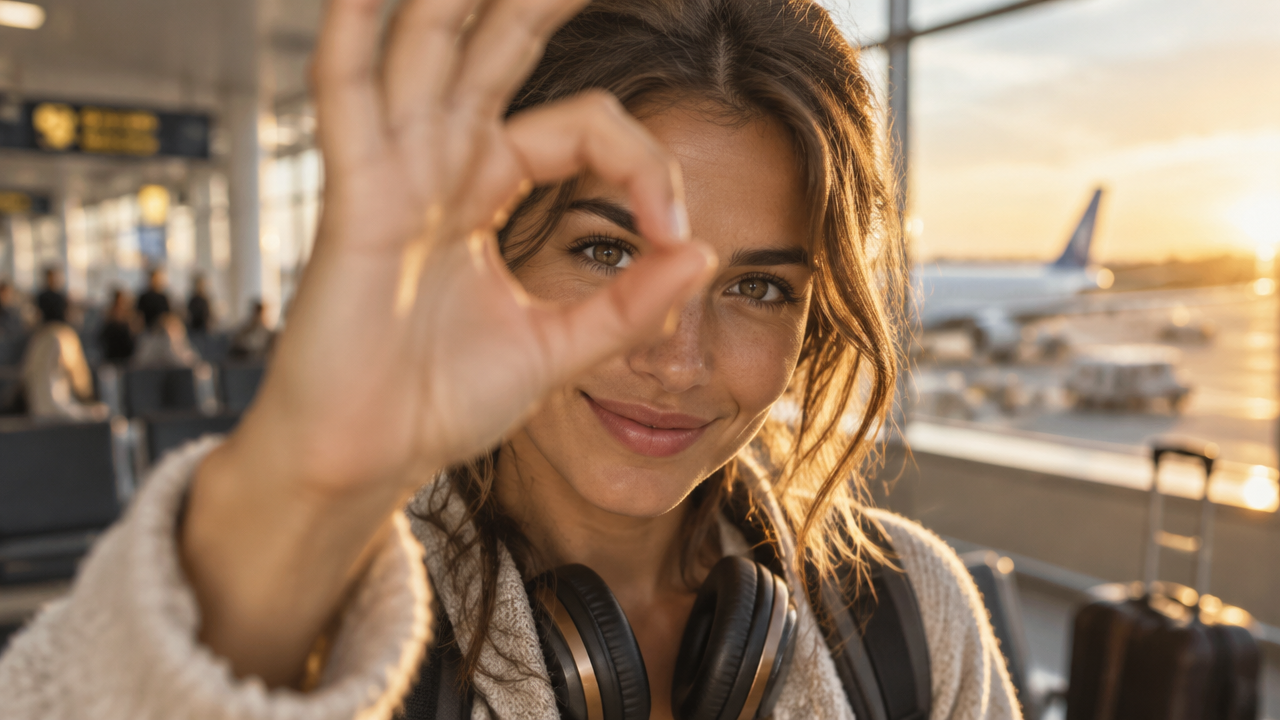
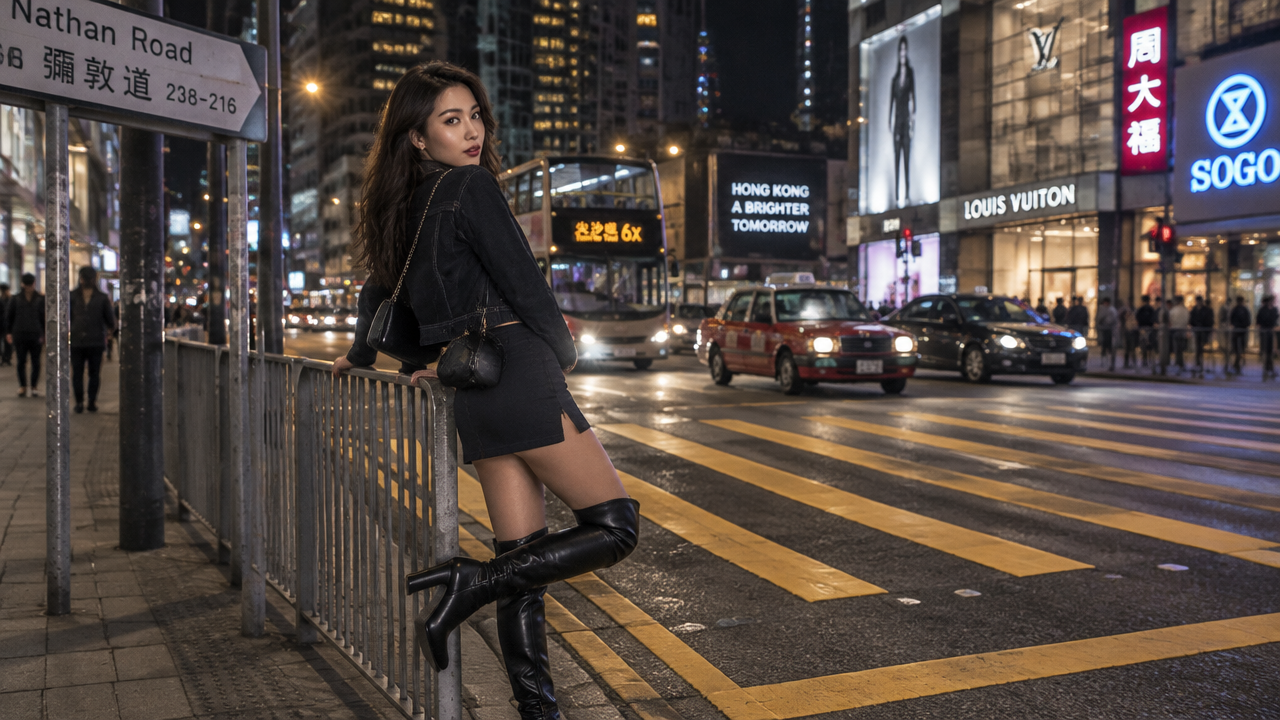
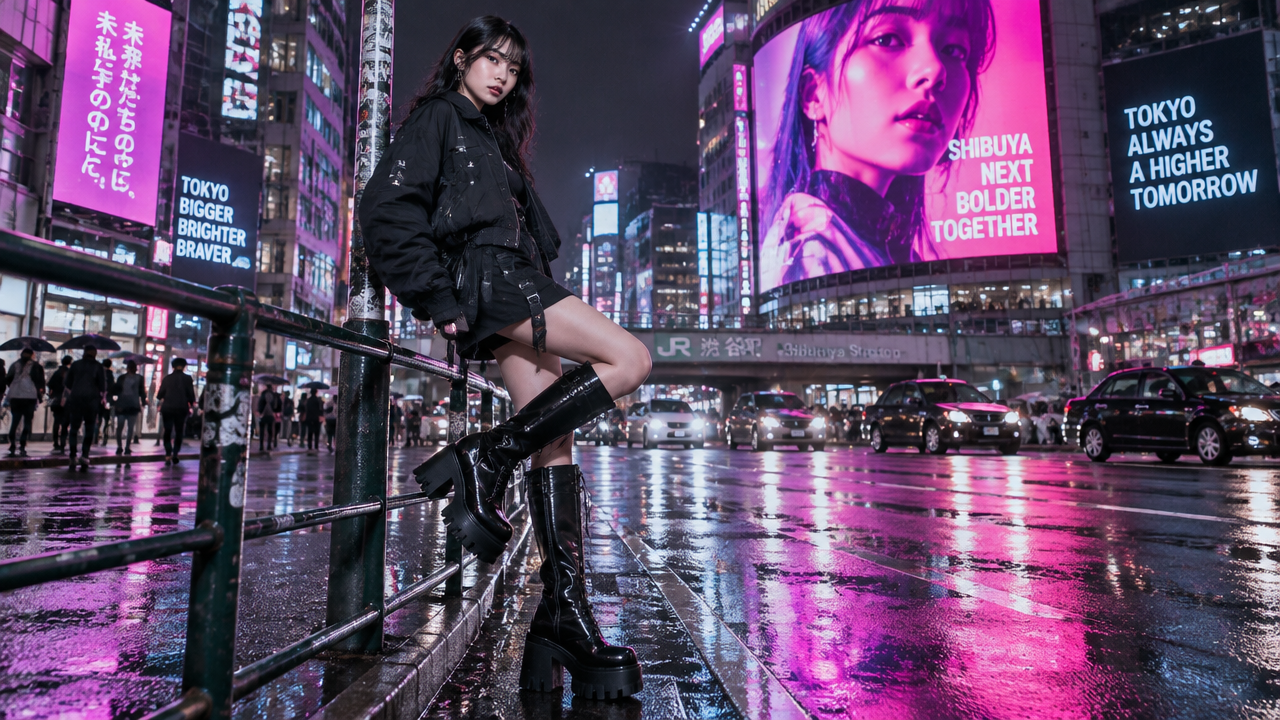
Want viral travel videos? Create stunning AI airport transitions to neon city reels with finger circle dives. Free, fast & no editing skills needed. Try now!

Create Viral AIrport Transition Videos & Neon City Reels

Input your airport photos/videos, and our AI will instantly generate stunning Airport Gate to Neon City Reels. Perfect for travelers, influencers, and creators to make engaging content without any video editing skills. No complex software needed.

Effortless Creation: No Editing Skills Required

Ditch complicated video editing software and steep learning curves. Our AI Airport Transition Video Generator handles all the intricate details, allowing you to produce professional-looking "Airport gate to neon city reels" with just a few clicks. Focus on your travel stories, not the tech.

Transform Any Moment into a Viral Trend

Don't just watch the "Airport transition viral reel" trend—create it! Our tool allows you to "Transform airport photo into neon city" or "Animate photo into city night walk" with ease. Turn your static travel pictures or short clips into dynamic, shareable content that captures attention.

Custom & Creative: Your Vision, Our AI

Beyond standard templates, our "Custom airport transition video maker" lets you inject your unique style. Whether you envision a specific "Camera dive through finger circle" effect or a subtle "Spin as the beat drops trend," our AI adapts to bring your creative "AI beat drop spin animation generator" ideas to life.

Create with Confidence: Key Advantages

Our platform is designed to make "AI airport transition video generator" accessible and worry-free for everyone. Enjoy seamless creation with these core benefits.

Free to Use

Experience the full power of our "Airport Transition AI trend" tool without any hidden costs. Generate stunning videos effortlessly.

All Private

Your creative projects are yours alone. We ensure complete privacy for all your uploads and generated content.

Beginner-Friendly

Jump right into video creation! Our intuitive interface makes "Airport gate to neon city reels" simple for anyone, no experience needed.

Article

Why Use Our AIrport Transition AI Trend Tool?

Our AIrport Transition AI Trend Tool is designed to democratize creative video making. It empowers anyone to produce stunning, professional-grade videos for social media, travel vlogs, or personal keepsakes, effortlessly turning your travel memories into captivating stories.

  • **Instant Viral Content:** Quickly generate "Airport transition viral reel" content that stands out.
  • **No Technical Skills:** Create complex "Airport gate to neon city reels" without any prior video editing experience.
  • **Customizable Effects:** Easily add unique touches like "Finger circle camera dive effect" or a "Spin as the beat drops trend."
  • **Time-Saving:** Say goodbye to hours of manual editing; our AI does the heavy lifting in seconds.
  • **High-Quality Output:** Enjoy crisp, cinematic video quality perfect for sharing across platforms.
  • **Inspire Creativity:** Discover new ways to "Animate photo into city night walk" and share your unique travel glow-up.
How to Create Your AIrport Transition AI Trend Video

Crafting your viral travel video is easier than you think! Follow these simple steps to bring your "Airport gate to neon city reel" to life in minutes.

  1. Шаг 1 / 3

    Шаг 1

    Upload your airport photo or video clip. Our AI will analyze your content.

  2. Шаг 2 / 3

    Шаг 2

    Select your desired transition style, like a "Camera dive through finger circle" or "Spin as the beat drops."

  3. Шаг 3 / 3

    Шаг 3

    Generate your video and download your unique "Neon city street at night transition" reel. Share it with the world!

FAQs About AIrport Transition Video Creation

It's a popular social media trend where you transition from an airport gate scene to a vibrant neon city street, often using special effects like a "finger circle camera dive" or a "spin as the beat drops." Our AI tool helps you create these effortlessly.

Как пользоваться разделом FAQ

Используйте Tab для перемещения между вопросами. Нажимайте Enter или Space, чтобы раскрывать или скрывать ответы. Используйте стрелки вверх/вниз для перехода между вопросами.