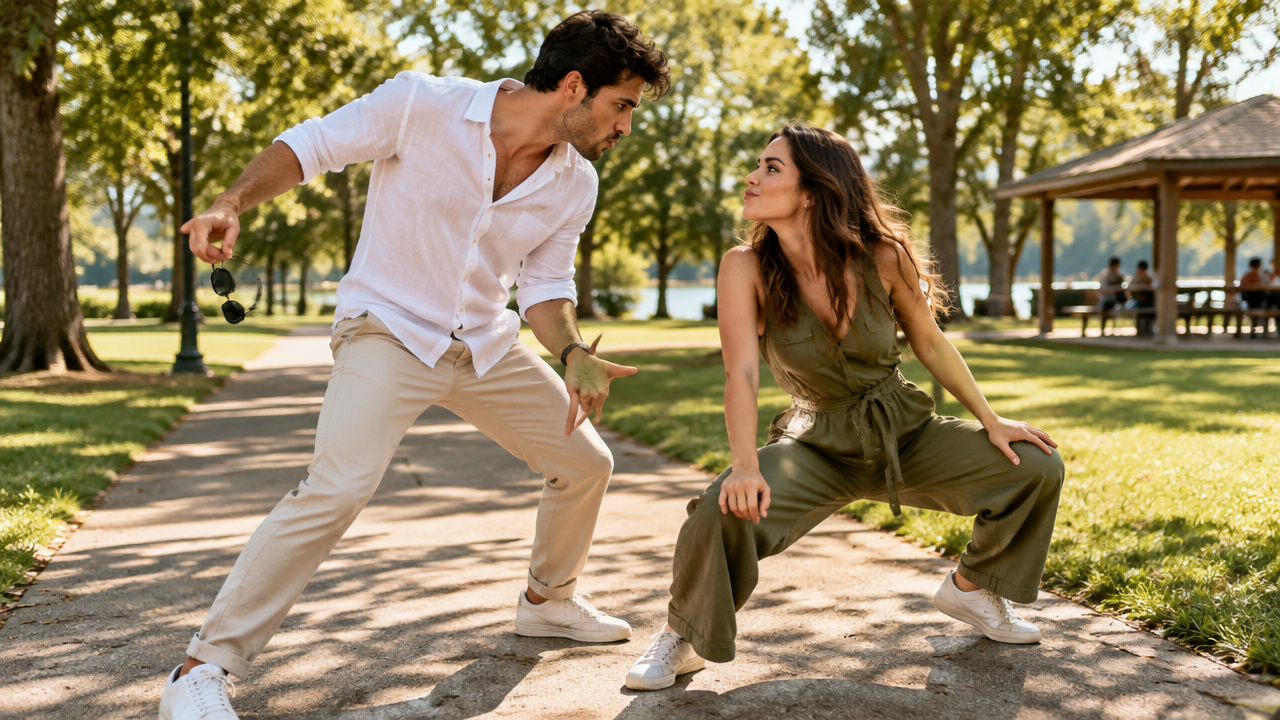
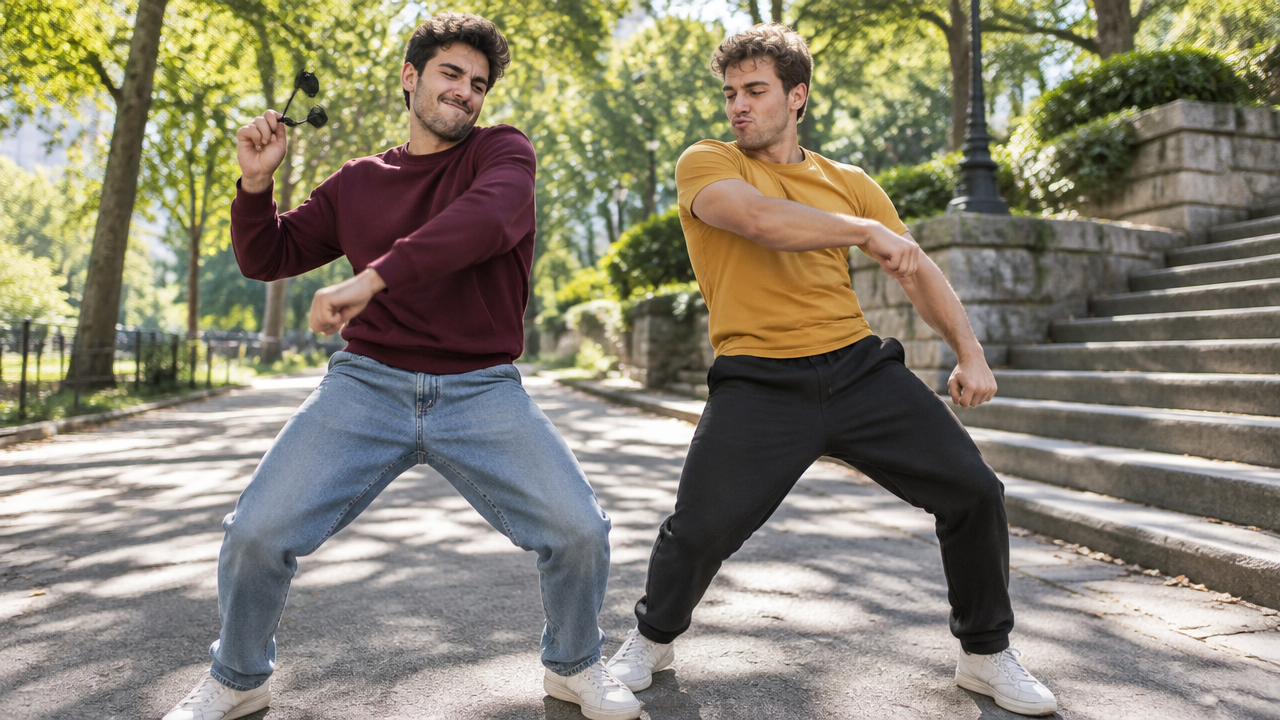
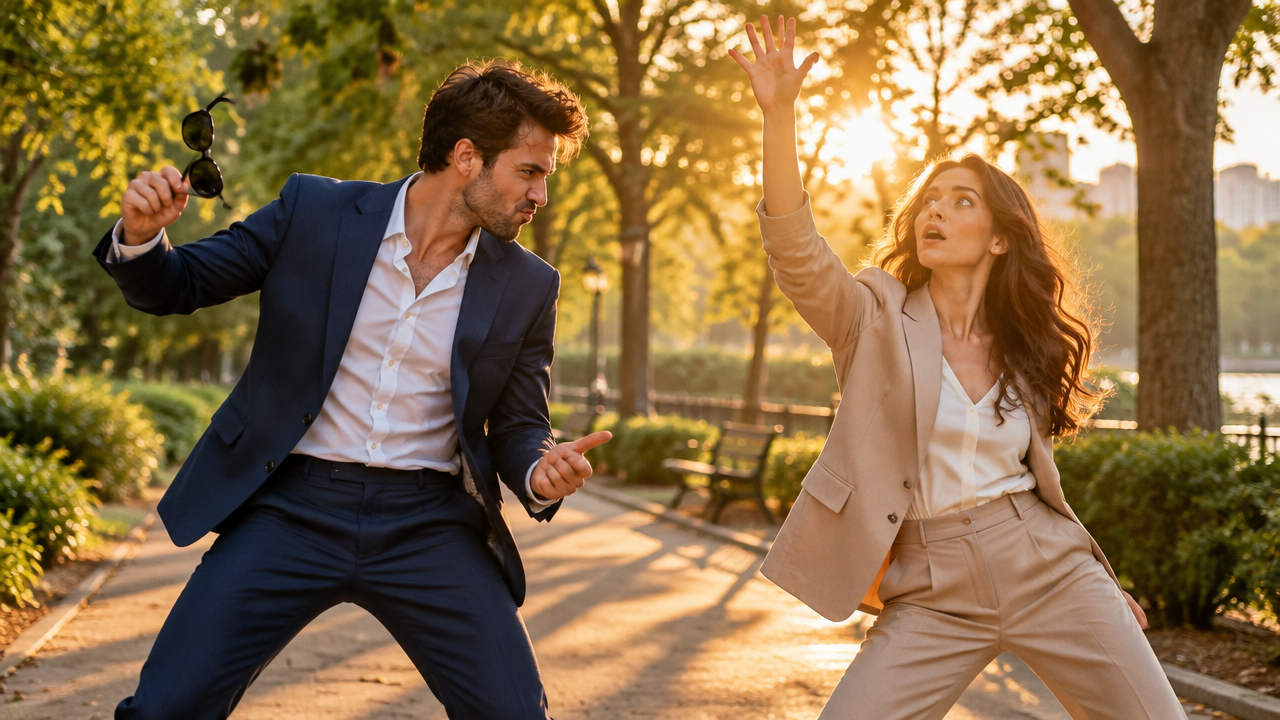
Create trending Closer Dance AI videos effortlessly! Turn photos into funny duo dance clips with AI. No complex editing, generate your viral video instantly.

Create Viral Closer Dance AI Trend Videos Instantly

Upload your images, and our AI will generate engaging Closer Dance videos in minutes. Perfect for social media creators and anyone wanting to join the trend effortlessly. No prior editing skills required.

No More Complex Video Editing for Dance Trends

Tired of spending hours on complicated software to join the latest Closer Dance AI Trend? Our intuitive AI tool automates the create closer dance video with AI process, letting you achieve professional-looking results without the hassle. Simply upload your two pictures into closer dance ai and let AI do the rest.

Turn Photos into Dynamic Duo Dance AI Template Videos

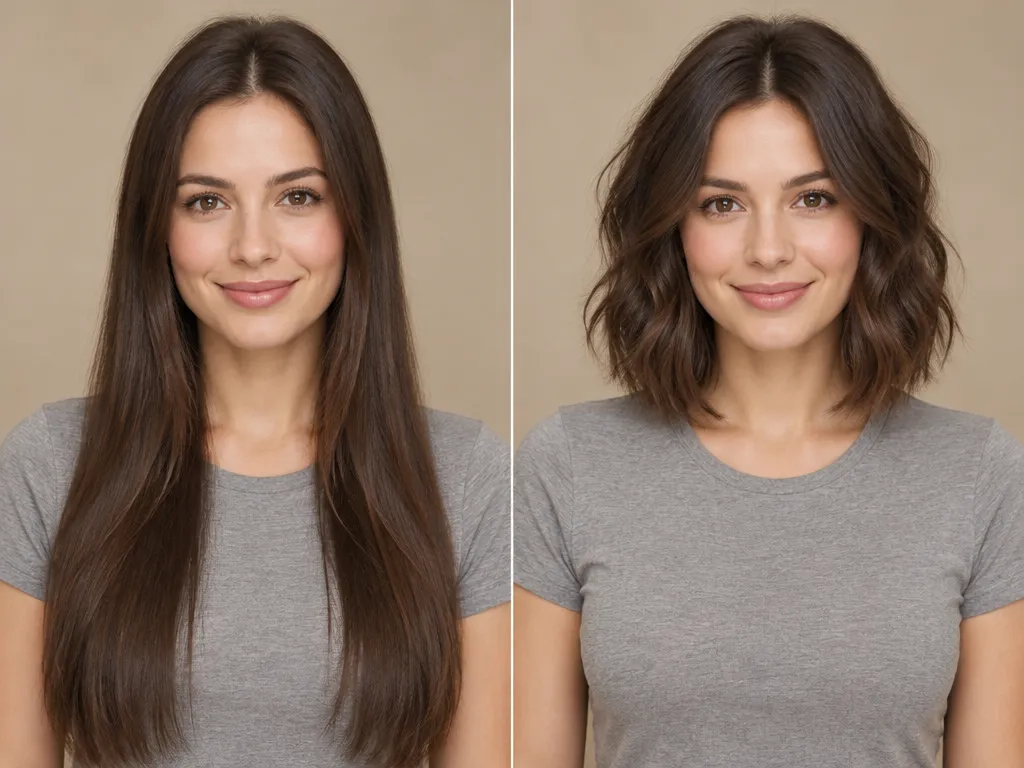
Have two photos you want to bring to life in a Closer Dance AI? Our two photo ai dance generator transforms static images into lively side by side sync dance ai or funny face off synchronized choreography ai videos. Perfect for couples closer dance ai trend or best friends closer dance ai video.

Unleash Creativity with Funny Duo Dance Video with AI

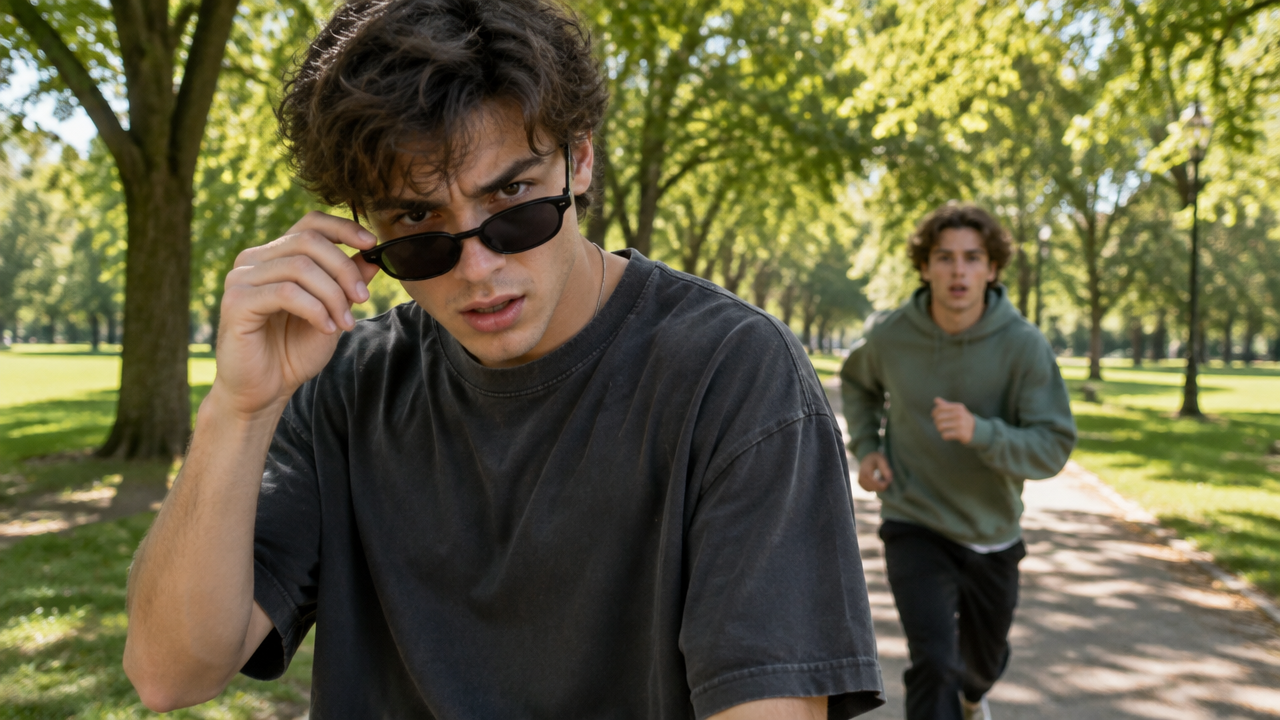
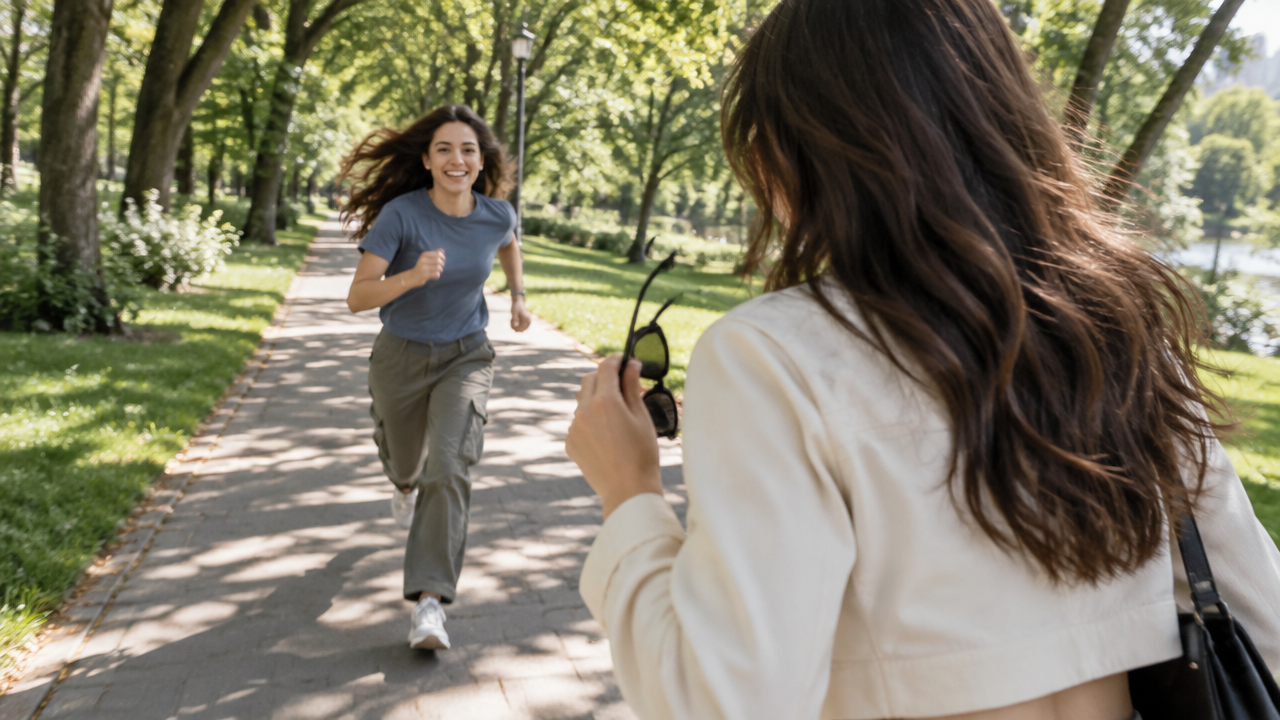
Go beyond the ordinary! Our AI tool allows you to generate hilarious and unique funny duo dance video with AI or comic face off into dance ai video. Add sunglasses sprint dance ai effects or customize your Closer Dance routine with AI for unforgettable social media content.

Experience Seamless Closer Dance AI Trend Creation

Enjoy a hassle-free journey creating Closer Dance AI videos. We prioritize ease of use, privacy, and accessibility for everyone.

Free to use

Start generating your Closer Dance AI Trend videos today without any cost. Access powerful AI features instantly.

All private

Your uploaded photos and generated videos are kept completely confidential. Your privacy is our top priority.

Beginner-friendly

No technical skills? No problem! Our intuitive interface makes how to make closer dance ai video simple for everyone.

Article

Why Use a Closer Dance AI Video Generator?

The `Closer Dance AI Trend` is sweeping social media, and our AI tool is designed to help you join the fun effortlessly. A `Closer Dance AI Video Generator` simplifies the process, allowing anyone to create stunning, engaging videos from their photos or clips. Forget complex editing software and unleash your creativity.

  • **Instant Trend Participation:** Quickly generate `Closer Dance AI videos` to stay relevant on social media.
  • **Effortless Creation:** No manual editing needed. Our AI handles all the intricate animation.
  • **Diverse Templates:** Explore various `Closer Dance AI templates`, including `duo dance ai template` and `comic face off dance ai video`.
  • **Personalized Touches:** Customize with unique styles like `sunglasses sprint dance ai` and `pull down sunglasses dance ai`.
  • **High-Quality Output:** Produce professional-looking `AI dance` videos that captivate your audience.
  • **Cost-Effective & Free:** Create amazing content without expensive software or expert skills.
How to Create Your Closer Dance AI Video in 3 Easy Steps

Creating your viral Closer Dance AI Trend video has never been simpler. Follow these quick steps to turn your ideas into a dynamic AI dance video with AIAI.com.

  1. Шаг 1 / 3

    Шаг 1

    Upload Your Photos: Select two photos or a short video clip you want to use for your Closer Dance AI.

  2. Шаг 2 / 3

    Шаг 2

    Choose a Dance AI Template: Pick from various Closer Dance AI templates like duo dance ai template, sunglasses sprint dance ai, or comic face off dance ai video.

  3. Шаг 3 / 3

    Шаг 3

    Generate & Share: Click generate, and our AI will process your Closer Dance AI video. Download and share it on social media!

Closer Dance AI Trend FAQs

Yes! Our two photo ai dance generator is specifically designed to transform two pictures into closer dance ai videos, perfect for duo dance ai template creations.

Как пользоваться разделом FAQ

Используйте Tab для перемещения между вопросами. Нажимайте Enter или Space, чтобы раскрывать или скрывать ответы. Используйте стрелки вверх/вниз для перехода между вопросами.