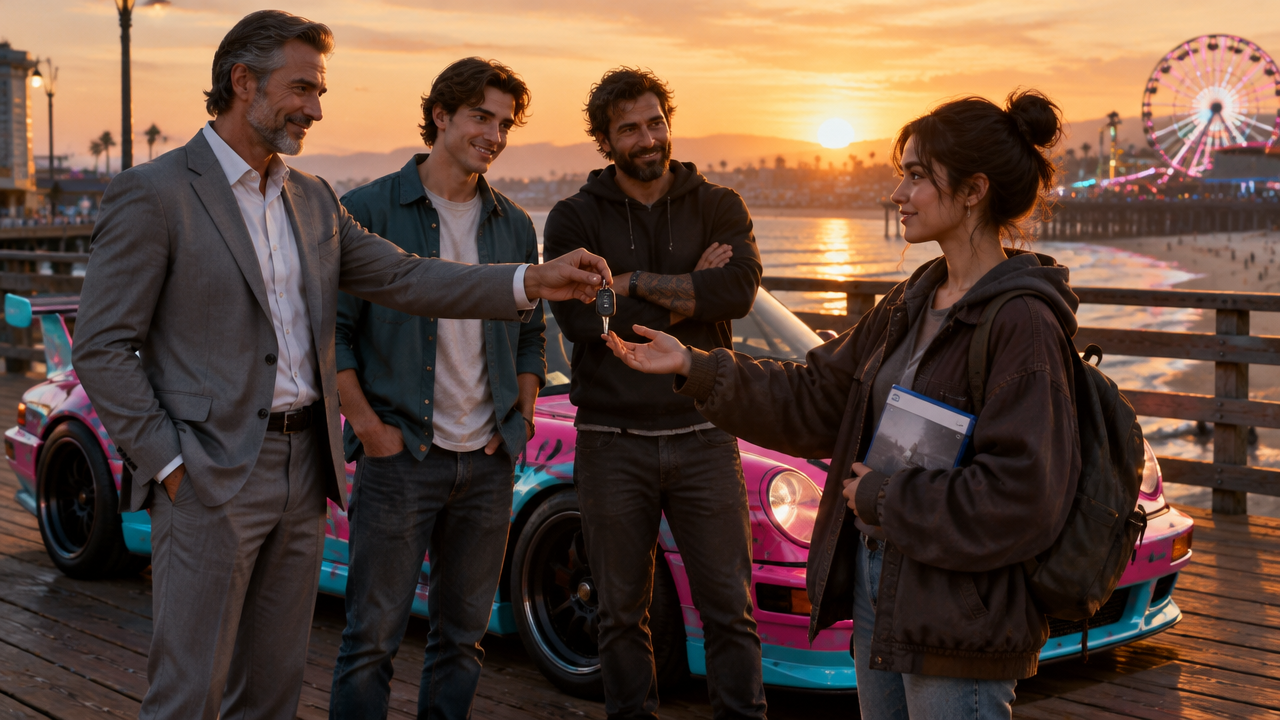

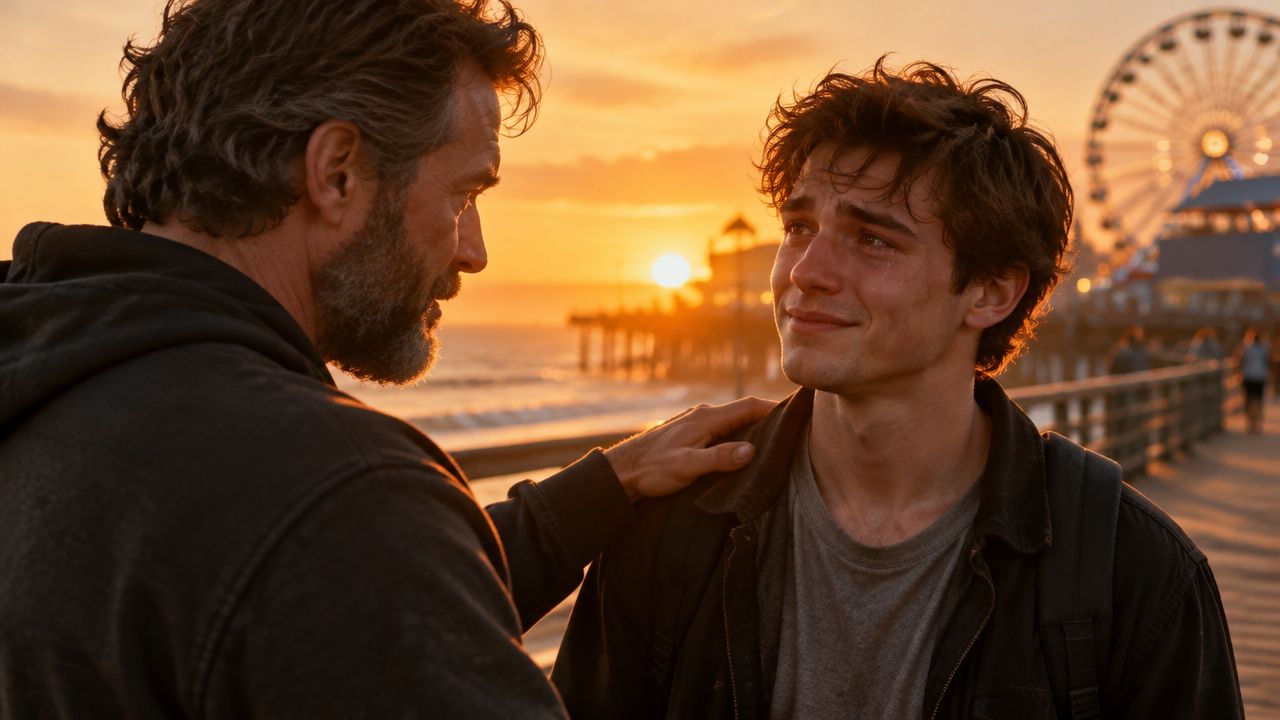


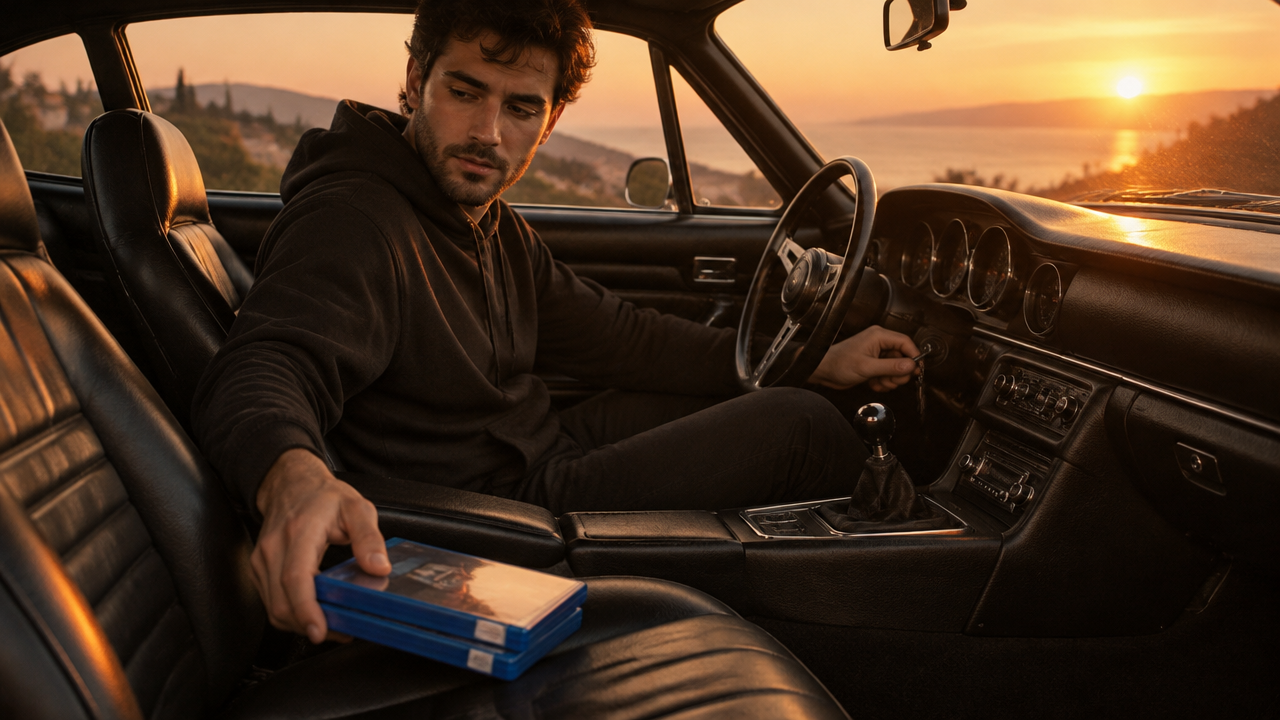
Create AI GTA 5 goodbye trend videos easily. Generate emotional farewell clips, sunset drives, and character goodbyes with our free AI video generator. Start now!

Generate AI GTA 5 Goodbye Trend Videos Instantly

Simply input your ideas, and our AI will create stunning GTA 5 farewell videos in seconds. Perfect for gamers, content creators, and fans, no video editing experience needed.

Effortlessly Create Authentic GTA Style Farewell Clips

Struggling to capture the unique GTA aesthetic? Our AI replicates the iconic video game style, generating seamless clips of Los Santos farewells, character goodbyes, and detailed pier scenes, all without complex software.

Generate Emotional GTA 5 Tribute Videos in Minutes

No time for lengthy edits? Our AI video maker transforms your text prompts into heartfelt GTA 5 emotional video tributes and goodbye trends quickly. Produce compelling content like sunset car drives and character goodbyes with ease.

Unleash Creativity with Iconic Los Santos Scenes

Dreaming of a pink sports car driving away into a Los Santos sunset? Our AI lets you generate specific scenes, from animated pink cars at the pier to dynamic sunset pier videos, bringing your unique goodbye concepts to life effortlessly.

Why Choose AIAI.com for Your GTA 5 Farewell Videos

Discover the trusted way to create your AI GTA 5 goodbye trend videos with complete peace of mind.

Free to use

Start generating your personalized AI GTA 5 goodbye trend videos without any upfront cost. Enjoy all essential features for free!

All private

Your creations are always private. We guarantee the confidentiality of your AI-generated GTA 5 farewell clips and personal data.

Beginner-friendly

No video editing experience? No problem! Our intuitive interface makes creating emotional GTA 5 tribute videos simple for everyone.

Article

Why Use an AI GTA 5 Goodbye Trend Video Generator?

Embrace the power of AI to transform your creative visions into stunning GTA-style farewell clips. Our generator simplifies complex video production, making it accessible to everyone, whether you're creating an AI Los Santos farewell video or an emotional GTA 5 tribute generator.

  • Unmatched Speed & Efficiency: Generate complex "pink sports car driving away" or "Los Santos sunset animation" videos in seconds, not hours.
  • Effortless Creativity: Simply describe your desired "GTA character goodbye creator" or "AI GTA v characters saying goodbye" scene in text; AI handles the visuals.
  • Authentic GTA Style: Achieve the iconic "video game style farewell" aesthetic with perfectly rendered "GTA goodbye meme creator" clips.
  • Cost-Effective Solution: Create high-quality "GTA 5 emotional video maker" content without expensive software or freelance editors.
  • Trend Participation Made Easy: Quickly join the "AI GTA 5 goodbye trend" and create your unique "virtual farewell video" for social media.
  • No Technical Skills Required: Anyone can be a "GTA v tribute video creator" and generate amazing "sunset pier scene generator" content.


How to Create Your AI GTA 5 Goodbye Trend Video

Follow these simple steps to generate stunning farewell videos in the iconic GTA style effortlessly.

  1. Шаг 1 / 3

    Шаг 1

    Describe Your Vision: Clearly input your desired video scene and elements, like "a pink sports car driving away at Los Santos pier sunset."

  2. Шаг 2 / 3

    Шаг 2

    Select Style & Characters: Choose specific GTA V characters or preferred aesthetic options to customize your goodbye animation.

  3. Шаг 3 / 3

    Шаг 3

    Generate & Download: Our AI will quickly process your request and create your unique GTA 5 emotional video, ready for instant download.

Frequently Asked Questions About AI GTA 5 Goodbye Trend Videos

You can generate diverse videos, including AI Los Santos farewell videos, specific GTA V characters saying goodbye, sunset pier videos, and even animated pink sports car driving away scenes.

Как пользоваться разделом FAQ

Используйте Tab для перемещения между вопросами. Нажимайте Enter или Space, чтобы раскрывать или скрывать ответы. Используйте стрелки вверх/вниз для перехода между вопросами.