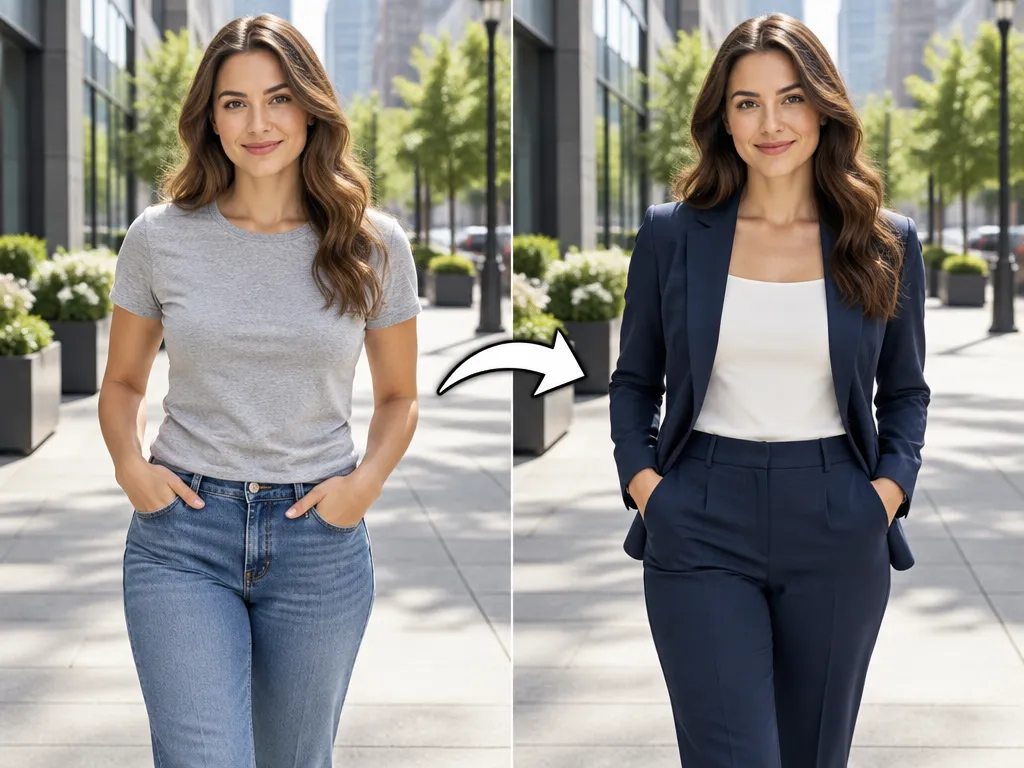
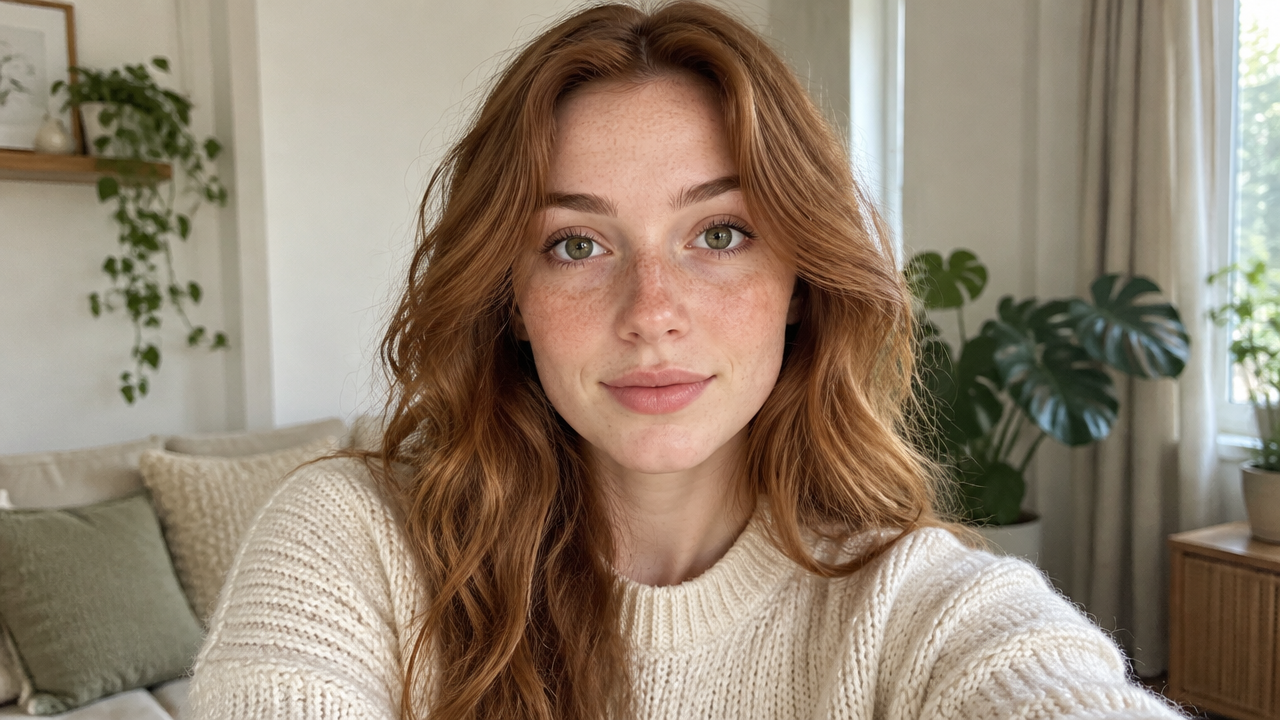

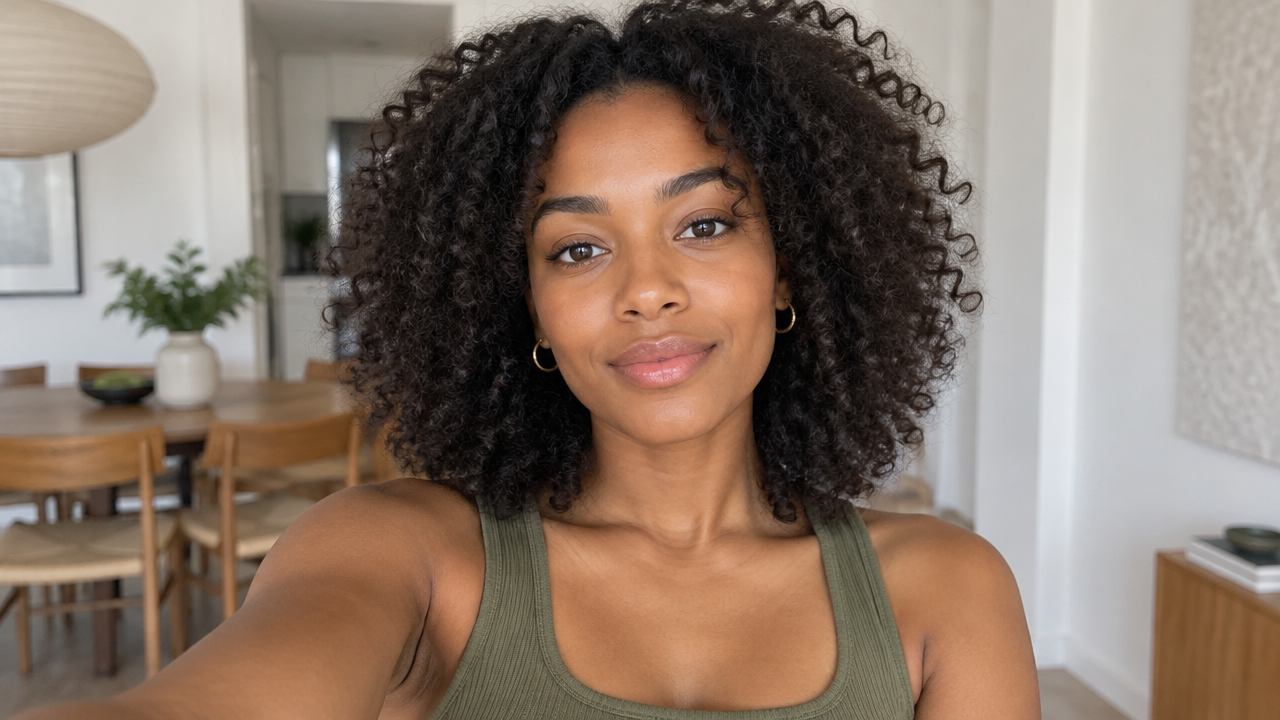
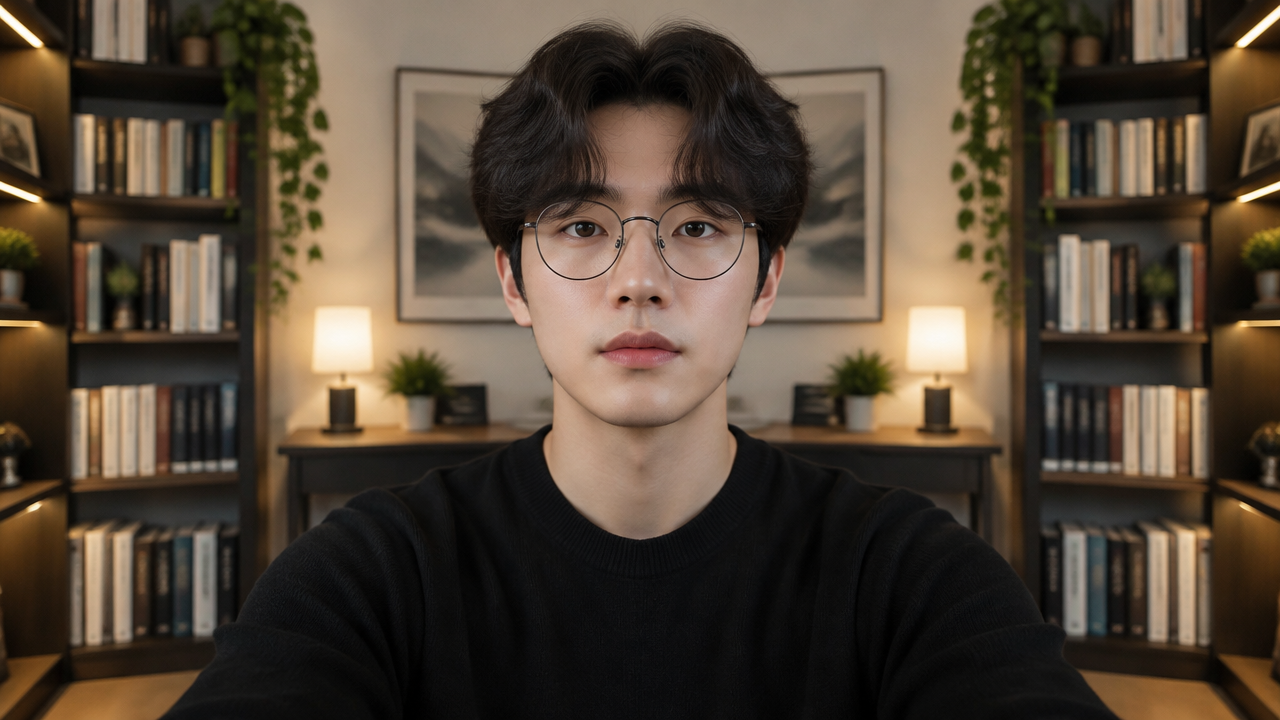

Create symmetrical faces, mirror videos, or check your face symmetry free online. Upload your media, get instant AI-powered transformations. Easy, fast, no sign-up!

Generate Symmetrical Faces & Mirror Videos with AI

Upload your photos or videos, and our AI will instantly transform them into perfectly symmetrical faces, captivating mirror effects, or insightful asymmetry comparisons within seconds. Ideal for content creators, social media enthusiasts, or anyone curious about their facial symmetry, requiring no editing skills or software downloads.

Effortless Symmetrical Transformations

Stop wasting time on tedious manual editing. Our Symmetry Filter AI does the heavy lifting, delivering perfectly symmetrical faces and captivating mirror images with just a single click.

Accurate Face Symmetry Analysis

Gain precise insights into your facial balance. Our AI-powered test instantly reveals left-vs-right symmetry, helping you understand your unique features and address questions like 'is my face symmetrical?'.

Master Trending Mirror & Twin Effects

Easily create viral-ready mirror face videos, left-right twins, and asymmetry comparison trends that captivate your audience. Stay ahead in social media with AI-driven content creation.

Why Choose AIAI.com for Your Symmetry Needs?

We combine cutting-edge AI with user-friendly design to deliver a seamless and reliable experience for all your symmetrical face and mirror effect creations.

Free to use

Experience powerful AI symmetry tools without any cost. Access premium features and create stunning content for free.

All private

Your uploads and creations are kept completely confidential. We guarantee the privacy and security of your personal data.

Beginner-friendly

No technical skills needed. Our intuitive interface makes generating symmetrical faces and mirror videos simple for everyone.

Article

Why Use a Symmetry Filter AI Generator?

A Symmetry Filter AI generator is more than just a fun tool; it's a powerful way to explore aesthetics, create engaging content, and understand visual balance. It leverages advanced algorithms to detect and manipulate facial features, providing unique perspectives and creative possibilities.

  • Instant Symmetrical Results: Quickly achieve perfectly balanced faces or mirror images without manual effort.
  • Creative Content Creation: Generate unique mirror face videos, left-right twin effects, and viral asymmetry trends for social media.
  • Personal Face Symmetry Check: Easily test and analyze your own facial symmetry to satisfy curiosity or artistic interest.
  • Enhance Visual Aesthetics: Improve the visual appeal of portraits and videos by applying harmonious symmetry filters.
  • User-Friendly Experience: No graphic design skills or complex software required; simply upload and transform.
  • Explore Asymmetry vs Symmetry: Understand the visual impact of facial symmetry and asymmetry through direct comparison tools.
How to Use Our Free Symmetry Filter AI

Achieving perfectly symmetrical faces or captivating mirror effects is simple with our intuitive AI tool. Follow these quick steps to transform your photos and videos instantly.

  1. Шаг 1 / 3

    Шаг 1

    Upload Your Photo or Video: Select an image or video from your device. Our AI supports various formats for seamless processing.

  2. Шаг 2 / 3

    Шаг 2

    Choose Your Symmetry Effect: Select from options like 'Symmetrical Face,' 'Mirror Face,' or 'Asymmetry Comparison' based on your desired output.

  3. Шаг 3 / 3

    Шаг 3

    Generate & Download: Click 'Generate' and watch the AI work its magic. Download your high-quality symmetrical creation in seconds.

Frequently Asked Questions About Symmetry Filter AI

A Symmetry Filter AI is an advanced tool that uses artificial intelligence to analyze an image or video and apply symmetrical transformations. It identifies key facial features or image elements and then mirrors or adjusts them to create a perfectly balanced or reflective output, ideal for symmetrical face ai filters and mirror face effects.

Как пользоваться разделом FAQ

Используйте Tab для перемещения между вопросами. Нажимайте Enter или Space, чтобы раскрывать или скрывать ответы. Используйте стрелки вверх/вниз для перехода между вопросами.