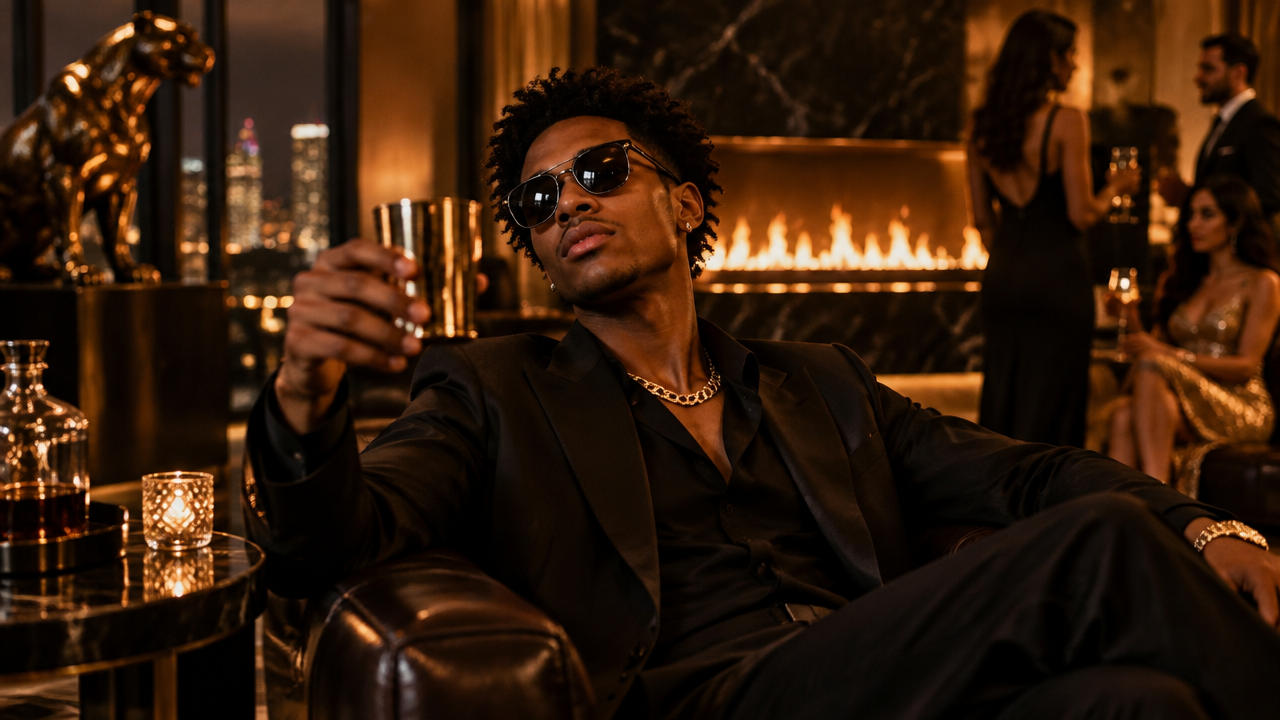
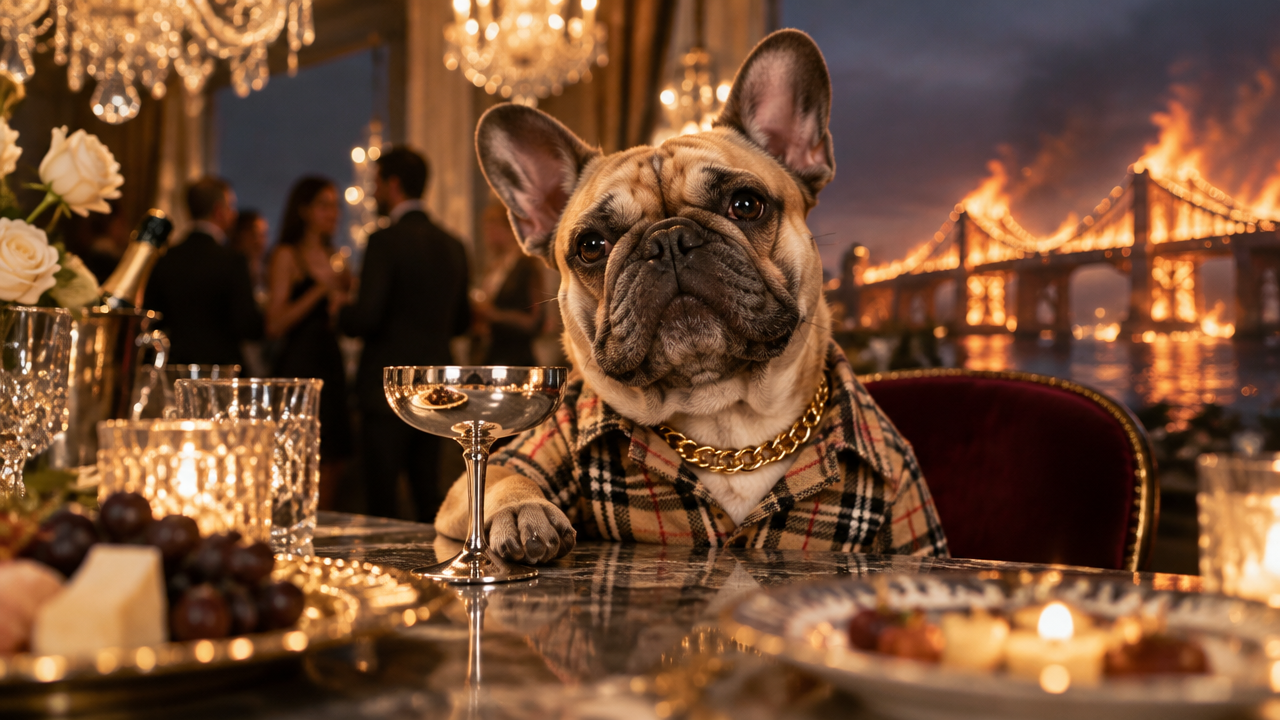
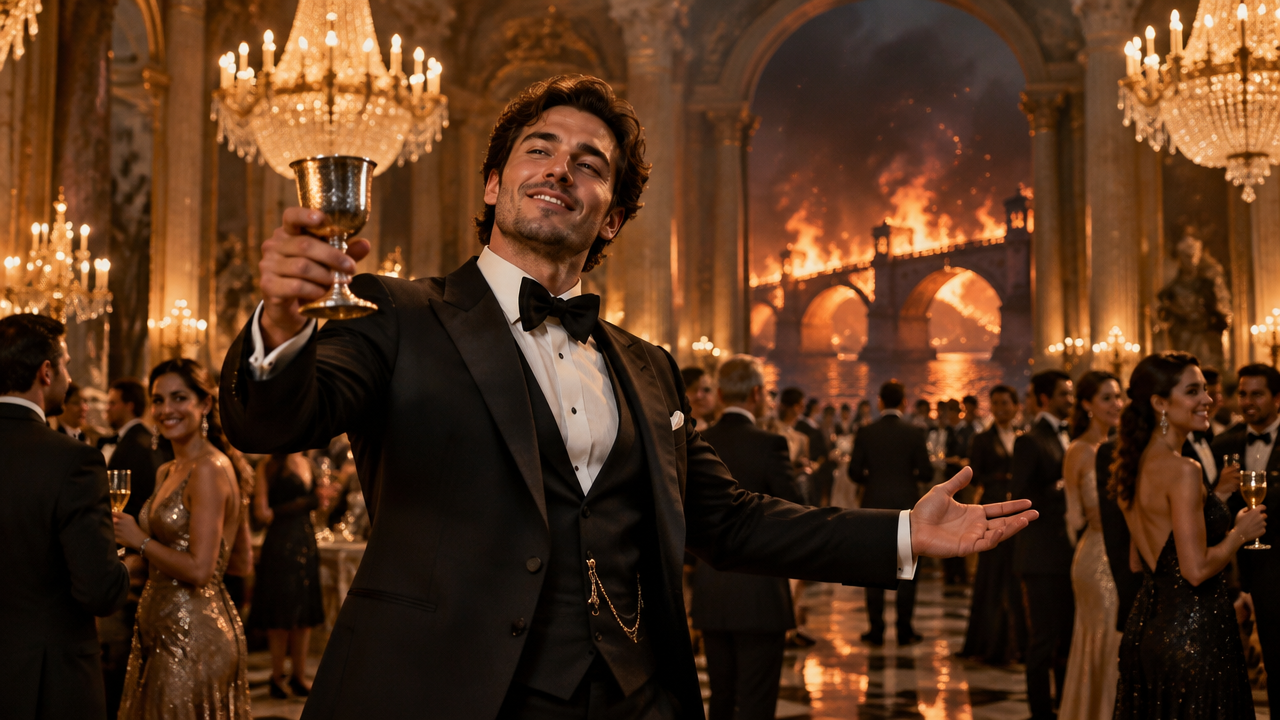
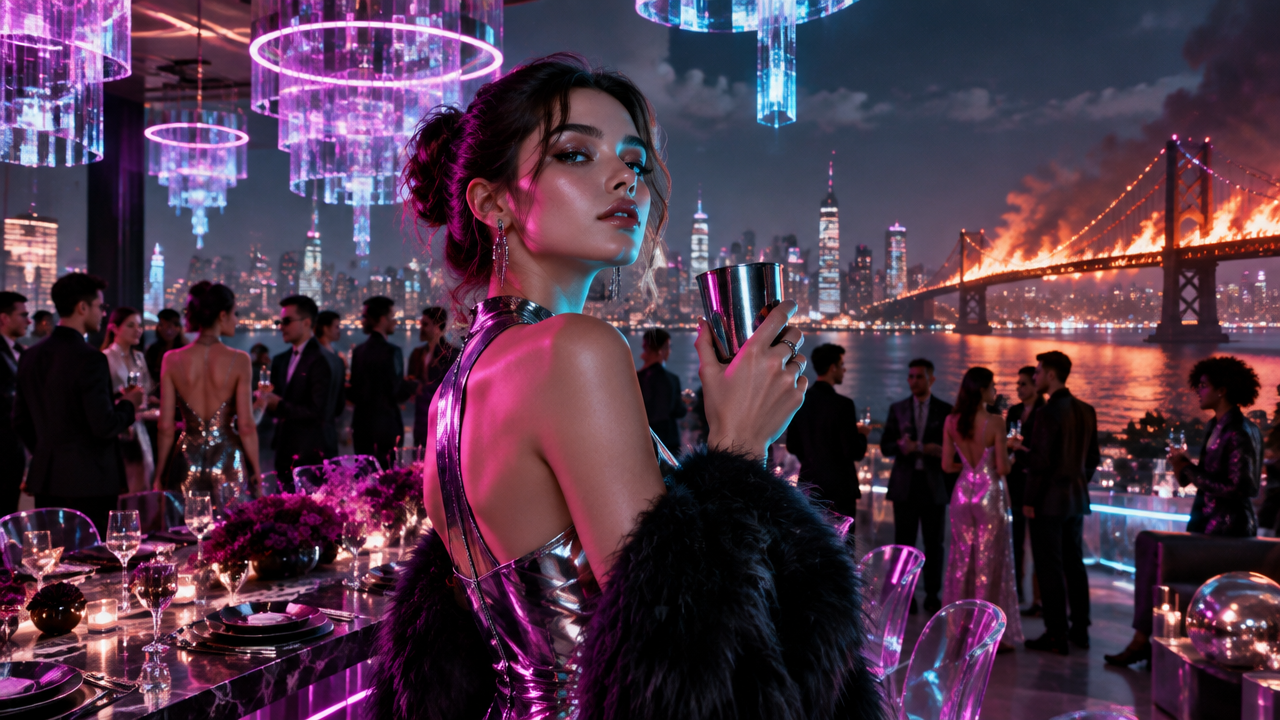
Want to join the Burning Bridges AI trend? Create custom AI videos from photos, replace characters easily. Free, no editing skills needed. Try now!

Create Your Burning Bridges AI Video Trend Easily

Upload your photos, and our AI will generate personalized Burning Bridges trend videos in seconds. Perfect for anyone wanting viral content without complex editing or specialized skills.

No More Complex Editing: Generate Burning Bridges AI Videos Instantly

Forget tedious video editing software. Our AI video generator allows you to create captivating Burning Bridges trend videos from your images with just a few clicks, saving you time and effort. Focus on your creativity, not the technical hurdles.

Put Anyone in the Scene: Personalized Burning Bridges AI Character Swaps

Want to replace Drake, put your face, a friend, or even your pet into the iconic Burning Bridges video? Our AI character swap feature makes personalization seamless and fun, bringing your imagination to life.

Recreate Iconic Moments: Burning Bridges Party Scenes & More

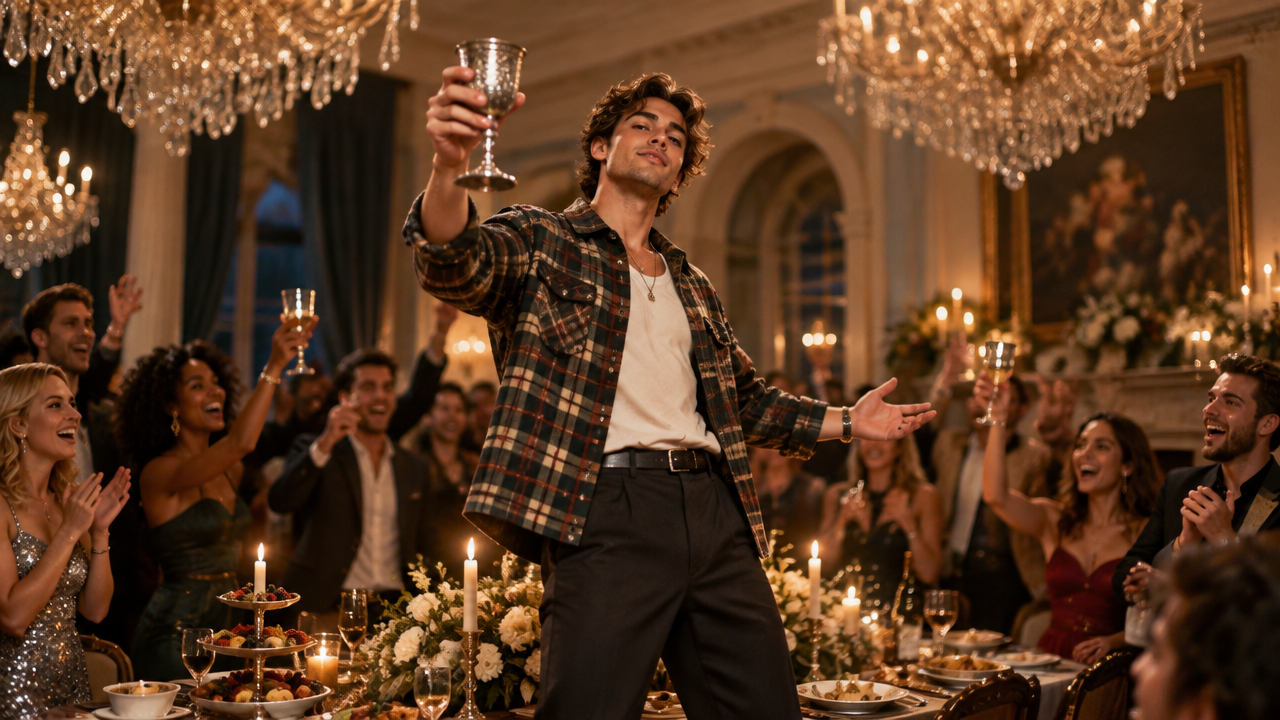
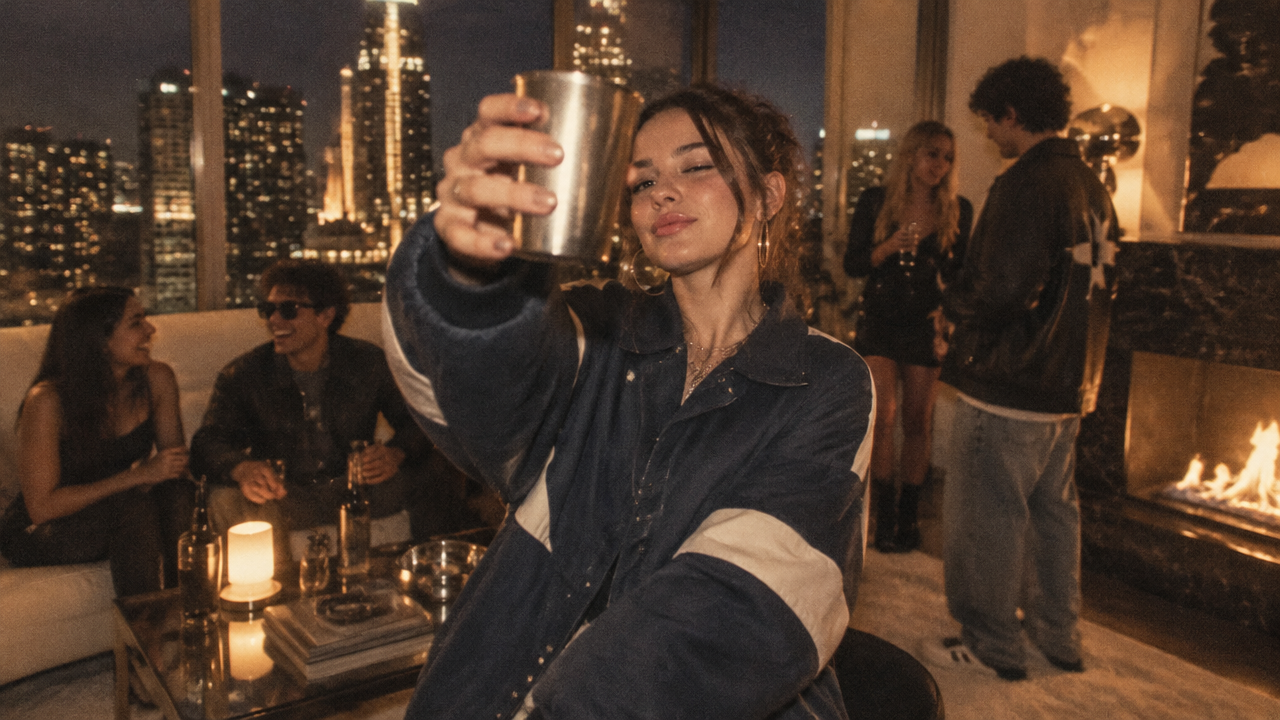
From the dramatic chandelier party to the crowded dinner party or the silver cup scene, effortlessly recreate any famous Burning Bridges music video scene with your chosen characters using our AI. Your favorite moments, reimagined.

Why Choose Our Burning Bridges AI Video Creator?

Experience the easiest way to join the Burning Bridges trend with our reliable, private, and user-friendly platform.

Free to use

Start generating your Burning Bridges AI trend videos without any cost. Access powerful AI features completely free.

All private

Your uploaded photos and generated videos are kept 100% private. We value your privacy and data security above all else.

Beginner-friendly

No prior experience or complex software needed. Our intuitive interface makes creating Burning Bridges videos simple for everyone.

Article

Why Use a Burning Bridges AI Trend Video Generator?

Embrace the power of AI to transform your creative ideas into viral videos, capturing the essence of the Burning Bridges trend without any hassle. Our generator simplifies complex video production, allowing anyone to become a trendsetter.

  • Instant Video Creation: Generate high-quality Burning Bridges AI videos in seconds, not hours.
  • Unleash Creativity: Easily bring unique characters and scenarios to life within the Burning Bridges theme.
  • No Skills Required: Perfect for beginners, no complex software or prior editing experience needed to make Burning Bridges videos.
  • Go Viral Faster: Create engaging content that stands out and is ready to share on social media.
  • Cost-Effective: Enjoy premium features and a free Burning Bridges AI video maker without breaking the bank.
  • High-Quality Output: Produce professional-looking AI videos with stunning visuals and effects.
How to Make Your Burning Bridges AI Video

Ready to transform your ideas into a viral sensation? Follow these simple steps to create your personalized Burning Bridges AI video in minutes, effortlessly turning your photos into captivating scenes.

  1. ขั้นตอน 1 / 3

    ขั้นตอน 1

    Upload Your Photo: Choose an image of yourself, a friend, a pet, or any character you want to put into the Burning Bridges scene.

  2. ขั้นตอน 2 / 3

    ขั้นตอน 2

    Describe Your Scene: Briefly tell the AI what specific Burning Bridges scene you envision, like the chandelier party or silver cup moment.

  3. ขั้นตอน 3 / 3

    ขั้นตอน 3

    Generate & Share: Click generate and watch your custom AI video come to life! Then, share your unique creation with the world.

Frequently Asked Questions About Burning Bridges AI Video Creation

The Burning Bridges AI trend uses artificial intelligence to insert individuals or characters into scenes from the popular "Burning Bridges" music video or similar dramatic party settings, often featuring character swaps like with Drake. It's a fun way to join a viral sensation.

วิธีใช้ส่วนคำถามที่พบบ่อย

ใช้ Tab เพื่อนำทางระหว่างคำถาม กด Enter หรือ Space เพื่อขยายหรือย่อคำตอบ ใช้ปุ่มลูกศรขึ้นและลงเพื่อย้ายระหว่างคำถาม