

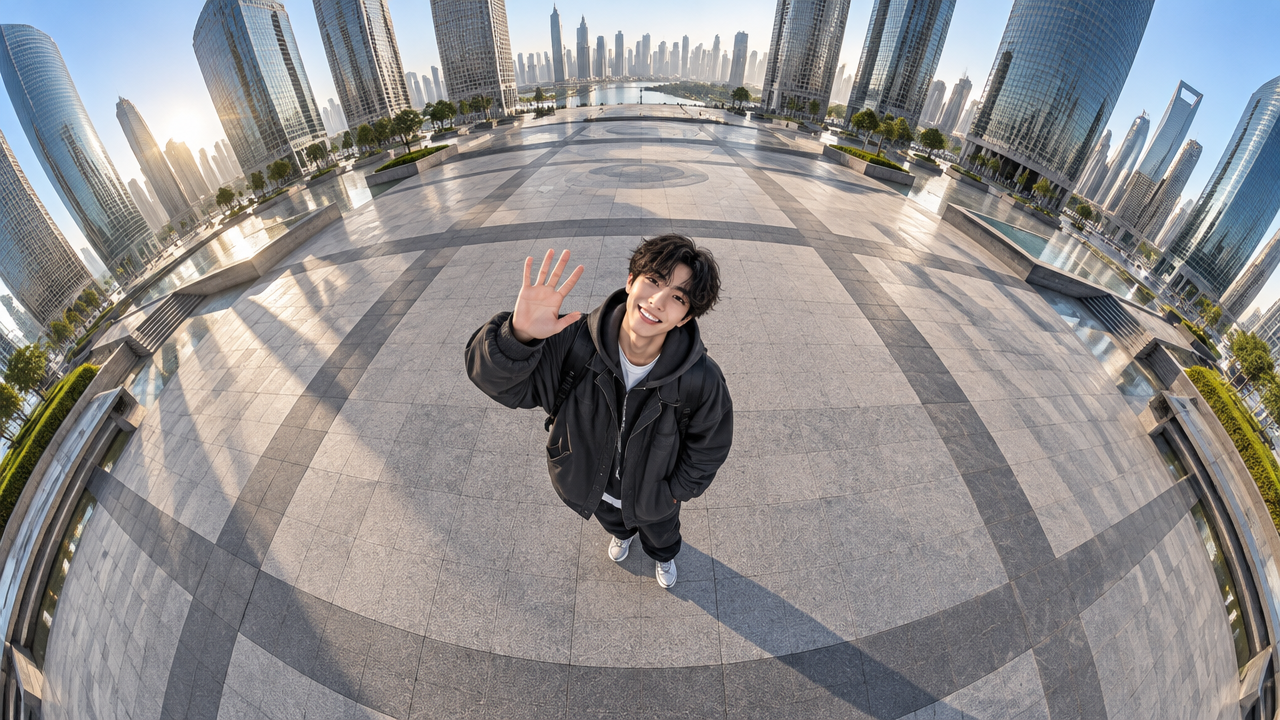


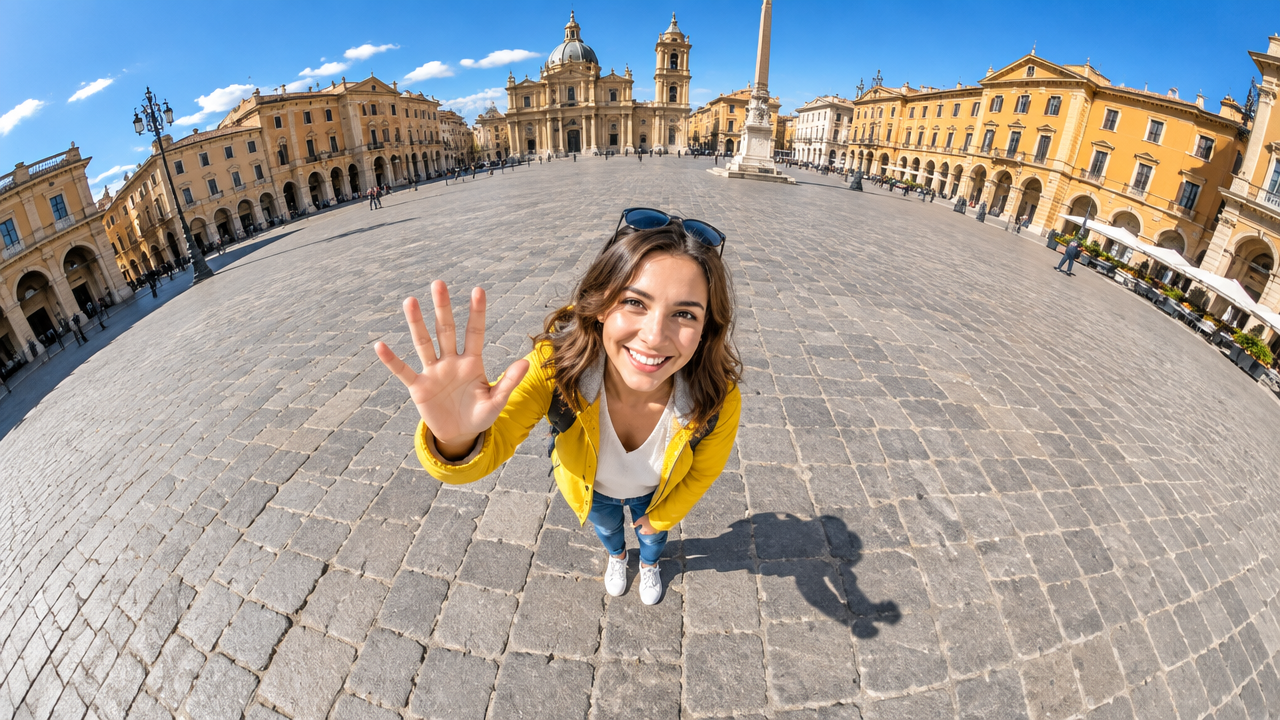
Want stunning Earth Zoom Out AI videos? Transform your selfie to space with infinite zoom. Create seamless, cinematic videos in seconds, free! Try now.

Earth Zoom Out AI Video Generator: Transform Selfie to Space

Input your photo or text prompt, AI will generate a breathtaking Earth Zoom Out video in seconds. Perfect for social media creators and storytellers seeking a unique visual narrative, no complex editing required.

Beyond Ordinary Selfies: Create Viral Earth Zoom Out Videos

Tired of static photos? Our Earth Zoom Out AI transforms your everyday selfie into a dynamic, breathtaking video that pulls back from you to the entire planet. No complex software, just stunning, shareable results.

Achieve Seamless Transitions from Street to Stars

Manually creating a smooth, continuous camera pull-back from a street snapshot to a cosmic view is challenging. Our AI handles the intricate details, delivering a cinematic experience with a single click, perfectly blending every frame.

No Editing Skills Needed: Your Vision, AI-Powered

Forget hours spent learning complex video editing software. Whether you're a beginner or a seasoned creator, our intuitive Earth Zoom Out AI tool lets you bring your vision to life instantly. Just upload and watch the magic unfold.

Why Choose AIAI.com for Your Earth Zoom Out Creations?

Discover the compelling reasons to make AIAI.com your go-to platform for crafting mesmerizing Earth Zoom Out AI videos effortlessly.

Free to use

Experience the full power of Earth Zoom Out AI without any hidden costs. Generate your first video for free and see the stunning results.

All private

Your creations are yours alone. We ensure complete privacy for all your uploaded content and generated Earth Zoom Out videos.

Beginner-friendly

Designed for everyone. Our user-friendly interface makes creating complex Earth Zoom Out videos simple and accessible, even for first-time users.

Article

Why Use an Earth Zoom Out AI Generator?

An Earth Zoom Out AI generator is more than just a tool; it's a gateway to limitless creative possibilities. It transforms ordinary images into extraordinary, cinematic experiences that captivate audiences. Whether for personal projects, social media, or professional presentations, the ability to effortlessly create stunning visuals that pull back from a subject to a global view is invaluable.

  • Effortless Creation: Generate complex zoom-out sequences with AI, no manual editing needed.
  • Stunning Visuals: Produce high-quality, seamless videos from your photos.
  • Boost Social Engagement: Create viral-worthy content that captures attention and shares.
  • Time-Saving: Accomplish in seconds what would take hours with traditional software.
  • Unleash Creativity: Experiment with infinite zoom out possibilities from any photo or prompt.
  • No Technical Expertise Required: Perfect for beginners and pros alike, with an intuitive interface.


How to Create Your Earth Zoom Out AI Video in 3 Easy Steps

Unlock your creativity in just moments. Follow these simple steps to transform your photos into captivating Earth Zoom Out videos with AIAI.com.

  1. ขั้นตอน 1 / 3

    ขั้นตอน 1

    Upload Your Photo or Prompt: Start by uploading the image you want to be the focal point, or describe your desired scene with a text prompt.

  2. ขั้นตอน 2 / 3

    ขั้นตอน 2

    Customize Your Zoom Out (Optional): Adjust settings like zoom speed, style, or specific landmarks if desired. Our AI can also intelligently generate these for you.

  3. ขั้นตอน 3 / 3

    ขั้นตอน 3

    Generate and Download: Click 'Generate' and watch as our AI creates your stunning Earth Zoom Out video. Once complete, easily download your high-quality creation.

Frequently Asked Questions About Earth Zoom Out AI

Earth Zoom Out AI is an advanced tool that uses artificial intelligence to generate videos which seamlessly zoom out from a specific point (like a selfie or a street scene) to reveal a wider perspective, ultimately showing the Earth from space. You provide an image or text prompt, and the AI handles the complex animation.

วิธีใช้ส่วนคำถามที่พบบ่อย

ใช้ Tab เพื่อนำทางระหว่างคำถาม กด Enter หรือ Space เพื่อขยายหรือย่อคำตอบ ใช้ปุ่มลูกศรขึ้นและลงเพื่อย้ายระหว่างคำถาม