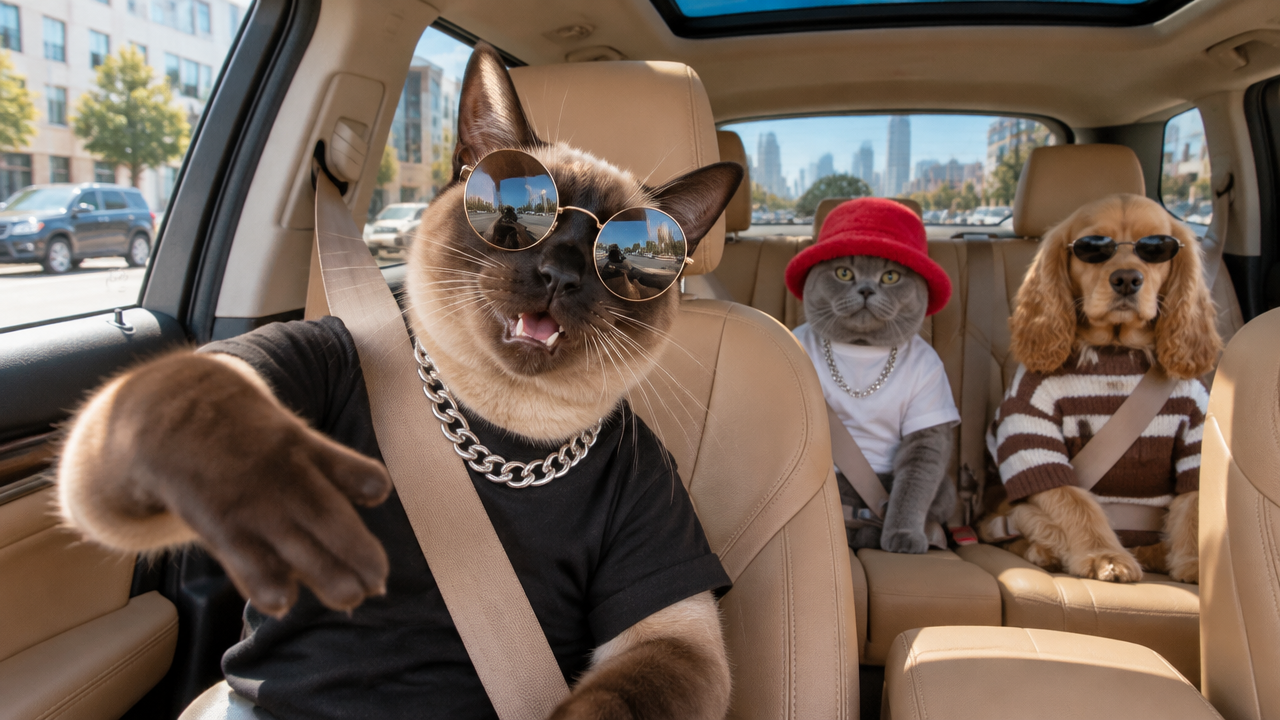


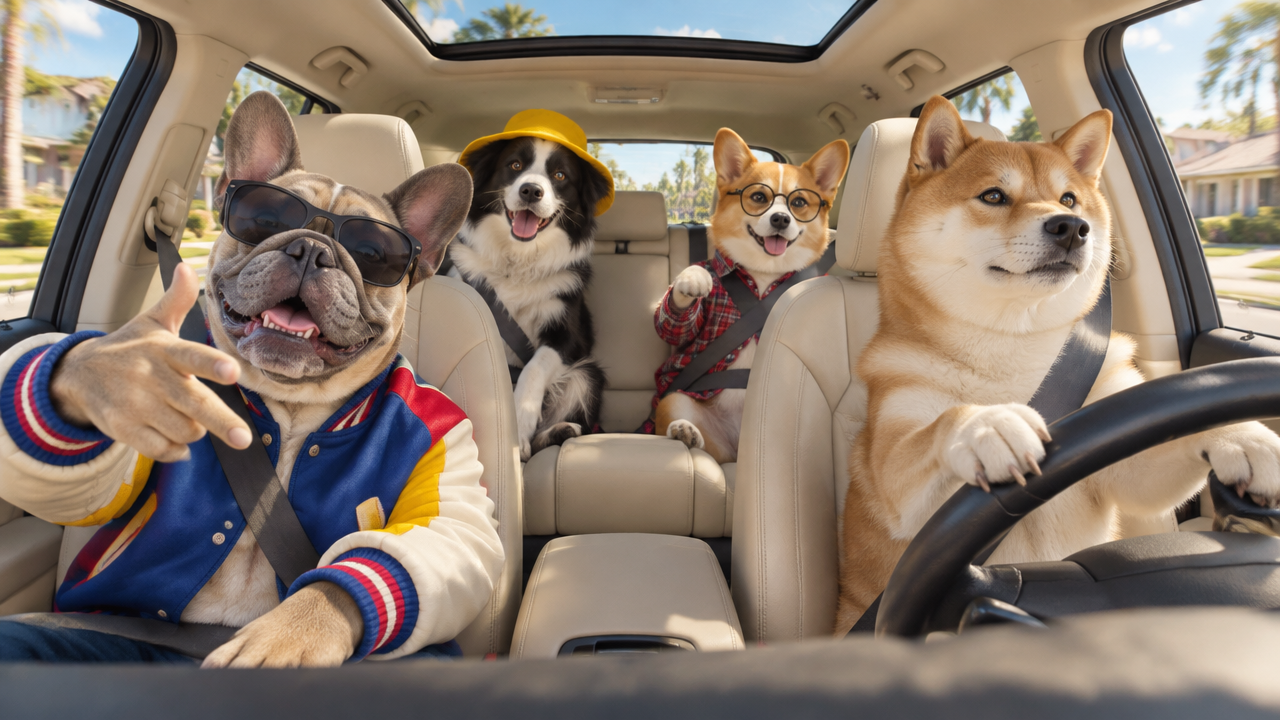

Want to join the trend? Use our AI tool to create stunning Walk It Like I Talk It and Carpool Karaoke videos with friends or pets in seconds. Get started now, no editing skills needed.

Walk It Like I Talk It AI Video Generator: Create Viral Carpool Karaoke in Seconds

Upload your clips or describe your vision, and our AI will transform them into trending Walk It Like I Talk It or Carpool Karaoke videos instantly. Perfect for anyone wanting to join the trend without complex editing.

Effortless Creation, No Editing Skills Needed

Forget complex software and steep learning curves. Our AI takes care of all the technical details, allowing you to generate your Walk It Like I Talk It AI video with just a few clicks. Focus on your creativity, not on editing.

Customize with Friends, Family & Even Pets

Make your Carpool Karaoke AI videos truly unique. Easily incorporate multiple characters – your friends, family, or beloved pets – into the scene. Our AI intelligently integrates them for a seamless and hilarious outcome.

Access Viral Templates & Trending Styles

Struggling for ideas? Dive into our library of trending Walk It Like I Talk It video templates and Carpool Karaoke AI filters. From Migos-inspired head-bops to car rap scenes, simply choose a template and let AI do the rest.

Why Choose AIAI.com for Your AI Video Creations?

We're committed to providing the best AI video generation experience, ensuring your creations are accessible, secure, and user-friendly.

Free to Use

Enjoy unlimited AI video generation for Walk It Like I Talk It and Carpool Karaoke trends without any hidden costs or subscriptions. Get started right away!

All Private

Your uploads and generated videos are completely private and secure. We ensure your creative content remains yours, always.

Beginner-Friendly

Designed for everyone, from absolute beginners to seasoned creators. Our intuitive interface makes AI video generation simple and fun.

Article

Why Use an AI Walk It Like I Talk It Trend Generator?

The "Walk It Like I Talk It" and Carpool Karaoke trends are exploding online, but creating these dynamic videos traditionally requires advanced editing skills and significant time. An AI trend generator democratizes this creativity, offering an accessible and efficient way for anyone to join the fun and go viral.

  • Instant Video Creation: Generate high-quality trend videos in moments, not hours.
  • No Technical Skills Needed: Create compelling content without complex software or video editing knowledge.
  • Unleash Creativity: Experiment with different scenarios, characters, and styles effortlessly.
  • Boost Social Engagement: Quickly produce shareable, attention-grabbing content for your social media.
  • Personalize Your Trends: Easily include friends, family, or pets for unique and memorable videos.
  • Stay Relevant: Jump on popular trends and keep your content fresh and engaging.

How to Create Your Walk It Like I Talk It AI Video

Ready to make your own viral video? Follow these simple steps to generate stunning Walk It Like I Talk It and Carpool Karaoke AI videos effortlessly with AIAI.com.

  1. ขั้นตอน 1 / 3

    ขั้นตอน 1

    Upload Your Media or Enter a Prompt: Start by uploading photos or video clips, or simply describe the scene you envision for your AI video.

  2. ขั้นตอน 2 / 3

    ขั้นตอน 2

    Customize Your Characters & Scene: Add friends, pets, choose your car, background, and specific actions to personalize your Walk It Like I Talk It AI creation.

  3. ขั้นตอน 3 / 3

    ขั้นตอน 3

    Generate & Download Your Video: Click "Generate," and our AI will quickly process your input. Preview your Carpool Karaoke AI video and download it in high quality.

Frequently Asked Questions about Walk It Like I Talk It AI

The Walk It Like I Talk It AI Trend involves creating engaging videos, often in a car setting, where characters lip-sync and bop their heads to a song. Our AI tool uses your input (descriptions, photos, or videos) to automatically generate these dynamic Carpool Karaoke-style videos.

วิธีใช้ส่วนคำถามที่พบบ่อย

ใช้ Tab เพื่อนำทางระหว่างคำถาม กด Enter หรือ Space เพื่อขยายหรือย่อคำตอบ ใช้ปุ่มลูกศรขึ้นและลงเพื่อย้ายระหว่างคำถาม