AI 1970s 滤镜:瞬间转换照片 | AIAI.com

轻松应用复古 1970 年代 AI 滤镜到您的照片。立即免费获得复古外观。立即尝试我们的 1970 年代 AI 滤镜工具!

AI 1970s 滤镜:你的即时复古照片制作器

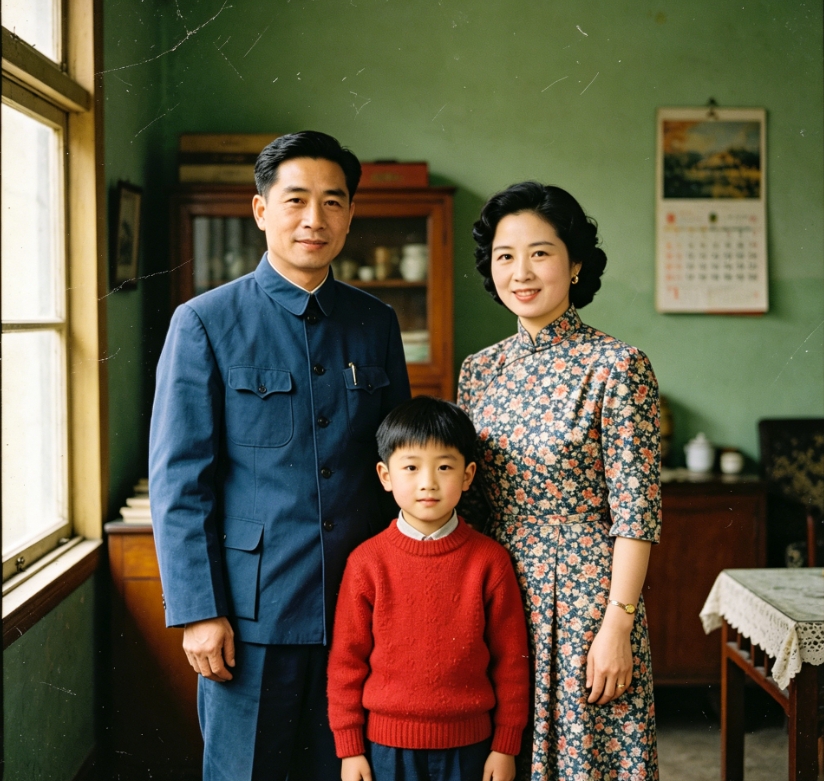
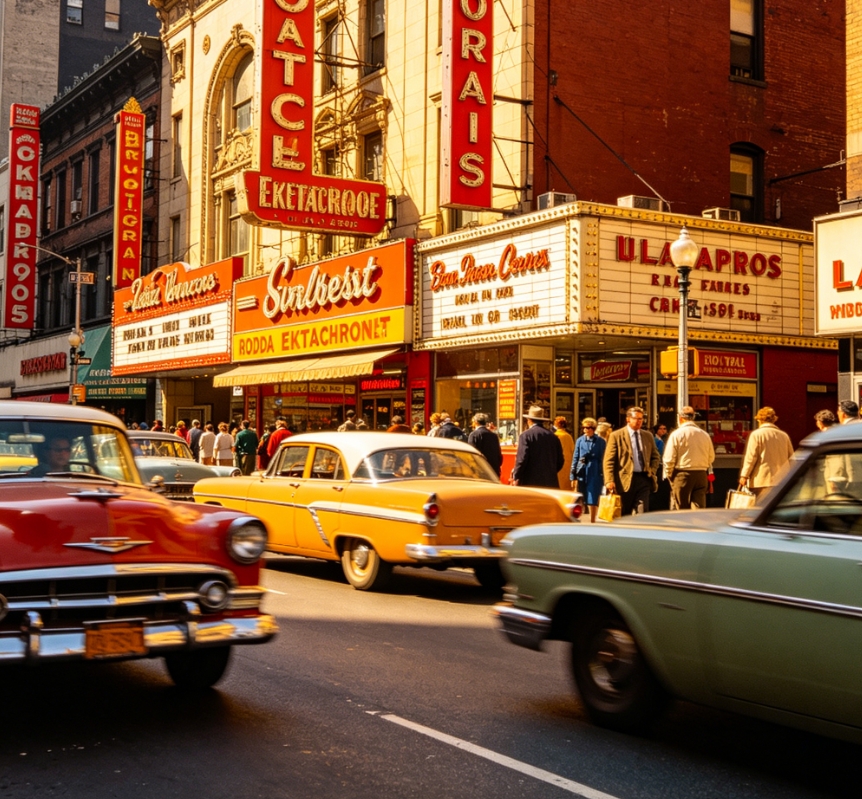
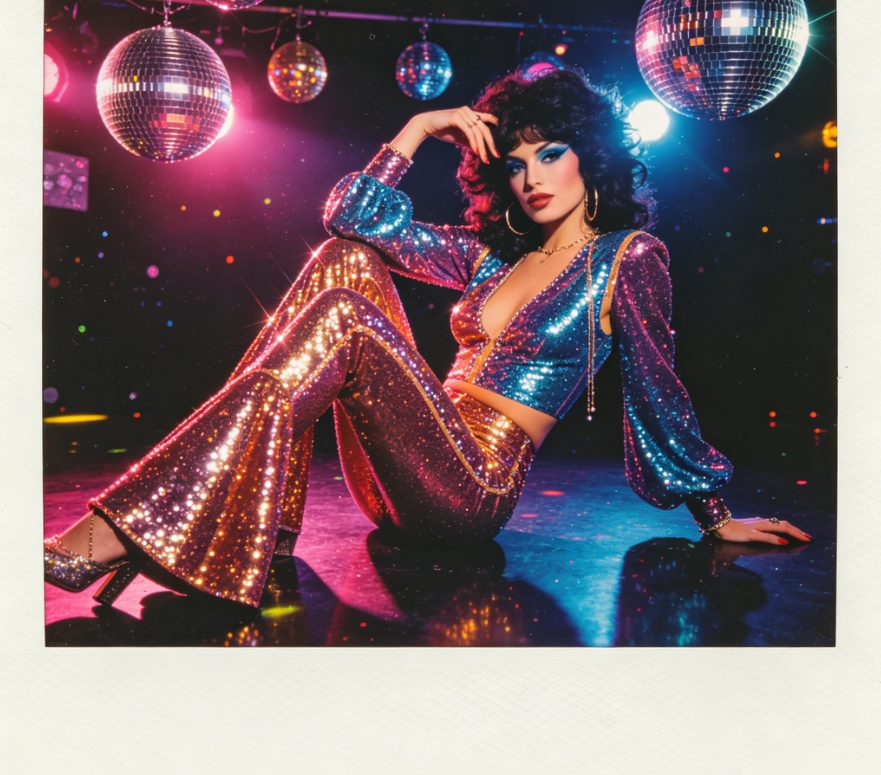
借助我们先进的 AI 1970s 滤镜,回到过去。将你的现代照片转变为迷人的复古杰作,捕捉迪斯科时代的独特美学。轻松体验真实的复古氛围。
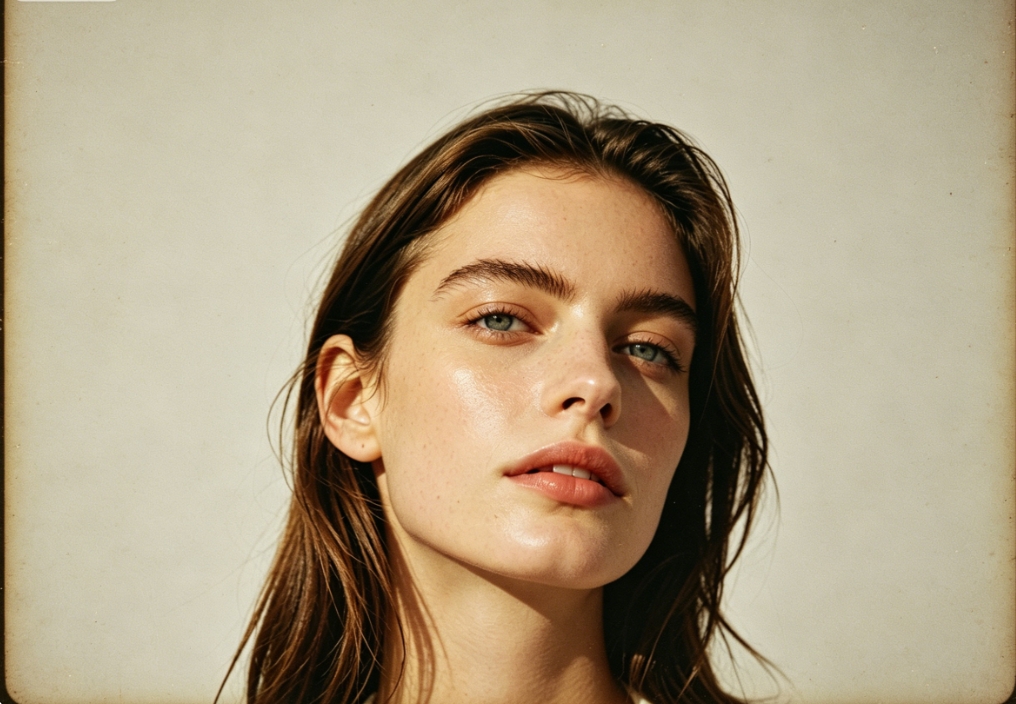
4:3 ratio, portrait of the same European woman, applied 1970s American retro film filter, warm yellow nostalgic tone, low-saturation faded texture, with film grain and vignetting effect, retro atmosphere
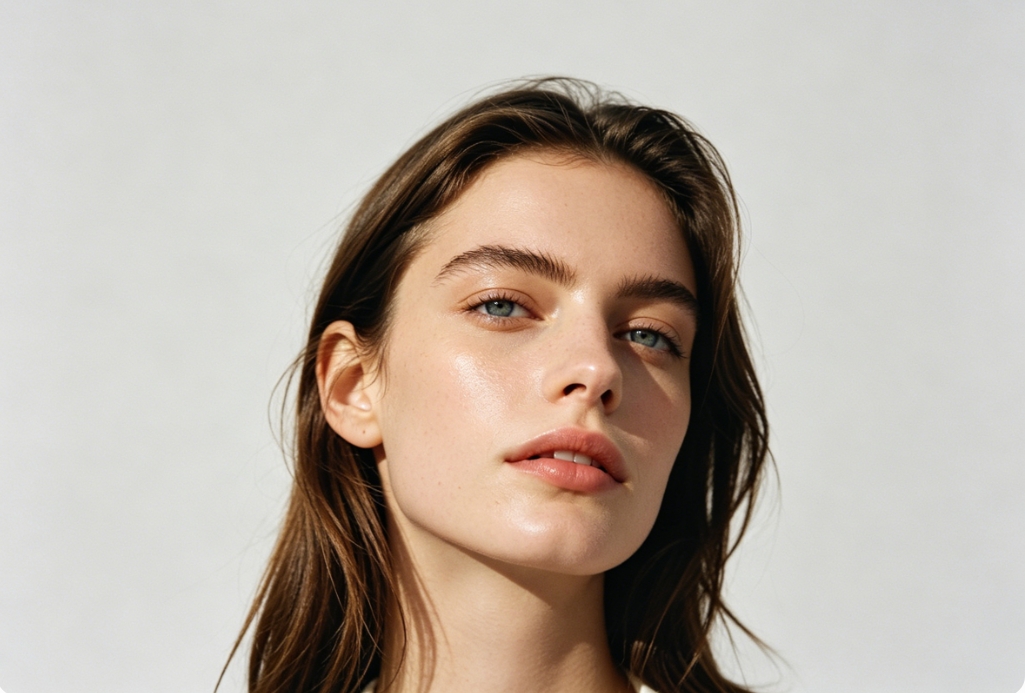
4:3 ratio, high-definition daily portrait of a young European woman, head centered and slightly lower, shot in natural light, solid light gray background, original clean image quality, natural facial features, long brown hair, clear and dewy skin
BeforeAfter

转换你的照片:真实的 1970s AI 滤镜效果

见证奇迹:我们的 AI 精确重现 1970 年代的标志性色彩、纹理和情绪。从温暖的棕褐色调到粗犷的胶片颗粒,我们的 1970s AI 滤镜确保每个细节都唤起真正的怀旧感。

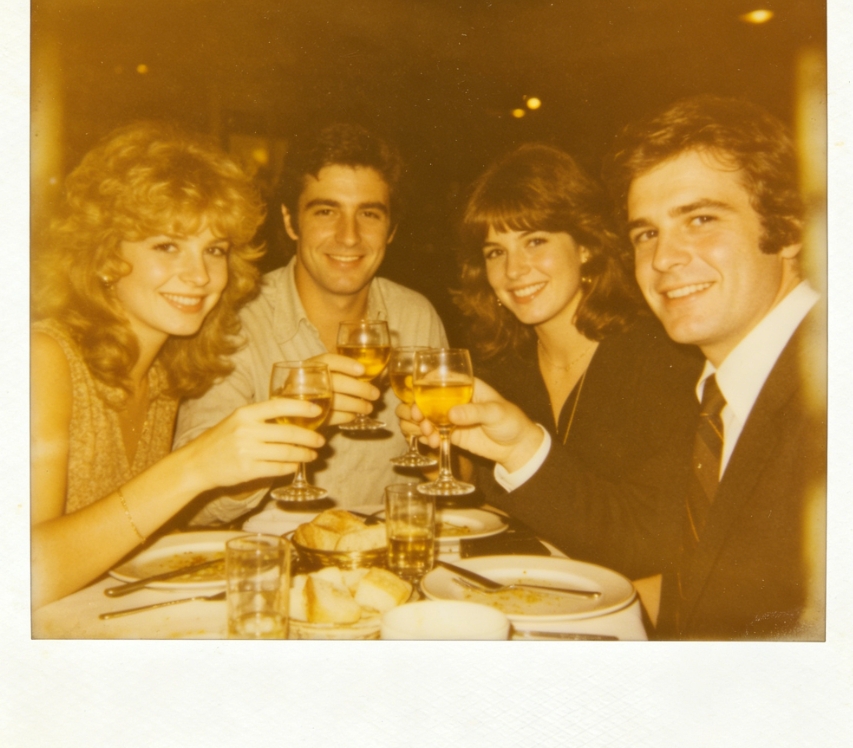
1970s Fujifilm Velvia film filter effect on beach sunset, warm orange tones, faded teal water, grainy and hazy texture
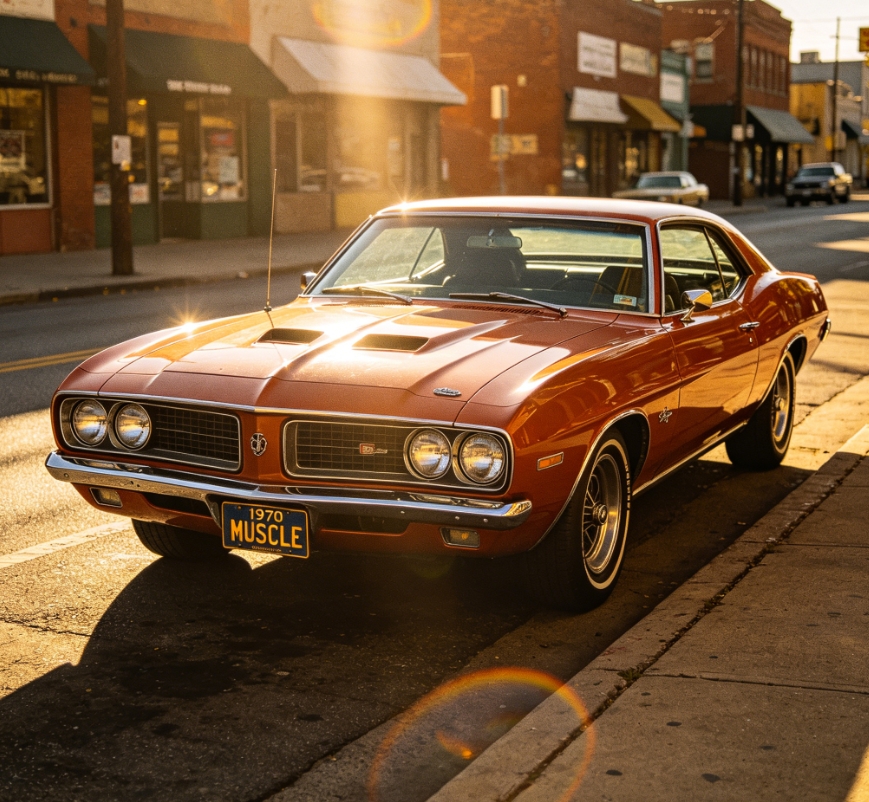
Original photo of modern beach sunset, vibrant colors, clear sand and sea
BeforeAfter

用我们的 AI 1970s 照片滤镜唤醒回忆

一键为您的照片赋予永恒的经典外观。我们的 AI 1970 年代照片滤镜重现过去的独特氛围,非常适合社交媒体、个人项目或重温美好时光。
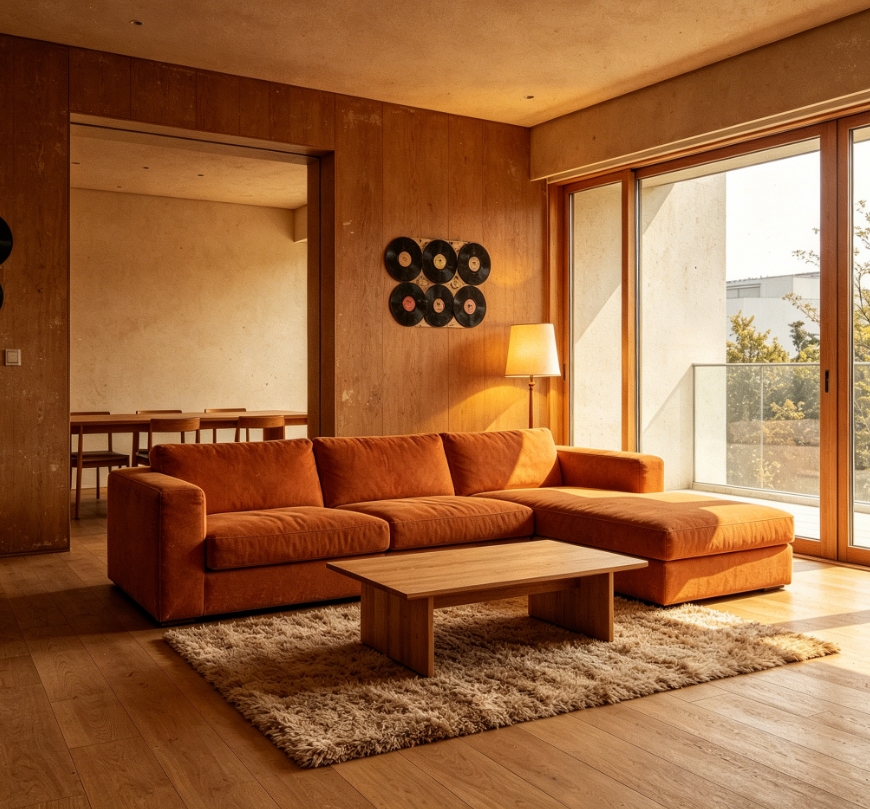
1970s vintage living room filter effect, warm brown tones, grainy texture, faded colors, orange sofa, wool rug, lamp and vinyl records added, warm yellow lighting, nostalgic home vibe
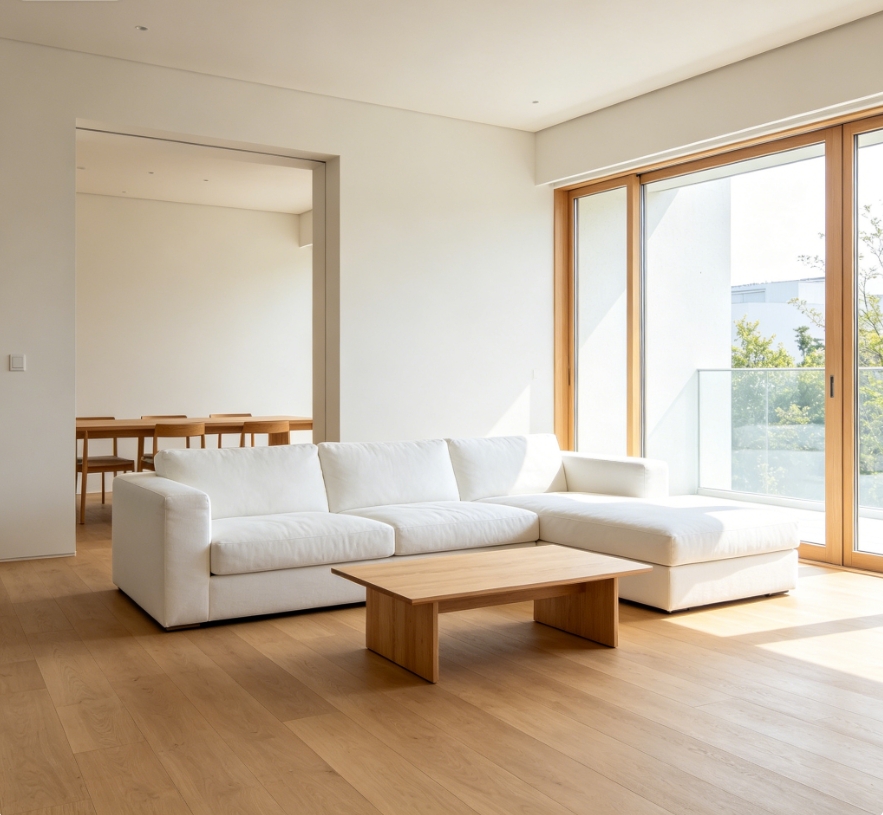
Original modern minimalist living room, white sofa, wooden coffee table, floor-to-ceiling windows, bright and clear, no filter
BeforeAfter

为什么选择 AIAI.com 满足你的 1970s AI 滤镜需求?

发现为您的图像应用复古 1970 年代 AI 滤镜的终极工具。我们以无与伦比的优势优先考虑您的体验。

免费使用

将惊艳的1970年代AI滤镜应用到任意数量的照片上,完全免费。无需订阅,无隐藏费用——纯粹的复古乐趣。

完全私密

您的照片只属于您自己。我们确保所有上传内容的完全隐私和安全。图片处理后即删除,绝不存储。

新手友好

没有设计技能?没问题!我们直观的界面让每个人,从新手到专业人士,都能极其轻松地应用 AI 1970s 滤镜。

三步使用 AIAI 1970s 滤镜

立即开始使用我们的 AI 1970 年代滤镜。按照这些简单步骤,轻松将您的照片转变为复古杰作。

  1. Step 1 of 3

    Step 1

    上传您的照片:只需将图片拖放到我们的平台或点击上传。我们的 AI 已准备好施展魔法。

  2. Step 2 of 3

    Step 2

    应用滤镜:只需单击一下,我们先进的 AI 1970s 滤镜将立即处理您的照片,将其转变为令人惊艳的 70 年代风格图像。

  3. Step 3 of 3

    Step 3

    下载您的复古照片:满意后,即可下载高分辨率的新滤镜 1970s 照片,随时分享或珍藏。

关于 AI 1970s 滤镜的常见问题

我们的 AI 1970s 滤镜利用先进算法,精确还原 1970 年代摄影特有的色彩、胶片颗粒和氛围效果,确保真实的复古转变。

如何使用 FAQ 区域

使用 Tab 键在问题之间切换,按 Enter 或空格键展开或收起答案。使用上下方向键可在问题间移动。