AI Pixar 滤镜,AI Disney Pixar 滤镜在线免费 | AIAI.com

使用我们的免费 AI Pixar 滤镜和 AI Disney Pixar 滤镜,将照片瞬间变成惊艳的卡通艺术,在线操作,私密且简单。

探索我们的AI皮克斯滤镜的魔力

用我们先进的AI皮克斯滤镜释放你的创造力,轻松将普通照片变成非凡的卡通杰作。只需点击一下,即可体验动画艺术的魅力。
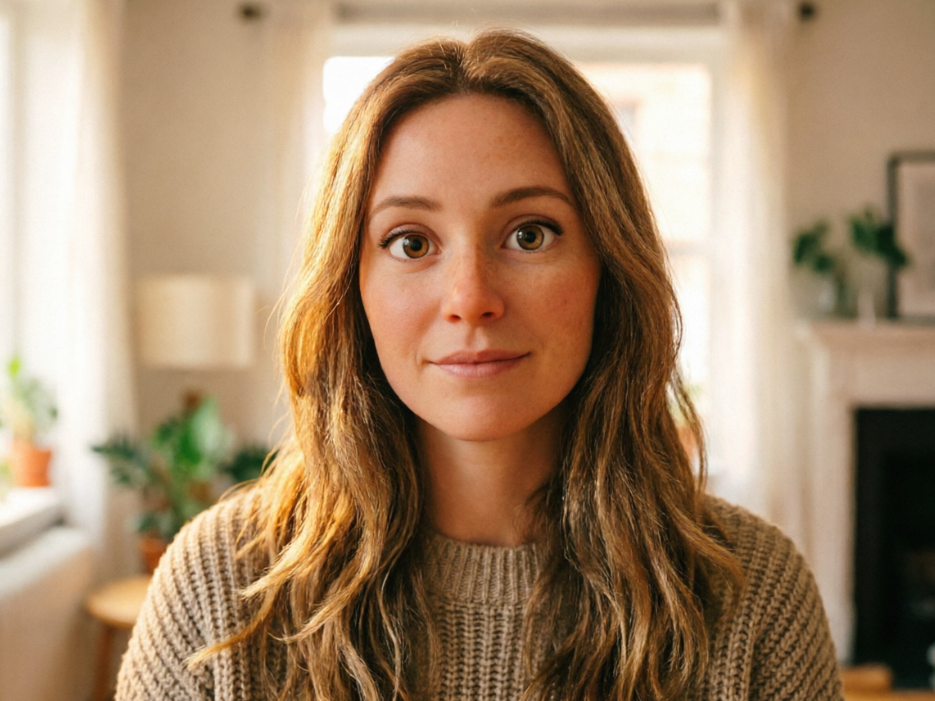
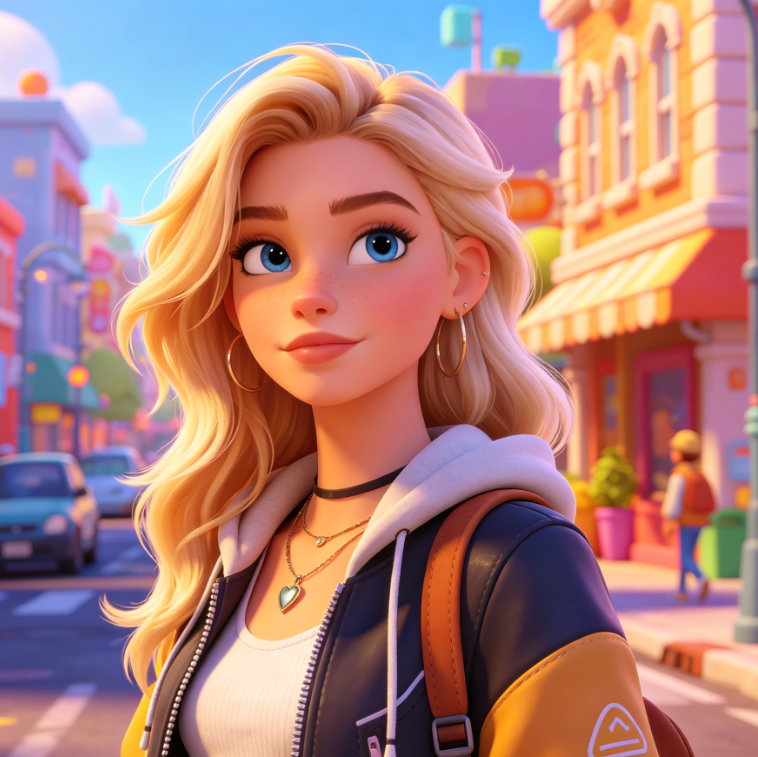
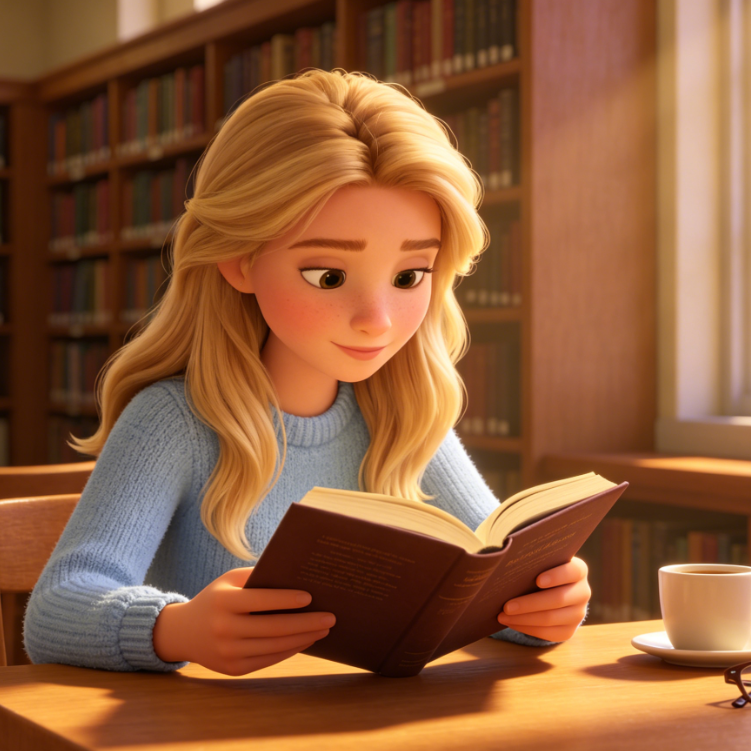
 A Pixar-style 3D animated version keeping the same background, featuring the woman with rounded cartoon features and classic animation texture under warm, soft lighting.
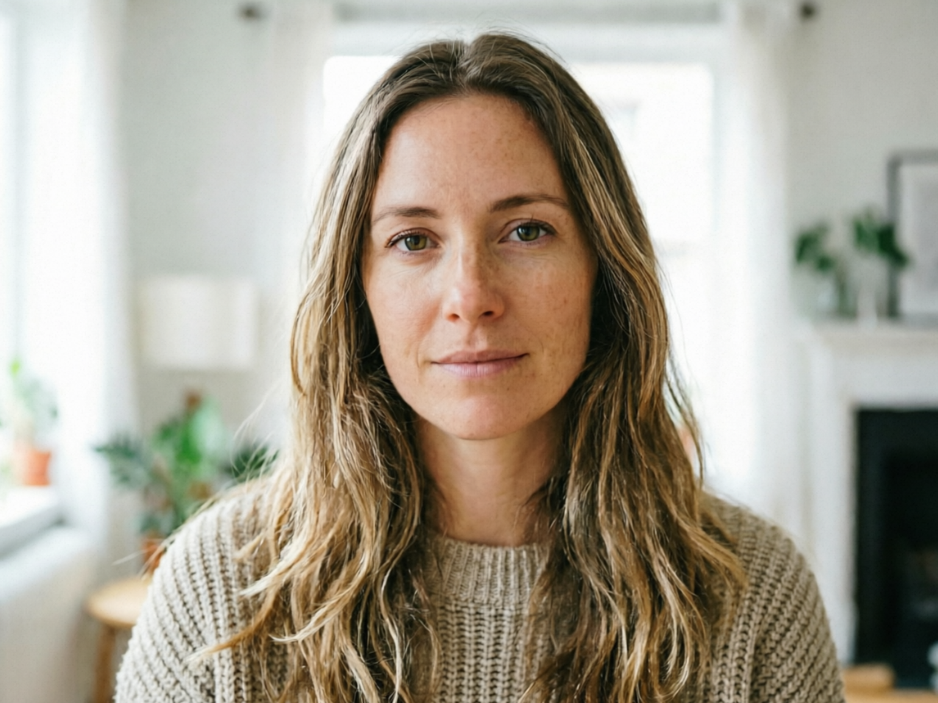
A 4:3 realistic portrait of a Caucasian woman facing forward with a natural expression, set against a simple everyday indoor background with soft, realistic lighting.
BeforeAfter

透过迪士尼皮克斯镜头看世界

上传任何照片,观看我们先进的AI迪士尼皮克斯滤镜以鲜艳的色彩和标志性的动画风格将其栩栩如生。立即体验前后对比的转变。
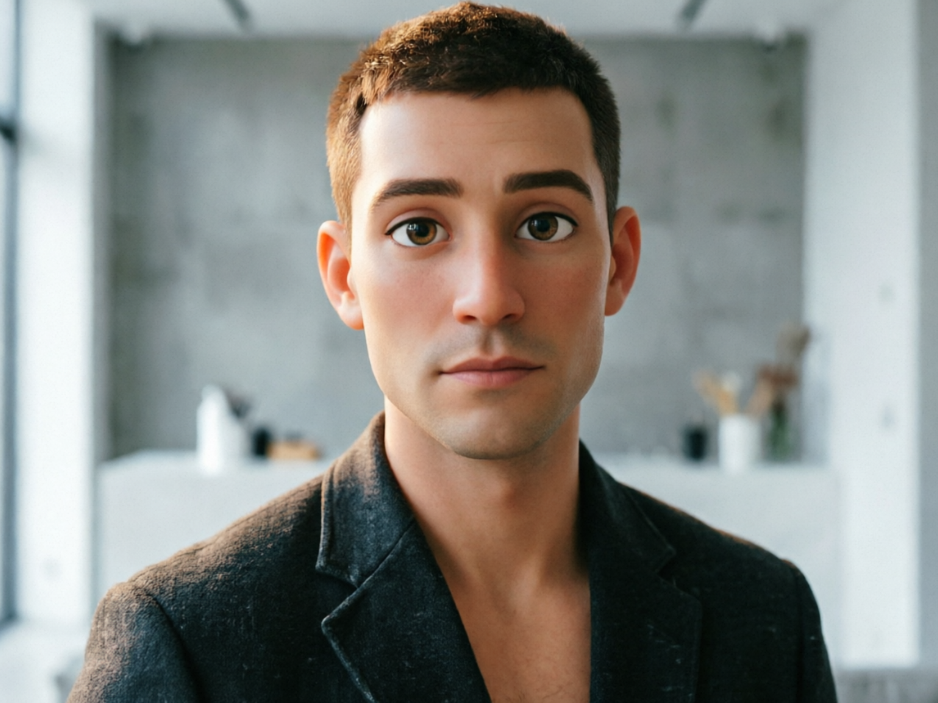
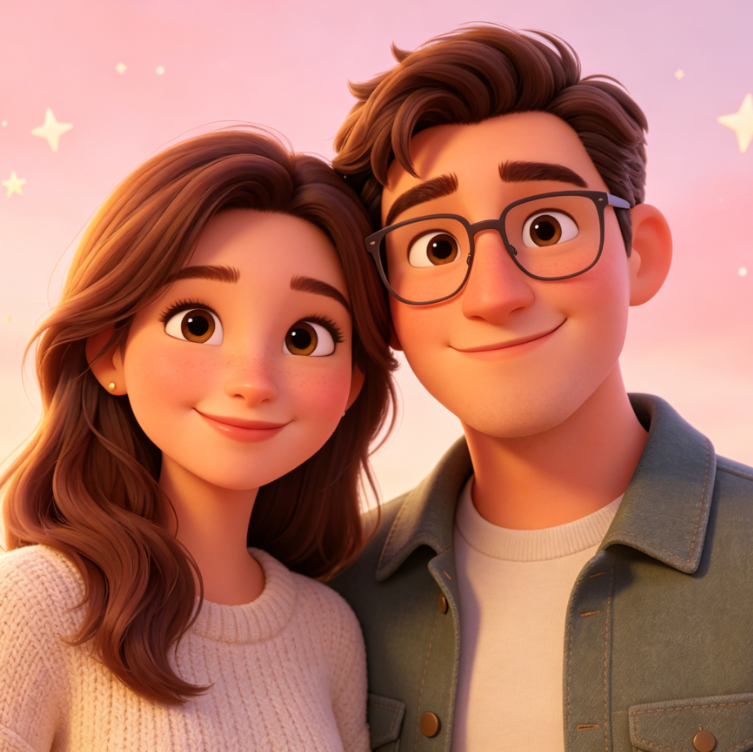
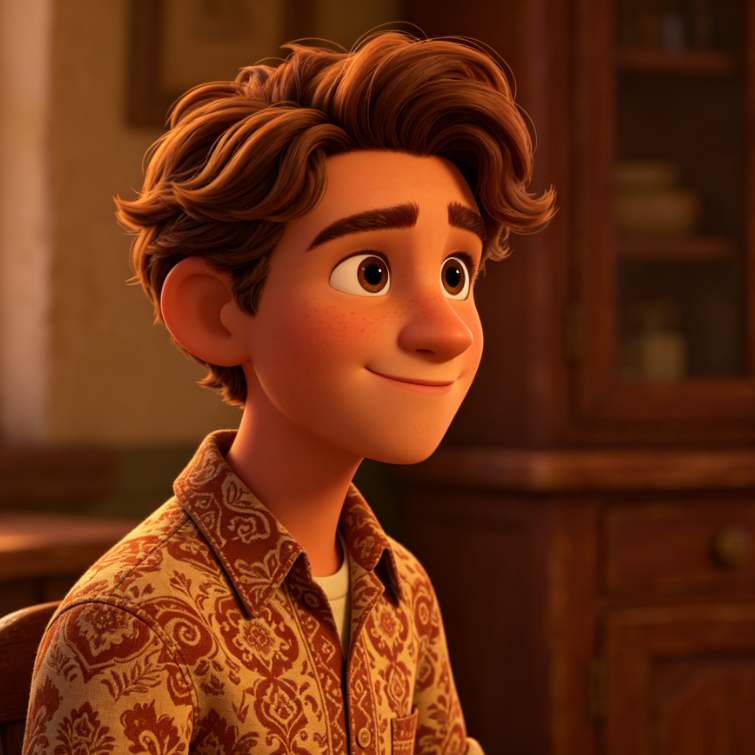
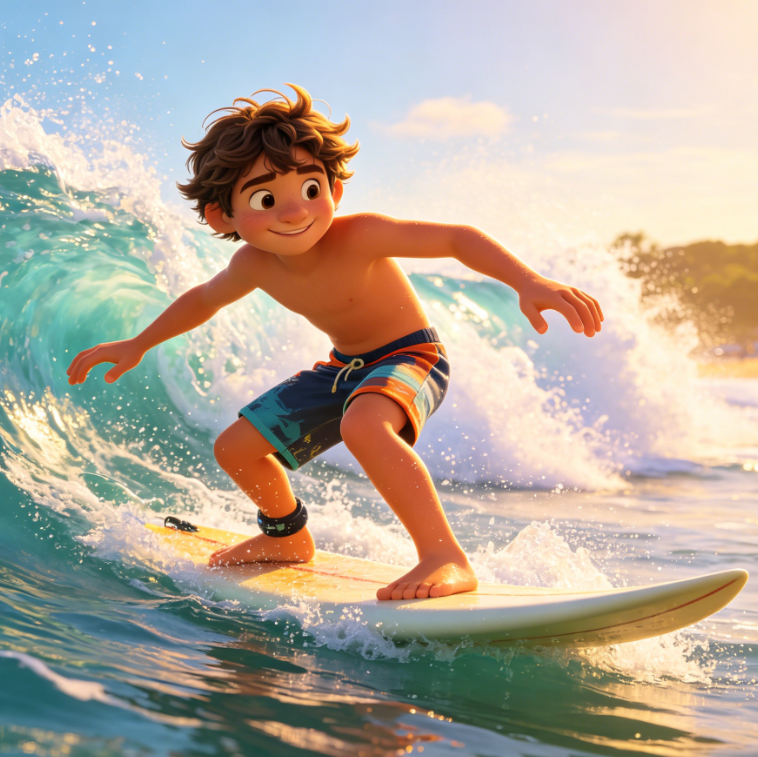
A Pixar-style 3D cartoon character keeping the same clothing and hairstyle, with饱满 rounded contours and cinematic visual quality.
A 4:3 realistic half-body photo of a handsome Caucasian man with a calm and natural expression, featuring clear details of his clothing and hairstyle.
BeforeAfter

用AI释放你内心的卡通角色

从自拍到宠物照片,我们强大的AI皮克斯滤镜能精准捕捉表情和细节,以备受喜爱的卡通美学重新呈现。无需任何艺术技巧。
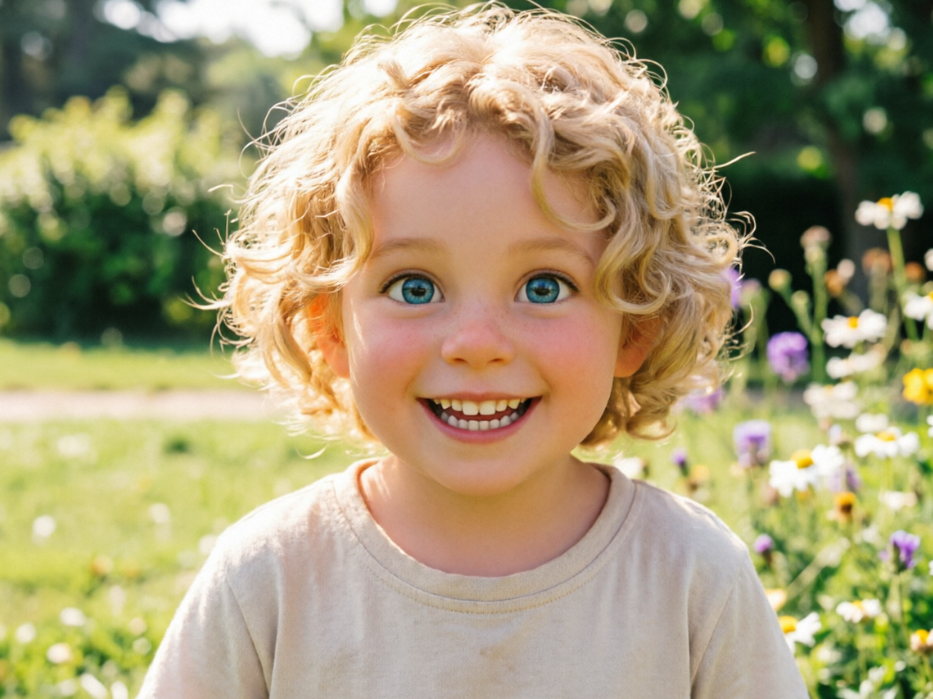
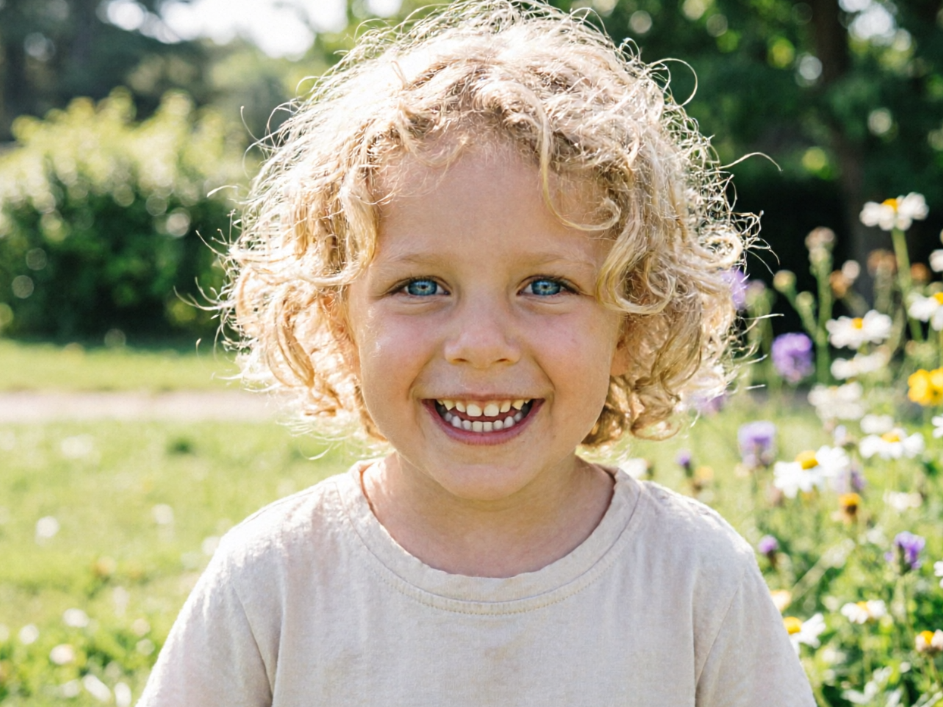
A realistic photo of a cute Caucasian child, with a lively and active expression, blonde curly hair, blue eyes, a bright smile, wearing a light-colored T-shirt, with a background of a sunny meadow and wildflowers.
BeforeAfter

值得信赖的轻松AI皮克斯变身

我们相信让强大的AI工具对每个人都可访问、安全且用户友好。无忧探索卡通变身的乐趣。

免费使用

无需成本即可转换您的图像。我们的AI皮克斯滤镜完全免费,为所有用户提供优质效果。

完全私密

您的隐私是我们的首要任务。所有上传的照片都会经过安全处理,且不会被存储,确保您的数据保密。

新手友好

无需复杂的软件或技术技能。我们的直观平台让任何人都能轻松应用 AI Pixar 滤镜。

如何使用我们的AI皮克斯滤镜

只需三个简单步骤,即可通过我们的AI皮克斯滤镜将照片变成迷人的卡通艺术。快速、有趣且免费!

  1. Step 1 of 3

    Step 1

    上传您的照片:点击“上传图片”,选择您想要转换为皮克斯风格卡通片的照片。

  2. Step 2 of 3

    Step 2

    应用 AI Pixar 滤镜:我们先进的 AI 将自动检测特征并应用独特的 AI Pixar 滤镜效果。

  3. Step 3 of 3

    Step 3

    下载您的作品:预览您的卡通杰作,并以高分辨率下载,与朋友和家人分享。

关于AI皮克斯滤镜的常见问题

AI Pixar 滤镜是一款先进工具,利用人工智能将您的普通照片转化为色彩鲜艳、具有独特皮克斯风格的动画角色。

如何使用 FAQ 区域

使用 Tab 键在问题之间切换,按 Enter 或空格键展开或收起答案。使用上下方向键可在问题间移动。