AI 素描滤镜:瞬间将照片变成艺术 | AIAI.com

用我们的免费 AI 素描滤镜将你的照片变成惊艳的素描。易于使用,效果高质量。立即尝试 AIAI.com!

AI素描滤镜:将照片转化为艺术素描

使用AIAI.com先进的AI素描滤镜,轻松将您的图像转化为精美的手绘风格素描。无需任何绘画技巧,即可体验即时艺术转换。
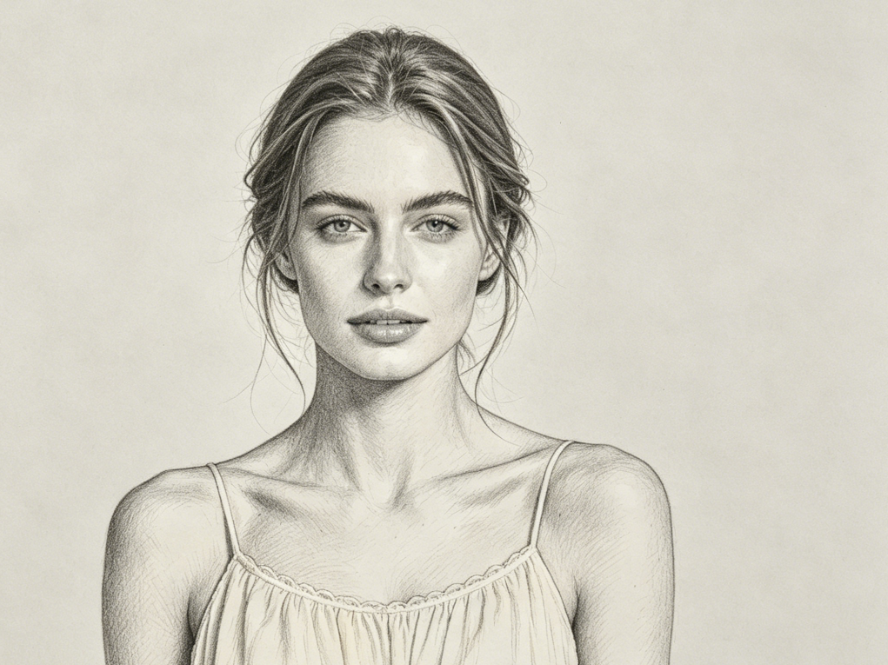
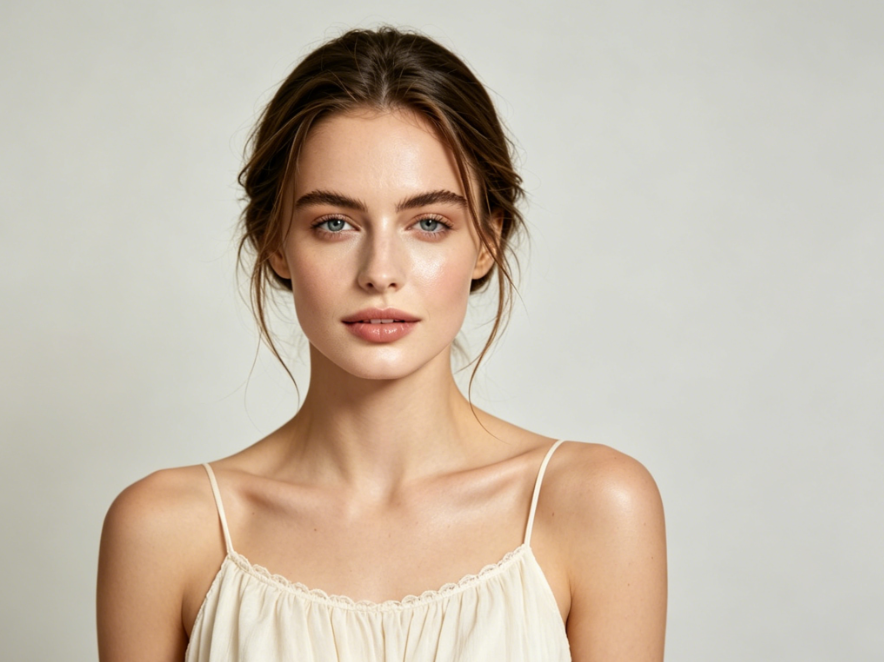
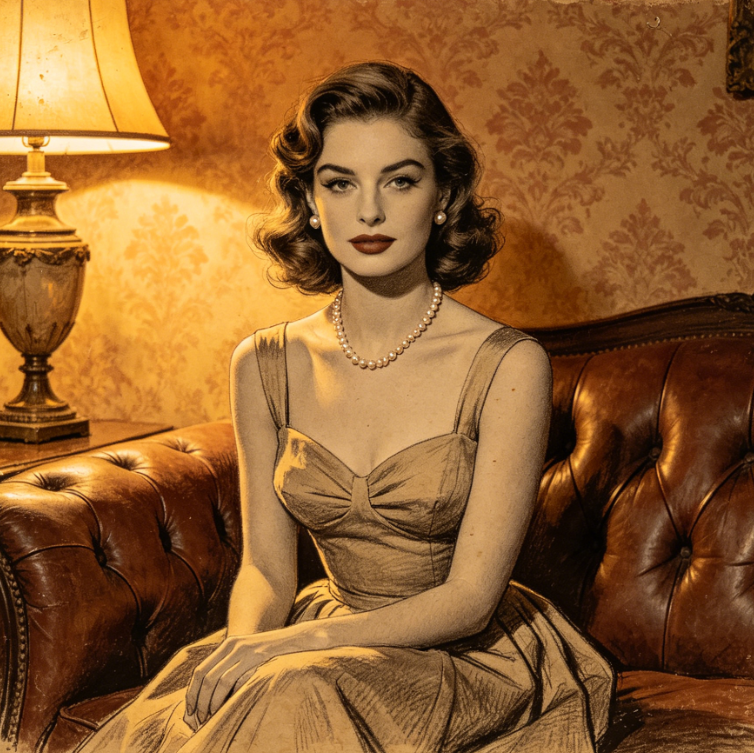
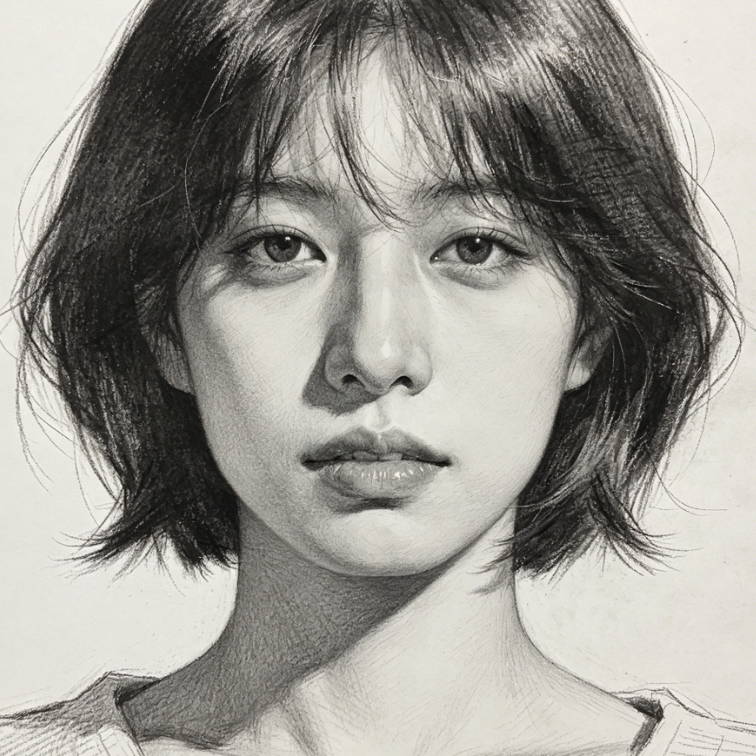
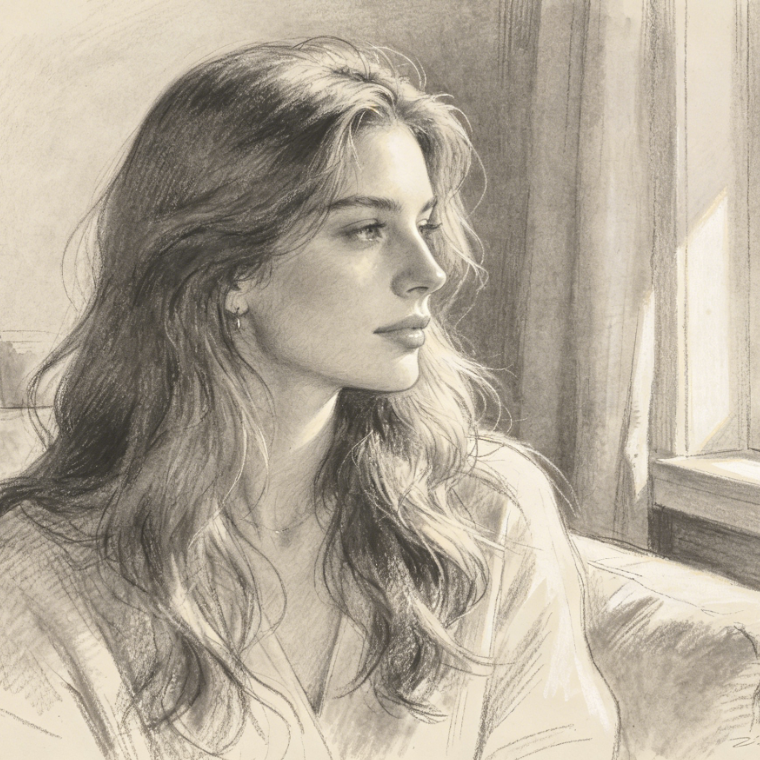
The same portrait with AI pencil sketch filter applied, smooth and delicate lines, preserving facial contours and light and shadow layers, realistic hand-drawn style, 4:3 aspect ratio
Indoor half-body portrait of a European woman, soft lighting, light solid color background, light makeup, wearing a cream lace camisole, high-definition realistic photography, 4:3 aspect ratio
BeforeAfter

见证魔法:照片瞬间变素描

见证我们的AI素描滤镜为您的照片带来的惊人细节和艺术魅力。从肖像到风景,前后对比每次都能展现令人惊叹的高质量效果。
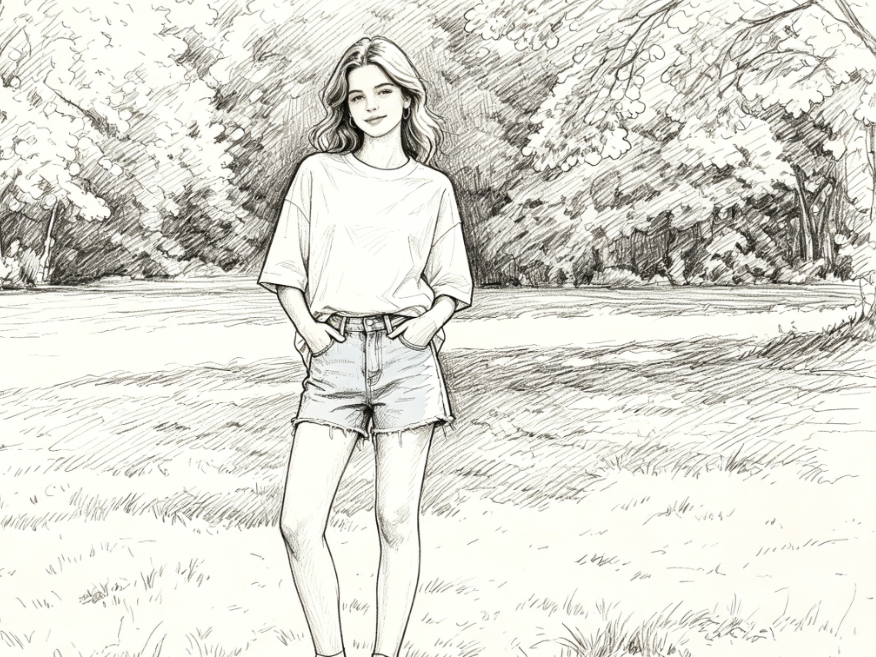
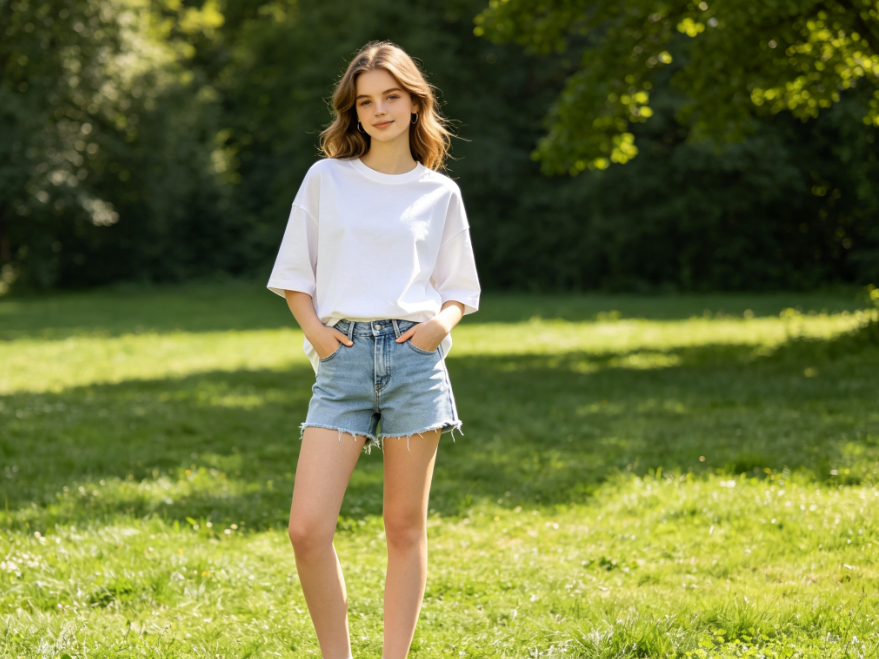
The same portrait converted to quick sketch style, simple and neat lines, natural brushstrokes, preserving the character's pose and scene, 4:3 aspect ratio
Full-body portrait of a European teenage girl on a grassy field, bright natural sunlight, casual white T-shirt and denim shorts, fresh and realistic scene, 4:3 aspect ratio
BeforeAfter

释放创意:探索多样AI素描风格

探索我们强大的AI素描滤镜生成的各种艺术素描风格。从逼真的铅笔画到富有表现力的炭笔画,找到完美的外观,立即提升您的图像。
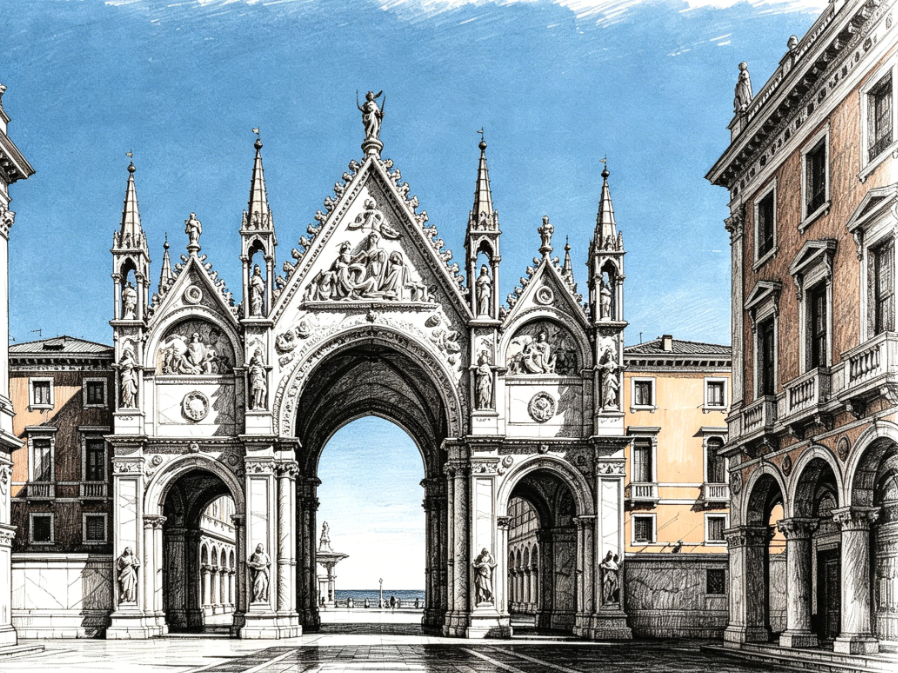
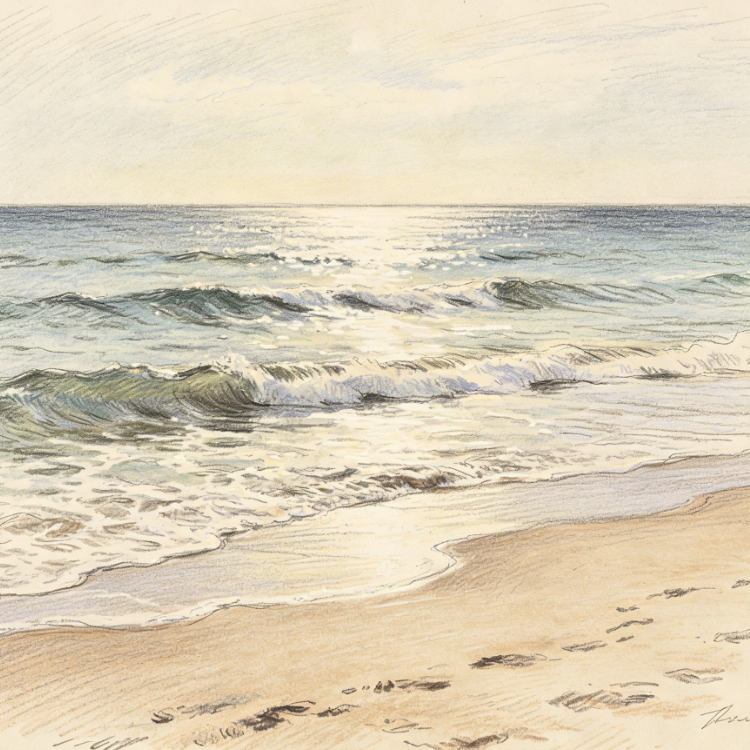
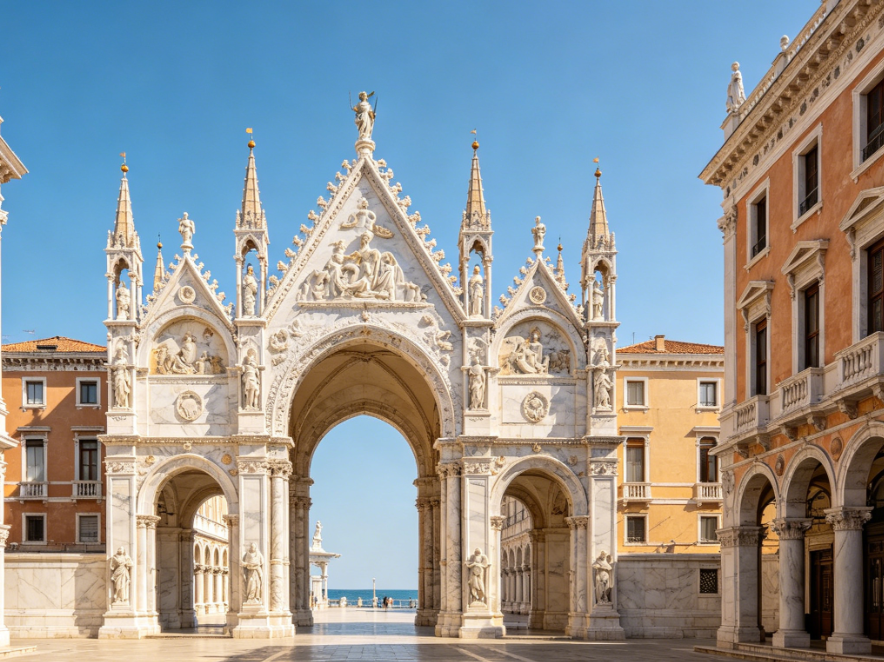
The same architectural landscape with AI charcoal sketch filter applied, strong light and shadow contrast, clear building structure, hand-drawn artistic texture, 4:3 aspect ratio
Photograph of a European classical building panorama, Gothic arch and square under a blue sky, neat architectural lines and rich details, high-definition realistic landscape, 4:3 aspect ratio
BeforeAfter

为什么选择AIAI.com的AI素描滤镜?

发现使用我们直观、安全且易于使用的AI素描滤镜的无可比拟的优势。我们致力于为您提供最佳的艺术转换体验。

免费使用

无限制免费使用我们的AI素描滤镜。随时转换任意数量的照片,无隐藏费用。

完全私密

您的图片会经过安全处理,绝不会存储在我们的服务器上。我们始终将您的隐私和数据安全放在首位。

新手友好

无需设计技能或复杂软件!我们简单直观的界面让每个人都能轻松将照片转换为素描。

三步使用我们的AI素描滤镜

按照这些快速简单的步骤,立即将您的照片转换为美丽的AI生成素描。无需任何技术专业知识!

  1. Step 1 of 3

    Step 1

    上传您的图片:点击“上传”按钮,选择您要转换为素描的照片。

  2. Step 2 of 3

    Step 2

    选择素描风格:从多种艺术AI素描滤镜样式中选择一种应用于您的图片。

  3. Step 3 of 3

    Step 3

    下载您的素描:处理完成后,预览您独特的素描艺术作品,并以高分辨率下载。

关于AI素描滤镜的常见问题

AI素描滤镜是一种先进工具,利用人工智能算法分析您上传的照片,自动将其转换为艺术素描,模拟多种绘画风格。

如何使用 FAQ 区域

使用 Tab 键在问题之间切换,按 Enter 或空格键展开或收起答案。使用上下方向键可在问题间移动。