Why Use an AI Human Generator?
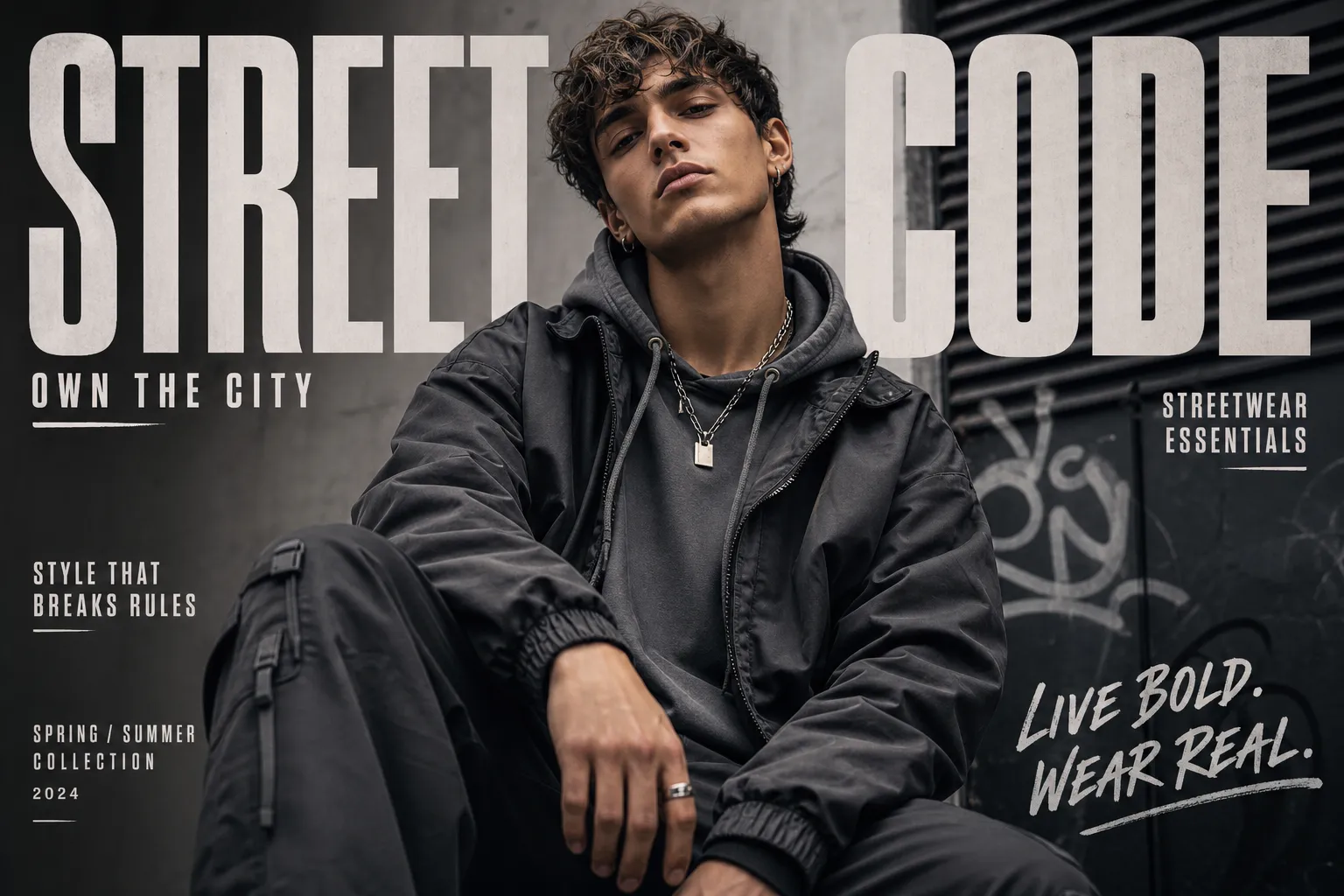
An AI Human Generator transforms your creative workflow, offering unparalleled speed, flexibility, and quality in digital human creation. Whether you need photorealistic avatars, diverse characters for storytelling, or quick mockups, our tool delivers superior results tailored to your specific needs.
Rapid Prototyping: Generate unique ai generated human images in seconds, dramatically speeding up design iterations.
Unmatched Diversity: Access a vast array of ethnicities, ages, and styles for ai generated human models, ensuring inclusive representation.
Cost-Effective Solution: Eliminate the need for expensive photoshoots and talent, making this ai human generator a highly attractive free or low-cost alternative.
Ultimate Control: Easily customize every aspect, from intricate ai human face generator features to body types (ai generated human body), ensuring perfect alignment with your vision.
High-Quality Output: Produce realistic AI generated human images that are indistinguishable from real photos, ideal for professional use.
Creative Freedom: Experiment with limitless possibilities, from ai human generator from photo transformations to entirely new creations, without technical limitations.