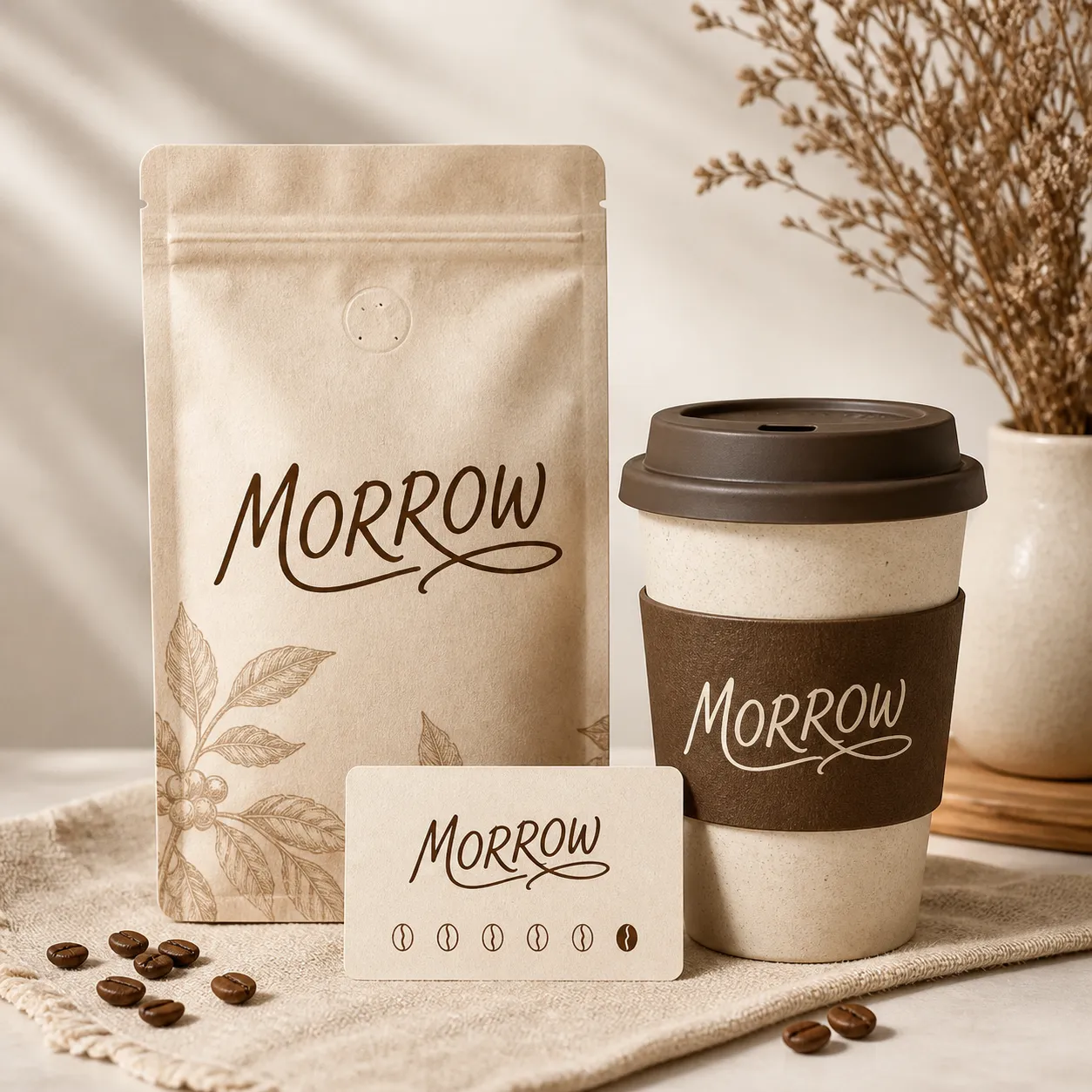
Why Use an AI Vector Generator?
An AI Vector Generator leverages artificial intelligence to convert various inputs, such as text prompts or raster images, into scalable vector graphics. This revolutionary technology streamlines the design process, allowing you to create high-quality, versatile, and editable designs that maintain clarity at any size without pixelation. It's an indispensable tool for designers, marketers, artists, and anyone needing professional-grade visual assets quickly and efficiently.
- **Unmatched Speed:** Generate complex vector art in seconds, saving hours of manual design work.
- **Superior Scalability:** Enjoy designs that look sharp and clear on any medium, from business cards to billboards.
- **Cost-Effective Solution:** Eliminate the need for expensive software or hiring professional vector artists.
- **Broad Accessibility:** Beginner-friendly interface allows anyone to create professional vector images.
- **Creative Versatility:** Explore a vast range of styles and applications, from logos to illustrations.
- **Consistent Quality:** AI ensures precise lines and smooth curves, delivering consistently high-quality vector graphics.