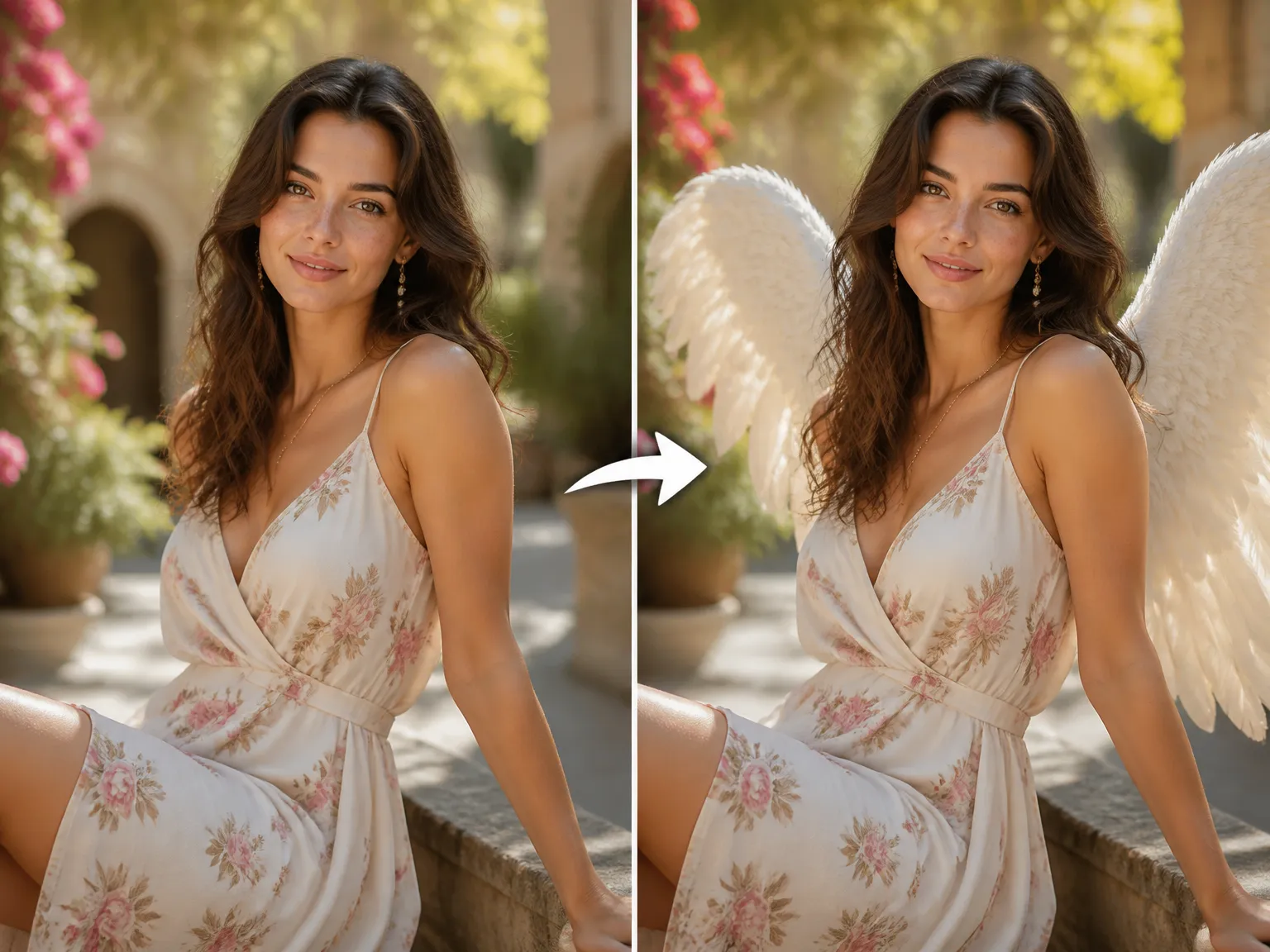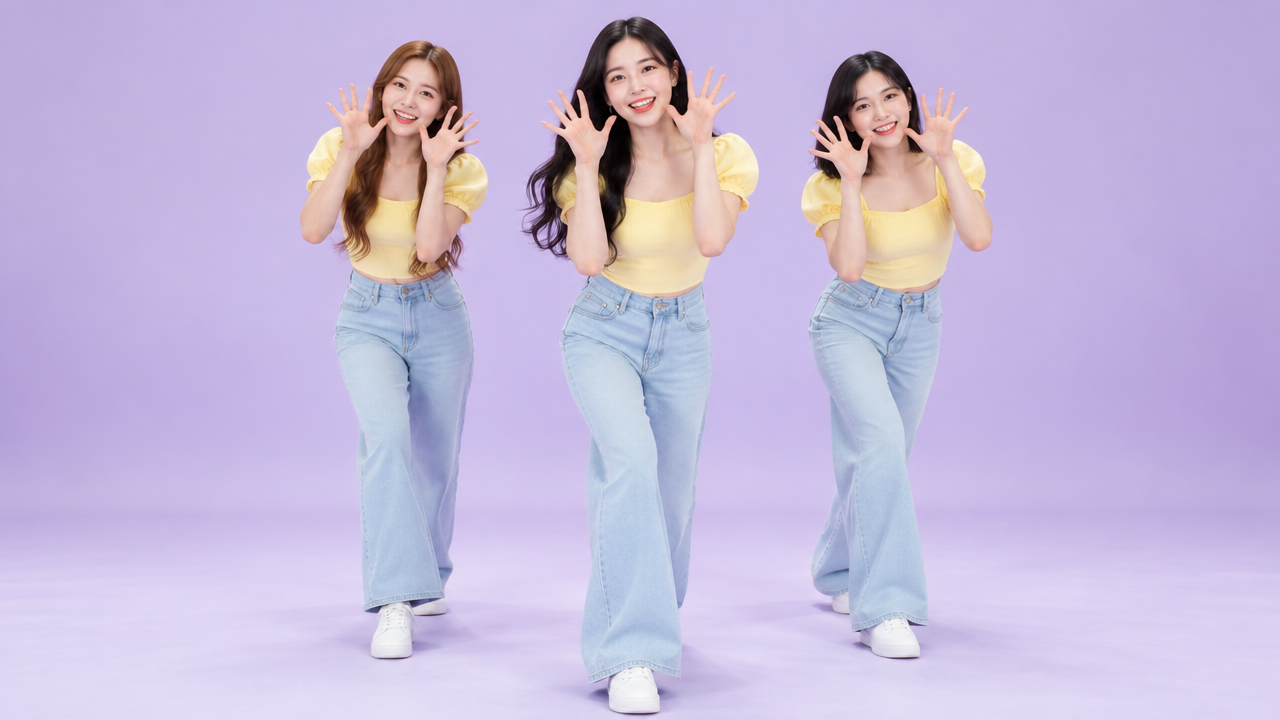
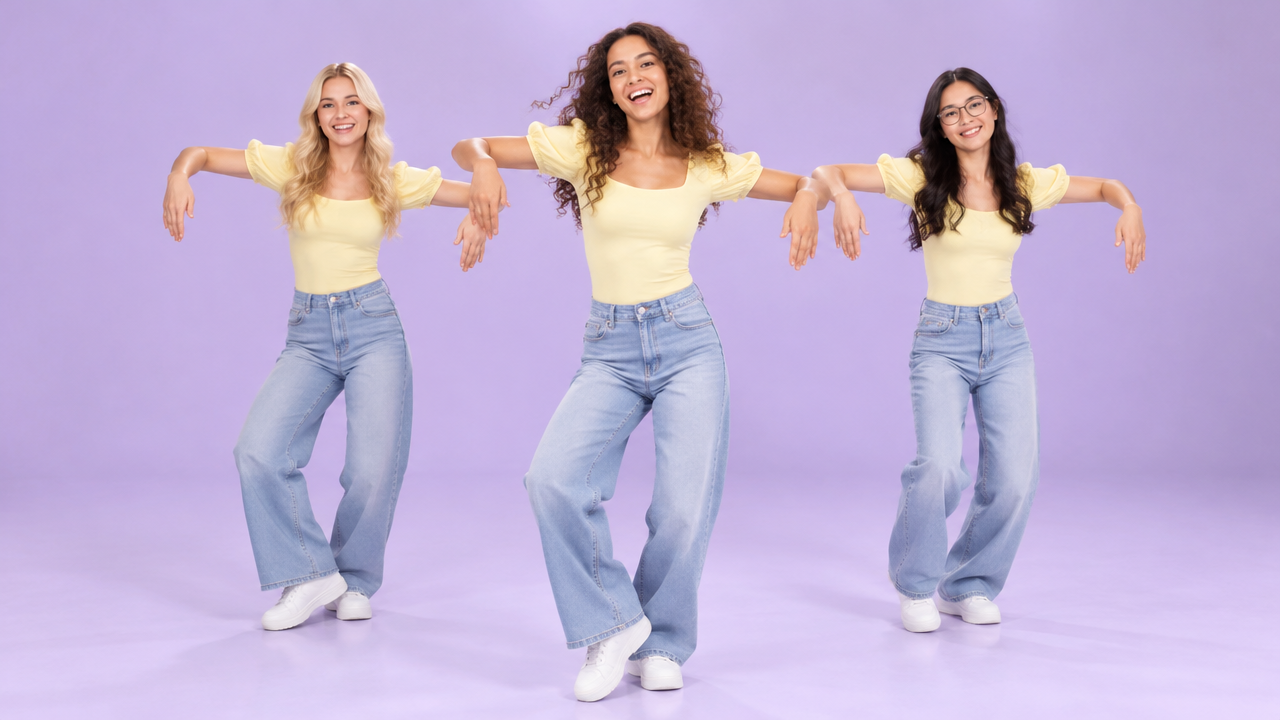
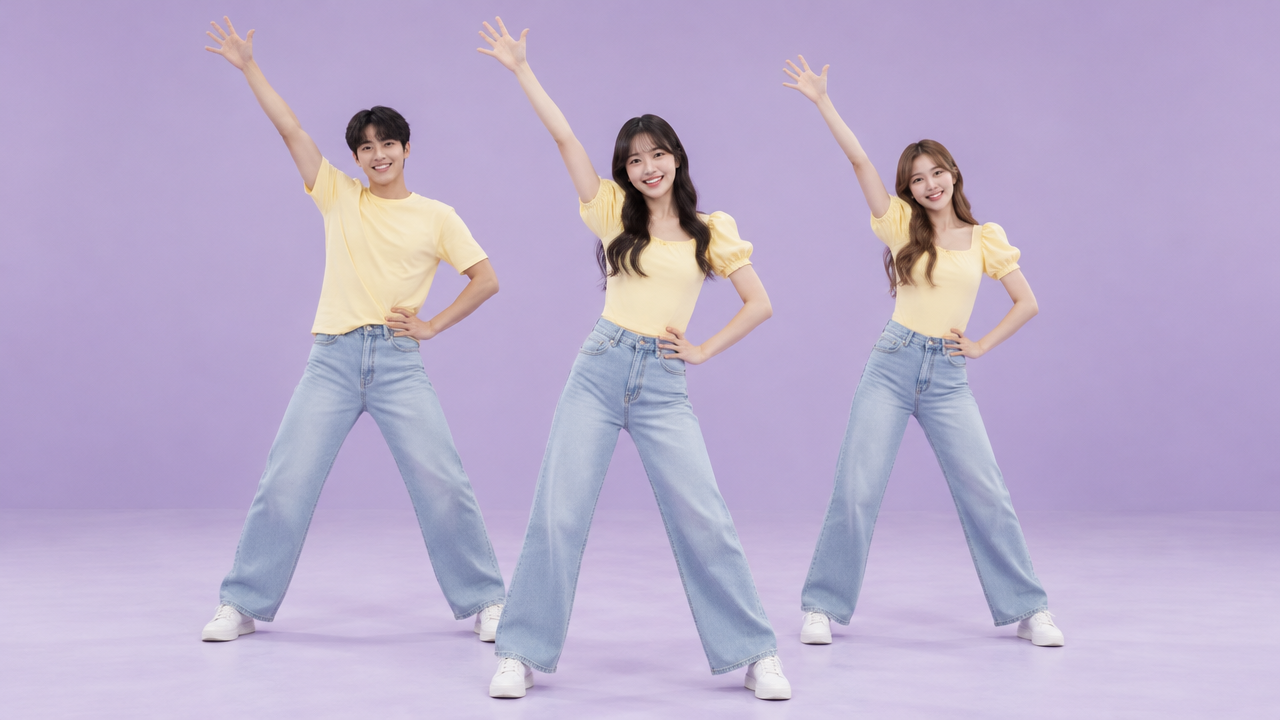
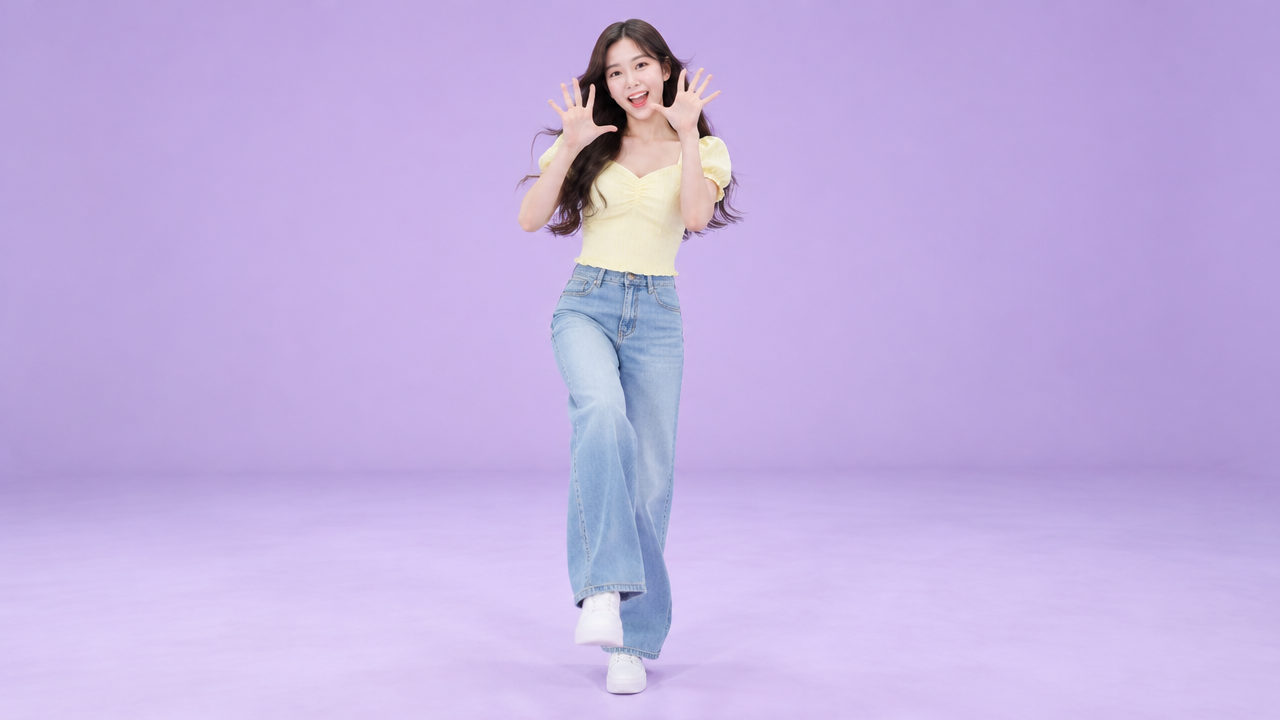
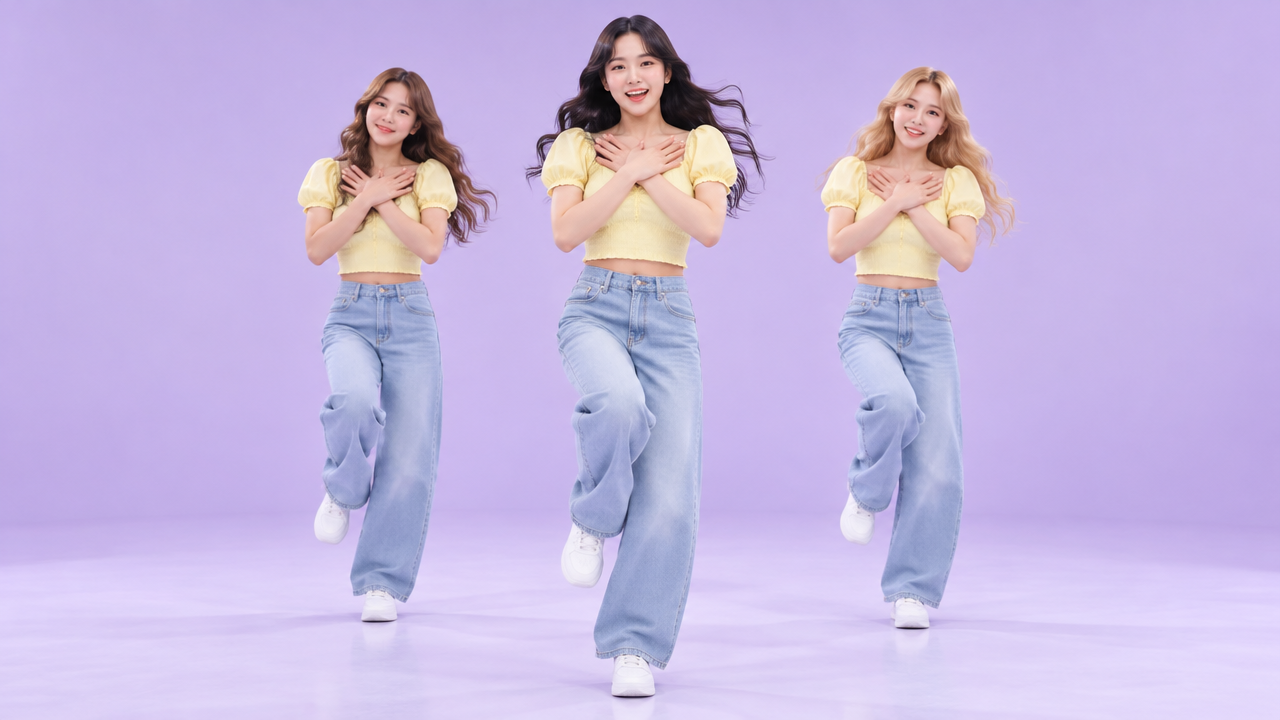
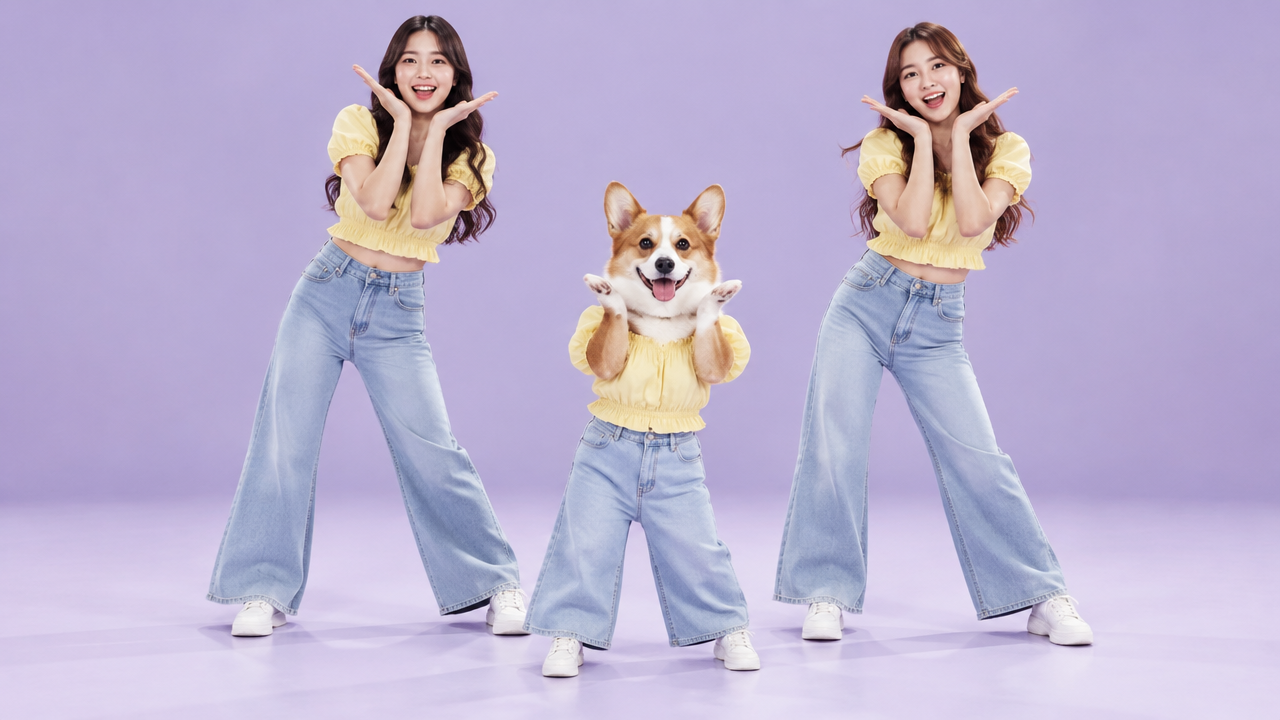
Want to create viral "next chapter AI dance" videos? Transform your photos into stunning AI dance trends instantly. Fast, free, and no manual editing needed!

Create Your Hearts2Hearts Next Chapter AI Dance Video Instantly

Upload your photo or text, and our AI will transform it into a captivating "next chapter AI dance" video in minutes. Perfect for anyone wanting to join the trend, no professional skills needed.

Transform Photos into Dynamic Next Chapter Dance Videos

Don't let your cherished photos sit static! Our advanced AI brings your images to life, effortlessly converting them into trending "next chapter AI dance" videos. No complex software or editing skills required.

Animate Any Character with AI Motion Transfer

Imagine your favorite characters or even yourself performing the "next chapter dance"! Our AI motion transfer technology applies realistic dance movements to any image or character you choose, creating captivating AI animation.

Join the Trend: Craft Viral Hearts2Hearts AI Dance Videos

Become a part of the "next chapter AI dance trend" sensation. Our platform makes it simple to generate high-quality, shareable videos, perfect for social media. Stand out with unique hearts2hearts dance video maker creations!

Effortless Creation: Simple, Secure, and Free AI Dance

Discover why thousands choose our platform for their "next chapter AI dance" creations. We prioritize ease of use, privacy, and accessibility for everyone.

Free to use

Start creating your "next chapter AI dance" videos without any cost or hidden fees. Enjoy full access to our core features.

All private

Your creations are yours alone. We ensure complete privacy for all your "hearts2hearts dance video maker" projects.

Beginner-friendly

Designed for everyone. Our intuitive interface makes "how to make next chapter dance video" simple, even for first-time users.

Article

Why Use a Hearts2Hearts Next Chapter AI Dance Generator?

Our Hearts2Hearts Next Chapter AI Dance Generator is designed to simplify and elevate your video creation experience. Whether you're aiming for a viral trend or a personalized animation, our tool offers unparalleled ease and powerful features. Transform your static images or ideas into dynamic, engaging dance videos in just a few clicks, making your digital content stand out.

  • **Effortless Video Creation:** Quickly turn photos into "next chapter AI dance" videos without any prior editing skills.
  • **Diverse Dance Styles:** Explore a wide range of dance motions and templates for various "next chapter dance" trends, including `next chapter ai dance for couples` or `anime next chapter ai dance`.
  • **High-Quality Output:** Generate crisp, smooth AI animations that are ready for sharing on any platform.
  • **Privacy & Security:** Your uploaded content and generated videos are kept completely private and secure.
  • **Time-Saving Solution:** Drastically reduce the time and effort typically required for creating complex dance animations.
  • **Access to Latest Trends:** Stay ahead with the latest "next chapter ai dance trend" features and updates.
How to Create Your Hearts2Hearts Next Chapter AI Dance Video

Create stunning "next chapter AI dance" videos in three simple steps. Our intuitive platform makes the process quick and enjoyable, even for beginners. Get started now and bring your ideas to life!

  1. 步骤 1 / 3

    步骤 1

    Upload Your Photo or Video: Simply drag and drop your image or video clip into our editor. You can also paste a URL or choose from your gallery.

  2. 步骤 2 / 3

    步骤 2

    Choose Your Dance Style & Effects: Select from a variety of "next chapter dance" templates, motion styles, and customize with fun effects like next chapter dance green screen or slow motion.

  3. 步骤 3 / 3

    步骤 3

    Generate & Share Your AI Dance: Click "Generate" and let our AI create your video. Once ready, download your "next chapter AI dance video" or share directly to social media.

Hearts2Hearts Next Chapter AI Dance FAQs

Yes, our core "next chapter AI dance" features are completely free. You can create, generate, and share your videos without any cost.

如何使用 FAQ 区域

使用 Tab 键在问题之间切换,按 Enter 或空格键展开或收起答案。使用上下方向键可在问题间移动。