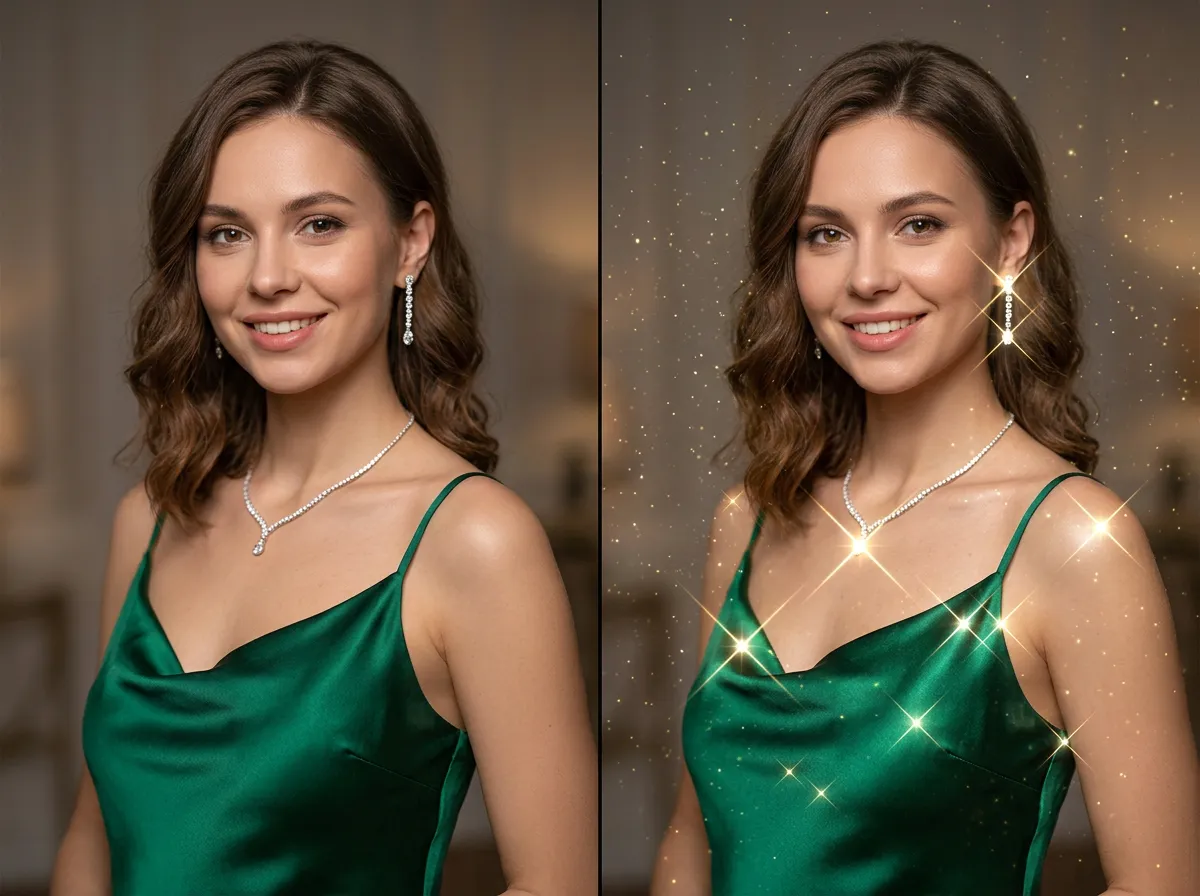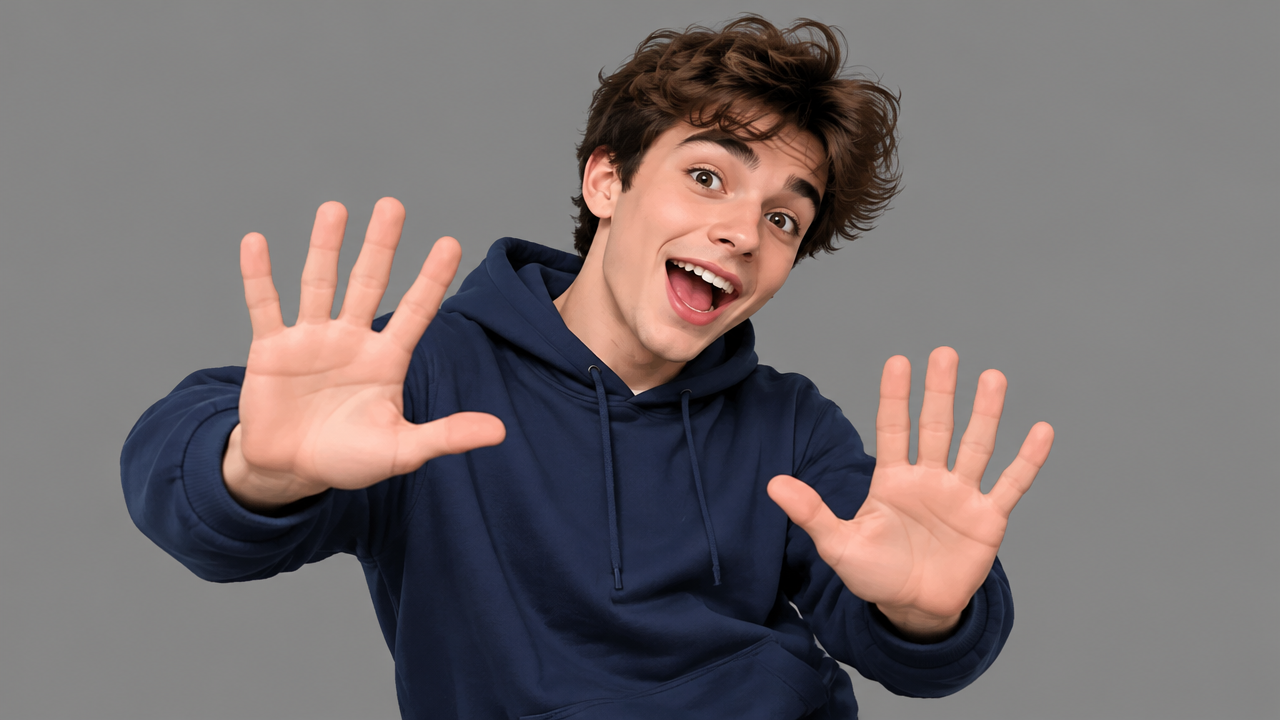
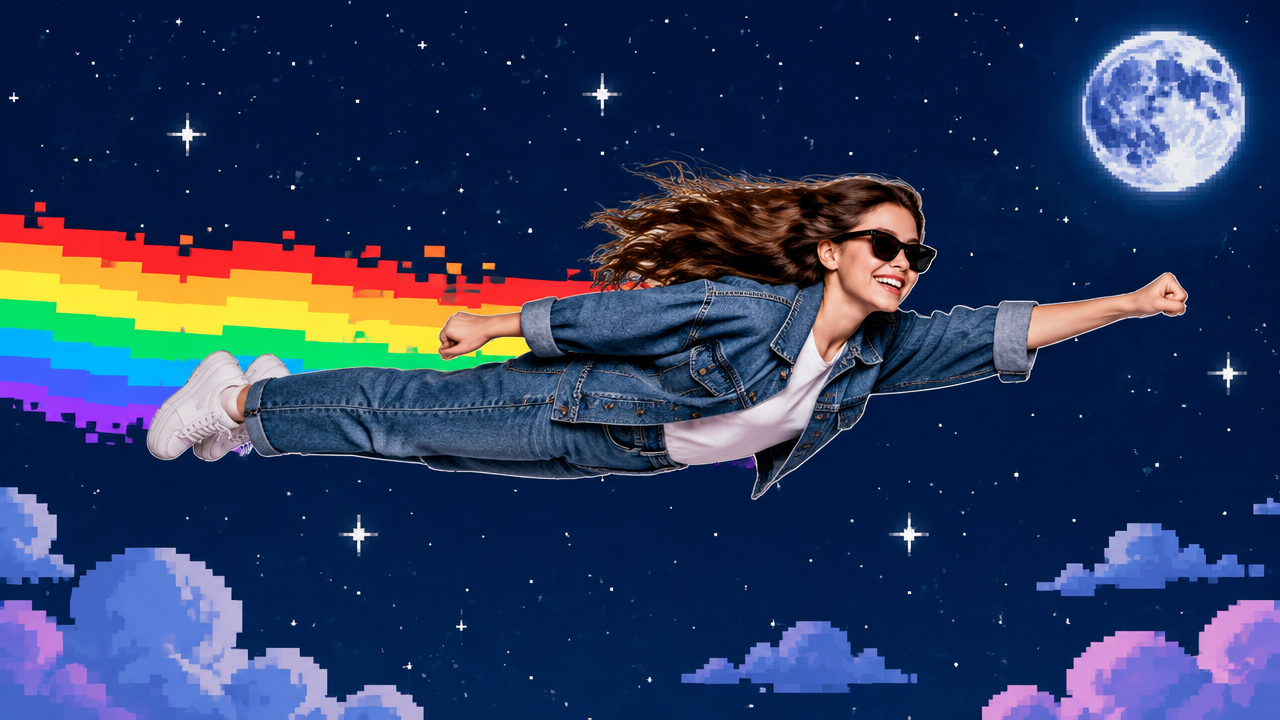


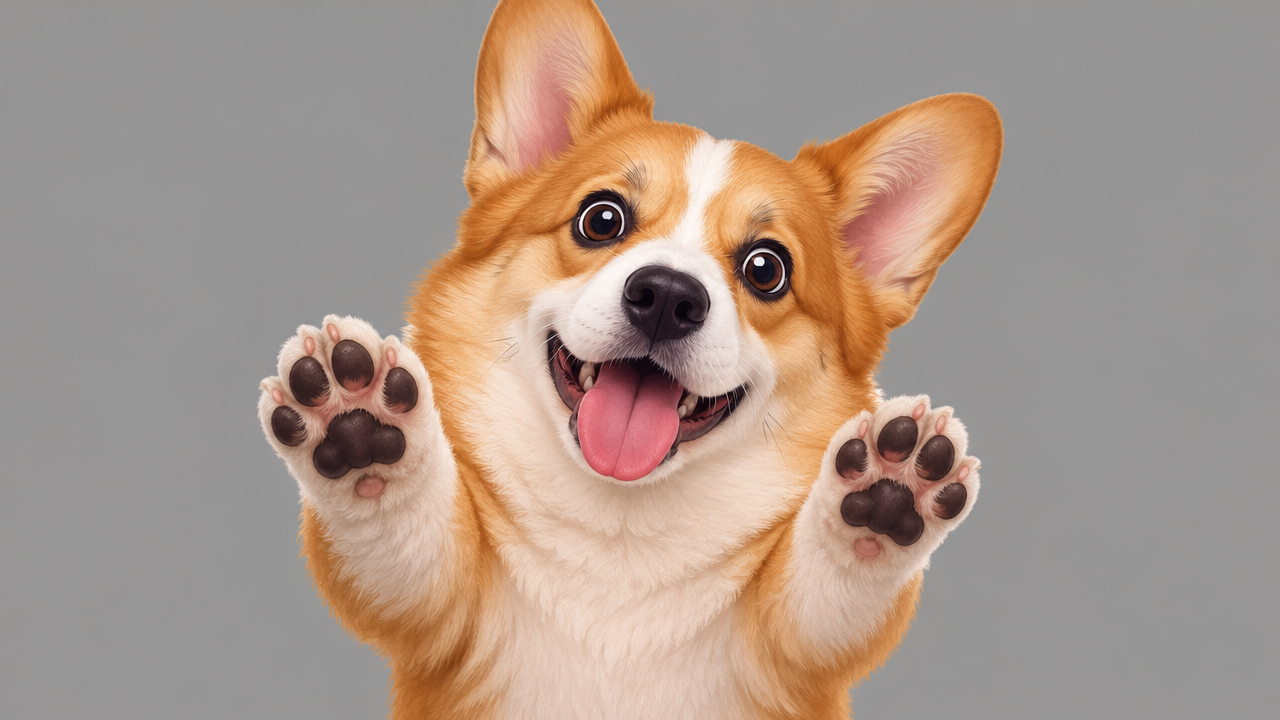
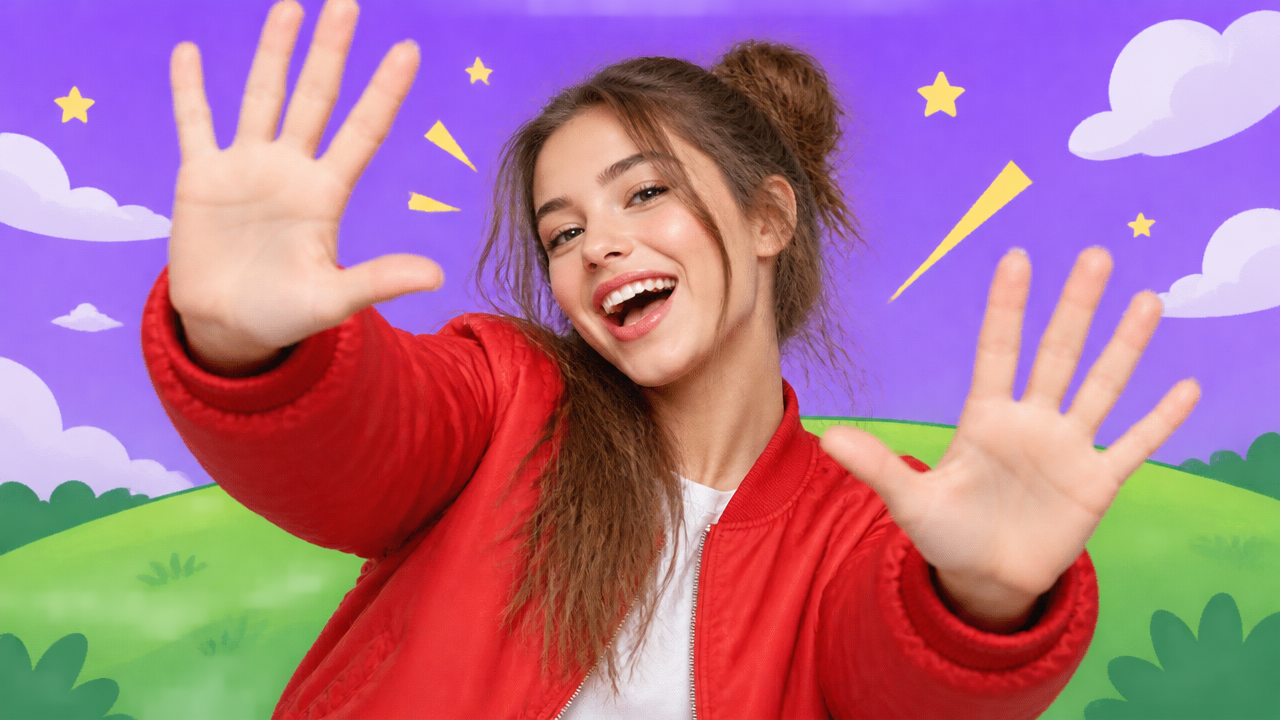
Want to turn your photos into viral Tweenslop AI trend videos? Easily animate photos into bouncing, squashing stickers with Brazilian funk flair. Create amazing videos for free, no skills needed.

Generate Tweenslop AI Trend Videos from Your Photos

Upload your photo, and our AI will transform it into a dynamic Tweenslop animation video in seconds. Perfect for TikTokers and content creators, it removes the complexity of manual editing.

Transform Photos into Bouncing Stickers with AI

Gone are the days of complex manual editing. Our AI tool effortlessly turns any photo into an animated sticker cut out, bouncing energetically to the beat, perfectly suited for the TikTok animation trend.

Master Brazilian Funk Sticker Edit Trends Instantly

Get the authentic Brazilian funk sticker edit animation style with ease. Our AI automatically handles the squashing and stretching to music, spinning rapidly, and zooming in and out to rhythm, giving your videos that crazy fast sticker animation motion.

Add Color Flash & Custom Tweenslop Effects Easily

Unleash your creativity with dynamic Tweenslop color flash video trends and custom options. Effortlessly generate sticker cut out animations and make your videos flash in bright neon colors, standing out from the crowd.

Experience Seamless Tweenslop AI Trend Video Creation

Discover why thousands choose our AI Tweenslop animation video generator for their viral content. We make creation accessible, secure, and enjoyable for everyone.

Free to use

Create unlimited Tweenslop AI trend videos without any cost. Access powerful AI tools without subscriptions.

All private

Your photos and generated videos are completely private and secure. We never store or share your content.

Beginner-friendly

No prior editing skills needed. Our intuitive interface makes generating Tweenslop videos incredibly easy for everyone.

Article

Why Use a Tweenslop AI Trend Generator?

The Tweenslop AI trend has taken social media by storm, especially on platforms like TikTok. But creating these visually complex, rhythm-synced animations can be a daunting task for many. Our AI-powered generator simplifies this, allowing anyone to easily transform photos into captivating, high-energy videos. It's the perfect solution for content creators, marketers, and anyone looking to quickly jump on viral trends without the steep learning curve.

  • Quickly Animate Photos: Transform static images into dynamic Tweenslop AI videos in seconds.
  • No Design Skills Required: Our intuitive AI handles all the complex animation, from bouncing to color flashes.
  • Stay Trendy Effortlessly: Keep your content fresh and relevant with the latest TikTok animation trends.
  • Diverse Animation Styles: Explore Brazilian funk sticker edit trends, squash and spin effects, and more.
  • Completely Free & Private: Generate unlimited videos without cost, with your data kept secure.
  • Boost Engagement: Captivate your audience with visually striking and energetic Tweenslop animations.

How to Create Your Tweenslop AI Trend Video in 3 Easy Steps

Get started with our AI Tweenslop video creator online in just moments. Follow these simple steps to turn your photos into incredible animated sticker cut outs!

  1. 步骤 1 / 3

    步骤 1

    Upload Your Photo: Choose any image you want to transform into a bouncing sticker.

  2. 步骤 2 / 3

    步骤 2

    Describe Your Animation: Briefly tell the AI the Tweenslop style you prefer (e.g., "bouncing energetically on beat," "squash and spin," "color flash").

  3. 步骤 3 / 3

    步骤 3

    Generate & Download: Our AI will process your request and generate your custom Tweenslop animation video instantly.

Frequently Asked Questions About Tweenslop AI Trend Videos

The Tweenslop AI trend is a popular social media animation style, particularly on TikTok, where images or "sticker cut outs" are animated with energetic bouncing, squashing, spinning, and flashing effects, often synced to Brazilian funk music. Our AI generator helps you create these videos effortlessly.

如何使用 FAQ 区域

使用 Tab 键在问题之间切换,按 Enter 或空格键展开或收起答案。使用上下方向键可在问题间移动。