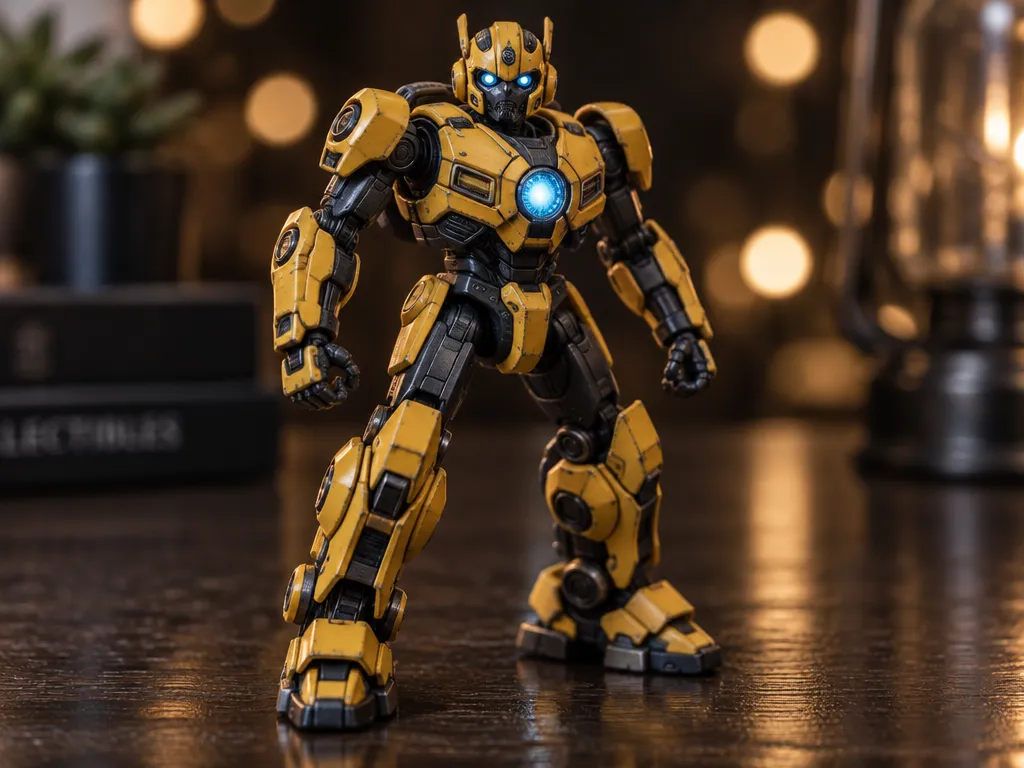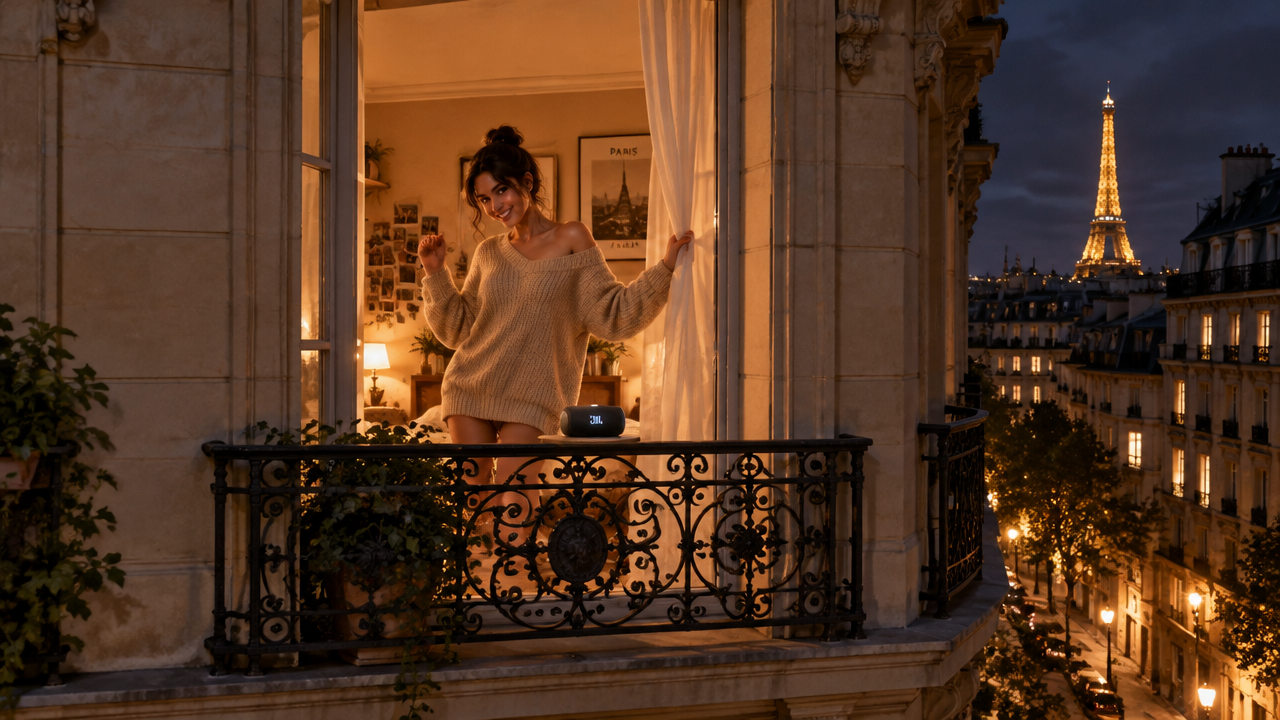
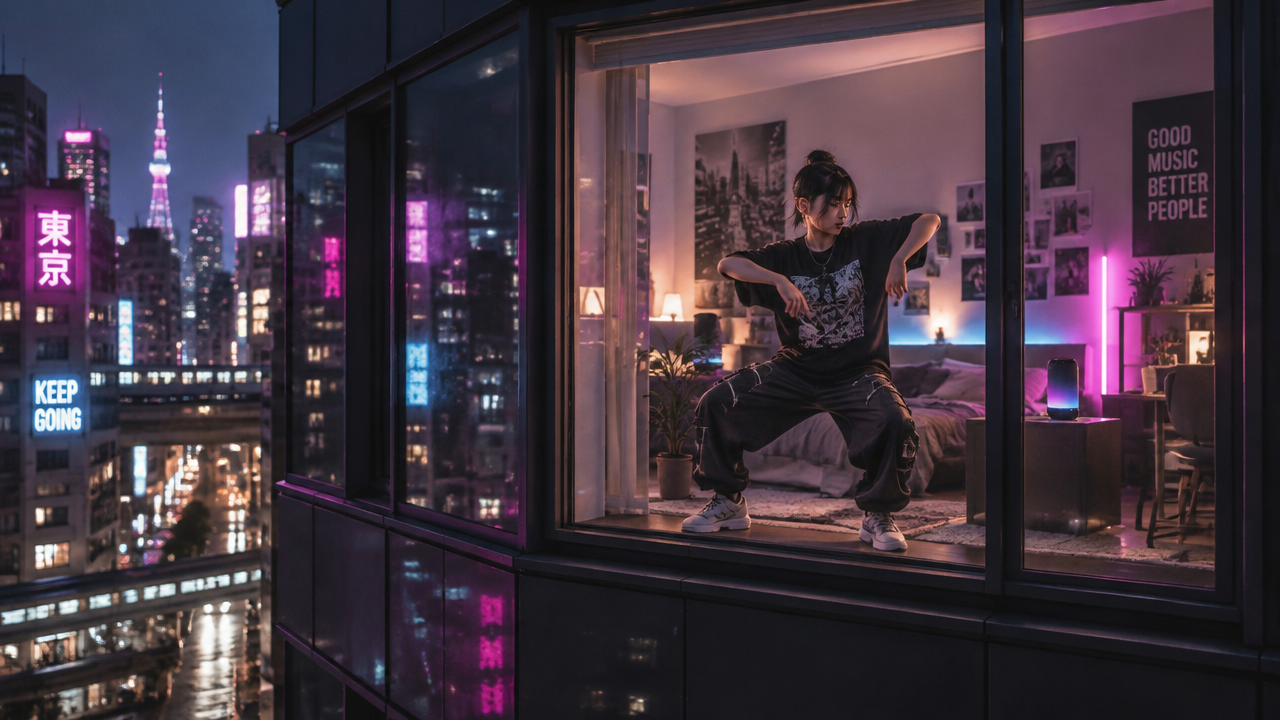
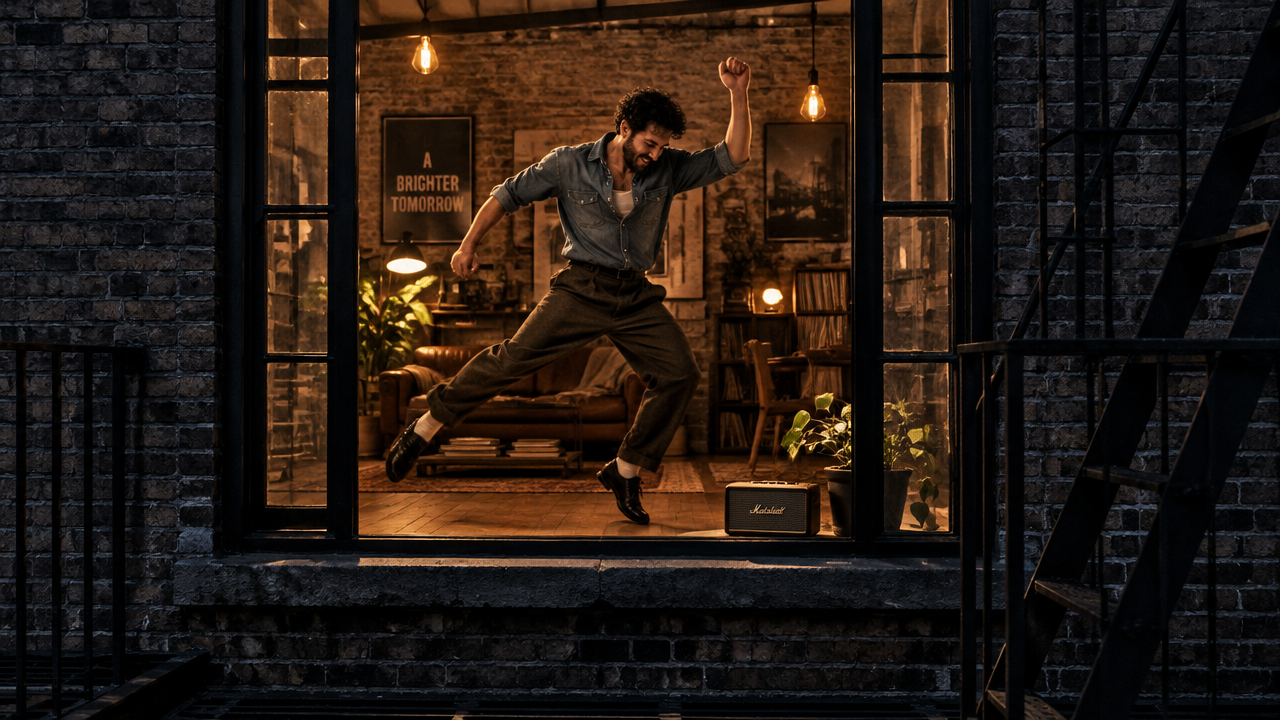
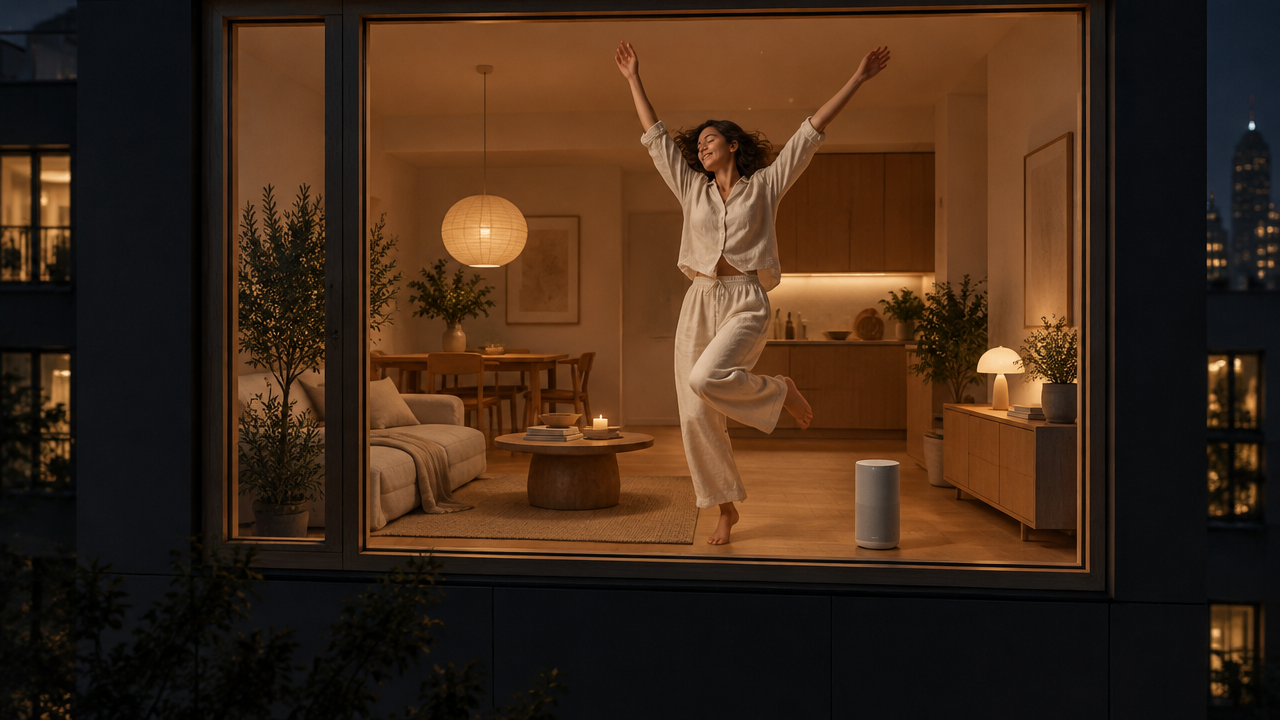
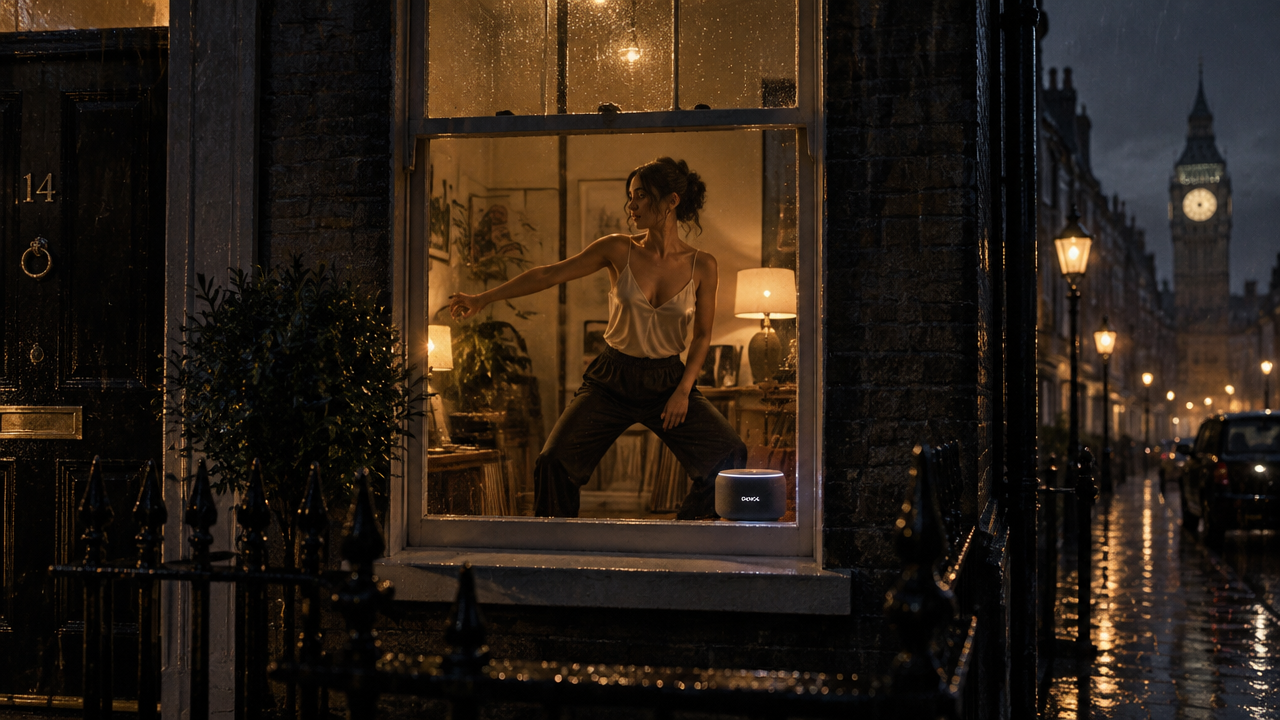
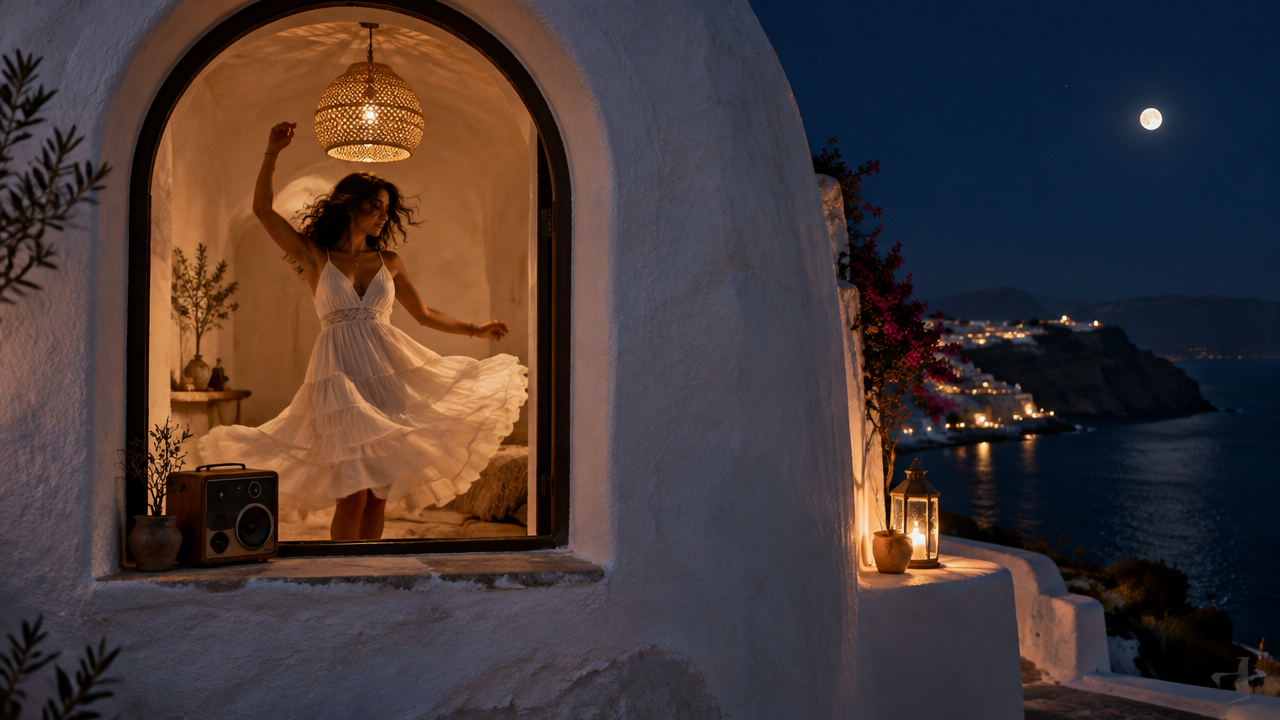
Create hilarious window dance AI videos from your photos instantly. Transform any image into a viral window peeper dance with our free AI tool, no watermark needed! Start now.

Create Viral Window Dance AI Videos from Any Photo

Upload your photo, and our AI will instantly transform it into a hilarious window dance video in seconds. Perfect for social media enthusiasts, content creators, and anyone looking to join the latest trend without complex editing.

Transform Photos into Dynamic Window Dance Videos Instantly

Tired of complicated video editing software? Our Window Dance AI tool simplifies the process. Just upload your favorite photo and watch our advanced AI bring it to life as a seamless window dance AI video, no technical skills required. Get ready for quick, stunning results.

Customize Your Viral Window Dance: Unique Effects & Styles

Want your window dance AI trend video to stand out? Our tool offers options for vertical window dance AI clip, night apartment window zoom dance effect, and more. Personalize every detail to create truly unique content that captures attention and goes viral on any platform.

Get the Perfect Window Dance AI Video Every Time – No Watermark!

Frustrated by ugly watermarks or poor quality? Our AI video maker ensures high-quality, no watermark window dance AI video outputs. From realistic window dance face swap to full body window dance AI animation, enjoy professional results ready for immediate sharing across all your favorite platforms.

Your Go-To Tool for Effortless Window Dance AI Trend Creation

Discover why users love our platform for creating captivating Window Dance AI videos. We prioritize accessibility, privacy, and ease of use for everyone.

Free to use

Enjoy unlimited creation of Window Dance AI Trend videos without any hidden costs. Experience full functionality for free.

All private

Your uploads and creations remain 100% private. We value your privacy and ensure your content is secure.

Beginner-friendly

No prior experience needed! Our intuitive interface makes creating Window Dance AI videos simple for everyone.

Article

Why Use a Window Dance AI Trend Generator?

Our Window Dance AI Trend Generator is designed to transform your photos into dynamic, engaging dance videos that are perfect for social media. Say goodbye to complex editing and hello to instant, viral-worthy content. Whether you're aiming to create a hilarious meme or join the latest trend, our tool makes it effortless.

  • **Instant Virality:** Quickly create engaging `window dance AI trend` videos that are ready to go viral.
  • **Effortless Creation:** Convert `photo to window dance AI video` in just a few clicks, no advanced skills required.
  • **Creative Freedom:** Experiment with `custom outfit window dance AI` and various styles to make your unique mark.
  • **High-Quality Output:** Generate `realistic window dance face swap` and smooth animations without watermarks.
  • **Community & Fun:** Join a global trend with `window dance AI trend for social media` and share your joy.
  • **Accessibility:** A `free online window dance AI tool` accessible to everyone, everywhere.
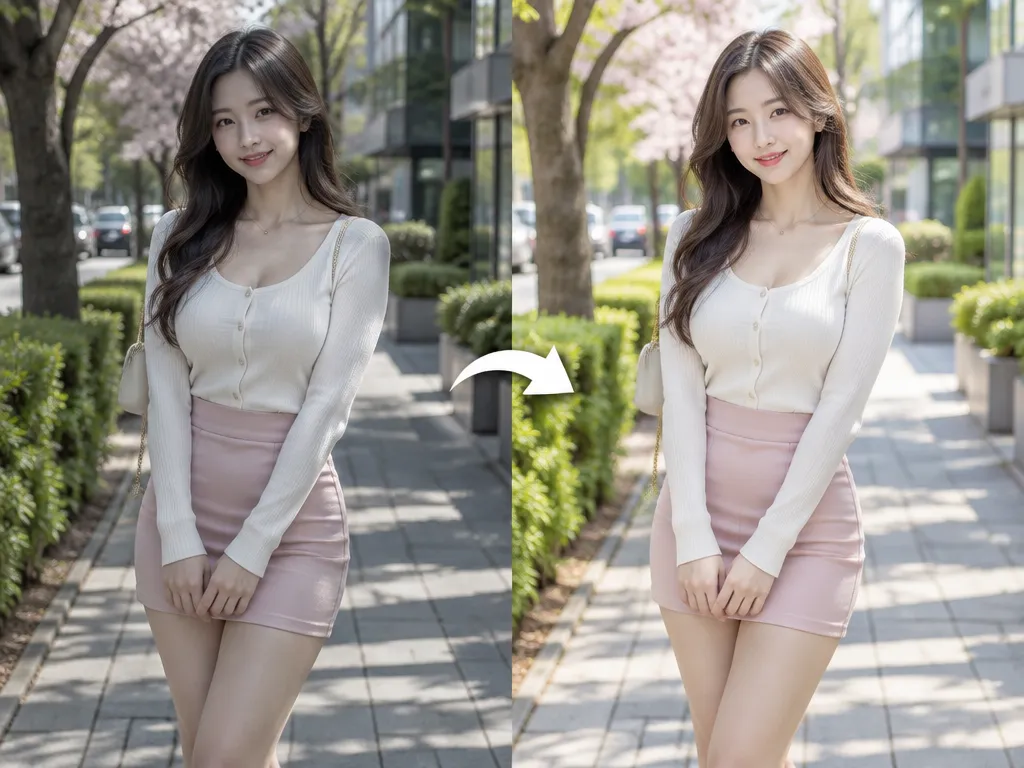
How to Create Your Window Dance AI Video in 3 Easy Steps

Ready to join the Window Dance AI trend? Follow these simple steps to transform your vision into an amazing video in minutes.

  1. 步骤 1 / 3

    步骤 1

    Upload Your Photo: Select an image from your device. Our AI will automatically detect the subject.

  2. 步骤 2 / 3

    步骤 2

    Customize Your Dance (Optional): Choose specific window dance AI video effect styles, add music, or select a night apartment window background.

  3. 步骤 3 / 3

    步骤 3

    Generate & Share: Click "Generate" and get your no watermark window dance AI video in seconds. Share it directly to social media!

Frequently Asked Questions about Window Dance AI Trend

The Window Dance AI Trend is a viral social media phenomenon where people create videos of figures seemingly dancing or peeking through a window. Our AI tool helps you easily generate these captivating AI videos from any image.

如何使用 FAQ 区域

使用 Tab 键在问题之间切换,按 Enter 或空格键展开或收起答案。使用上下方向键可在问题间移动。