Unleash Your Creativity with Grok’s Multimodal Power
Experience the next generation of AI that seamlessly blends real-time intelligence with high-fidelity artistic creation.
📸 High-Fidelity Image GenerationTransform your wildest ideas into photorealistic art. Grok’s image engine excels at following complex prompts, rendering text within images accurately, and producing breathtaking landscapes and portraits in seconds. | 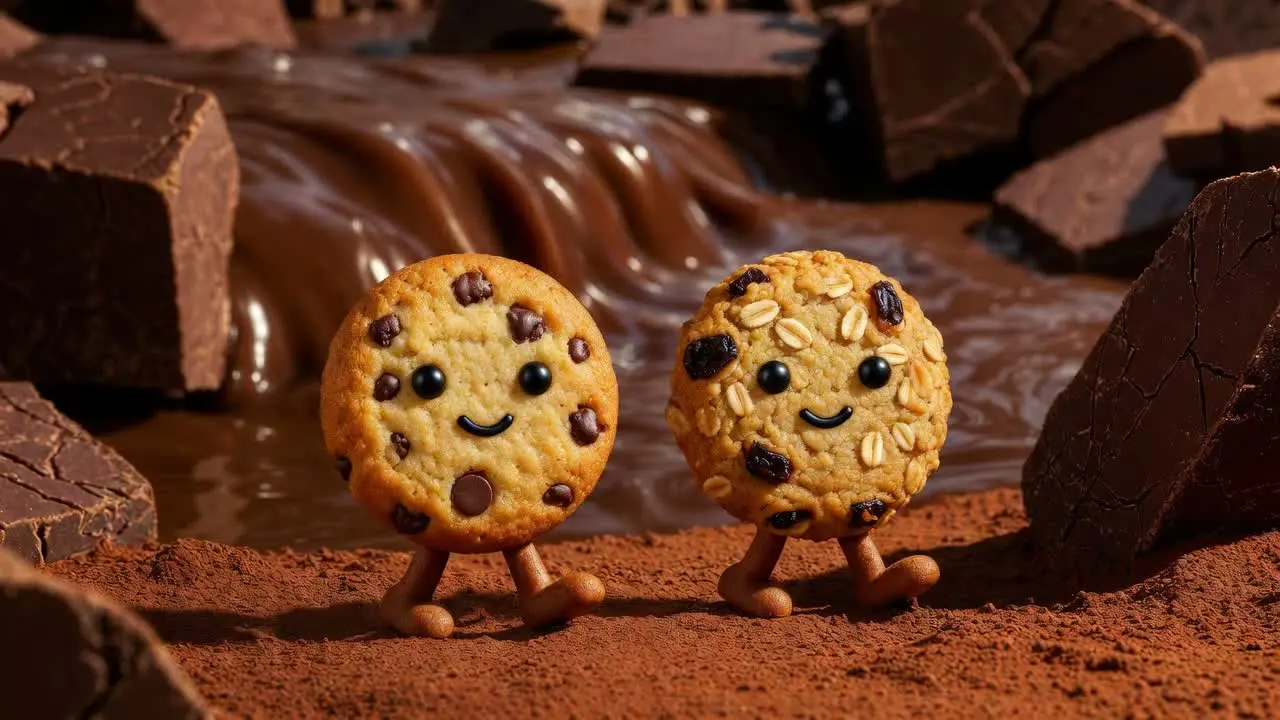 |
🎬 Grok Imagine: The Future of AI VideoExperience Grok Imagine, the state-of-the-art video generation model. Turn simple images into cinematic, high-definition video clips. Whether you’re creating content for social media or prototyping a film concept, Grok Imagine delivers fluid motion and stunning visual consistency. |
Value Comparison: Why Choose Our Platform?
Stop paying for multiple subscriptions. Get the best of X Premium combined with the power of other leading models.
Feature | X Premium | Our Creative Platform |
Grok Imagine Access | Restricted to X UI | Dedicated Creative Studio |
AI Video Generation | Limited/Beta | Full Grok Imagine Support |
Advanced Prompting | Basic | Pro Prompt Engineer Tools |
Download Quality | Standard | Ultra HD & No Watermarks |
Cross-Model Creative | Only Grok | Compare with Midjourney/Sora |
📸 Grok Imagine: Ultra-Real Image Generation
Text-to-Image Excellence: Grok Imagine translates complex, nuanced prompts into stunning visuals with incredible lighting and texture.
Precise Text Rendering: Unlike older models, Grok Imagine can accurately render text inside your images, perfect for logos, posters, and social media content.
Unfiltered Creativity: Experience the "fun mode" of Grok—get bold, witty, and boundary-pushing art that other AI generators might censor.
🎬 Grok Imagine: Cinematic AI Video
Motion Mastery: Turn your descriptions into fluid, high-definition video clips. From sweeping landscapes to character-driven scenes.
Temporal Consistency: Grok Imagine ensures that objects and characters remain consistent throughout the video, avoiding the "AI warping" seen in lesser models.
Instant Storyboarding: Ideal for filmmakers and marketers who need to visualize concepts instantly using xAI’s cutting-edge video architecture.
Why Grok Imagine Wins for Creators
1. Native Video with Sound
Unlike DALL-E 3, which is limited to still images, or Meta, which produces silent clips, Grok Imagine creates full-sensory experiences. When you generate a video of a "bustling Tokyo street in the rain," you don't just see the neon lights—you hear the ambient city sounds and falling rain.
2. The "Unfiltered" Advantage
Most global AI tools have "safety wetblankets" that prevent you from creating edgy, humorous, or hyper-realistic art. Grok Imagine is designed for maximum creative freedom, allowing you to explore styles and concepts that other platforms block.
3. Professional Parameter Control
On our platform, we give you the "Pro Toggle." Adjust your Aspect Ratio (16:9 for YouTube, 9:16 for TikTok, 1:1 for Instagram) and Motion Intensity to get the exact cinematic look you need for your project.
The Great AI Showdown: Grok Imagine vs. ChatGPT vs. Meta (Llama 4)
Feature | Grok Imagine (Our Choice) | DALL-E 3 (ChatGPT) | Meta Imagine (Emu) |
Primary Output | Image + Video + Audio | Image Only | Image + Basic Video |
Video Duration | Up to 15 Seconds | N/A (Sora is restricted) | 2–4 Seconds |
Audio Integration | Native Sound & Dialogue | No Audio | No Audio |
Image Realism | Ultra-Photorealistic | Stylized / Illustrated | Vibrant / Synthetic |
Content Policy | Unfiltered / Bold | Very Strict (Censored) | Very Strict (Censored) |
Text-in-Image | High Precision | Medium | Low |
Real-time Context | Social-Pulse Aware | Training Data Only | Training Data Only |
"While many AI video tools feel like an afterthought, Grok Imagine is built on a native multimodal architecture. This means the model truly 'understands' physics and lighting, resulting in videos that look less like 'AI hallucinations' and more like real cinematography." — Expert Review