We have all witnessed the power of text-to-image generation. It feels like magic: type a sentence, and a brand-new world appears from scratch.
But sometimes, words aren’t enough. You have a specific composition in mind. You might have a rough sketch that wants to turn into a product, a selfie that needs a stylistic makeover, or a photo of a room that needs redecorating without moving a single chair. You don’t want to replace the entire idea; you just want to transform it.
This is where an AI image to image generator shines.
Unlike standard generation that starts from scratch, Image-to-Image feature takes your existing photo and reimagines it in a new style while keeping the original structure intact.
Whether you want to turn a sketch into a photorealistic product, or turn a photo into a masterpiece, we offer the most precise control for image transformation.
What Is an AI Image to Image Generator?
An AI image to image generator is a tool that transforms one image into another while preserving its core structure.
You upload a photo, sketch, or render. Then you describe how you want it to change: the style, mood, materials, colors, or artistic direction. The AI analyzes your image and applies the new style on top of it, instead of inventing a completely new scene.
This makes image-to-image generation ideal for situations where accuracy matters just as much as creativity.
Instead of guessing what you meant, the AI can see it.
What Can You Do With an Image to Image Generator?
An AI image to image generator is not just a fancy filter; it is a reality manipulation engine.
- Sketch-to-Product: Turn rough napkin doodles into high-quality 3D renders for design concepts.
- Style Transfer: Instantly convert selfies into anime, oil paintings, or South Park characters.
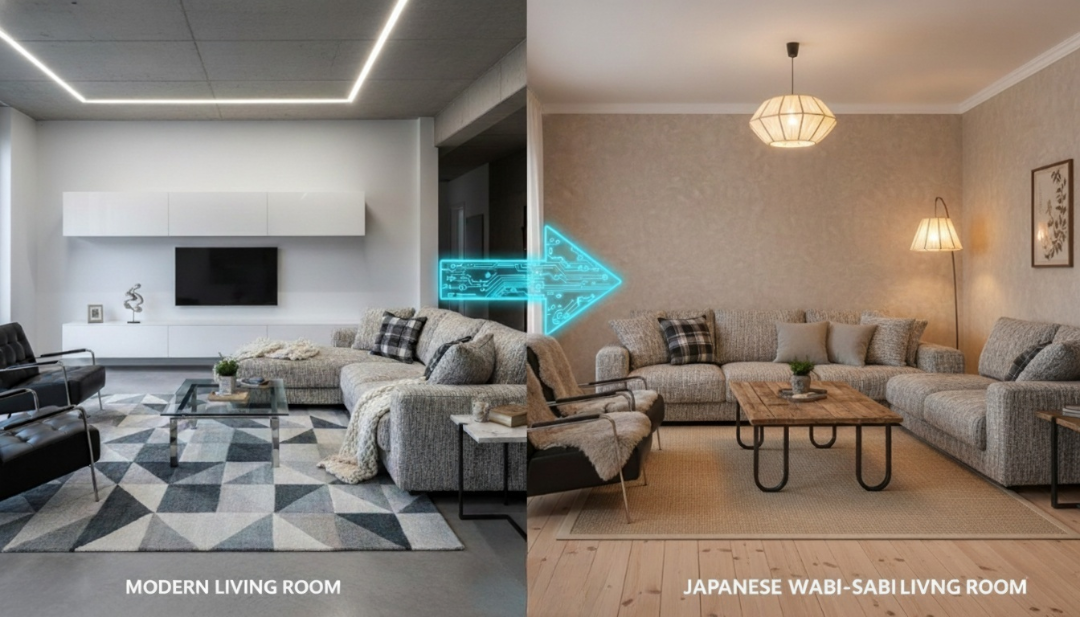
- Interior Restyling: Upload a photo of your living room and change the decor style from “Modern” to “Japanses Wabi-Sabi style” without moving a single piece of furniture.
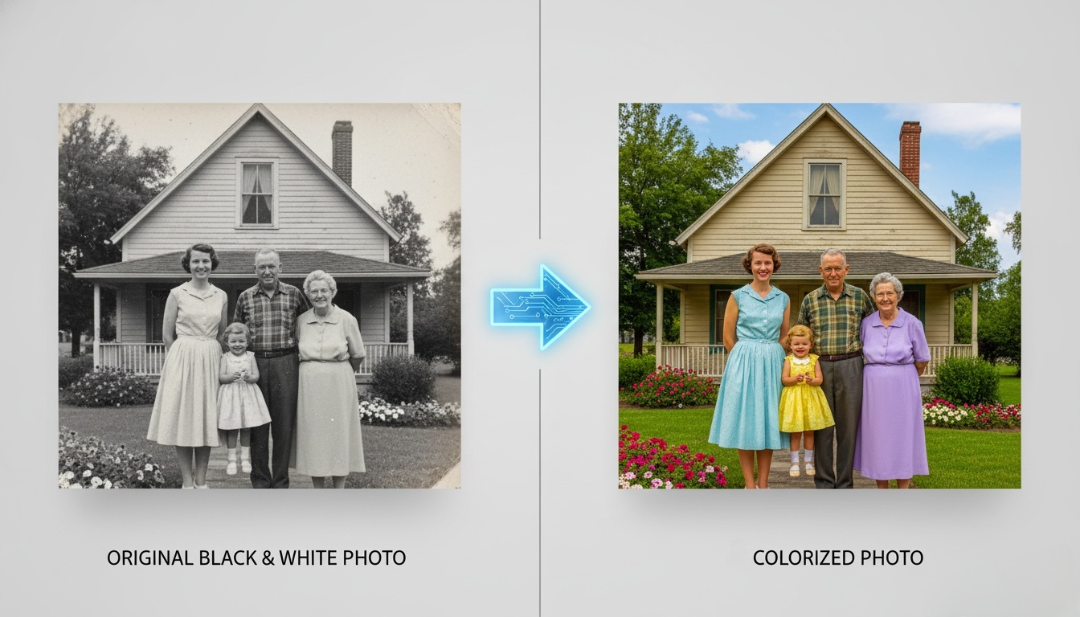
- Colorization: Bring old black-and-white family photos to life with vivid coloring.
Step-by-Step: How to Transform Your Photos
Ready to try it? Follow this workflow to master the image-to-image feature.
- Go to the image to image generator on our site AIAI.
- Upload your image.
- Describe the new look you want.
- Click to generate and save it.
Pro Tips for Better Results
Small adjustments can make a big difference.
- Be Specific, Not Long: Clear, focused prompts outperform overly detailed ones. Tell the AI what matters most.
- Match the Aspect Ratio: Always keep the output aspect ratio consistent with your original image (for example, 1:1 or 16:9). This prevents unwanted cropping or stretching.
- Iterate in Batches: AI generation involves a degree of randomness. Don’t settle for the first result. Generate 3-4 variations at a time with slight adjustments to your prompt to find the perfect balance.
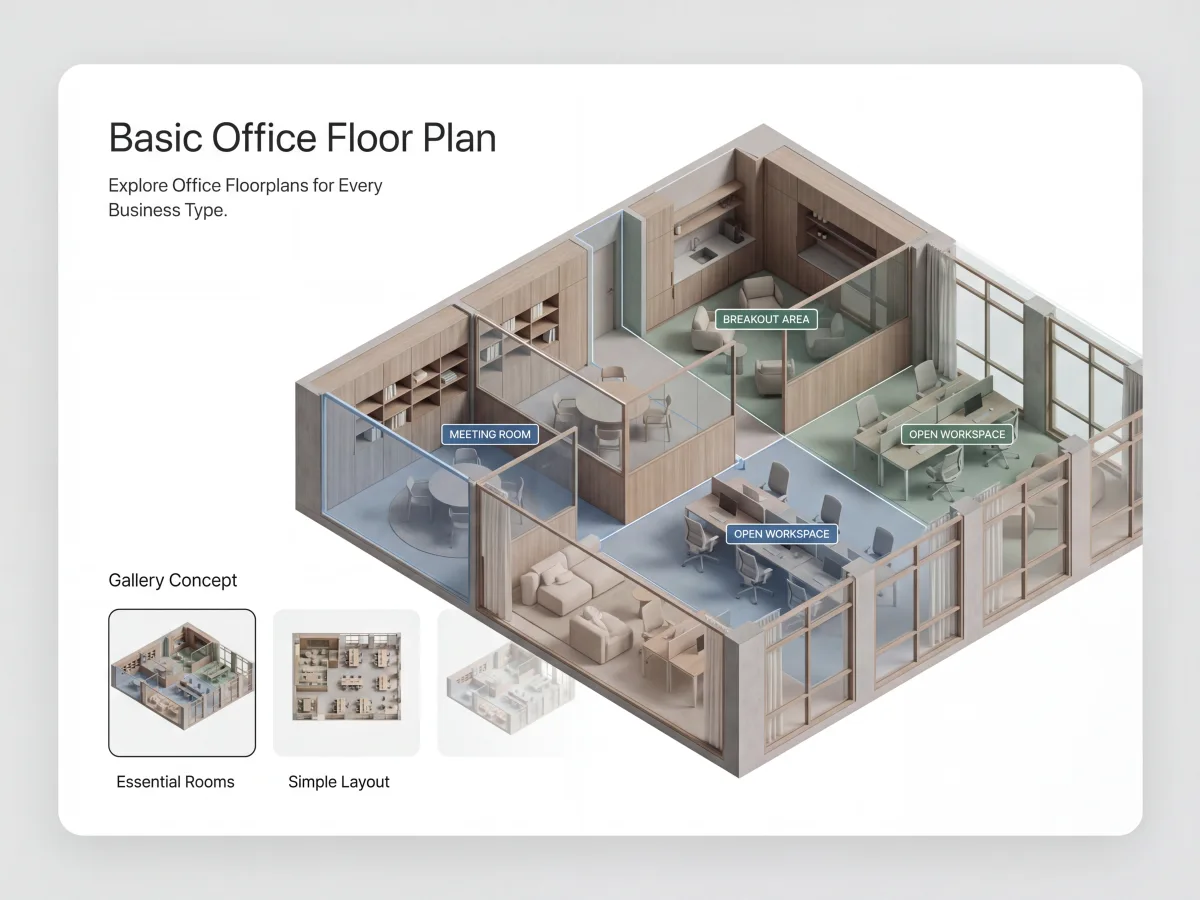
Faced with a sudden landlord deadline or moving into a new space? Here is how to create a professional, dimension-accurate Read more

Animated emojis are becoming a new way to express emotion online. AI Image to Animated Emoji makes it easy to Read more
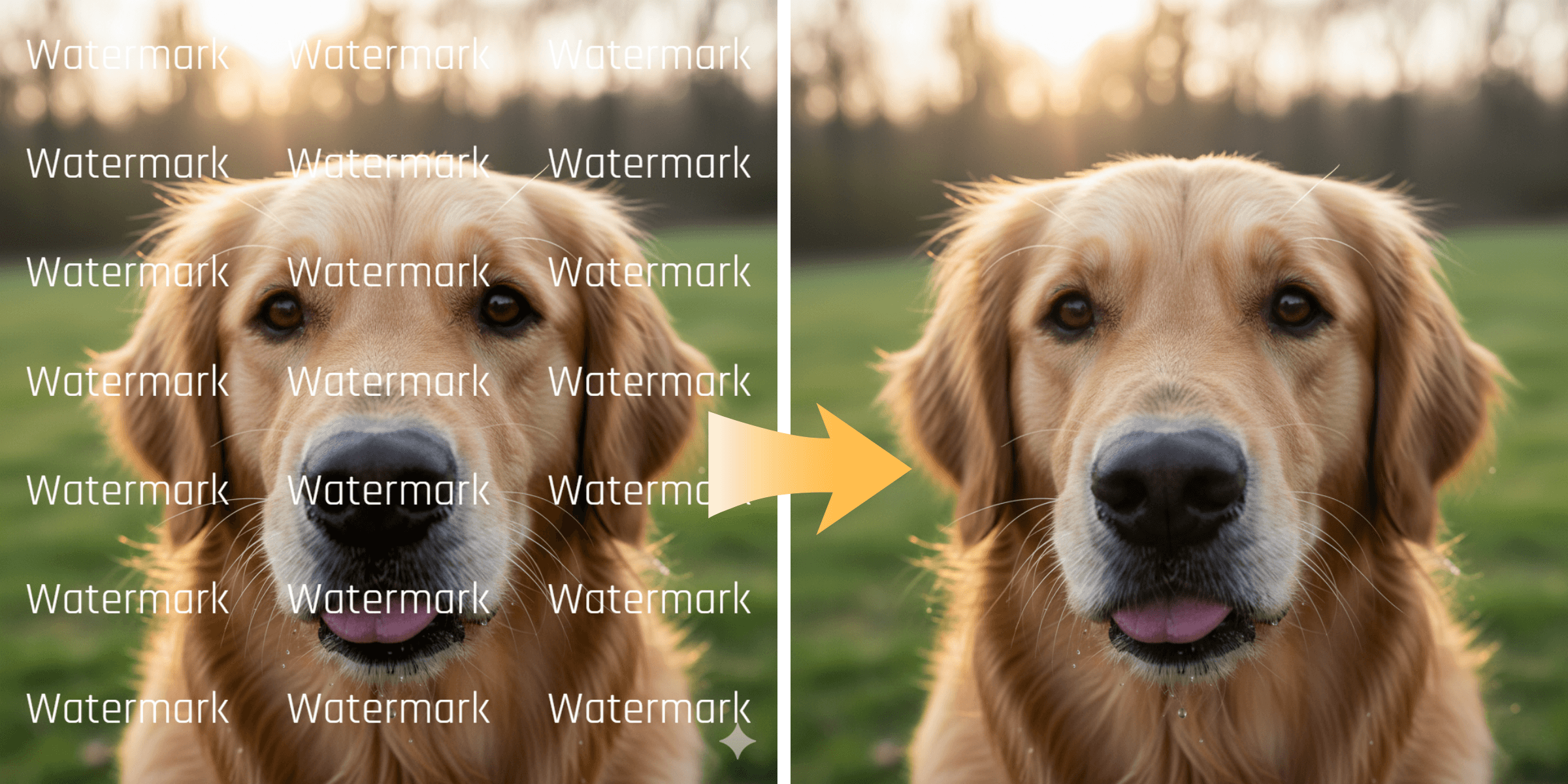
Remove unwanted logos, social media stamps, and trial watermarks from your clips. Learn how WatermarkRemover.aiai uses AI to easily clean Read more
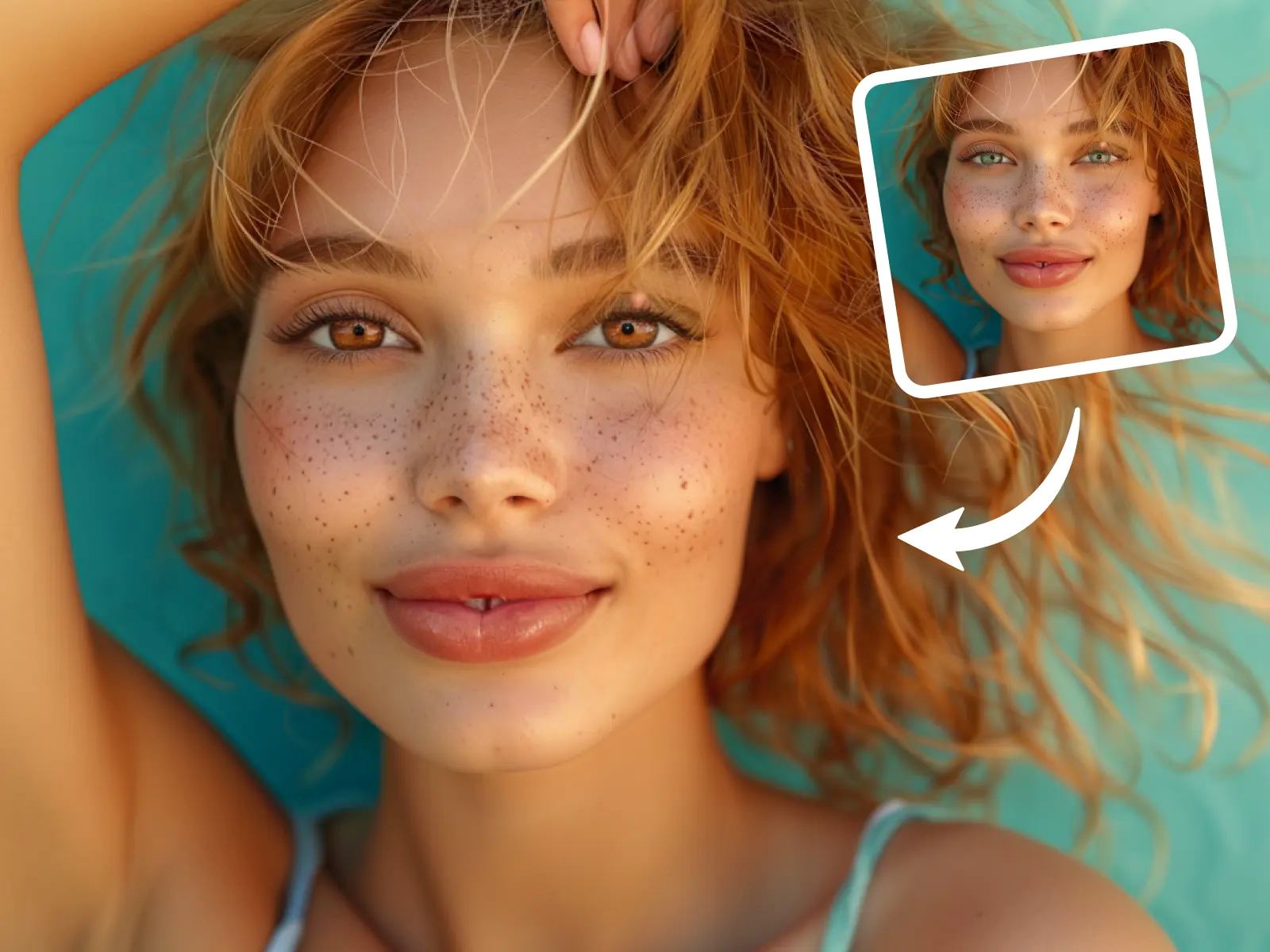
How to Change Eye Color Using AI with Nano Banana Pro Changing eye color in photos used to require manual Read more


