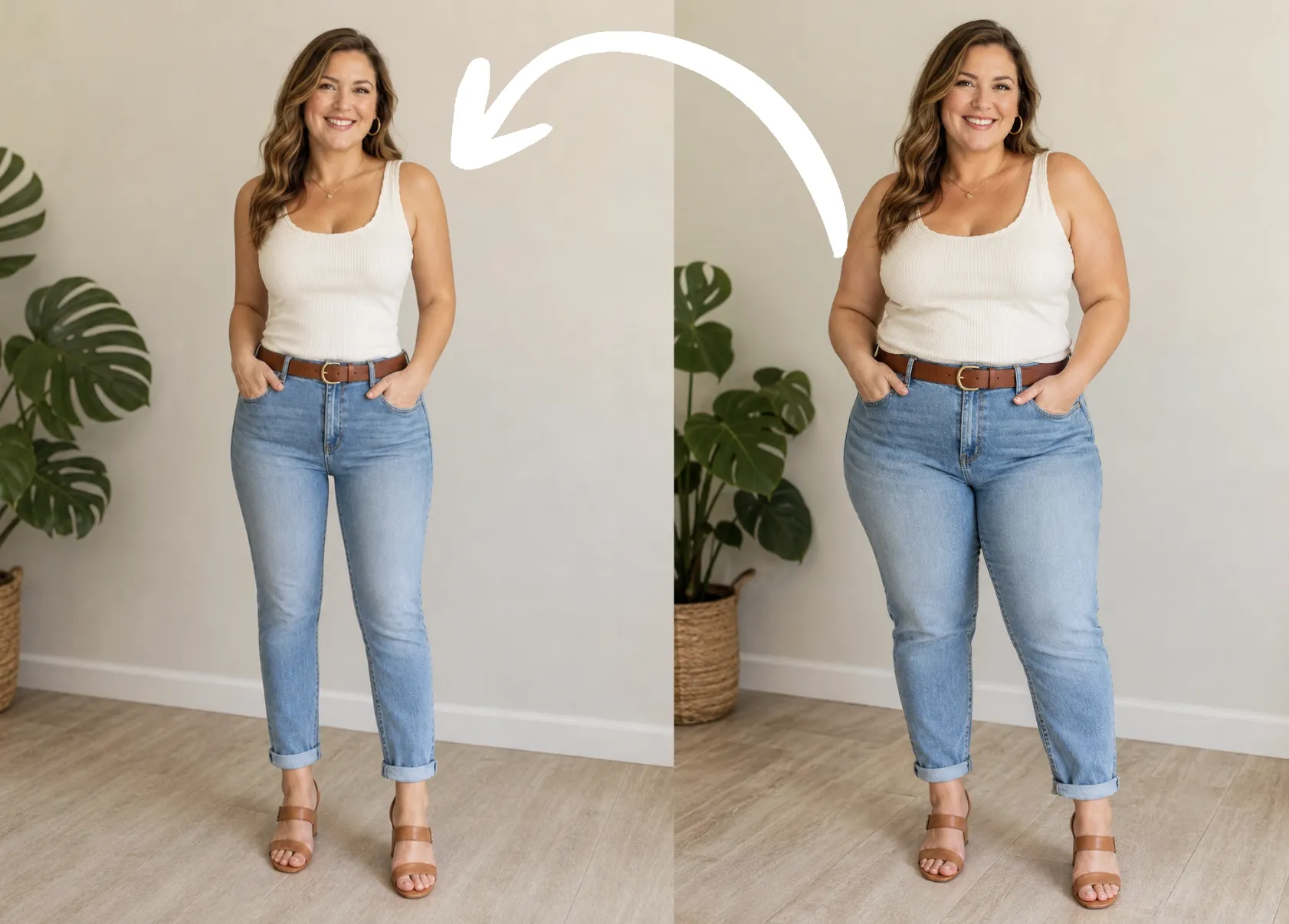
AI Ins Style Picture Collage Maker Free Online | AIAI.com

Create stunning Ins Style picture collages instantly with our AI picture collage maker online. Free to use and perfect for social media sharing.

Perfect Your Feed: Instgram Style Picture Collages

Specifically designed for social media enthusiasts, our tool ensures every picture collage meets the demanding aesthetic of Instagram. Choose trendy templates or let the AI create that iconic 'Ins' look automatically.

Free Online Access, Anytime, Anywhere

Access the best picture collage maker online without downloading any software. Start creating high-quality photo compositions instantly from any device—it’s completely free and available 24/7.

Go Beyond Photos: Add Music and Visual Effects

Elevate your visual stories. Unlike basic tools, our advanced AI picture collage generator lets you integrate background music, dynamic transitions, and specialized filters to create engaging collages for platforms like TikTok and Reels.

How to Make a Picture Collage with AIAI in 3 Simple Steps

Learn how effortless it is to create a professional-grade IG Style picture collage maker online using our intelligent platform. Follow these steps to get started immediately.

  1. Step 1 of 3

    Step 1

    Upload Your Photos. Select all the images you wish to include in your collage from your desktop or mobile device.

  2. Step 2 of 3

    Step 2

    Let the AI Design. Our AI picture collage generator automatically selects the best layout and template for an 'Ins' aesthetic. Customize text, borders, and effects if desired.

  3. Step 3 of 3

    Step 3

    Download and Share. Export your final Ins Style collage in high resolution, ready to be posted directly to Instagram or other social platforms.

Frequently Asked Questions About Our AI Collage Generator

Yes, our core picture collage maker online features are completely free. You can create, edit, and download high-resolution collages without any cost.

How to use FAQ section

Use Tab to navigate between questions. Press Enter or Space to expand or collapse an answer. Use Up and Down arrows to move between questions.