Have you ever used your own photo — or a friend’s — as an emoji or reaction image? Compared to official emojis, those inside-joke images that only you and the other person understand often make conversations feel more fun and personal.
Have you ever imagined turning your own photo into an emoji-style version of yourself? If so, it might be worth trying AI Image to Animated Emoji, which lets you transform a real image into a personalized animated emoji in just a few clicks.
What Is AI Image to Animated Emoji?
AI image to animated emoji refers to using artificial intelligence to transform a still image into a short animated emoji. The AI analyzes facial features or key visual elements, then adds subtle motion such as blinking, smiling, or small gestures.
Unlike traditional animation workflows, this process is automated and beginner-friendly. You upload an image, and the AI generates an animated emoji suitable for messaging apps, social media replies, or digital stickers.
Why Personalized Emojis Make Conversations Feel More Real
Personalized emojis often carry more meaning than official ones. When both sides recognize the image, it becomes a shared reference rather than just a symbol.
Turning a familiar photo into an animated emoji adds another layer of expression. The motion reinforces emotion, while the image itself keeps the interaction personal. This is something generic emoji sets simply can’t replicate.
Why AI Image to Animated Emoji Is Likely to Become More Common
As messaging platforms continue to evolve, expression is becoming more personalized. AI tools lower the barrier, making it easier for anyone to create visual reactions that reflect their identity or style.
AI image to animated emoji fits naturally into this trend. Instead of choosing from a fixed set of symbols, users can react with something that feels uniquely theirs — created in seconds from a single image.
Creating AI Image to Animated Emoji on AIAI.com
If you’re looking for a fast and simple way to try AI image to animated emoji, AIAI.com offers a dedicated page specifically for this feature.
The process is designed to be beginner-friendly:
- Upload an image
- Click once to generate
- Preview the animated emoji instantly
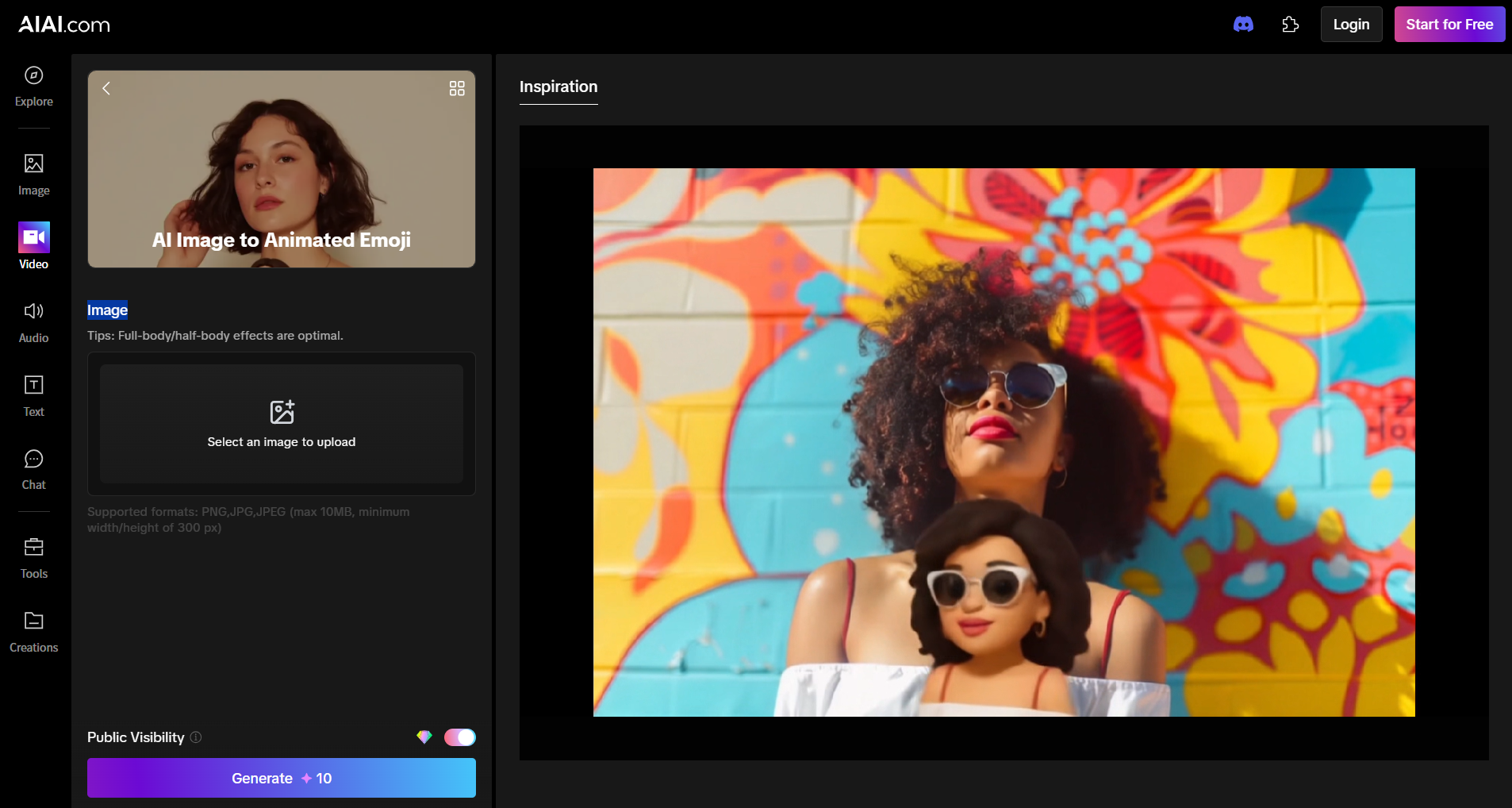
There’s no complicated setup or animation controls to learn. For new users, AIAI also provides free credits, which makes it easy to test the feature before committing to anything.
This makes it a practical option if you just want to see how your image looks as an animated emoji without spending time learning new tools.
Tips for Better Animated Emoji Results
To get better results when turning images into animated emojis:
- Use images with clear facial expressions
- Avoid cluttered or busy backgrounds
- Don’t aim for hyper-realism — subtle motion often looks better
- Simple images usually produce more natural animations
Animated emojis work best when they feel lightweight and expressive, not overly detailed.
Animated emojis make everyday reactions feel more personal. With AI image to animated emoji tools, turning an image into an animated emoji is now quick and easy — no animation skills needed.
Google Gemini 3 AI Model— The Most Intelligent AI Yet Gemini 3 was released on November 18, 2025. With a Read more
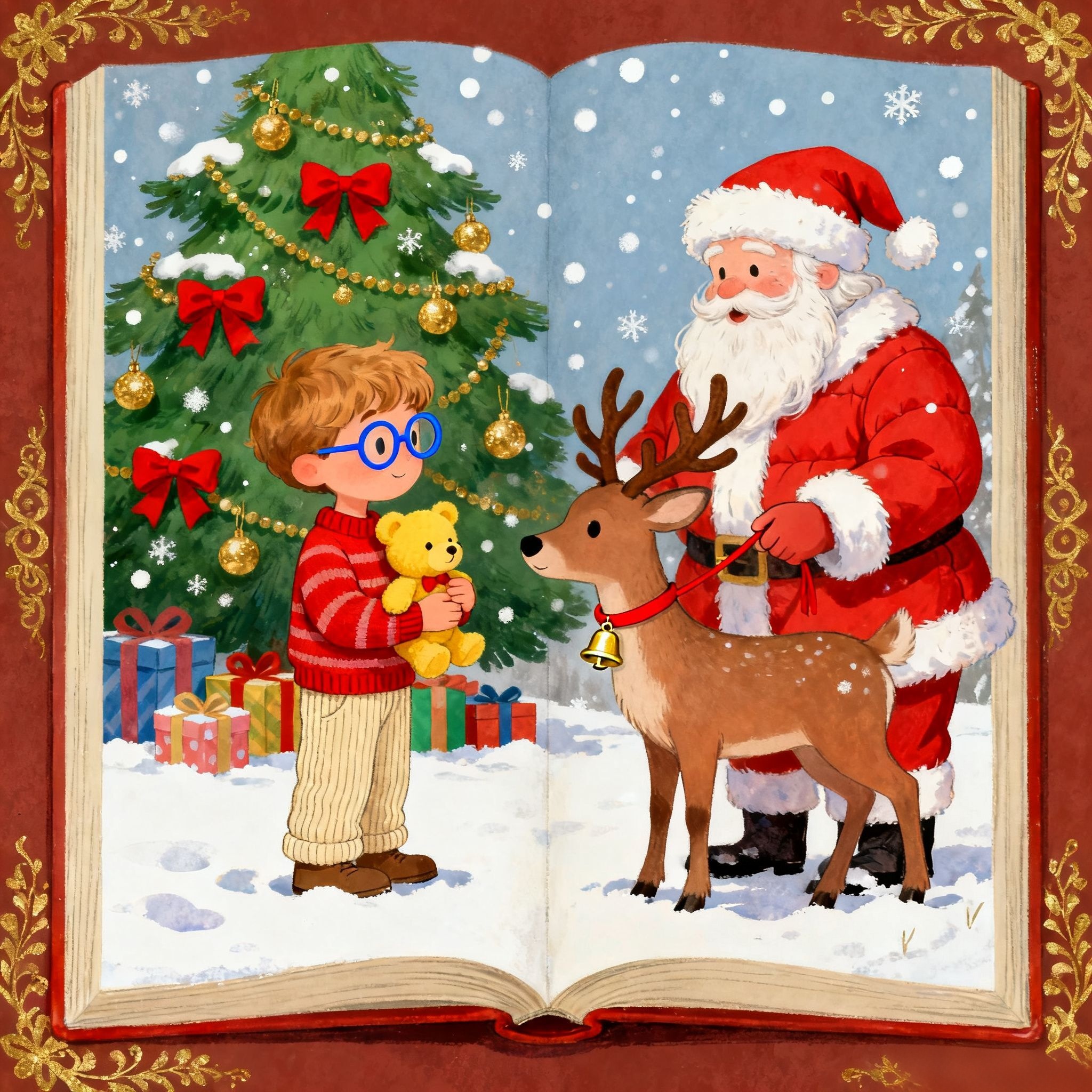
Learn how to create a unique Custom Christmas Story Book for kids in 10 mins with AI tools. This easy Read more

Looking for New Year's manicure inspiration? Learn how to use the ultra-popular AI tool Nano Banana Pro to upload a Read more
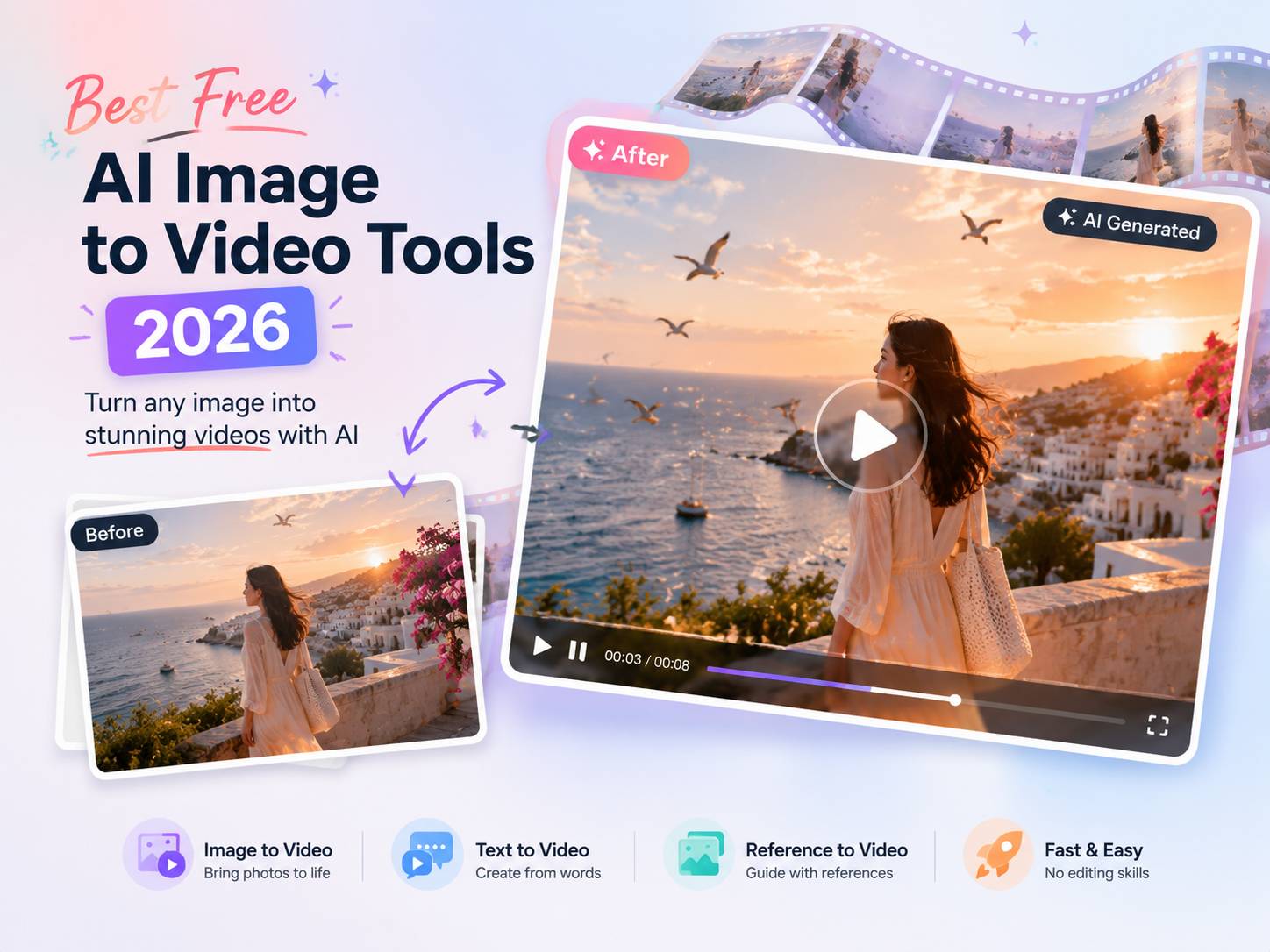
Discover the best free AI image to video tools in 2026. Compare top AI video generators for realistic animation, social Read more


