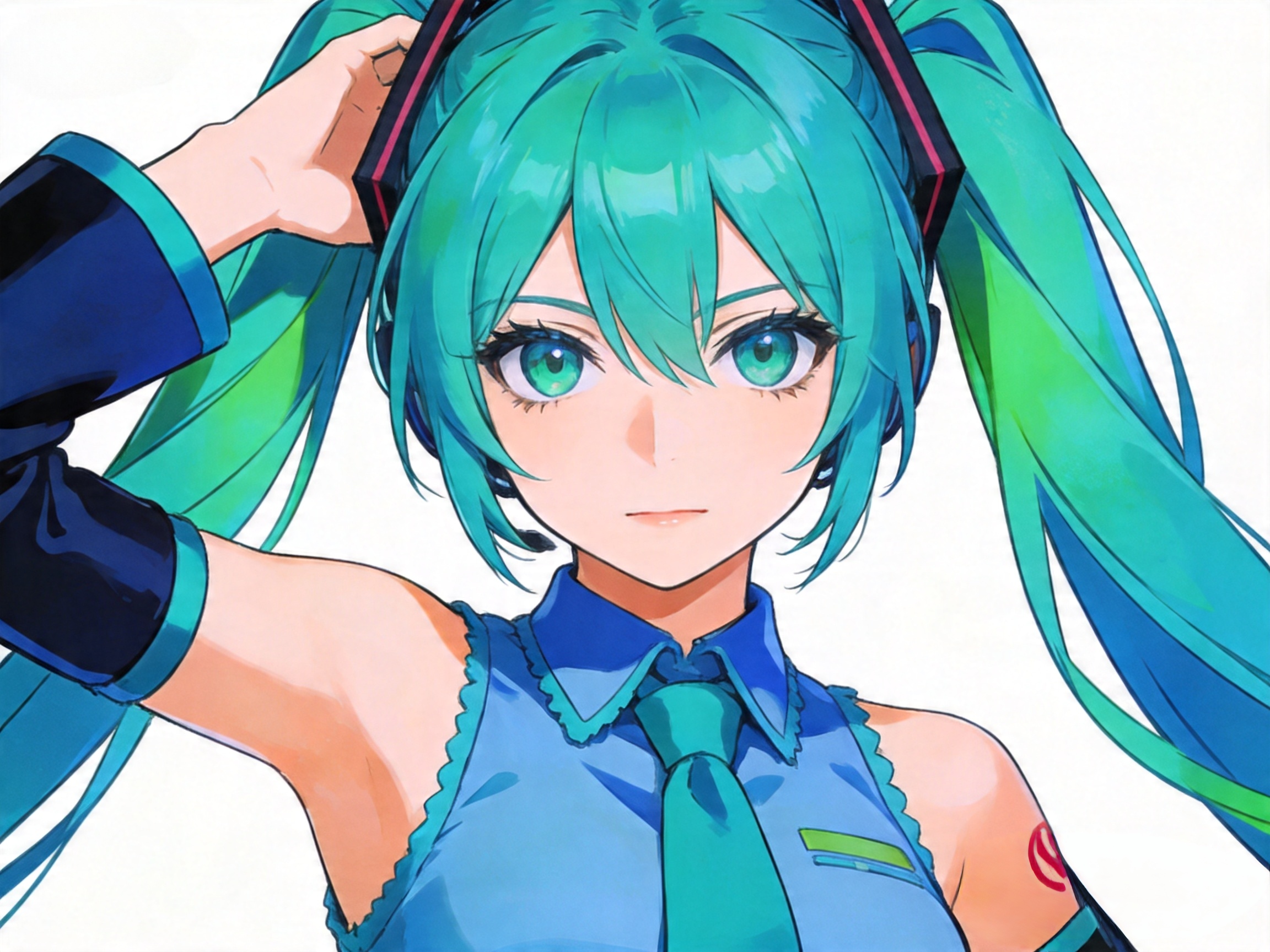
If you’ve ever tried to create a recurring character using AI, you know the pain. You generate a stunning protagonist with specific features, but the moment you ask the AI to change their pose or put them in a different room, they look like a totally different person. It’s frustrating, it’s a time-sink, and frankly, it makes professional storytelling almost impossible.
But after months of testing every “hack” on Reddit, I’ve finally found a workflow that actually works. Today, I’m taking you behind the scenes of how I use a dedicated AI Consistent Character Generator to build digital identities that actually stick.
The Problem: Why Does AI Keep Changing Faces?
Before we dive into the solution, we have to understand the “why.” Most AI models are built on randomness. They are trained to create the best image based on a prompt, not the same image every time. This is great for making a cool wallpaper, but it’s a nightmare for branding.
When I started my virtual influencer project, I realized that if my character’s jawline shifted by even 10% between posts, the audience immediately felt that “Uncanny Valley” vibe. I needed a tool that didn’t just understand aesthetics, but understood
That’s where the AI Consistent Character Generator from AIAI comes in. It’s the first tool I’ve used that feels like it’s actually “remembering” my character rather than just guessing.
Putting the AI Consistent Character Generator to the Test
I decided to run a high-stakes experiment. I wanted to create a character named Sloane—a futuristic nomad—and see if I could keep her looking identical across four vastly different scenarios.
Step 1: Establishing the DNA
I started with a concept for a character named “Juno”—a tech-savvy traveler with messy teal hair and a very specific bone structure.
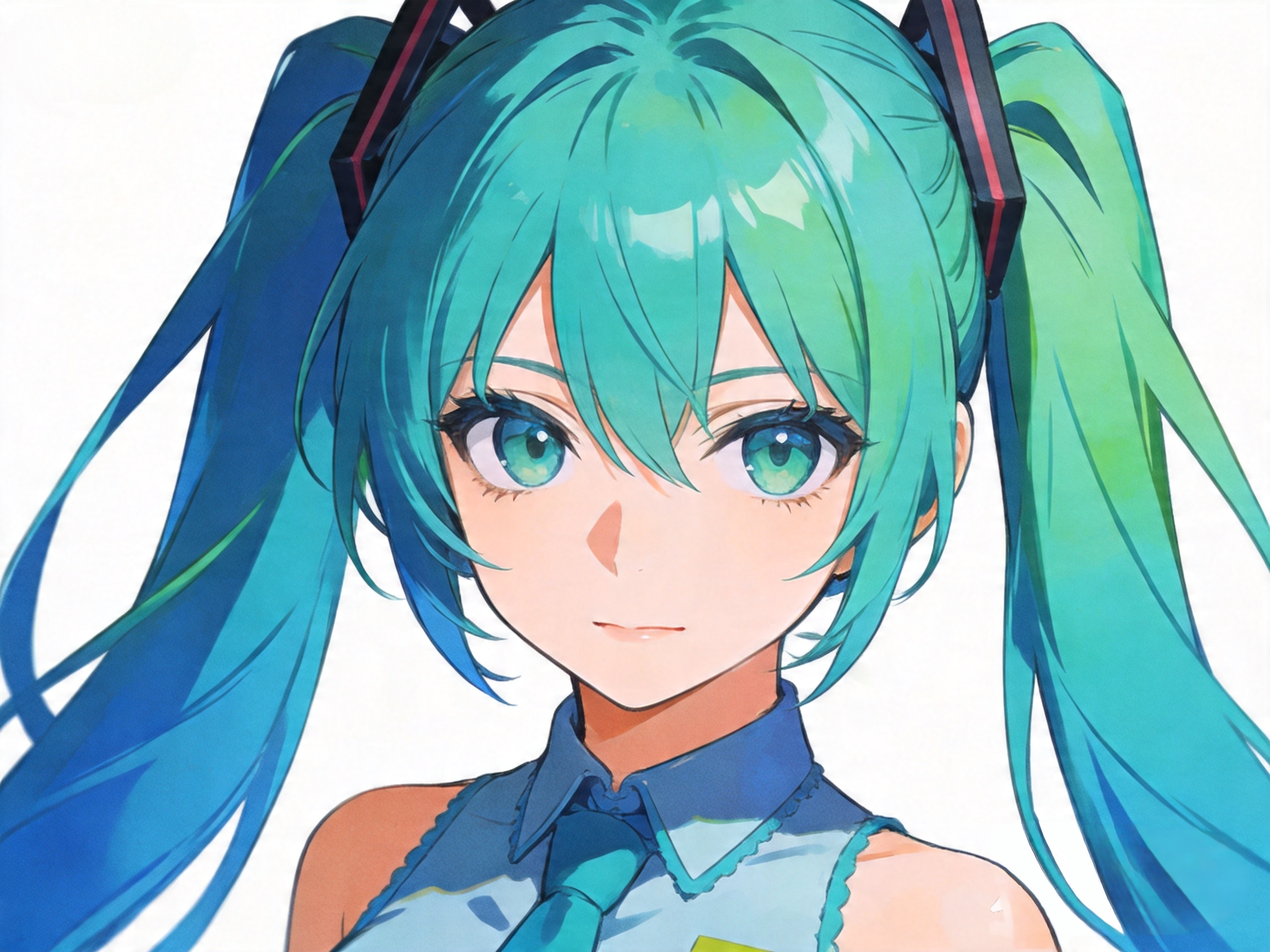
Step 2: High-Action Movement
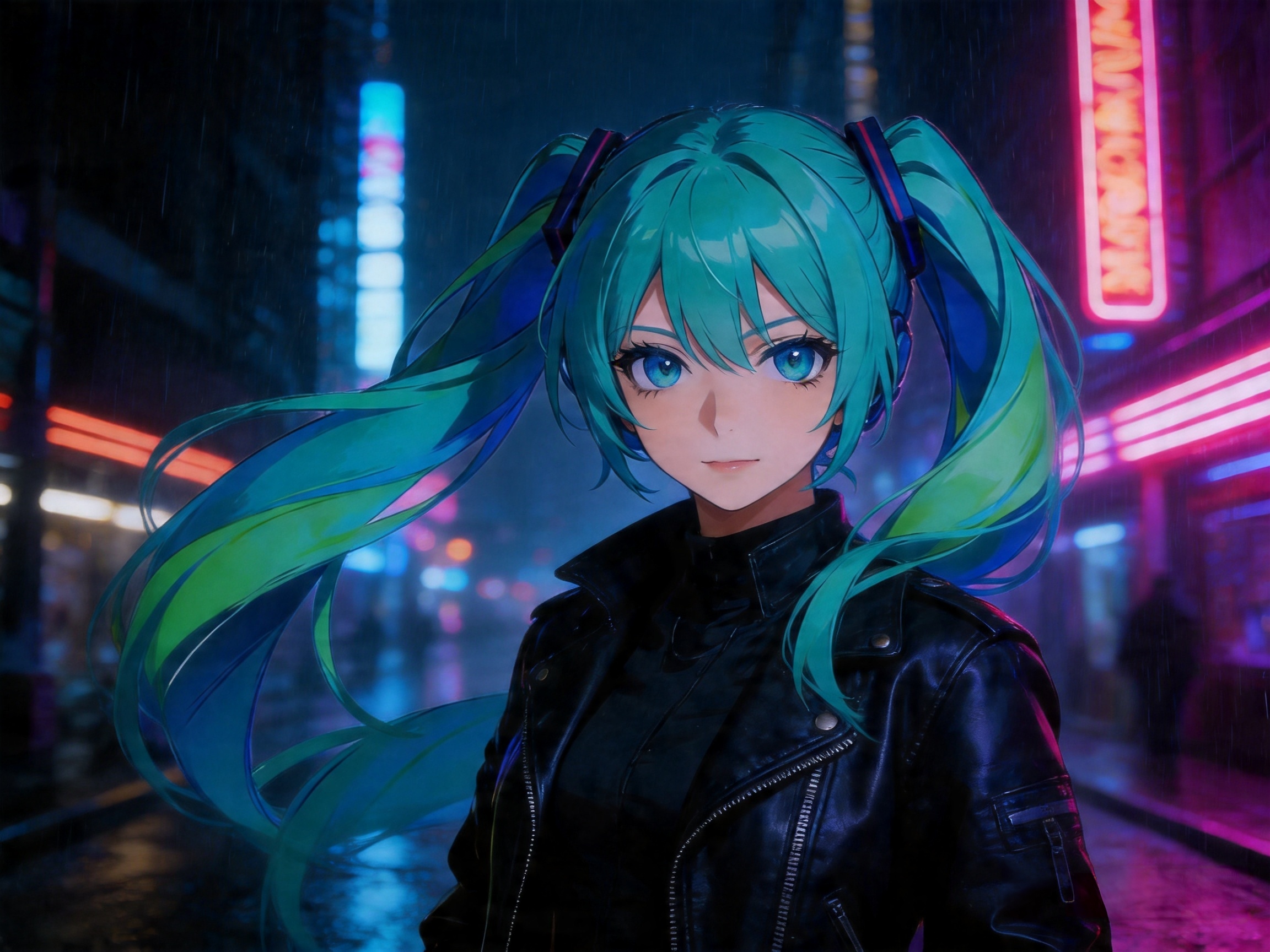
Next, I moved Juno from a sunny park to a dark, rainy cyberpunk alleyway. This is usually where AI fails because the lighting changes the facial shadows so much that the character becomes unrecognizable.
Why AIAI is a Game-Changer for Professional Creators
If you check out industry-standard resources like Creative Bloq or The Verge (both great spots to keep up with AI ethics and tech), you’ll see that the conversation is shifting from “What can AI make?” to “How can we control what AI makes?”
The AIAI AI Consistent Character Generator is the answer to that control. Here is why it’s currently sitting at the top of my bookmark bar:
1. Advanced Face-ID Mapping
Most generators use “Seeds,” which are notoriously unreliable. AIAI uses a proprietary mapping system that treats your character like a 3D model. It understands the distance between the eyes and the bridge of the nose, ensuring that the “soul” of the character stays the same.
2. Efficiency for Comic Artists
If you’re drawing a 20-page comic, you can’t afford to spend 2 hours per panel fixing the protagonist’s face in Photoshop. This tool lets you batch-generate panels. I’ve seen my workflow go from 10 hours per page down to about 45 minutes.
3. Native Upscaling
There is nothing worse than finally getting a consistent face, only for it to be blurry. The AI Consistent Character Generator at AIAI has a built-in “Refiner” that keeps the features sharp at 4K resolution.
Pro Tips for Getting the Most Out of Your Character Generator
To get the best results, you can’t just type “girl.” You need to be a bit more strategic. Here is my personal “Secret Sauce” for using an AI Consistent Character Generator:
- Define Permanent Traits: Mention “signature” items in every prompt—like a specific earring, a scar, or a unique hair clip. This helps the AI anchor the identity.
- The “Rule of Three”: Generate three different angles of your character first. Once the AI has seen the front, side, and 3/4 view, it becomes much more accurate.
- Keep the “Core Prompt” Consistent: Always start your prompt with the same character description before adding the scene details.

Final Thoughts: Is the Future of Art Consistent?
We are moving past the era of “AI as a gimmick.” We are now in the era of AI as a production partner. Whether you are building a brand mascot or a protagonist for a Netflix pitch, the ability to maintain visual integrity is the difference between an amateur and a pro.
I’ve spent thousands of hours testing these tools, and right now, the AIAI AI Consistent Character Generator is the gold standard for anyone who values their time and their creative vision.
Don’t let your characters keep “changing faces.” Give them a permanent identity and see how much faster your stories come to life.
Ready to start? Check out the generator here.
Looking for a reliable text remover from video free tool? I tested AIAI.com to erase TikTok watermarks and hardcoded subtitles. Read more

Looking for the best AI Pokemon Generator? Learn how to design custom Fakemon, turn your pets into starters, and master Read more

Create videos from text using AIAI’s text to video generator. Choose from multiple AI models, control video quality and length, Read more

Planning a marriage proposal? Discover how an AI image generator can transform your ideas into stunning visuals, helping you choose Read more


