One chilly Sunday afternoon, I was flipping through an old album when I stumbled upon my grandparents’ photo. The corners were frayed, and the once-vibrant colors had turned dull yellow. This photo had almost faded into nothingness. That’s when I started searching for how to restore old photos online, and I discovered AI Photo Restoration.
I wasn’t sure if technology could really restore the details of these vintage photos.
Luckily, AI tools like AIAI.com offer a quick and reliable way to restore old photos online without breaking the bank or relying on expensive professionals.
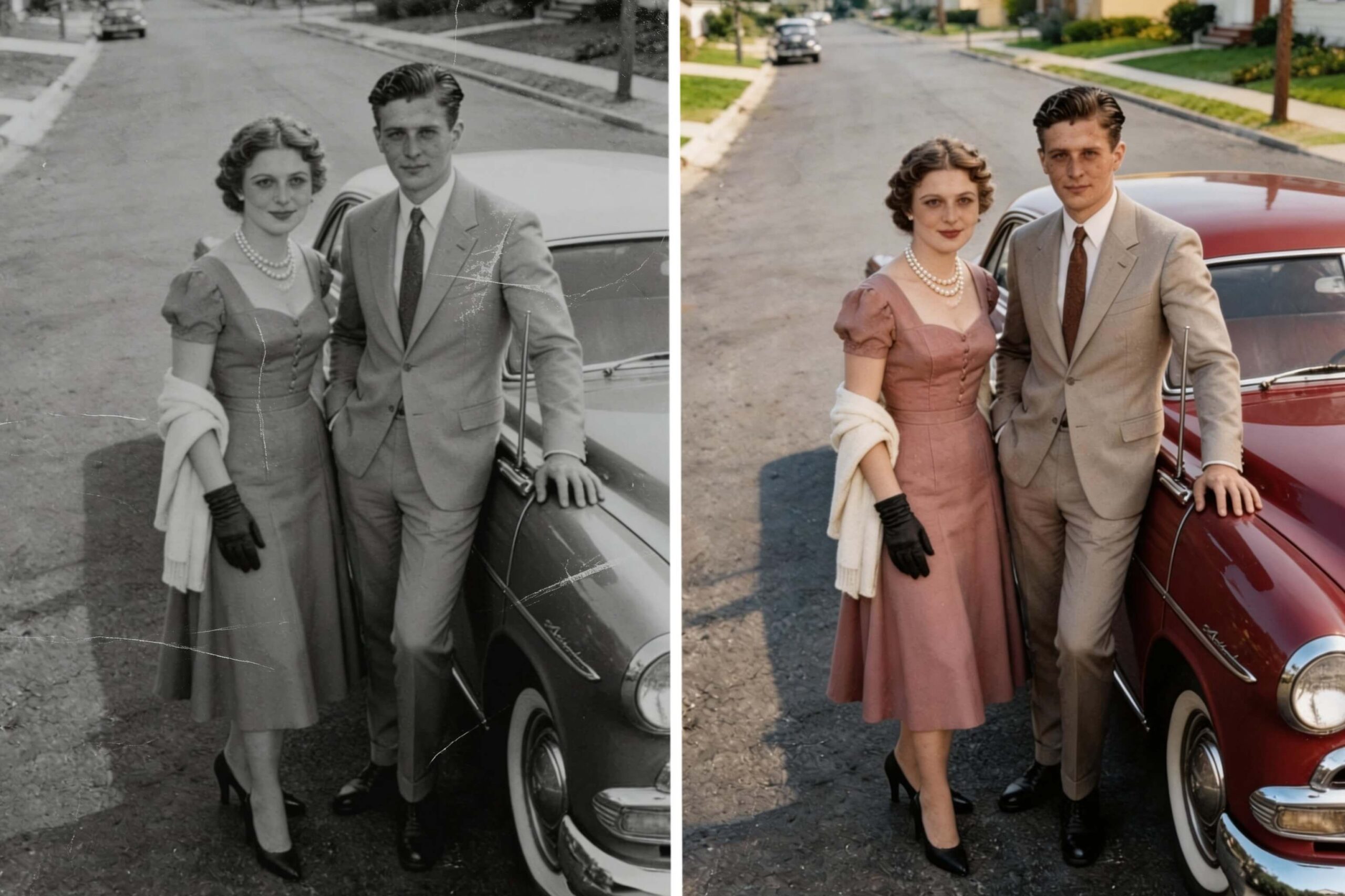
I could actually see the photo more clearly, as if it had been taken just yesterday. If you’re looking for a way to fix old photos, you could try seeing how AI works to bring those memories back to life.
Why You Should Restore Old Photos
Preserve Family Memories for Future Generations
Our old photos are a direct link to the past. They tell stories about our ancestors, our childhood, and moments that defined who we are today.
Unfortunately, photos don’t last forever. Over time, they fade, get damaged, and lose their vibrancy.
By restoring these photos, you’re ensuring that future generations can experience the same memories, preserving the legacy of your family for years to come.
Revive Photos with New Technology
Technology has come a long way in the past few years, and AI is now able to bring new life to old photos. With the advancements in AI Photo Restoration, you no longer have to rely on expensive and time-consuming manual restoration methods. AI can analyze your photo and fill in the missing details, bringing back the sharpness and vibrancy that time has taken away.
What Is AI Photo Restoration and How Does It Restore Old Photos
It is a modern technology that uses artificial intelligence to repair damaged images and improve overall photo quality automatically.
This technology is especially useful for:
- Restoring black and white photos
- Fixing blurry old photos
- Repairing torn or scratched pictures
- Enhancing faded family portraits
How AI Brings Back Lost Details
AI Photo Restoration uses advanced algorithms to enhance photos by identifying patterns. It essentially fills in the gaps where details have been lost and restores faded colors. The results are incredible. AI can reconstruct details that were once lost due to age or fading.
The Difference Between AI and Manual Editing
Manual editing is a meticulous, time-consuming process. It requires a skilled editor to carefully touch up each area of the photo by hand.
In contrast, AI Photo Restoration offers a faster and more accessible alternative:
Automated Process: The AI works automatically, analyzing your photo and applying the right adjustments based on its understanding of image patterns. It’s a hands-off process for the user.
Speed: AI restoration is incredibly fast compared to manual methods. What might take a professional several hours to edit, AI can complete in just seconds.
Accuracy: The AI leverages machine learning to recognize patterns in thousands of images, which helps it enhance photos with remarkable precision. It knows exactly how to restore the photo based on learned data.
No Need for Expertise: With AI, you don’t need to be a professional photographer or editor to restore your photos. Anyone can use it, regardless of their skill level.
My Personal Experience with Restoring Old Photos
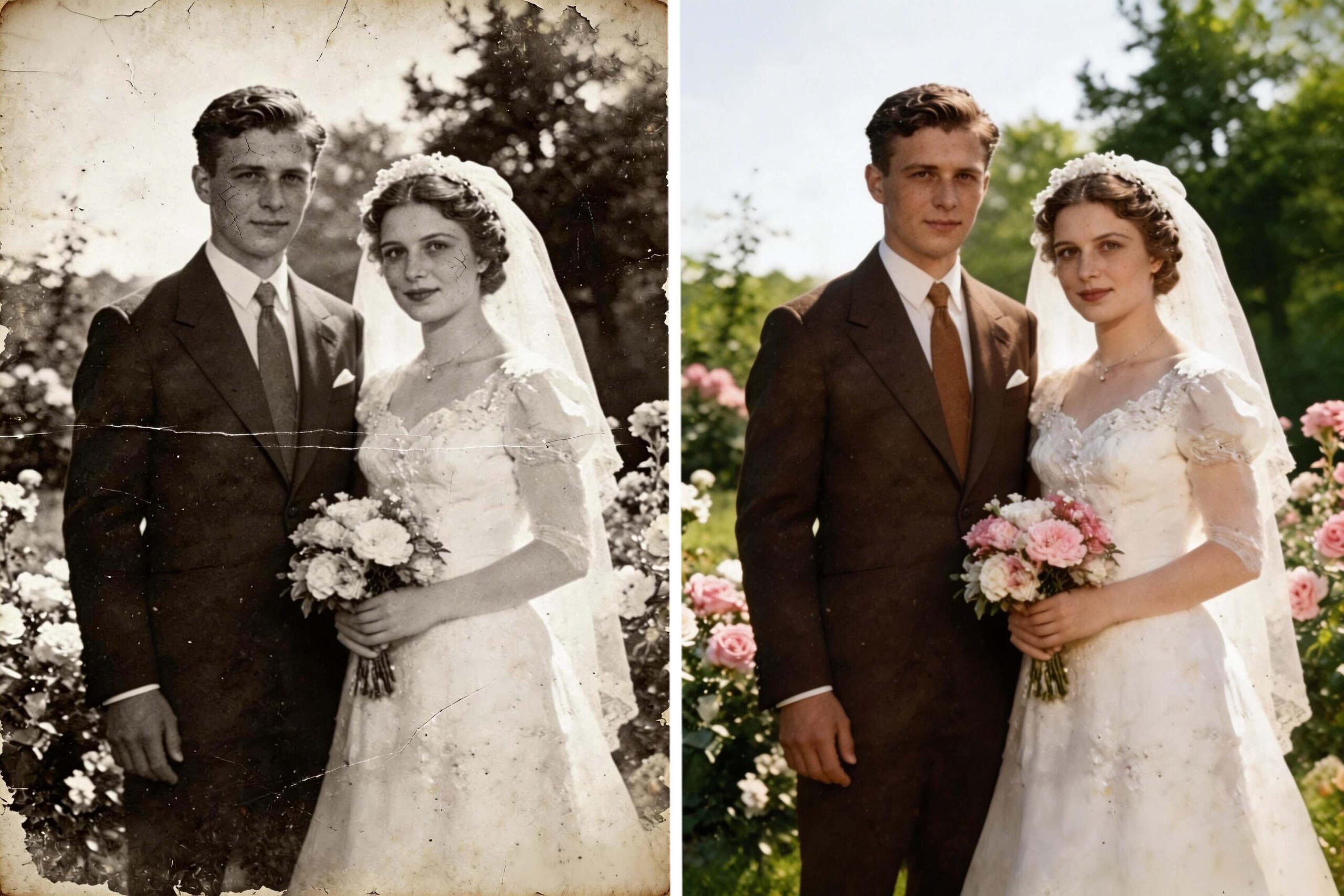
After finding my grandparents’ wedding photo, I decided to restore it. It was a black-and-white photo, and over time, the edges had become frayed. The details were hard to make out, and I couldn’t even tell what the background looked like. My grandmother’s face was a blur, and my grandfather’s suit was nearly invisible.
I wasn’t familiar with manual editing, so I wanted to give AI a try. But I had my doubts. I wondered if AI could truly bring back the finer details of these old, cracked memories. After some searching, I found AIAI.com. The interface was incredibly user-friendly. It doesn’t just fix blurry old photos; it also helps recover lost details that aging has taken away. So I felt confident it would give me the best outcome.
I uploaded the photo, crossed my fingers, and waited. Within seconds, the restored image appeared, and I couldn’t believe my eyes:
- My grandmother’s face became clear, revealing her soft smile.
- My grandfather’s suit, once invisible, was now sharp and detailed.
- The contrast of the image was significantly improved.
- The background transformed from a blurry mess into distinct flowers and trees.
When I finally saw the restored photo, I was overwhelmed with emotion. It was as if the years melted away, and there they were again. My grandparents were young and full of life, smiling in the way I had only ever heard stories about. The AI brought the past back to life, and I couldn’t believe how much better the result looked. I shared it with my family, who were equally impressed.
How to Restore Old Photos on AIAI.com (Step-by-Step Guide)
Restoring your photos on this tool is simple, and you don’t need any technical skills to do it. Here’s a step-by-step guide on how to restore your old photos:
Step 1: Upload Your Old Photo
Head to AIAI.com and select the old photo you want to restore from your computer or device.
Step 2: Let AI Work
Click the “Generate” button and the AI will start analyzing it. It enhances details and improves the overall quality.
Step 3: Preview and Download
After the AI has finished restoring your photo, you can preview the result. If you’re happy with how it looks, simply click the “Download” button to save the high-quality version to your device. The restored photo is ready to be printed, shared, or displayed however you like.
What to Expect from AI Photo Restoration
How Much Detail Can Really Be Recovered
The quality of the restored photo depends on the original image. If your photo is severely damaged or blurry, the AI might not be able to recover every single detail. However, for most photos with moderate fading, cracks, or slight damage, AI can restore a surprising amount of detail. You’ll be amazed at how much sharper the photo looks after restoration.
When Results May Be Limited
In cases where the photo is too damaged or out of focus, the AI may struggle to fully restore the image. For example, if large sections of the photo are missing or severely deteriorated, AI may not be able to recreate the lost parts. But even in these cases, AIAI.com can still improve the photo’s overall quality, giving you a clearer version of the original.
Bringing Your Old Photos Back to Life
Restoring old photos doesn’t have to be a daunting task. Thanks to AI Photo Restoration, it’s now easier than ever to bring your cherished memories back to life. Whether it’s a photo of your grandparents or a historical family portrait, AI can restore clarity and vibrancy with just a few clicks. If you have old, fading memories hidden away, give AIAI.com a try. It’s more than just a tool; it’s a way to revive the moments that made you who you are today.
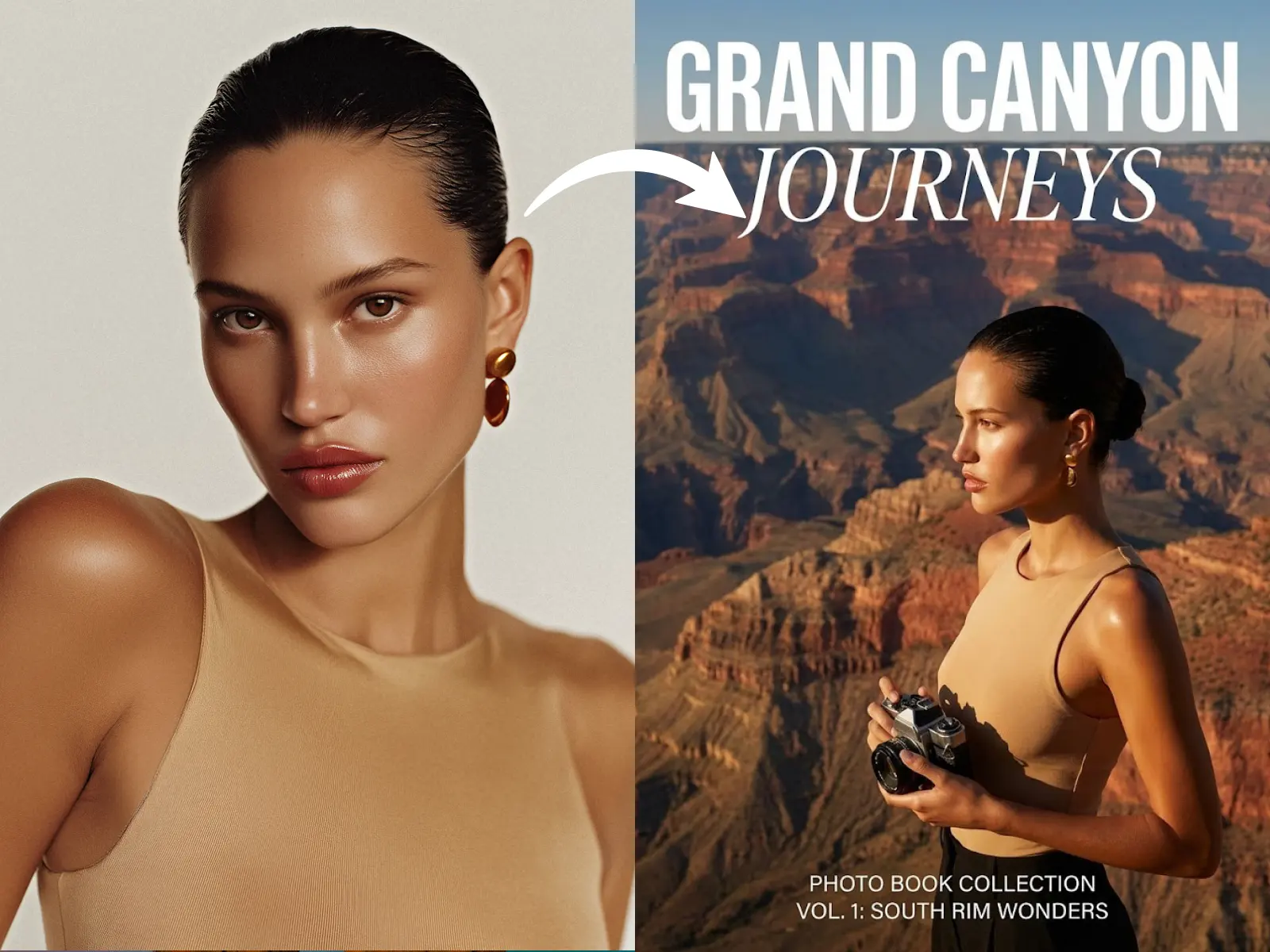
Transform your travel photos into professional magazine covers instantly with Nano Banana Pro's AI. Create stunning keepsakes, virtual travel experiences, Read more

AI App Icon Generator: Design App Icons Without Starting from Scratch An app icon is one of the smallest design Read more
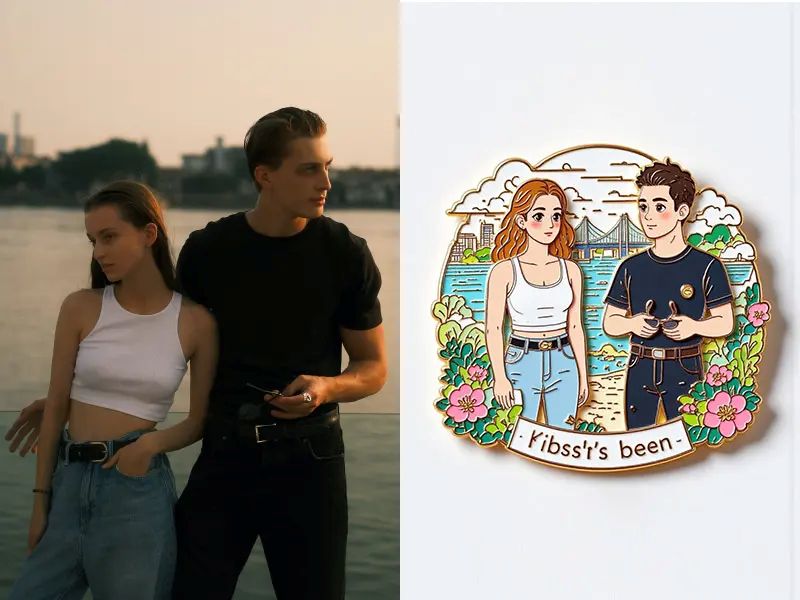
Introduction: Bring Your Memories to Life on Your Fridge Your refrigerator is more than just a container for chilled food—it's Read more

If you’ve been using Meta’s latest generative features on Instagram or WhatsApp, you’ve likely encountered that frustrating "Imagined with AI" Read more


