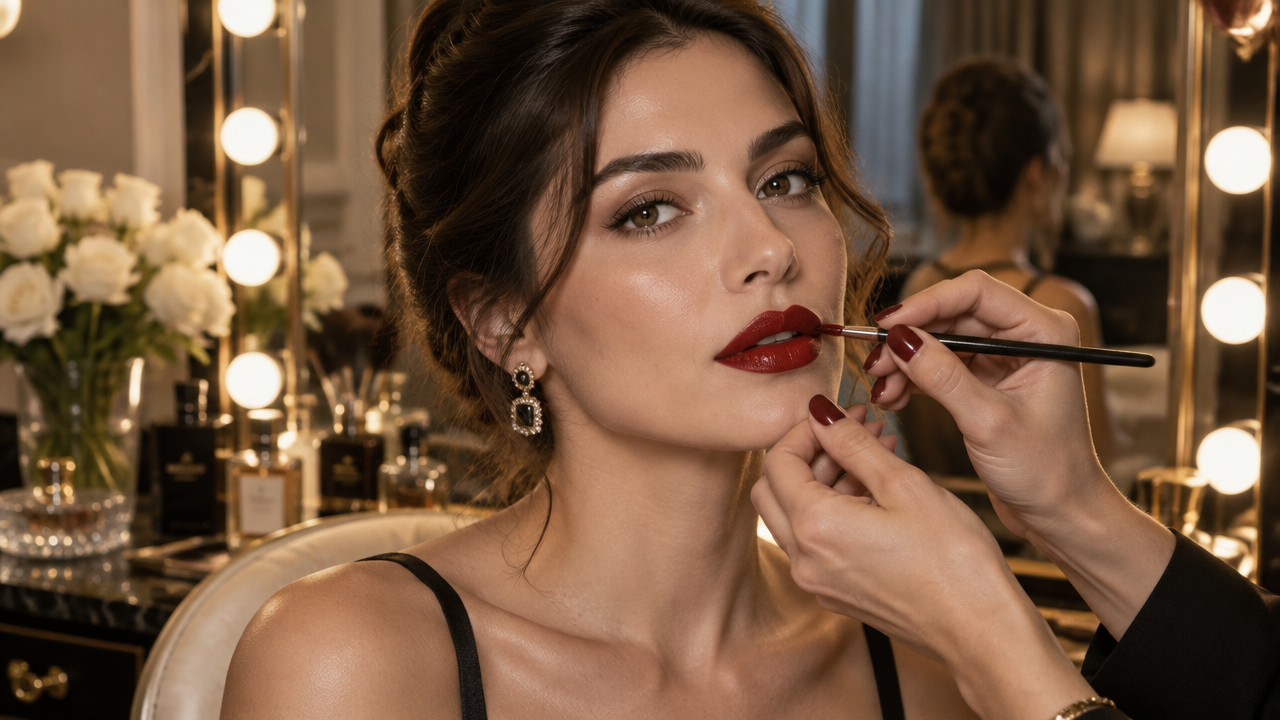
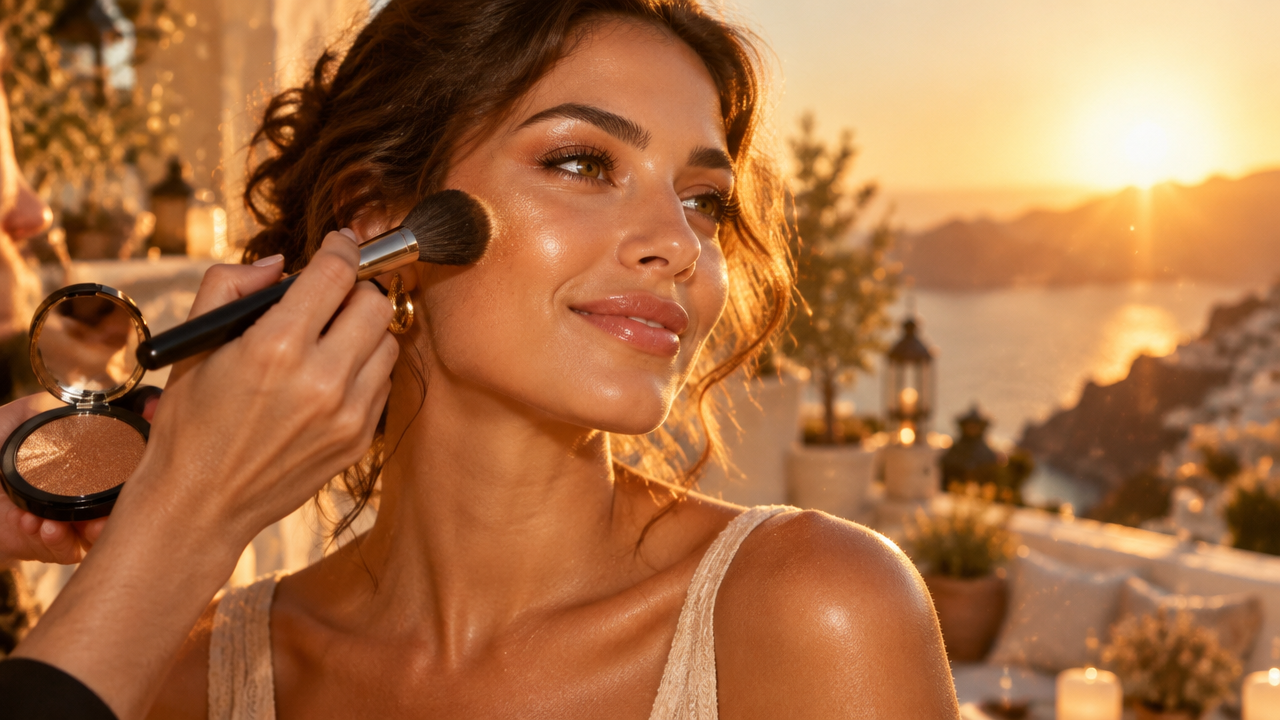
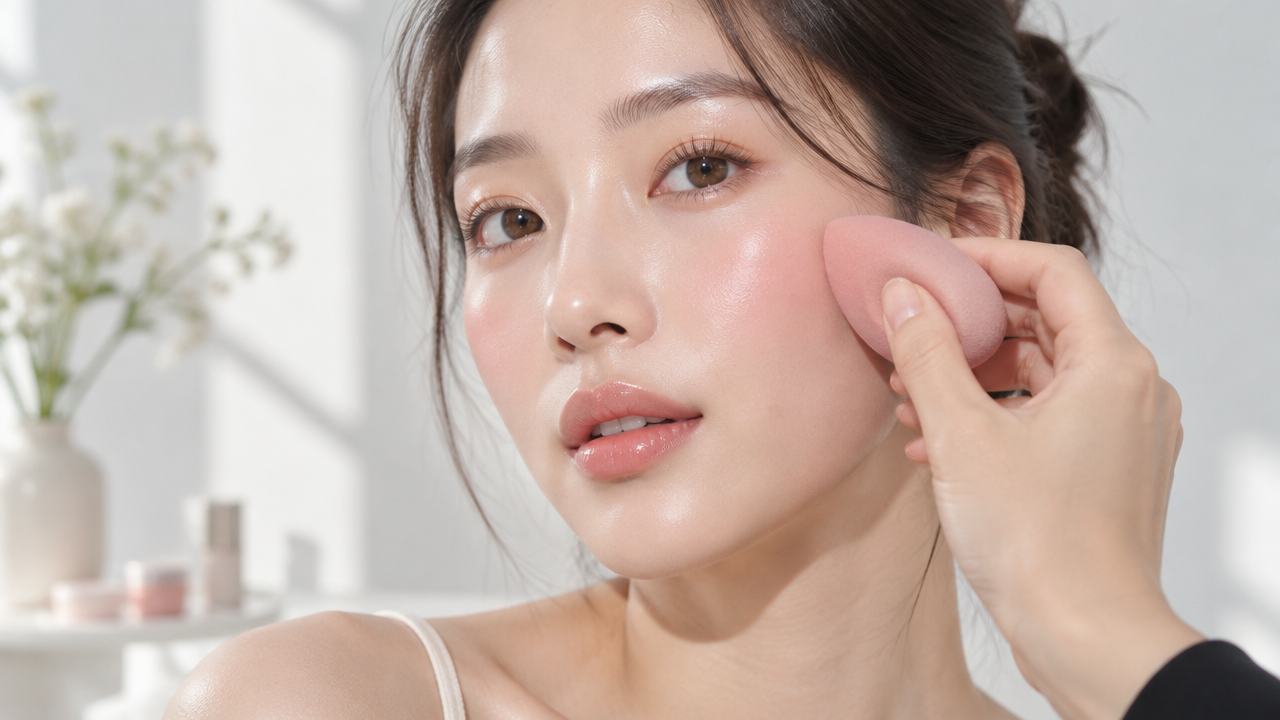
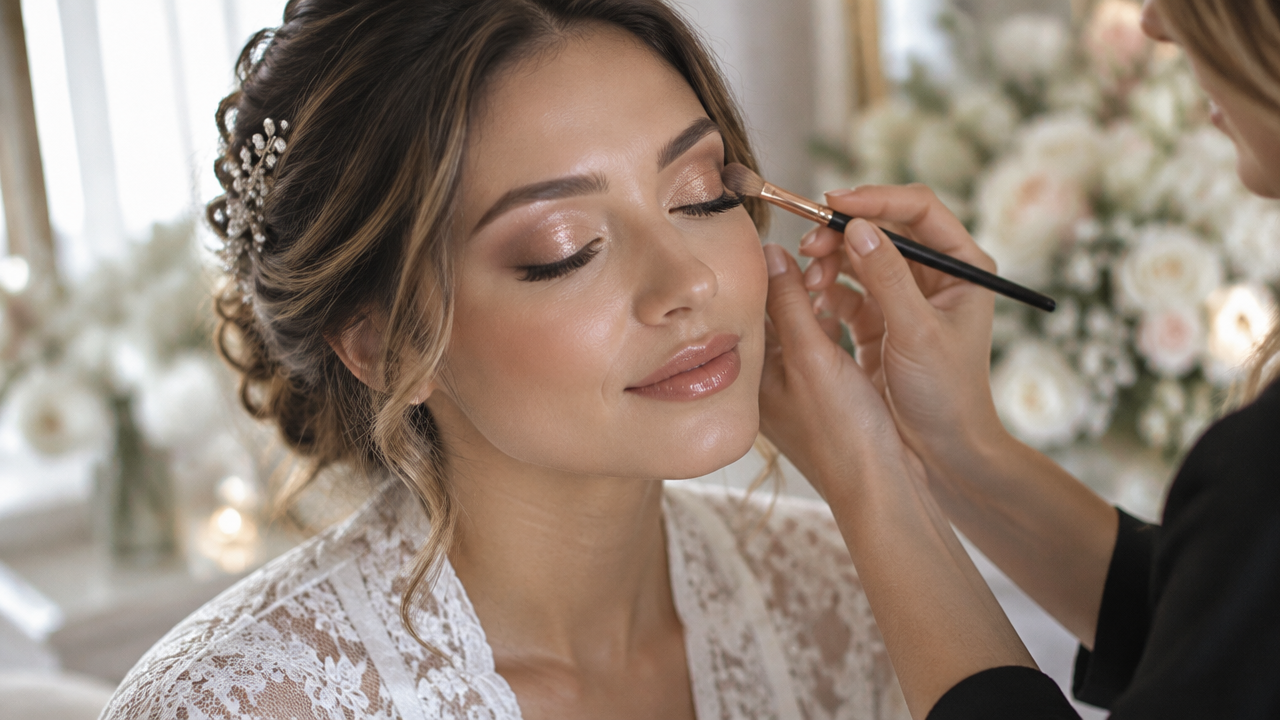
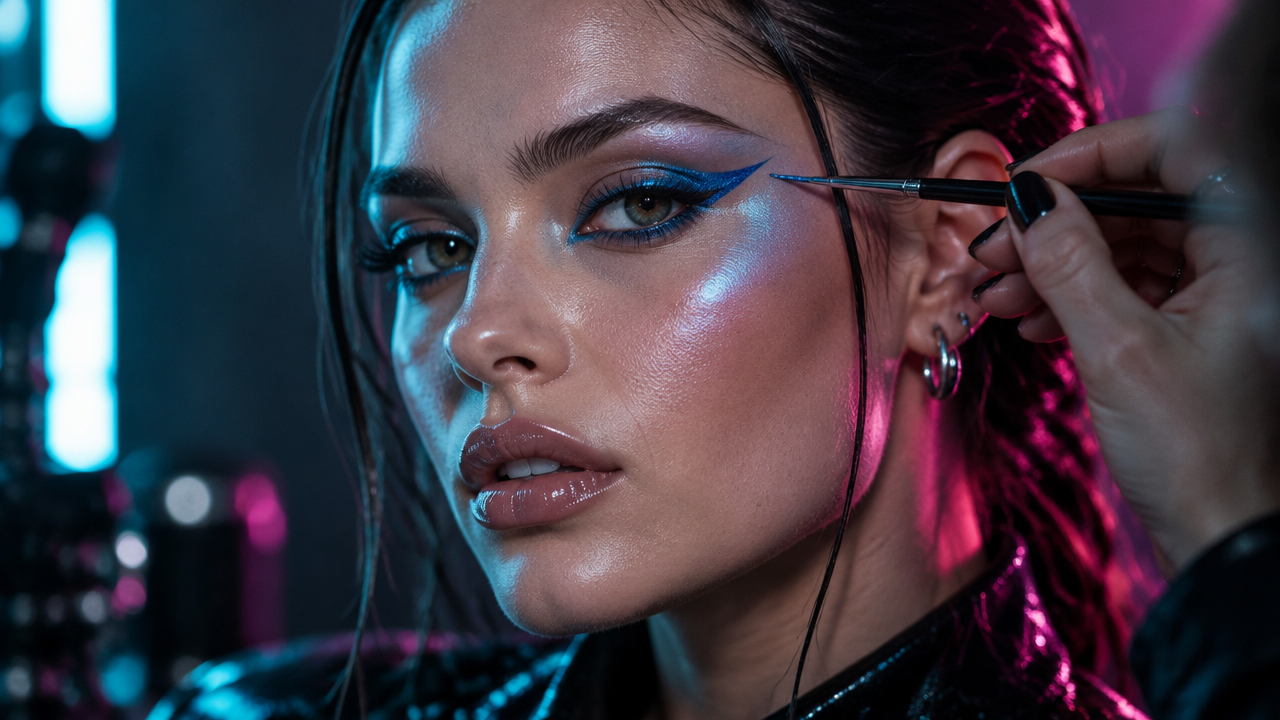
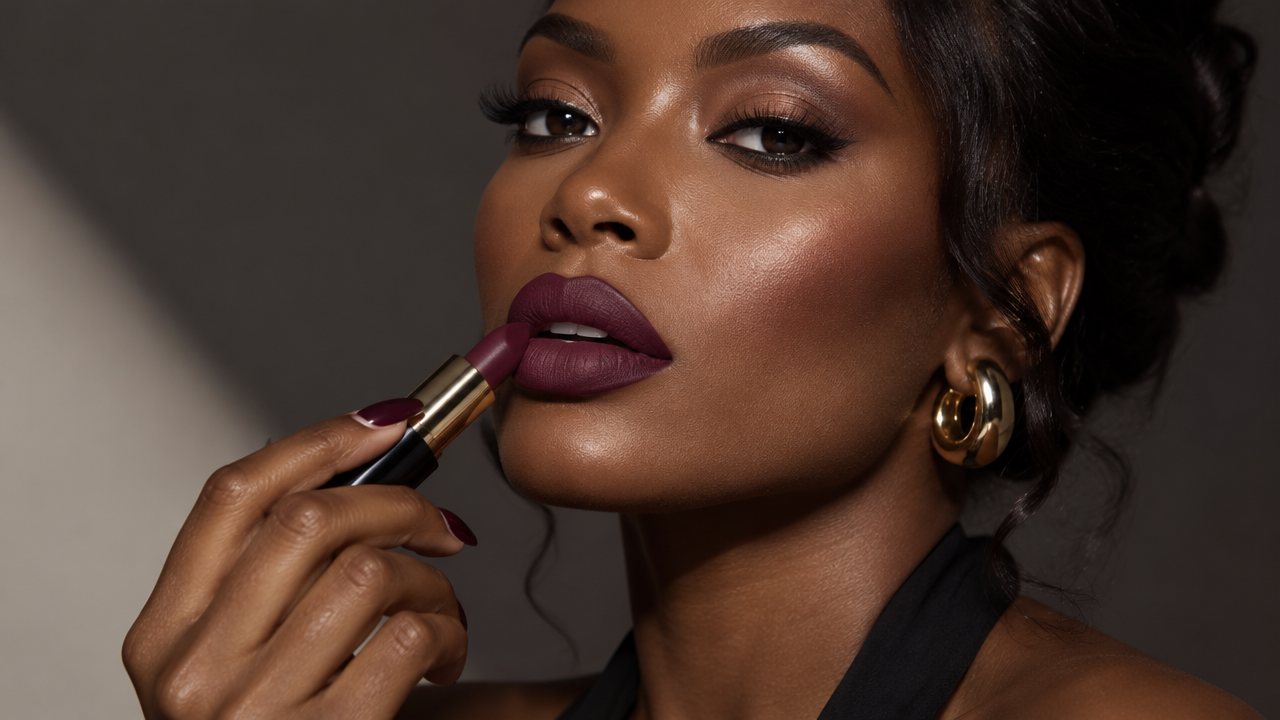
Transform your videos instantly with our free AI makeup filter. Apply stunning virtual looks, smooth skin, and create glam or natural styles effortlessly. Try it now!

AI Makeup Video Filter: Instantly Transform Your Looks

Upload your video, AI will instantly apply trendy makeup filters, from natural to glam, perfect for content creators, beauty enthusiasts, or anyone wanting a quick glow-up. No prior editing skills needed.

No More Manual Editing: Effortless Video Makeup Application

Say goodbye to complex video editing software and time-consuming manual retouches. Our AI makeup filter automatically detects faces and applies stunning, realistic makeup in seconds, saving you hours of work.

Unleash Your Creativity with Limitless Makeup Styles

Whether you desire a full glam transformation, a subtle everyday look, or a specific style like smokey eyes or bridal makeup, our AI tool offers a vast library of filters to match any mood or occasion.

Realistic AI Makeup for Authentic Video Enhancements

Our advanced AI ensures that every makeup application looks incredibly natural and blends seamlessly with your facial features, avoiding artificial or cartoonish effects. Achieve truly flawless video beauty with ease.

Why Our AI Makeup Video Filter is Your Best Choice

Discover the key advantages that make our AI Makeup Video Filter stand out, offering unparalleled ease, privacy, and accessibility for all users.

Free to use

Enjoy full access to our powerful AI makeup video filter features without any subscription fees or hidden costs. Get stunning results for free.

All private

Your uploaded videos and personal data are always protected. We ensure complete privacy and never share your content.

Beginner-friendly

Designed for everyone, our intuitive interface makes applying complex makeup filters as simple as a few clicks, no technical expertise required.

Article

Why Use an AI Makeup Filter?

AI makeup filters have revolutionized how we interact with video content, offering an unprecedented level of creative freedom and efficiency. They provide a seamless way to experiment with different looks, enhance your appearance, and create professional-quality videos without the need for extensive makeup skills or costly software. From quick touch-ups to complete transformations, an AI makeup video filter empowers you to present your best self.

  • **Instant Transformations:** Apply diverse makeup styles, from natural to dramatic, in seconds.
  • **Boost Confidence:** Enhance your video presence with flawless skin and perfect makeup.
  • **Creative Freedom:** Experiment with countless looks like smokey eyes, contouring, or full glam without commitment.
  • **Save Time & Money:** Eliminate the need for physical makeup, professional artists, or complex editing.
  • **Professional Results:** Achieve high-quality, realistic makeup effects that rival expert applications.
  • **Accessibility for All:** Easy-to-use interface makes video beauty accessible to beginners and pros alike.

How to Use Our Free AI Makeup Filter in 3 Easy Steps

Get ready to transform your videos! Our intuitive AI Makeup Video Filter makes it incredibly simple to apply stunning virtual makeup in just moments.

  1. Paso 1 / 3

    Paso 1

    Upload Your Video: Simply drag and drop your video file or click to select it from your device.

  2. Paso 2 / 3

    Paso 2

    Choose Your Makeup Style: Select from a variety of AI makeup filters – from natural enhancements to bold glam looks, or describe your desired style.

  3. Paso 3 / 3

    Paso 3

    Generate & Download: Click "Generate" and watch our AI instantly apply the makeup. Preview your new look, then download your transformed video.

Frequently Asked Questions About AI Makeup Filters

Yes, our AI makeup video filter is completely free. You can enjoy all core features and transform your videos with stunning makeup looks without any cost.

Cómo usar la sección de preguntas frecuentes

Usa Tab para desplazarte entre las preguntas. Pulsa Intro o Espacio para expandir o contraer una respuesta. Usa las flechas arriba y abajo para moverte entre preguntas.